
Intune Company Portal is a highly efficient office software that allows users to access the company website at any time and from any location, significantly improving work flexibility and efficiency. Users can set up multiple devices (approved by the administrator) to access the company website, customizing settings to facilitate viewing website data during breaks. The software is backed by a professional customer service team, allowing users to contact customer service for expert answers to any questions they may have.
Click to load YouTube / 点击加载视频
YouTube ↗Features:
Secure Data Management: Ensure all corporate data remains safe with built-in security features.
Remote Device Management: IT admins can manage devices and applications remotely, ensuring compliance and security.
User-Friendly Interface: The app features an intuitive interface, making it easy for users to navigate and access resources.
Compliance Policies Enforcement: Automatically enforce corporate compliance policies on all connected devices.
Easy App Installation: Simplify the installation process for corporate apps, ensuring all necessary tools are readily available.
Network Flexibility: Access corporate resources from almost any network, providing flexibility for remote work.
IT Support Integration: Integrates with IT support to quickly resolve any issues related to device management or app access.
Highlights:
Enroll to access corporate resources
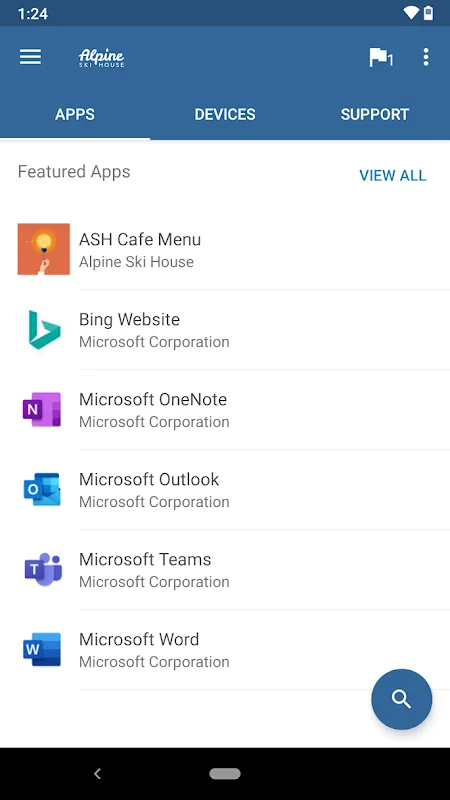
Browse and install company apps
View and manage all your enrolled devices
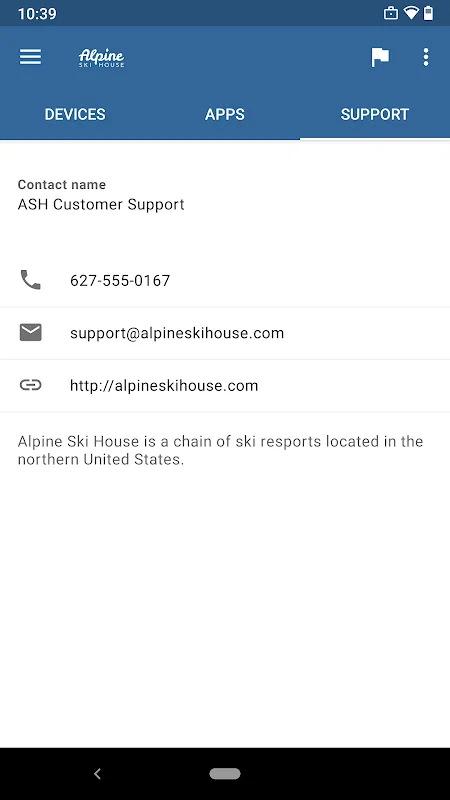
View IT department contact information
Change your work account password
Unenroll or remotely wipe devices
Comments:
This software does amazing things. It’s protects mission critical data from ending up in the wrong hands, and keeps a close eye on the daily activities of individuals who may potentially make mistakes and leak that information. People are stupid, they may mean well, but they must be monitored at all times in order to be able to identify and stop data leaks, and to be sure the sheep are doing what they are supposed to be doing. They cannot be trusted not to screw up, this software is a wonderful solution for any large company interested in gaining the critical leverage over the lives of its employees. It takes power back from the little people who have remained protected under their silly bill of rights for too long.
I was surprised to find that I have access to the Company portal on my phone today. In a planning conversation with leaders today, we discussed how having access to the Company portal and Connect would be so very helpful when using the audiobook feature of Precious. Well today I found out, we now have a Company Portal app which allows for access through the Company gateway to our other app and our Precipio learning management system. Thank you IT team for moving this forward as a productivity tool. Much appreciated!
I am not sure what people expect. However, this app is part of a larger platform called Intune. This is an Enterprise Mobility Management platform that a company would use to manage access to and security around their own data and applications.This is not an invasion of your privacy, it is the company taking appropriate action to secure their data while extending the privilege of accessing that data on a personally owned device.Now, as someone who manages this platform, I can tell you that if your device is registered as a personally owned device, the data that your company can see about your device is VERY limited. In fact it is limited to information about the apps and data that they manage. Your personal information is not collected or accessible to your company or to Microsoft.Location information is only available in a very limited fashion and only for the system to use. It is not visible to your company at all.I do wish people would learn what an app is used for before they download it and review it.
Final words:
Intune Company Portal is a Microsoft app that provides you with shortcuts to tons of your company's apps and resources. In order to use Company Portal, your company first needs to register with Microsoft Intune, and your system administrator has to give you access to this service. Because of this, it's required to use a company account, and standard Microsoft user accounts aren't valid.