

Do you want to play all the best Steam games on your phone? ExaGear Strategies is the perfect choice for you. It includes a wide selection of popular games, covering a wide range of genres, including action-adventure, strategy war, and real-time strategy. Use the built-in search tool to quickly find your favorite titles. The software is highly compatible with most phone models and allows you to master its various functions.
Click to load YouTube / 点击加载视频
YouTube ↗Features:
Run full-fledged desktop Linux applications on Android devices.
Seamless integration of the apps with your device’s hardware and software features, such as a microphone, camera, etc.
Quickly switch between different versions of Wine for running Windows programs in the Exagear Desktop environment.
Ability to run multiple instances of a single application simultaneously without any performance degradation or conflicts.
Support for popular languages like C/C++, Java, and Python so that you can develop powerful cross-platform mobile applications using these tools within the same development framework provided by Exagear Desktop emulators.
Access to all installed packages from outside sources, including Google Play Store & Amazon Appstore, directly through an intuitive user interface ailored explicitly according to each iser’s needs & preferences while providing access only to those apps deemed safe by their respective developers.
Supports 32-bit (ARMv7) and 64-bit (AArch64) processors, allowing users greater flexibility when choosing compatible hardware components for their projects.
Highlights:
Quick Installation: To install and play the supported games on your phone, the process is quite simple and quick. With the quick installation, you have to follow only a few steps. For example, you have to copy the main folder of the game from your PC to the Internal Storage or the external SD card on your phone. After that, you have to install and start the ExaGear Strategies app, and you will see the games loaded right into the app. It becomes convenient to install multiple games within a few minutes on this app.
High-Resolution Support: Old games had terrible resolutions due to a lack of modern technology. Fortunately, the ExaGear Strategies app allows you to change the graphics and resolution of the game before running it. You can change the resolution from the available options as per your needs. Additionally, it will offer you the option to control the color levels to make the graphics look vibrant on your phone.
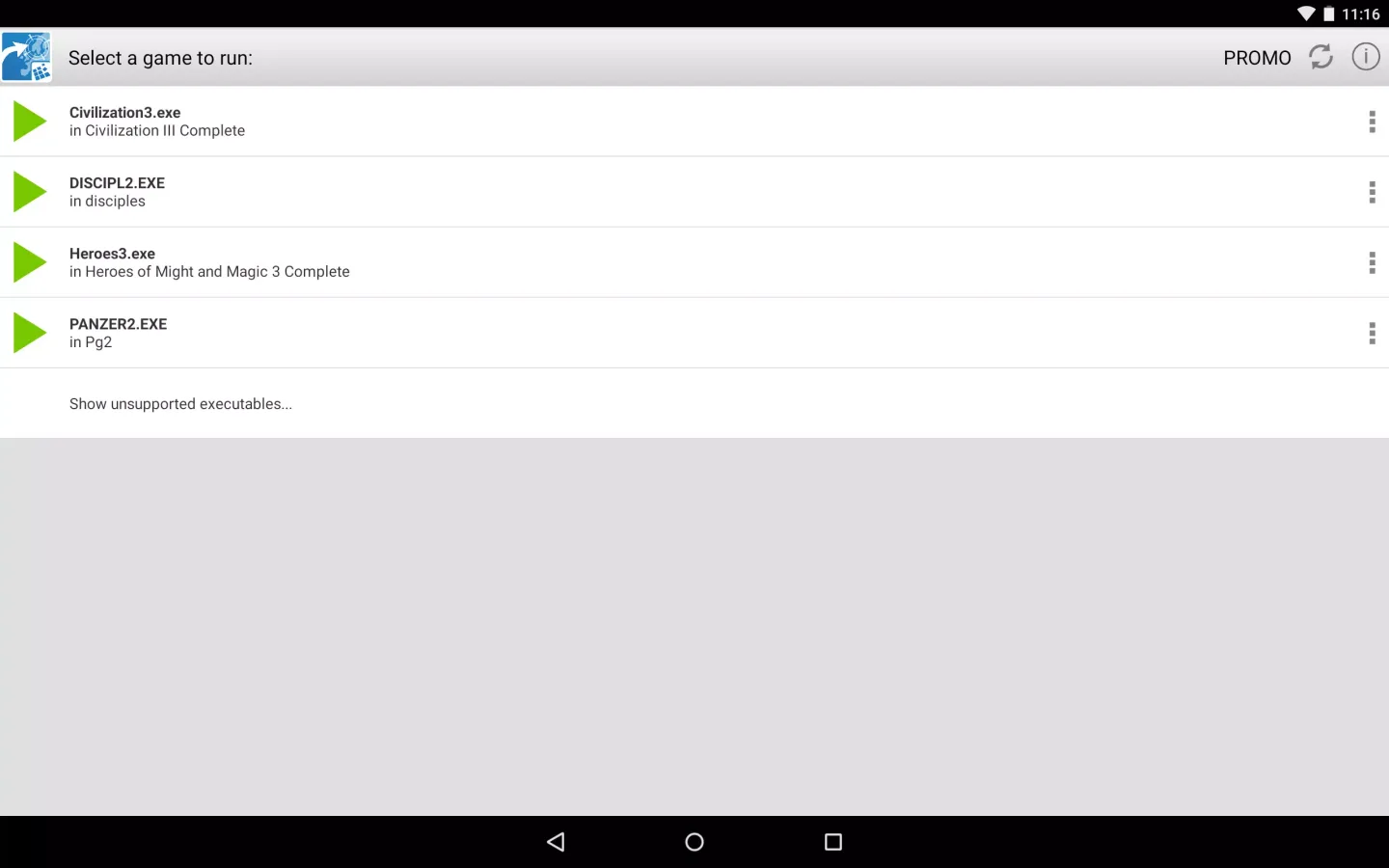
Supports Multiple Games: Unlike the other apps that emulate the PC environment on the smartphone, the Exagear strategies support multiple games to play on your device. The app supports four games as of now, and the new ones will be introduced soon by the developers. As of now, you can load up these four games, i.e., Heroes of Might and Magic III, Disciples II, Civilization 3, and Panzer General 2, with ease.
How to play:
You have to own licensed copies of PC game to play it on your Android devices. Install them on your Desktop PC.
Move installation folder of an installed game from your PC to ExaGear folder in the root of internal SD card of your Android device.
Installation folder of the game is the one containing executable file of the game. This folder is normally found under C:Program Files (x86).
If you have a version of a PC game that requires a game CD to be in the CD-drive when playing it, then please copy all files from the game CD to your Android device to folder containing executable file of the game.
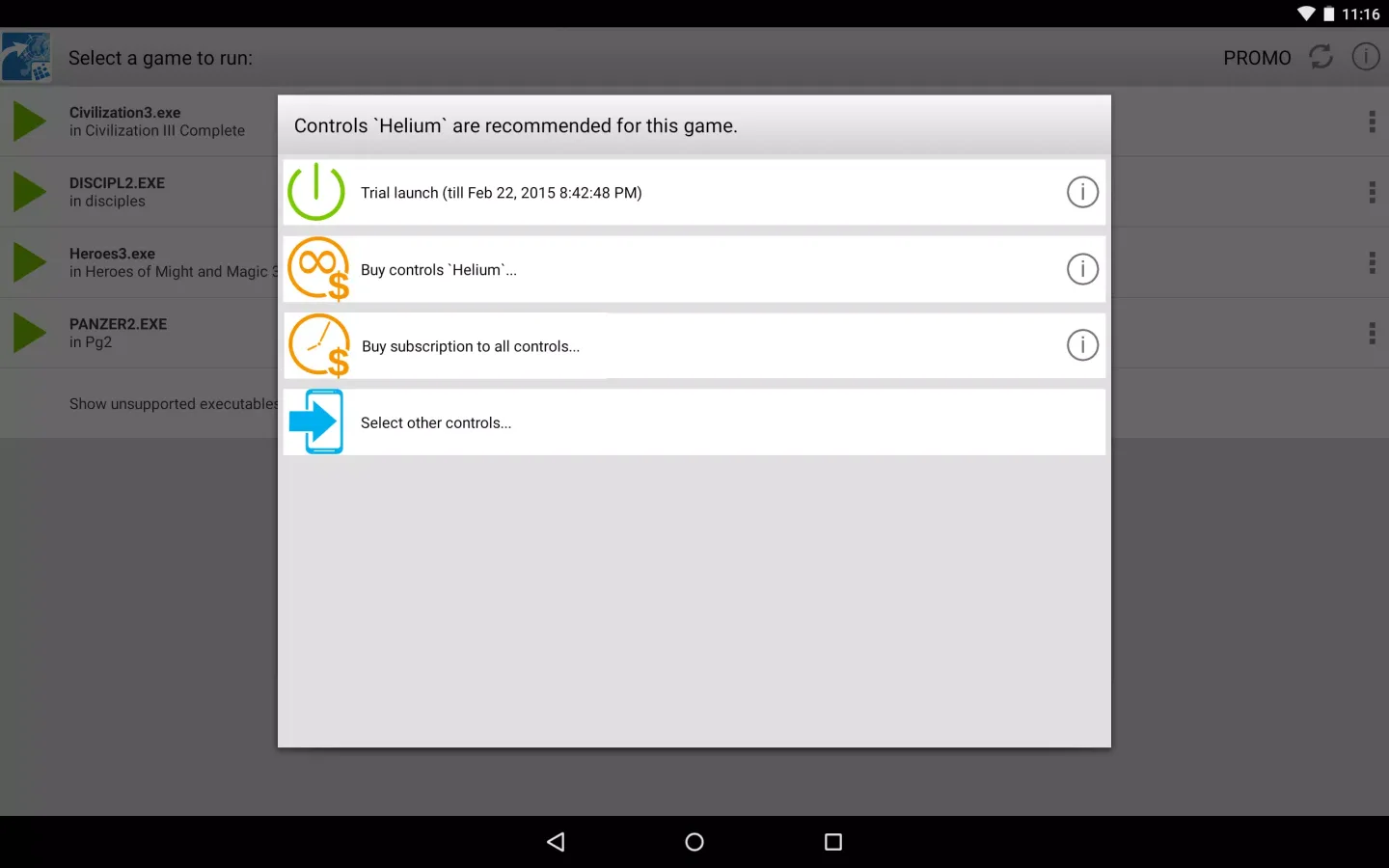
Launch ExaGear Strategies and choose executable file to run the game.
Conclusion:
ExaGear Strategies – This emulator will allow you to play your favorite strategy for the PC, on your android device. It works very simply, you install and run the application, after which it creates a folder and there you have to throw off the established strategy with a PC, and then run the application again, and select the desired game. Be careful, the application itself does not contain games and is just an emulator necessary to run them.








