

Video Splitter & Trim Videos is an excellent editing tool. This tool specializes in video splitting and compression, allowing you to precisely split videos by duration, number of clips, or file size. Features include automatic generation of 30-second WhatsApp status clips, high-quality compression, and watermark removal, helping users quickly trim, trim, and share videos to social media platforms with maximum efficiency and lossless quality. Download now and start producing videos quickly!
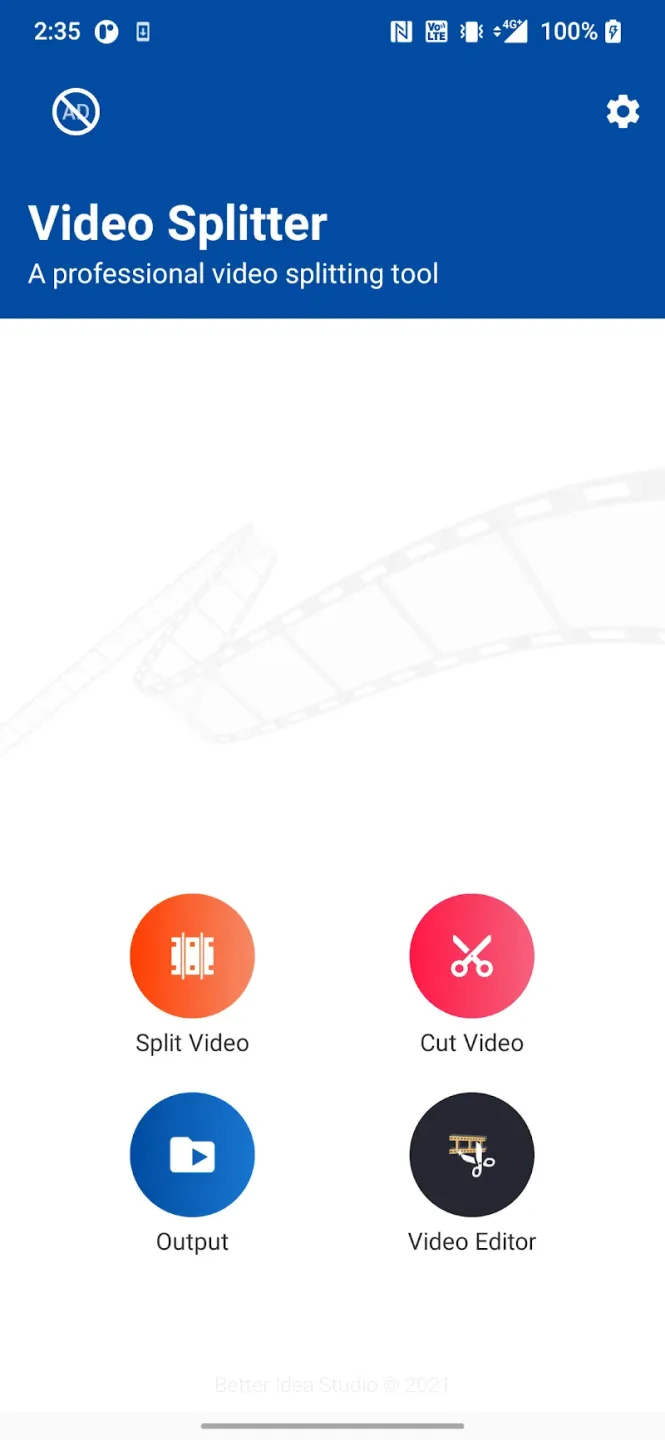
Features:
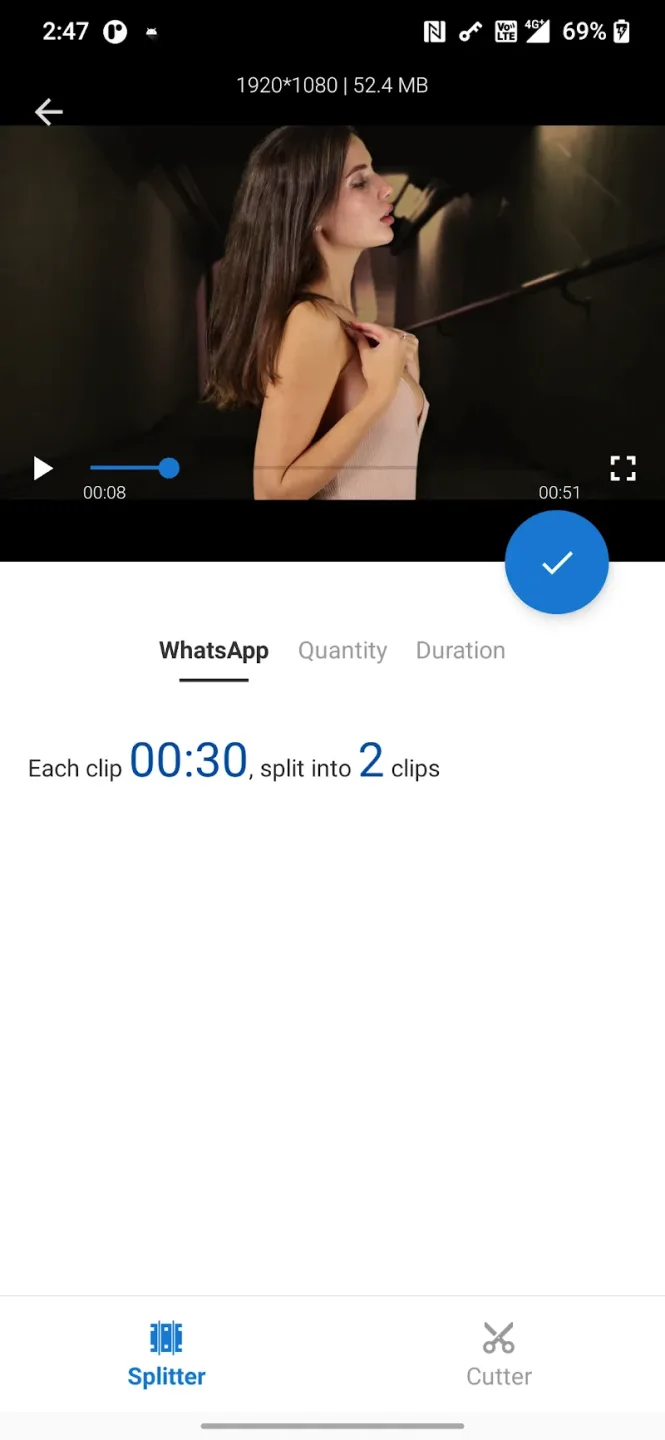
Auto Split WhatsApp: The application has an automatic splitting mode according to your command, or automatically splits video clips into many different segments to meet user needs.
Custom Length Options: Users can choose the length of the video they want, and the cutting feature will be guaranteed, without any loss.
Flexible Size Control: The application effectively supports controlling the size, and if it exceeds the capacity, it will give convenient warnings for modern users.
Accurate Video Trimming: The application provides you with modern video trimming features, just select the video you want to cut and it will be supported immediately.
Efficient Size Reduction: For large videos, when editing, the application will adjust the video capacity as well as ensure the most effective size.
Easy Social Sharing: Upload videos to social networks quickly, with just simple operations to complete, and receive more objective reviews.
Highlights:
Fast Video Splitting: Quickly divide your videos into multiple clips without any delay.
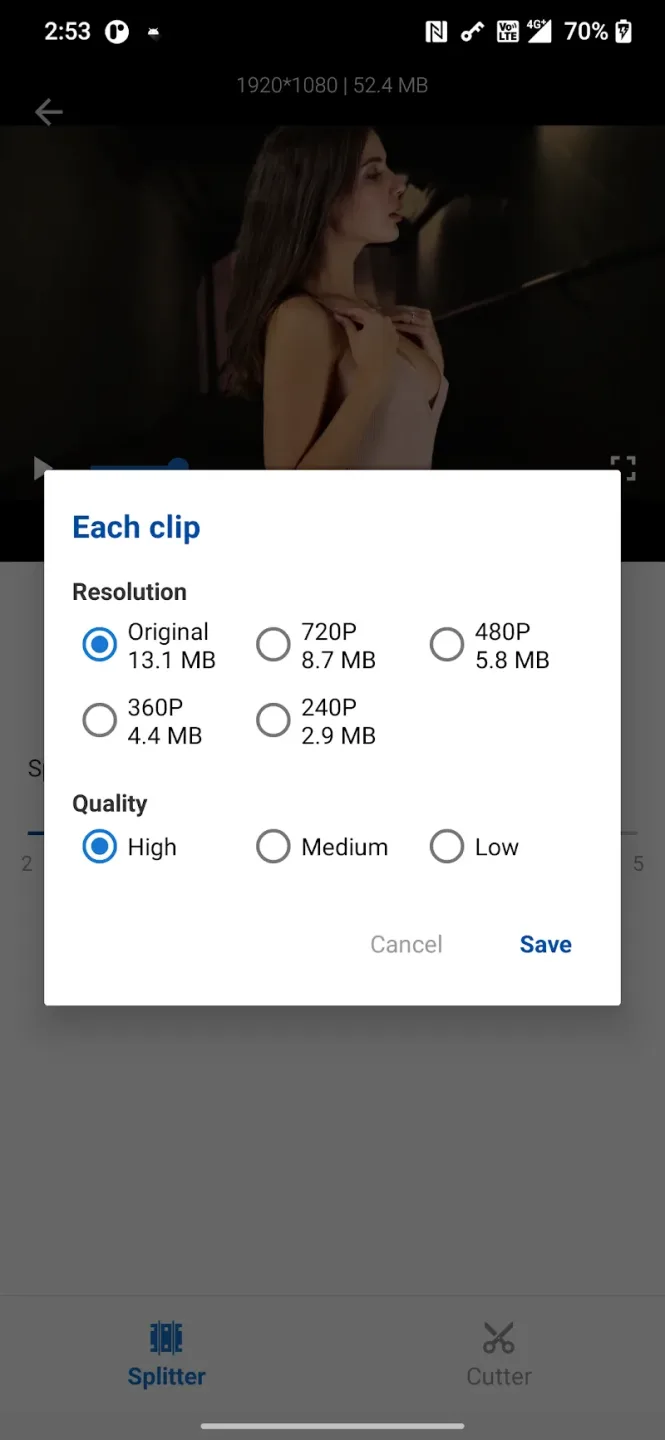
High-Quality Output: Trim and split videos without losing any video or audio quality.
Watermark-Free Results: Enjoy clean, professional-looking videos without any annoying watermarks.
Simple User Interface: Navigate easily through an intuitive and user-friendly design.
Custom Split Options: Choose how many parts you want to split your video into with flexible settings.
Direct Sharing: Share your edited videos directly to WhatsApp, Instagram, or other apps.
Trim Unwanted Parts: Easily cut out unwanted sections from your videos to keep only the best moments.
Lightweight App: The app is compact and doesn’t consume a lot of storage space on your phone.
No Advertisements: Enjoy an uninterrupted editing experience without pop-up ads.
Fast Loading Speed: Load even large videos quickly without waiting.
Conclusion:
Video Splitter & Trim Videos is the ultimate video editing app for users who want to cut down file sizes without sacrificing quality. With its flexible settings and customization options, it makes it easy for users to trim and divide their movies for sharing on social media platforms. The app's ability to quickly load and produce excellent results, as well as its watermark-free feature, make it a top choice for video editing. Additionally, the app offers unique features like splitting movies into 30-second halves and trimming and compressing videos to reduce file size without compromising quality. Download Video Splitter now and simplify your video editing tasks while ensuring high-quality results.








