

Want a secure, unrestricted web browsing experience? Then download Fire VPN! With high-quality network nodes worldwide and a variety of security technologies, you'll enjoy the most comfortable online experience. In just a few steps, you can easily access restricted webpages and download your favorite files, images, and videos to your device, just to meet your needs. It also boosts your gaming speed, reduces latency, and increases frame rates, giving you the ultimate gaming experience.
Click to load YouTube / 点击加载视频
YouTube ↗Features:
Online Security: Fire VPN encrypts all your data so as to maintain privacy online, it will protect your network traffic under public Wi-Fi hotspots.
Fast and Stable connection: A variety of VPN servers to ensure you a better private web browsing experience.
Enjoy fast gaming experience: Boost your gaming speed with free VPN servers. Fix lag and reduce Ping for your favorite games like PUBG, call of duty ,ROBLOX, Free Fire, fifa and Mobile Legends etc.
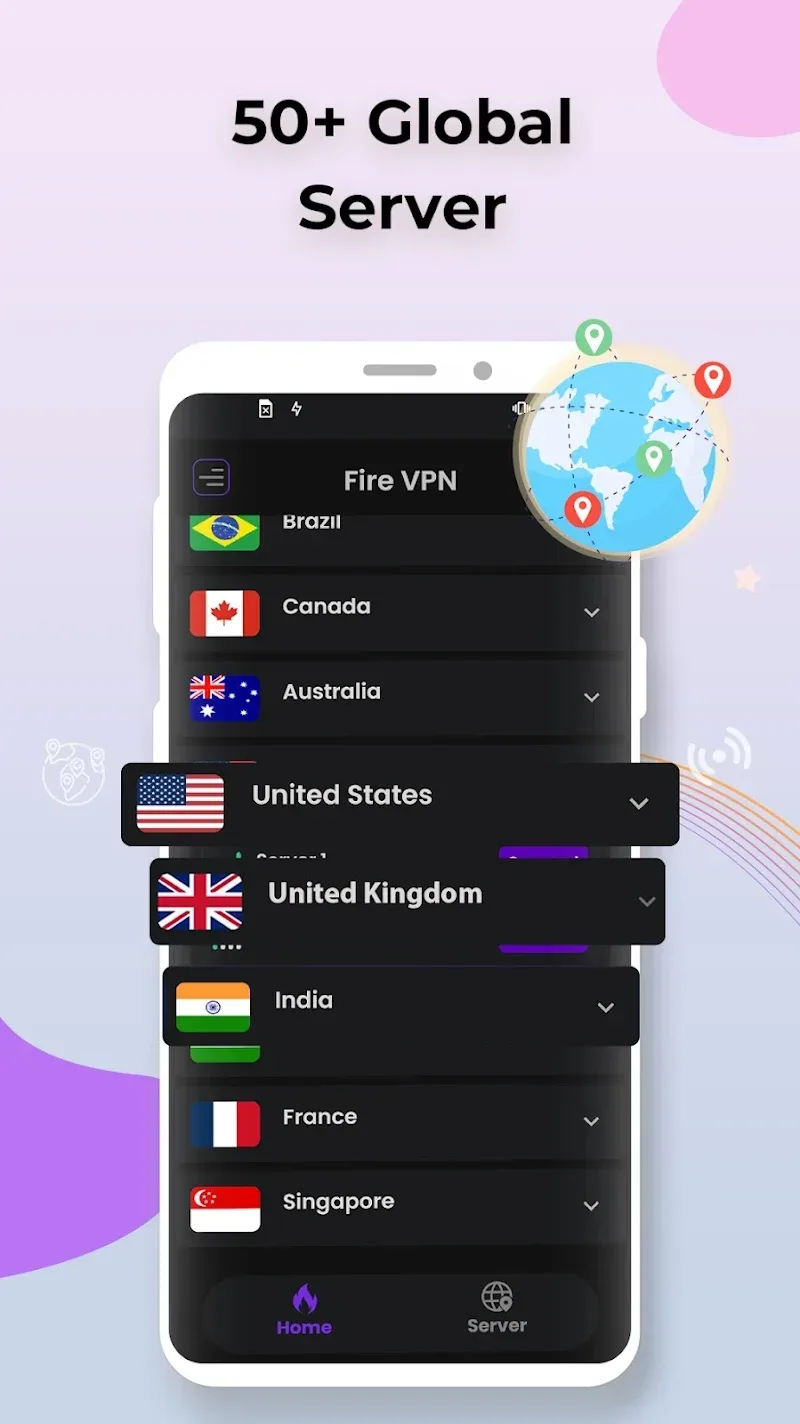
Worldwide VPN Servers: Worldwide VPN network to ensure you a fast and stable VPN experience. Now you can easily search and save your favorite servers.
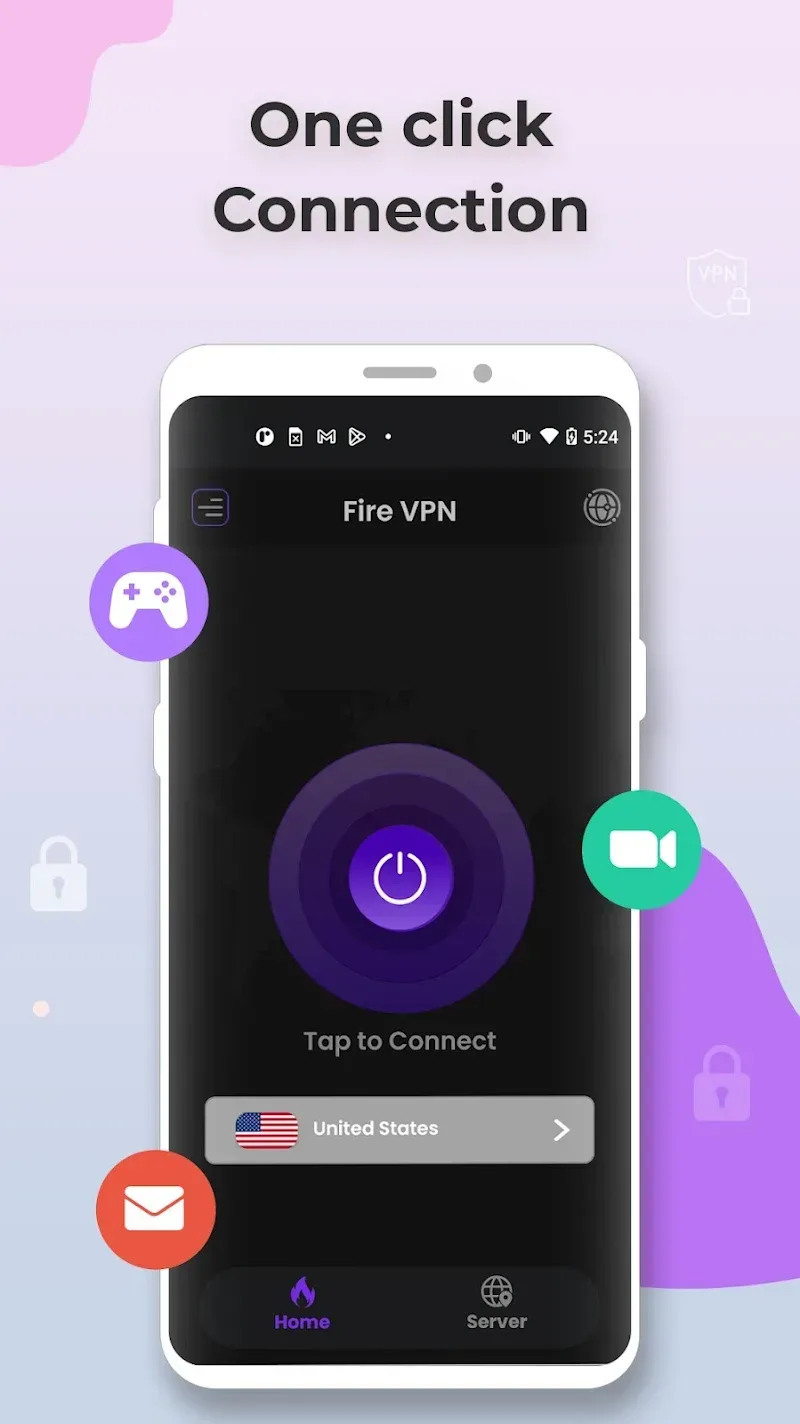
Easy to use: Fire VPN brings you a one tap VPN solution with a click of a button you can establish and set up a secure and private connection.
Highlights:
Effortless Use: Throughout the use process, users can take advantage of the one-touch connection feature. This connection is fast and still ensures the quality of the server selected by the system.
Cost-Free Access: The connection is complete, allowing users to freely surf the web and do many other activities. Every moment is secured from malicious agents that often appear unexpectedly.
Advanced Encryption: The application meets AES 128-bit protection standards. Therefore, users can feel secure in Internet-related activities. You will feel the need for this application anytime and anywhere.
Privacy Guarantee: The security feature often comes with IP hides. This will help some subjects who are not able to identify your information. From there, all activities are absolutely secure.
Multi-Device Protection: The application not only protects one device but can also create a layer of security simultaneously. In particular, it allows Secures three devices simultaneously and you can use the Internet with peace of mind.
Functions:
Anonymous Browsing: It allows you to browse the internet privately and securely, keeping your online activities private and secure.
Access Blocked Content: It allows you to access websites and services that may be blocked in your region, such as streaming services and social media platforms.
Secure Connection: It encrypts your internet traffic, protecting your data from hackers and other third parties.
Multiple Servers: The app offers a wide range of servers in different locations, allowing you to choose the one that provides the best speed and performance.
No Logs Policy: It keeps no logs of your online activities, ensuring your privacy is always protected.
Fast and Reliable: The app provides quick and reliable connections, ensuring a smooth and delay-free internet browsing experience.

FAQs:
What is a Fire VPN?
Fire VPN is a 100% free Virtual Private Network (VPN) android application for your device. It can be used for a secure and anonymous browsing experience on any public network. This easy-to-use application will help you to get unrestricted access to your desired apps and websites.
How secure is Fire VPN?
Fire VPN is a highly secure VPN application as there is a No Logs policy which means you will be absolutely anonymous. It protects your network traffic under public WiFi/hotspot to browse securely without being tracked and your data privacy, personal information security, and internet security using Open VPN protocols.
How do I use Fire VPN?
Select a Country and Click on “Connect Now” after opening the app to use Fire VPN. Then please *Trust this Application* if your device asks for permission.
Where can I find the Fire VPN server list?
After opening the application > click select country tab on the HomeScreen Page > choose from the list of servers > The best server option will automatically select the best server for your connection.
How do I disconnect Fire VPN?
Click on the “disconnect” icon on the home screen or Check your notification for Disconnecting Fire VPN
Conclusion:
Fire VPN: Fast, Safe VPN Proxy provides the strongest connection for users around the world. In general, the problem of weak network is still something that makes many people feel frustrated. So, choosing a VPN app for yourself to keep on your smartphone in case you need it is also a good idea. VPN apps only do one job. But each app has a different design, process and usage experience. You can choose for yourself an app that best suits your preferences.








