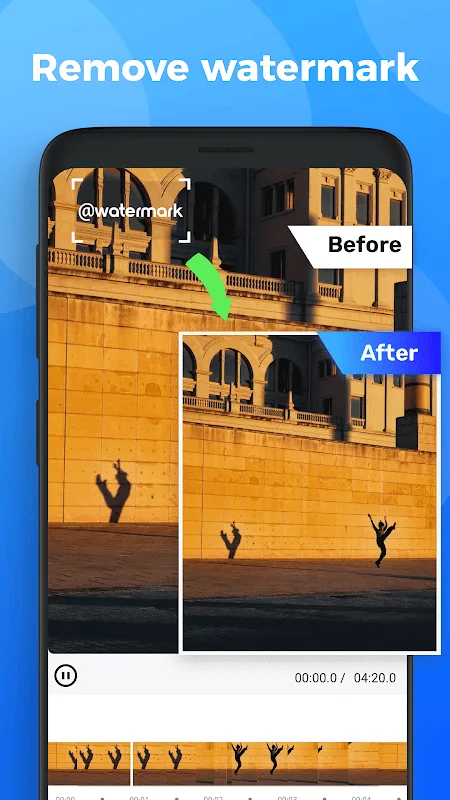
Watermark Remover is a popular and user-friendly watermark removal tool. Download the latest free Android version to restore your videos and images to their original, high-definition quality. Watermark Remover presents a smart and convenient watermark removal editor, offering a user-friendly interface, powerful area selection for watermark removal, and video cropping and compression features that preserve basic image quality. Use Watermark Remover to meet your flexible watermark removal needs!
Click to load YouTube / 点击加载视频
YouTube ↗Exclusive Functions
Add Watermarks to Videos
Customize your logo to protect your brand image. Now you can add logos or text to videos simultaneously and adjust the display time of each watermark independently.
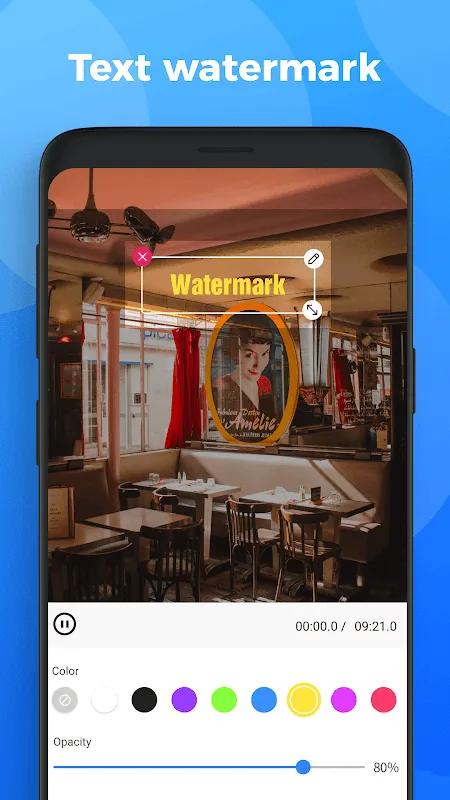
Add text watermarks to videos; you can adjust the text color, size, shadow, or background.
Add image watermarks to videos; you can select local images from your album as watermarks or logos and easily adjust their size or position.
Supports GIF watermarks; add dynamic stickers as watermarks to videos.
Video Editor
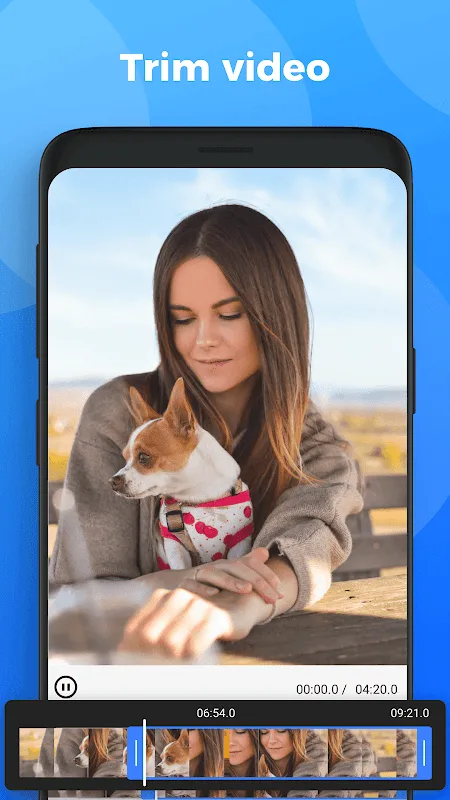
The video watermark remover is also a video editing tool, offering many easy-to-use video editing functions.
Video Cropping
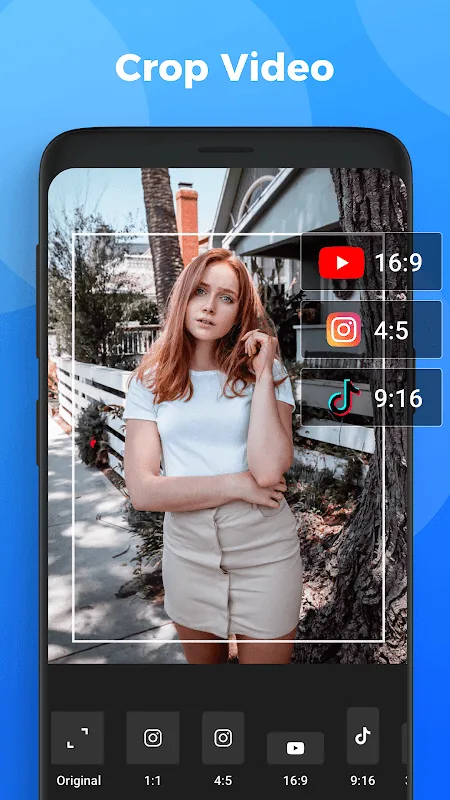
Videos can be adapted to any aspect ratio: 1:1 for Instagram, 16:9 for YouTube, and 9:16 for TikTok.
Fantastic Benefits
Easy and Smooth Watermark Removal
The main function of the watermark remover is to help users remove watermarks from videos downloaded from various sources. After watermark removal, if the video content does not involve copyright issues, it is easier to switch owners and edit. Notably, the system's built-in AI can automatically help users remove logos or watermarks automatically identified or manually marked by the user.
Flexible and User-Friendly Interface for Easy Navigation
The application's overview interface is flexible and user-friendly, allowing users to easily interact with any function or tool, whether in the media library or the workspace. Even more conveniently, users can customize the interface for a better user experience and change the layout for more comprehensive functionality. While interface changes may slightly impact video editing efficiency, it's worthwhile, as everyone contributes to a memorable interactive experience.
User Comments
Great app. Just make sure you're watching only 4 ads, not too long, though. But it's really free.
Thanks a lot. I just wanted to remove one watermark from one 20-second video. This app did it for me, and removed any clue that there was a watermark in the first place, despite the complex background. That was without asking for a single penny. I'd been searching for online tools on Google for an hour, and none of them helped me. But this app did, so I'll give it five stars.
Best App for removing watermarks from any video. I removed watermarks from 7 videos and it's do without any problem. I like the app most.
Excellent Features
Videos need watermarks. Another way to protect a company's reputation is to ensure it has a unique logo. Now you can add logos or text to videos, while adjusting the watermark's display time.
User-generated text watermarks are one way to create personalized videos. Text can have its background, color, size, and shadow attributes changed. You can also add still images as watermarks to videos. You can easily resize and position images stored locally in your album to use as watermarks or logos. Thanks to GIF watermark support, you can also add dynamic stickers to videos and use them as watermarks.
Summarize
This software's main function is video editing, and it also features the ability to remove video watermarks. It provides a suite of easy-to-use tools to achieve this. The software supports any aspect ratio, from Instagram's 1:1 to YouTube's 16:9 to TikTok's 9:16.