

Video Editor VideoShowLite is a streamlined version of the VideoShow app. It retains many of the original's features, focusing on transforming video footage and photos into various high-quality short videos. With Video Editor VideoShowLite, you can easily edit various videos, cut out unsatisfactory segments, and make modifications and adjustments, making it ideal for young people who lack access to professional equipment. Furthermore, this app supports video dubbing, making your videos less monotonous by adding suitable music and narration to enhance their sophistication.
Features:
Video dubbing. Record and use your own voice or our sound effects.
Doodle on video. Zoom in and out. Let your audiences focus on the region you want.
Powerful video trimmer: cut the unnecessary parts of your video.
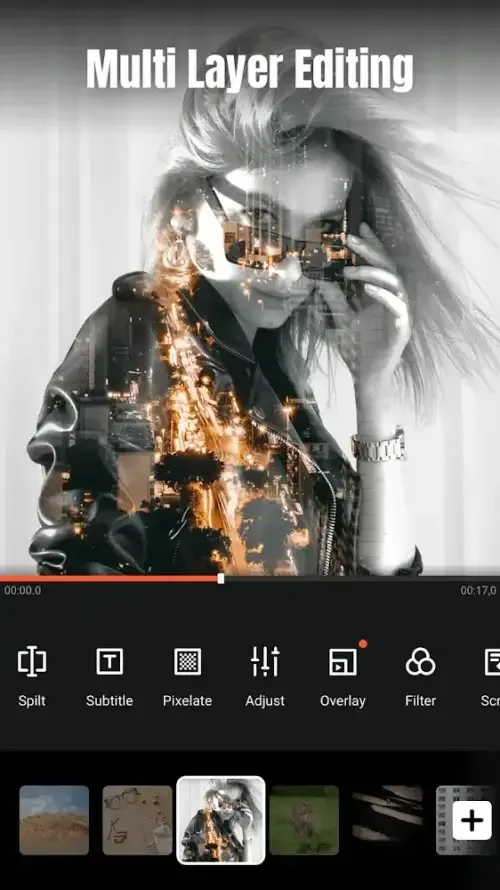
Fast trimming: trim and crop your video, edit clips, images in no time.
Video compressing: reduce your video size.
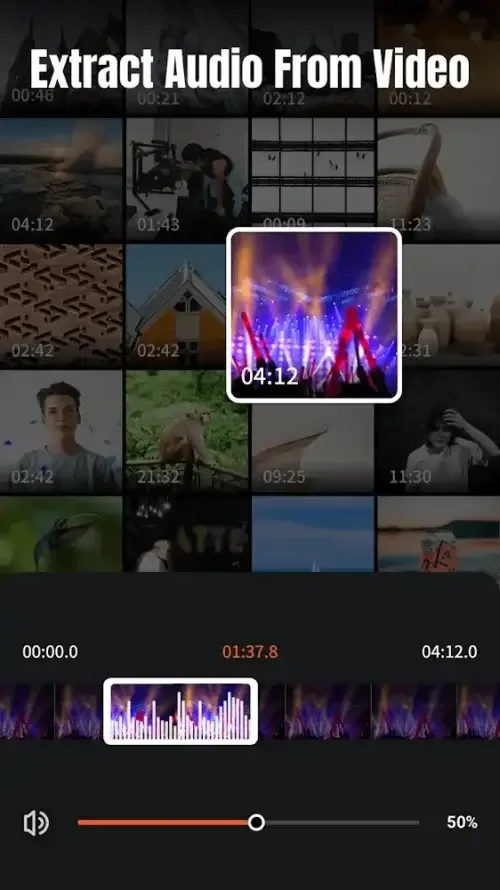
Video to Mp3: turn the soundtrack of your video into mp3 file.
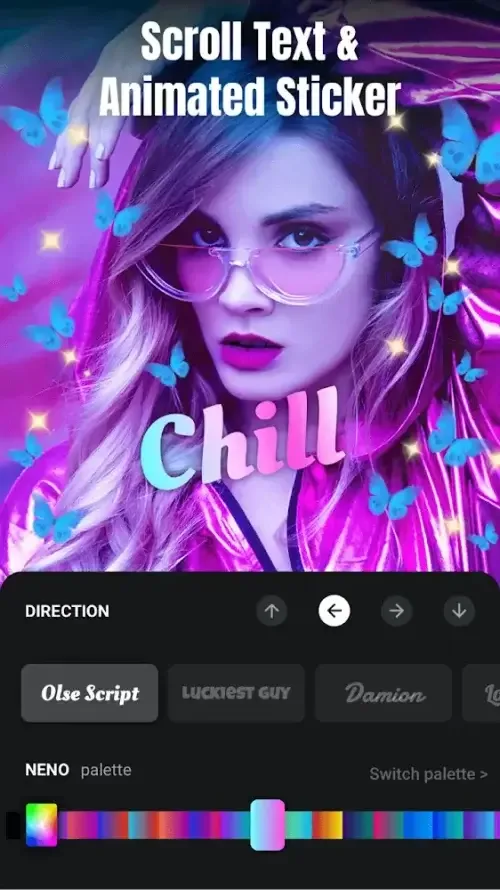
Various text styles and fonts for subtitles are supplied.
The materials store provides theme, stickers, fonts, sound effects, music.
Import HD 4k videos, save battery and space. Support most video formats, like MP4, MOV, AVI.
Pros & Cons:
Pros
Compact video editor well suited to quick movies, vlogs, and photo slideshows
Rich creative toolkit with GIF stickers, animated subtitles, doodles, transitions, filters, and themes
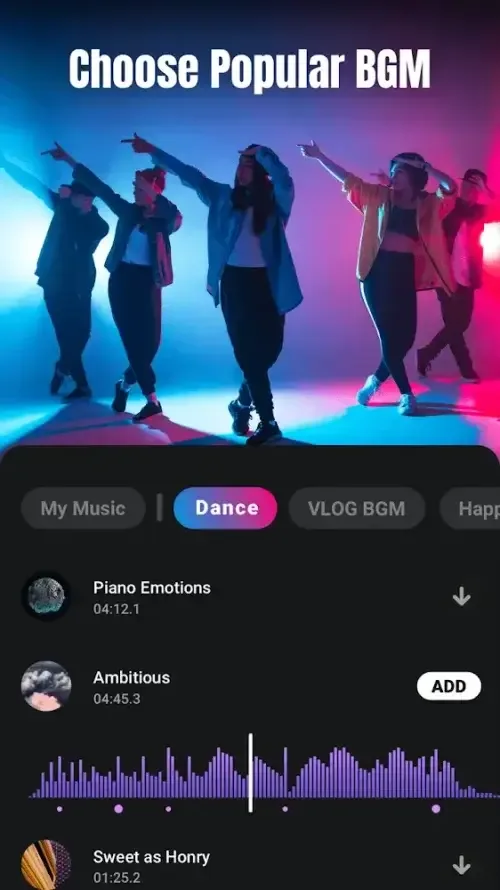
Robust audio features, including voiceover, removal of original audio, music fade in/out, and Video to Mp3 conversion
Practical editing toolbox with trimming, fast trim and crop, merging, splitting, collage, looping, and compression
Imports HD and 4K video and supports common formats such as MP4, MOV, and AVI while aiming to save battery and storage
Materials store adds more themes, stickers, fonts, sound effects, and music over time
Ads are present but relatively unobtrusive
Cons
App can occasionally close unexpectedly during editing
Unsaved progress may be lost if a crash occurs in the middle of a project
Changelog:
Added ai filter function
Add the function of ai reduce noise that we use AI methods to more accurately distinguish between human voices and background sounds.
Optimize autocut function
Optimize AI subtitle function
Fix known issues
Conclusion:
Video Editor VideoShowLite is a mobile application designed for video editing, available for the Android platform. This app serves as a compact version of the more extensive VideoShow video editor, catering particularly to users seeking a quick and efficient tool for creating and editing videos. By allowing users to download VideoShowLite, it provides an accessible option for both novice creators and those with more experience in video production.








