
Simple Journal is a user-friendly e-journaling application. It boasts comprehensive features, not only meeting users' daily collaboration needs but also offering mood tracking, work notes, and collaborative body shapes. With Simple Journal, you can customize your journaling experience, choosing from a variety of different theme colors and quickly finding past entries using the tag search function. Furthermore, you can adjust font size, color depth, and text spacing to suit your visual preferences, creating a personalized user experience.
Highlights:
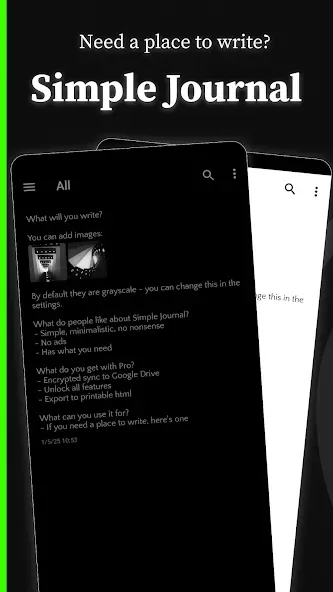
No ads
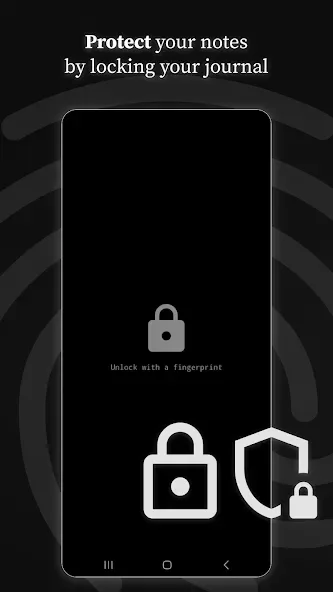
Lock automatically (fingerprint, password, or device credential)
Continuous auto-save
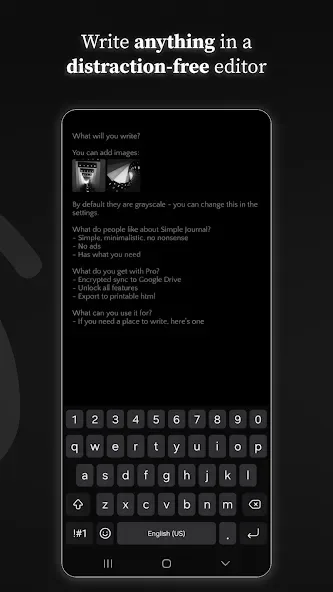
Distraction-free editor
Light and dark themes
Multiple journals
Inline images
Search through entries
Location tags (optional)
Font customization
Basic formatting (bold, italic, underline, highlight, strikethrough)
Auto-indent
Scrambled mode (write without unlocking)
Keyboard shortcuts
Export/import for manual backups
Features:
Multiple journals for categorization
App locking with fingerprint or password
Free manual export for local backups
Search across all past entries
Tips for Users:
Private local storage with an optional passcode to protect entries
Simple editor with the ability to add photos to entries
Search, tags, and filters to find past notes quickly
Daily reminders and flexible entry scheduling to support a journaling habit
Export entries as plain text for backup or sharing
Light and dark themes with adjustable font sizes for readability
Changelog:
Fixed issue with attached gifs not playing when opened
Conclusion:
Entries are stored locally by default and you control backups. Choose local export, manual backup or optional cloud sync according to your needs. Simple Journal provides settings to manage storage and privacy preferences. Use Simple Journal to build a regular writing habit, organize ideas with tags and search, and keep your personal notes accessible and secure.






