

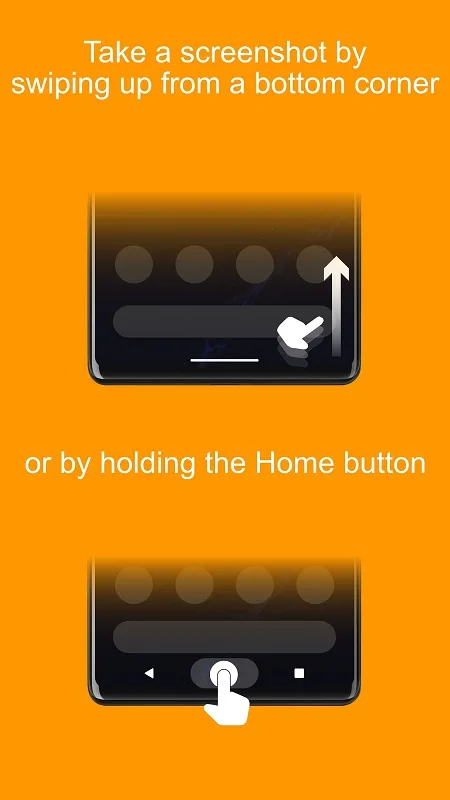
Screenshot Assistant is a powerful screenshot assistant. If you're looking for a tool to help you take screenshots, this app is for you. With Screenshot Assistant, you can easily capture beautiful screenshots by simply swiping up from the bottom of the screen or pressing and holding the home button. You can freely crop screenshots, annotate them, and add personalized elements. Furthermore, you can precisely crop the screen to the desired size, annotate using drawing features, and efficiently save them to your device, helping users accomplish more in less time.
Highlights:
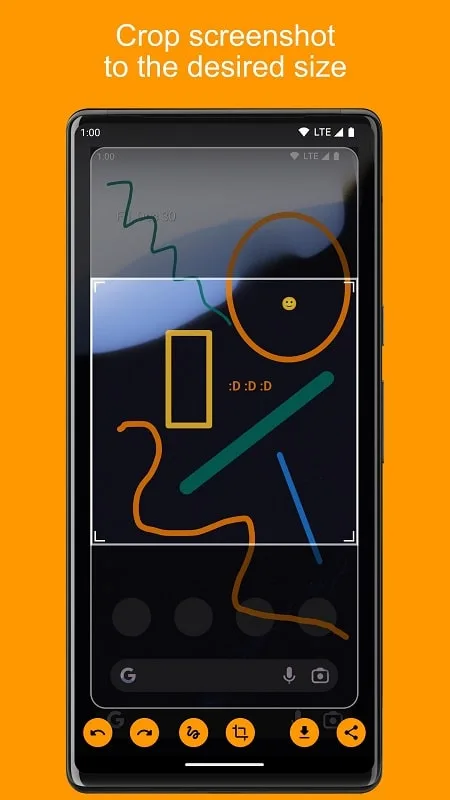
Crop screenshot to the desired size
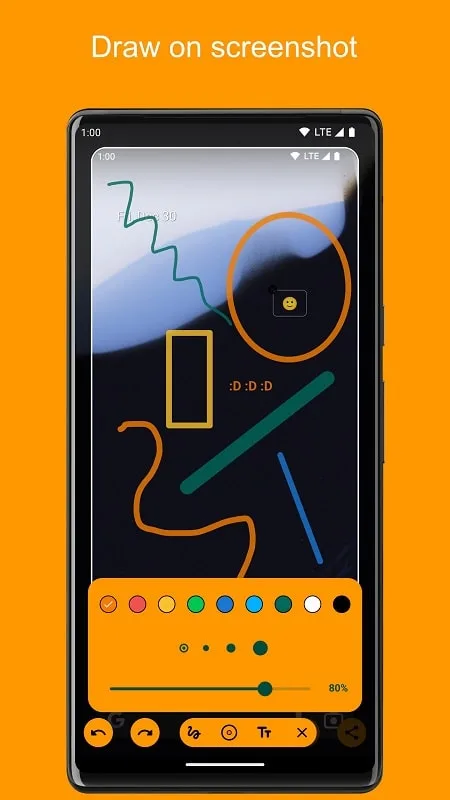
Draw on screenshot
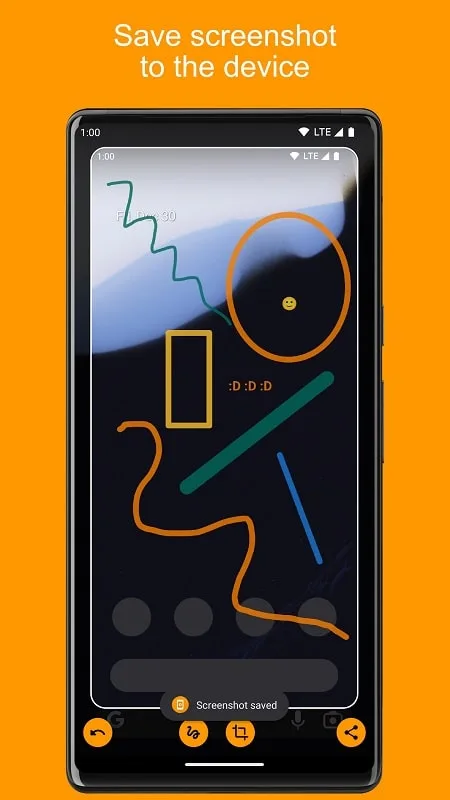
Save screenshot to the device
Share screenshot with your friends
Features:
Swipe up or hold the Home button to instantly capture screenshots on your device.
Crop and customize your screenshots to the perfect size.
Get creative and draw on your screenshots to highlight important details.
Conveniently save your screenshots directly to your device.
Easily share your screenshots with your friends and colleagues.
Easily configure the app by accessing the settings menu on your device.
Benefits:
Work quickly and efficiently with screenshots
Screenshot Assistant is a unique application with many exciting features that can help users be more productive when using screenshots frequently. Users can take screenshots of all parts or just a specific window on their device with this app. Also, use the built-in essential editing tools to crop, annotate, and share screenshots with others. Furthermore, Screenshot Assistant manages screenshots, allowing users to categorize and browse captured images by date and category. This practical tool allows users to take screenshots and edit captured images quickly.
Customize screenshot size
Screenshot Assistant users can resize snapshots quickly and flexibly. The ability to save users time is one of the main advantages of this feature because users can directly edit screenshots right after taking them without having to work on separate image editing tools. As such, user time has been significantly optimized, which helps users work more efficiently with screenshots. In addition, users also have flexibility in how to use the captured photos thanks to Screenshot Assistant’s ability to resize screenshots. For example, resize captured photos to fit social media specifications and phone memory, making publishing and storing photos on various platforms possible.
Freely draw on screenshots
Besides the ability to customize the size, Screenshot Assistant also gives users sketching tools on screenshots to edit and improve the image’s content. This function allows Users to add exciting drawings, lines, charts, or text to screenshots. A beneficial action in cases where it is necessary to explain or let others better understand the image’s content and increase the interaction between the user and the screenshot. Users can choose the pen’s colour, size and density with the flexible drawing tools in Screenshot Assistant to create precise and colourful lines. The user can delete, move, or change any drawing object on the image to create a unique effect.
Save and share screenshots
This application gives users a lot of convenience because it allows easy saving and sharing. Users can quickly and conveniently process the obtained photos with the help of the photo save feature. The images taken after taking will be classified and organized by Screenshot Assistant to help individuals quickly find and access the needed photos. The ability to share photos is one of the other strengths of this program when it gives users the option of storing images on their device or sharing them instantly on social networking sites or other applications, such as messages and emails, with just a single touch on the screen. This will enhance the user experience significantly.
Conclusion:
In an age where visual communication prevails, this smart tool surely stands out for enhancing the ease with which screenshots can be managed. Whether for work, creative projects, or personal use, the features of the application, like the ability for fine-tuned cropping and annotation, make it an invaluable addition to any user's digital toolkit.








