

Screenshot Touch is an outstanding screen touch utility that helps users easily perform quick screen activities, allowing your device to reach its full potential and improving your work efficiency. The app presents a lightweight yet powerful screen capture touch application for a wide user base. Users can experience simplified steps for webpage screenshots, screenshots, and video recording, allowing you to quickly capture content on your screen. Users can try powerful custom editing tools, achieving excellent results whether saving webpages, capturing images, or extracting text.
Click to load YouTube / 点击加载视频
YouTube ↗Awesome Features of Screenshot touch
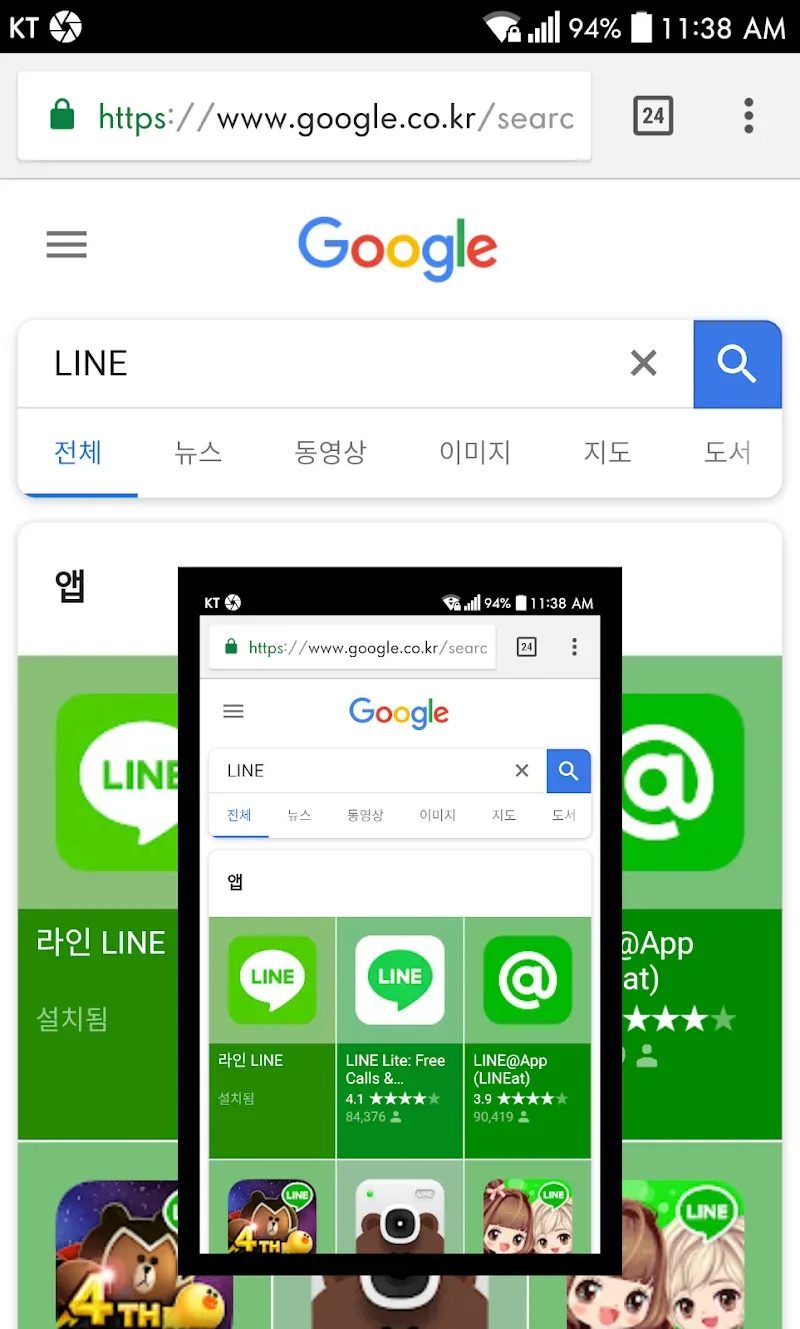
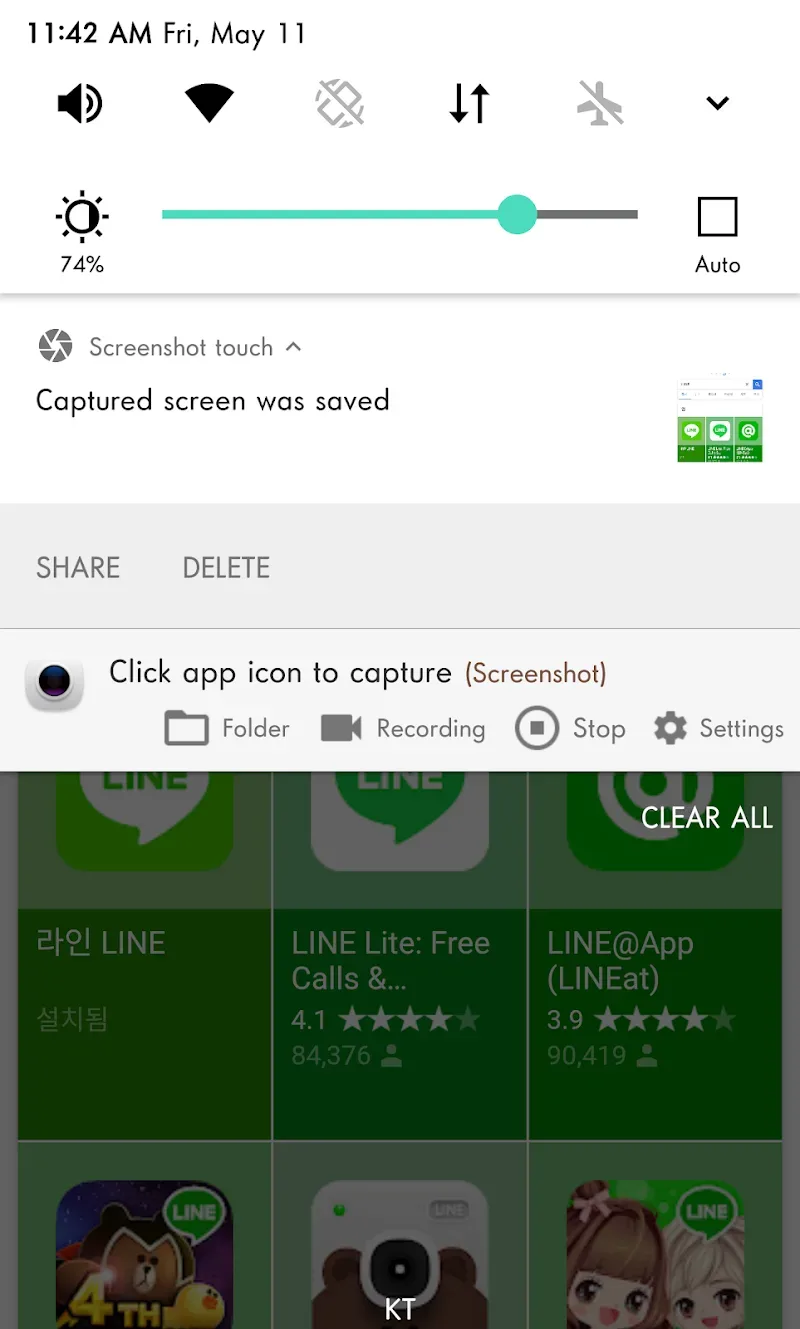
Touch Screenshot (Notification Area, Overlay Icons, Shake Device)
Record screen video to MP4 format, with adjustable resolution, frame rate, bitrate, audio, and other options.
Full Scrolling Webpage Screenshot (Using In-App Browser)
Two scrolling screenshot methods: One is to open the website in the browser and select "Touch Screenshot." The other is to directly launch the in-app browser by clicking the globe icon in the settings page.
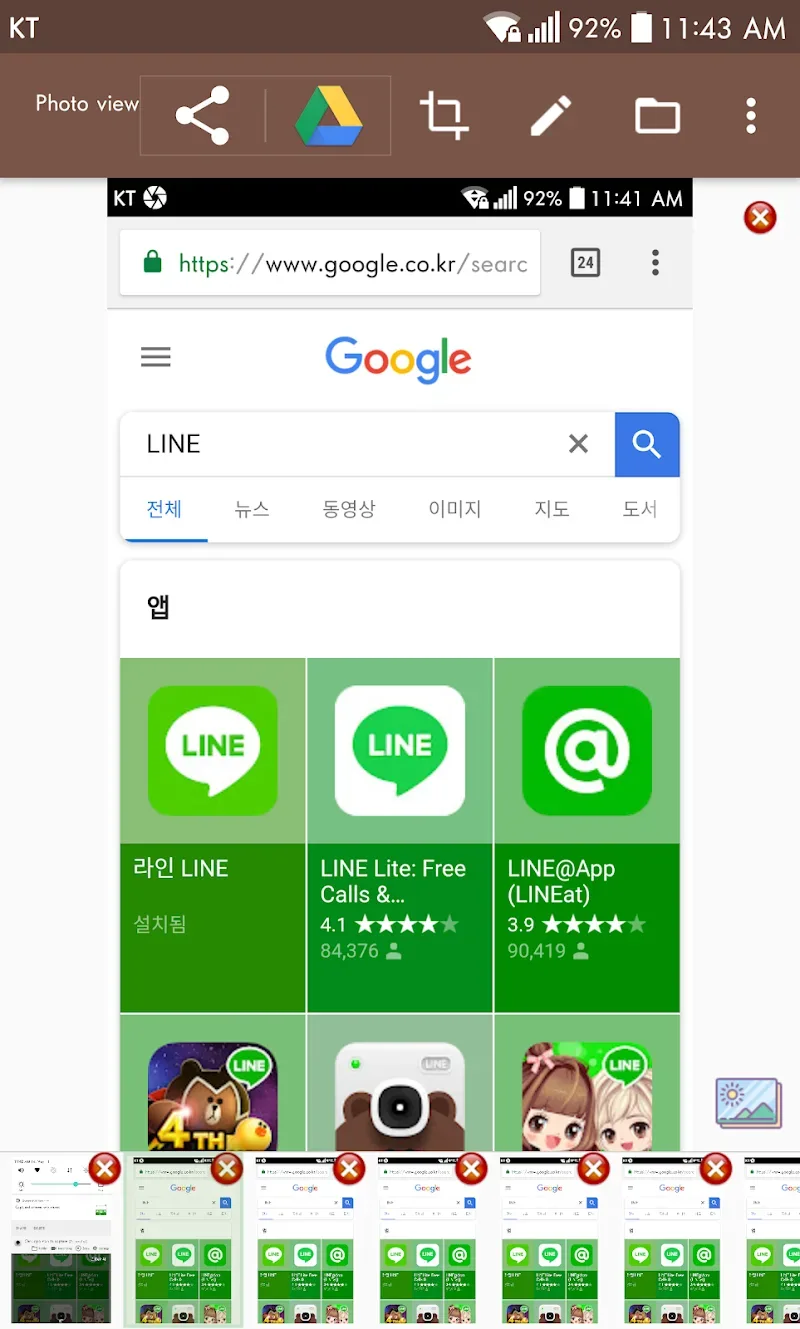
Image Viewer
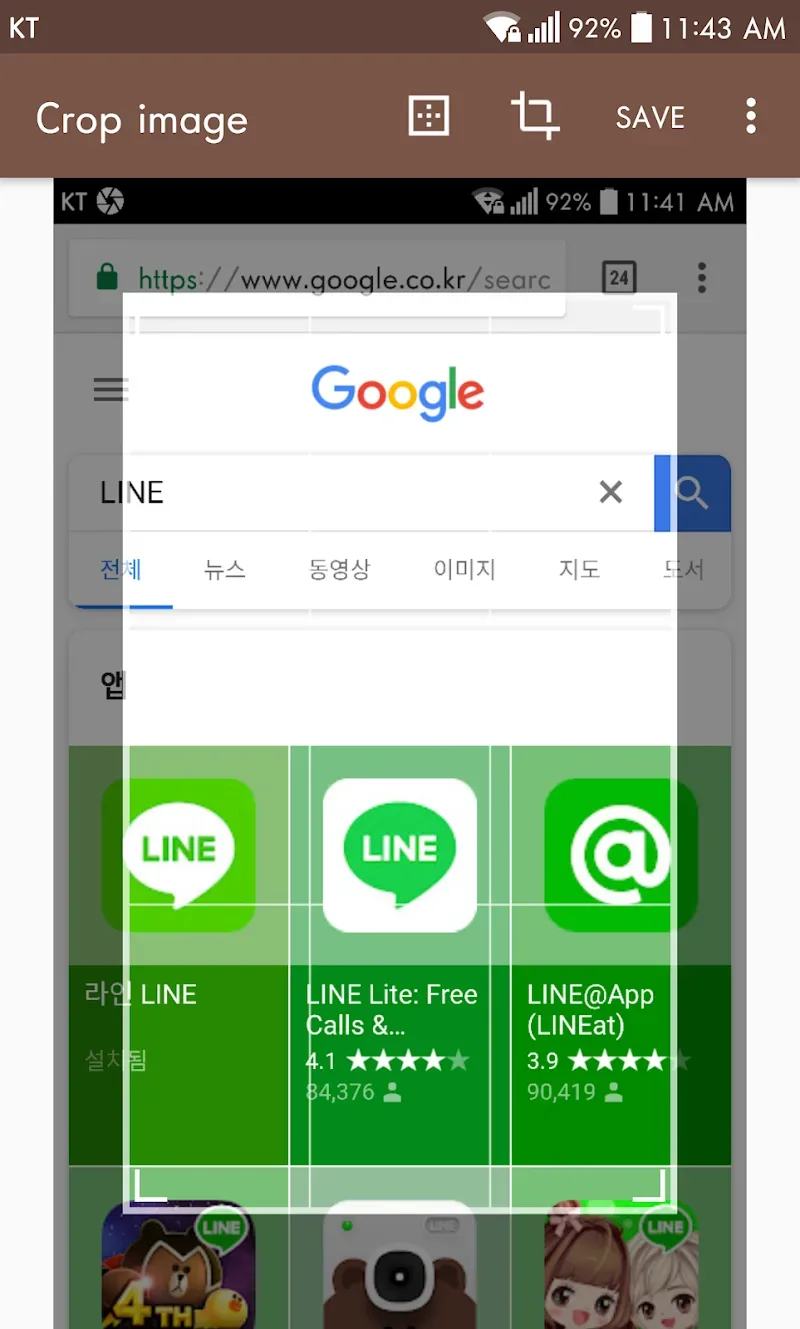
Image Cropper (Crop Ratio, Rotate)
Draw on Screenshots (Brush, Text, Rectangle, Circle, Stamp, Transparency, etc.)
Share Screenshots to Other Installed Apps (User-Controlled)
Amazing Highlights of Screenshot touch
Efficient Folder Creation: You can create subfolders to categorize apps on your phone. You can put game apps in the same folder for easy access to the games you want to play.
Automatic Screenshot Sort: The app also automatically rearranges screenshots by time, allowing you to search for previously taken photos faster and more conveniently.
No Manual Organization Required: With this app, you no longer need to manually organize as before; the app automatically organizes and does everything for you, requiring no effort from you.
Fantastic Performance of Screenshot touch
Besides capturing web page content, Screenshot Touch lets you quickly capture anything on your screen. It can also record video. All image and video files are perfectly stored in the app folder within your smartphone's internal memory.
Another unique feature of Screenshot Touch is that it allows you to draw on any captured screenshot. This lets you quickly underline text or important screen elements to draw attention.
Pros and Cons of Screenshot touch
Pros
Multiple capture methods (notification, overlay, shake)
Integrated screen recording and audio recording
Powerful editing and annotation tools
Scroll capture of entire web pages
Flexible screenshot organization with multiple folder support
Minimalist, non-intrusive ads
Highly reliable on all devices and Android versions
Cons
Cannot capture protected screens
Some advanced features require in-app purchases.
Setting up scroll capture may require some initial guidance.
Final Words
Screenshot Touch is a very useful application. It makes taking screenshots of web pages, capturing screen images, or recording videos incredibly easy. The application provides you with many folders that save space on your phone and prevent confusion when viewing your device.








