

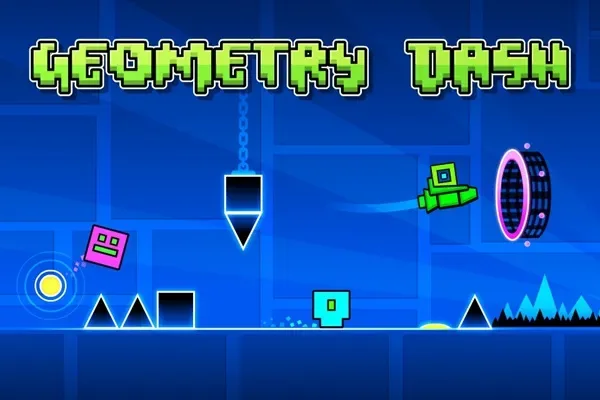
GDPS Editor is a level editor for Geometry Dash. It allows you to adjust game settings and visual effects in conjunction with Geometry Dash, making your gameplay smoother and improving your gaming experience. GDPS Editor also lets you freely design personalized levels, such as customizing block positions, setting themes, adjusting difficulty, and even customizing music. You can then share your levels with other users. A unique community provides a different gaming atmosphere, where you can learn from and inspire each other to create better works.
Features
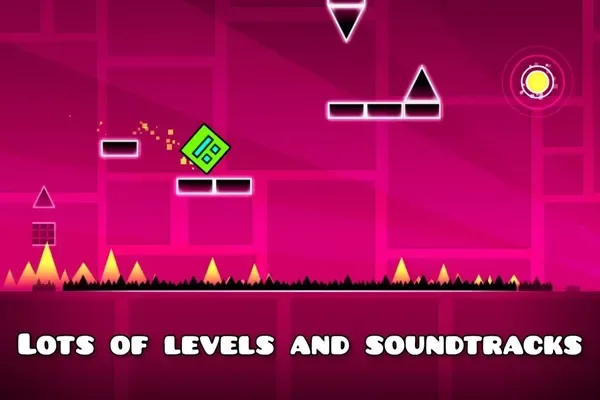
It allows you to play all the levels of this classic game.
Players can change the game world and physics using the level editor.
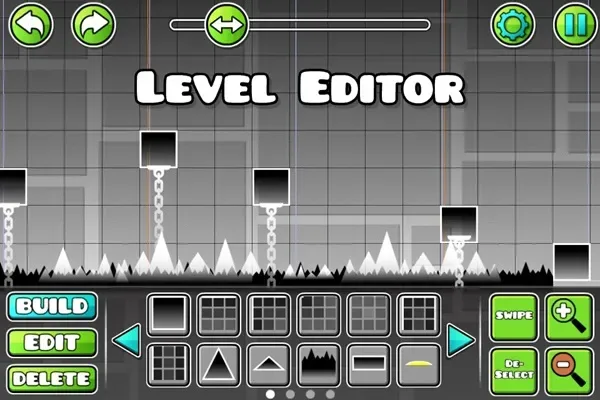
It allows you to create, delete, customize, and add objects in the game.
Players can add their favorite songs to the game for a more immersive experience.
It includes an object inserter that allows you to add custom platforms, enemies, and obstacles to your levels.
The game's physics can also be modified (gravity, speed, and friction).
Advantages & Disadvantages
Advantages: Supports drag-and-drop editing with touch controls and grid-based layouts.
Tutorials and preview tools for beginners make level creation easier.
Disadvantages: More suitable as an editing and reference tool than a complete discovery hub.
These features may seem somewhat basic for more advanced creators.
Download
First, download the APK file and tap it.
Select "Install" to begin the installation process.
The installation process takes only a few seconds.
Once complete, tap "Open" to launch the GDPS Editor on your device.
FAQs
What is the GDPS Editor?
GDPS Editor is a mobile level-building tool for Geometry Dash that allows users to create, modify, and share custom game levels using advanced editing features.
Is GDPS Editor the official application from the Geometry Dash developers?
No, GDPS Editor is a fan-made tool based on Geometry Dash. It runs on Android, uses the same engine, but adds more powerful editing tools.
Can I use the GDPS editor without Geometry Dash?
Technically, the GDPS editor requires Geometry Dash resources to function properly, so it's best to have the base game installed.
Does the GDPS editor support iOS or only Android?
Currently, GDPSEditor is only available for Android devices. Due to platform limitations, there is no iOS version yet.
What can I customize with the GDPS editor?
You can change level structure, game speed, visual effects, object colors, and even add your own music—perfect for players who want complete control over their creations.
Summary
This app is perfect for creative players who enjoy exploring game mechanics or want to delve deeper into level design principles. It's especially useful for Geometry Dash fans who want to go beyond simply playing and start creating. Whether you're an amateur designer, an aspiring game developer, or simply enjoy a challenge, GDPS Editor is a powerful, versatile, and flexible tool.








