

YTV Player Pro is a media player software designed for movie and TV enthusiasts. Users simply need to copy and paste the video's URL, TS, M3U, or other format links into the software to start watching anytime. Users can rename and save each link for convenient viewing of their favorite movies and TV shows anytime, anywhere. During playback, users can also adjust the screen size, rotation angle, volume, and other settings for a comfortable viewing experience. The software also boasts strong compatibility, running on most mobile phones, tablets, and other devices for user convenience.
Click to load YouTube / 点击加载视频
YouTube ↗Features of YTV Player Pro:
Paste links and playlists: YTV Player Pro accepts direct video URLs and common IPTV style playlists. You can paste TS, M3U, or M3U8 links and start streaming when the source is available. This approach keeps control in your hands, since the app does not host any content and only opens what you add.
Save and organize sources: You can save each link with a name, edit entries later, and reopen items with a tap. Lists stay tidy, which helps when you maintain multiple sources. Management works even when offline, so you can sort or rename entries without a network, while streaming still requires an internet connection.
Playback controls that fit your screen: When a stream loads, you can adjust the aspect ratio for a better view and change screen rotation to match your device position. If the source provides options, you can switch audio tracks or choose a different resolution. This keeps the viewing experience adaptable across phones and tablets.
Cast to TV with Chromecast: When you prefer the big screen, you can cast to a compatible TV using Chromecast. The connection moves playback to your television while controls remain on your phone, making it straightforward to sit back and watch from the couch.
Highlights of YTV Player Pro:
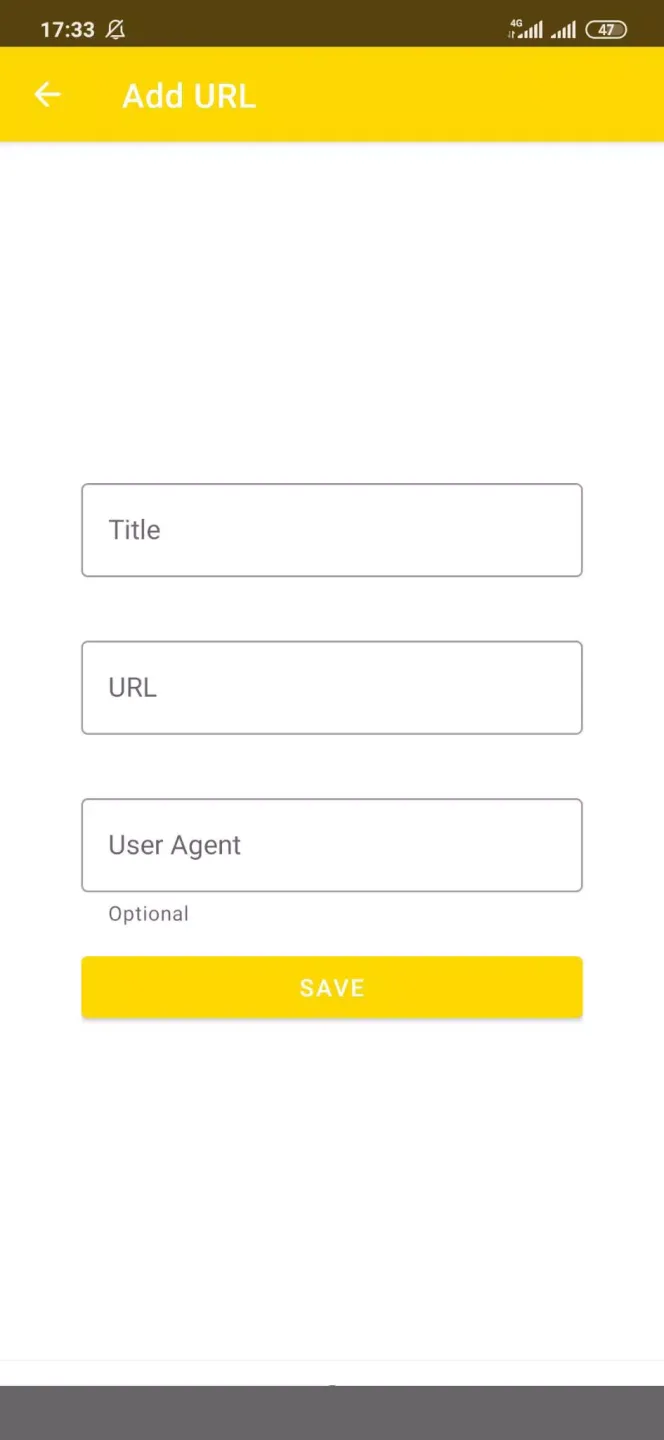
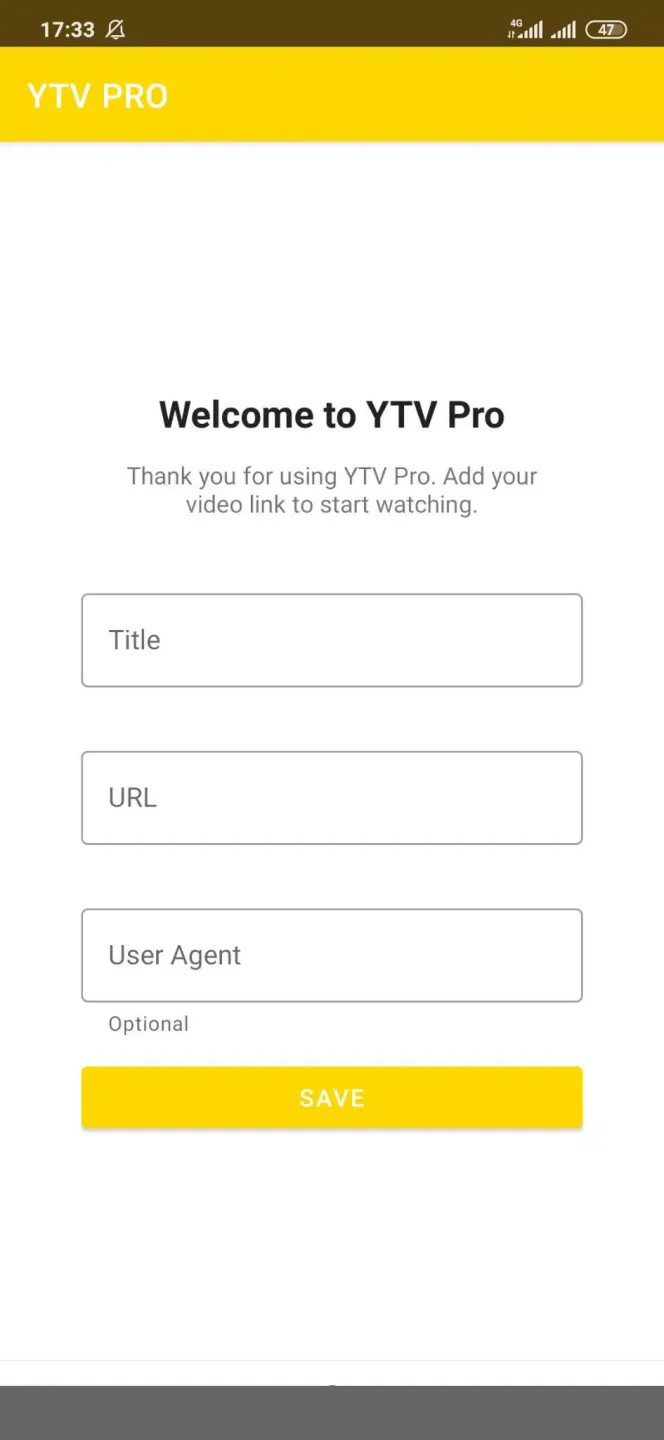
User Interface and Usability: YTV Player Pro features a minimalistic interface with a focus on straightforward functionality. Upon launching the app, users are presented with input fields for Title, URL, and an optional User Agent. These allow for accurate recording and identification of video links. The overall navigation is intuitive, and the process of adding a new link is quick.Editing saved entries is made easy through a menu available next to each saved link. From here, users can choose to update or remove details without hassle. This feature is practical for correcting mistakes or updating old links.
Link Management and Organization: While YTV Player Pro excels in storing and providing fast access to video URLs, its organizational capabilities are limited. The absence of a folder creation system or tagging makes it less ideal for users who wish to catalog large numbers of links into different categories or themes. Links are stored as a list, which may become cluttered over time if many entries are stored.
Customization and Additional Features: The optional User Agent input provides flexibility for advanced users who need to access videos that require specific browser credentials. However, beyond the editing feature and built-in player, the app remains quite basic. There are currently no options for filtering, sorting, or batch management of links.
User Reviews: of YTV Player Pro:
very good and excellent app watch every match live but its needed to be improved on English commentary it's not working at all.
this app help me a lot because I'm a football lover and also i love arabic commentry while start a football match. that is why, this app help me alot and most importantly, when i start to watching football match i use this app. so this app is been emotion of mine. love to browse it. secondly, sometimes this app doesn’t work properly while start a classic or big match. i'll love to inform you please owner fix it as early as possible. thanks for supporting us.
The app is top notch for watching football no interruptions Am supposed to give it five star but the commentary (commentator) aspect when watching the ball The language is different from mine I can't understand it So I urge you to pls look into that aspect.
Very nice yrv for sports even worid cup and Asia cup and gulf cup wish million of watchers watch ytv for me I always want to h sports here I always wait to search about sports here I will be always told my friends to watch sports thru ytv coz of how it's very clear and available always any time for watching all my friends I told thim about ytv they told me it's nice and available any time they like to watch sports even world cup and Asia sports cup and gulf sports thank you so much to keep every.
FAQs: of YTV Player Pro:
Can YTV Player Pro play M3U links?
Yes, YTV Player Pro plays M3U links on iPhone and iPad. Users add M3U links manually within the app to stream content.
How do I add links to YTV Player Pro?
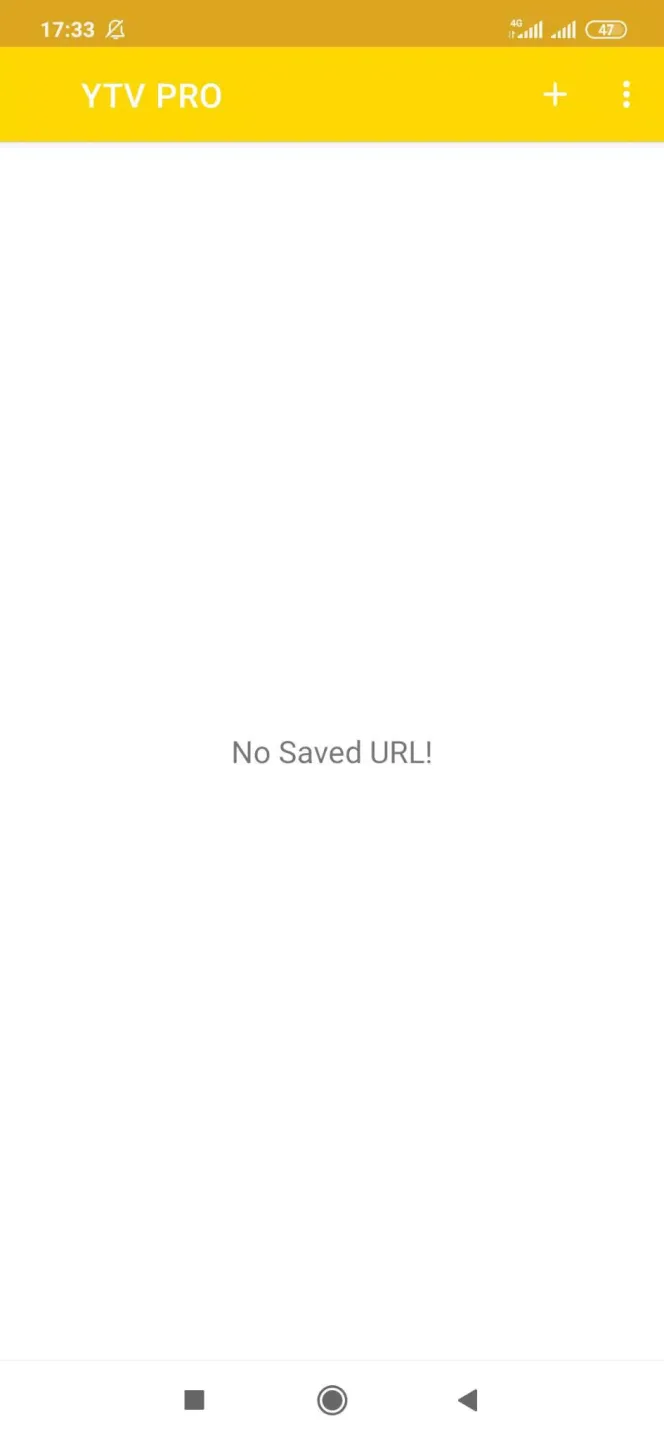
Users add links by tapping the "+" symbol in the top right. A window opens where they enter a name, the URL, and optional credentials for the link.
Does YTV Player Pro include pre-loaded content or links?
No, YTV Player Pro does not include any links or pre-loaded content. Users must manually add their M3U or video stream URLs.
What are the playback features in YTV Player Pro?
YTV Player Pro offers playback options including aspect ratio adjustment, screen rotation, and casting content to other devices via Chromecast.
What advanced features does YTV Player Pro offer?
YTV Player Pro offers advanced features such as Screen Capture, Floating Play, Dark Mode, Rotate Screen, Equalizer, Brightness control, Favorites, and Speed adjustment.
Final words:
YTV Player allows you to watch any video you find online by copying its URL and saving it into the app. For instance, you can play a video from Facebook or Reddit via a URL a friend sent to you. Instead of watching it on the browser or the corresponding app, you can save it on this app and use the built-in player to watch it.








