
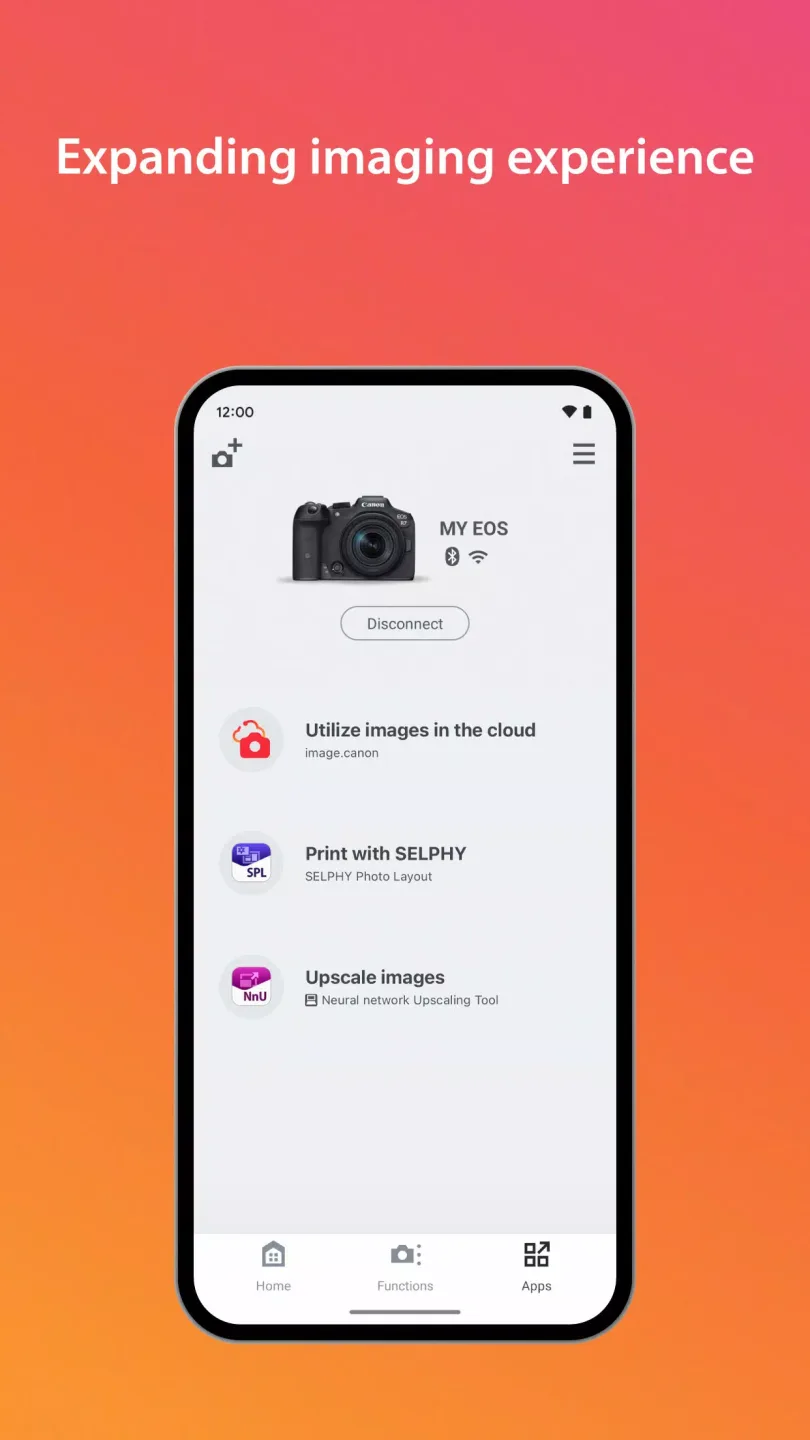
Canon Camera Connect is a user-friendly free mobile application that allows users to directly transfer photos and videos taken with Canon cameras to their phones via Wi-Fi or Bluetooth. It supports selective import of thumbnail previews before transfer, effectively saving phone storage space. Users can also view the camera feed in real-time on their phones and remotely control parameters such as focus, shutter speed, aperture, ISO, and exposure compensation. It's especially suitable for selfies, wildlife photography, or shooting from challenging angles, greatly improving shooting efficiency and the sharing experience.
Click to load YouTube / 点击加载视频
YouTube ↗Features:
Image transfer and format support
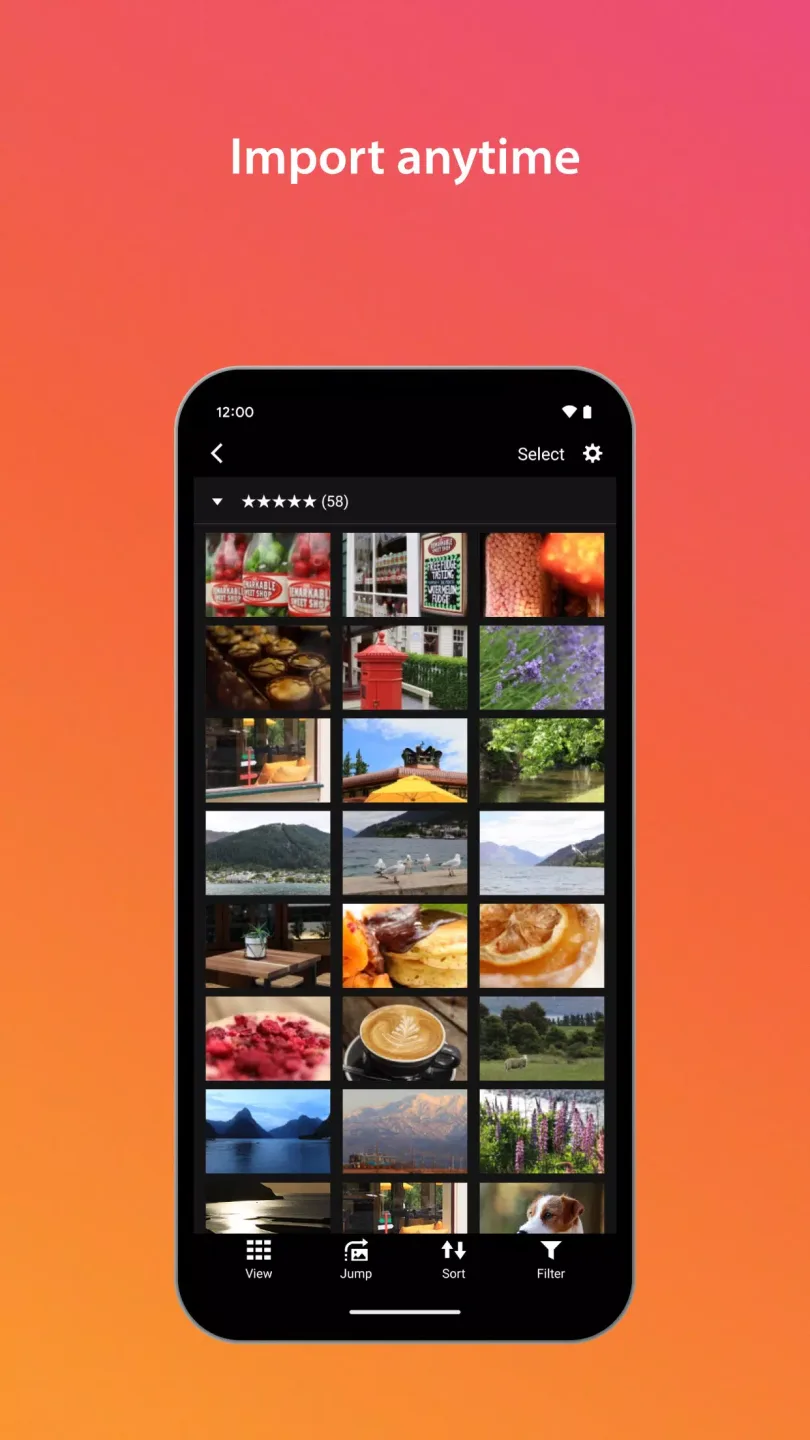
Transfer and save images from the camera to your smartphone.
Supported types are JPEG, MP4 and MOV.
Original RAW files are not imported. RAW images are resized to JPEG.
MOV files and 8K movies recorded on EOS cameras cannot be saved.
HEIF 10 bit and RAW movie files are not saved.
AVCHD files from camcorders are not saved.
Remote shooting and shutter control
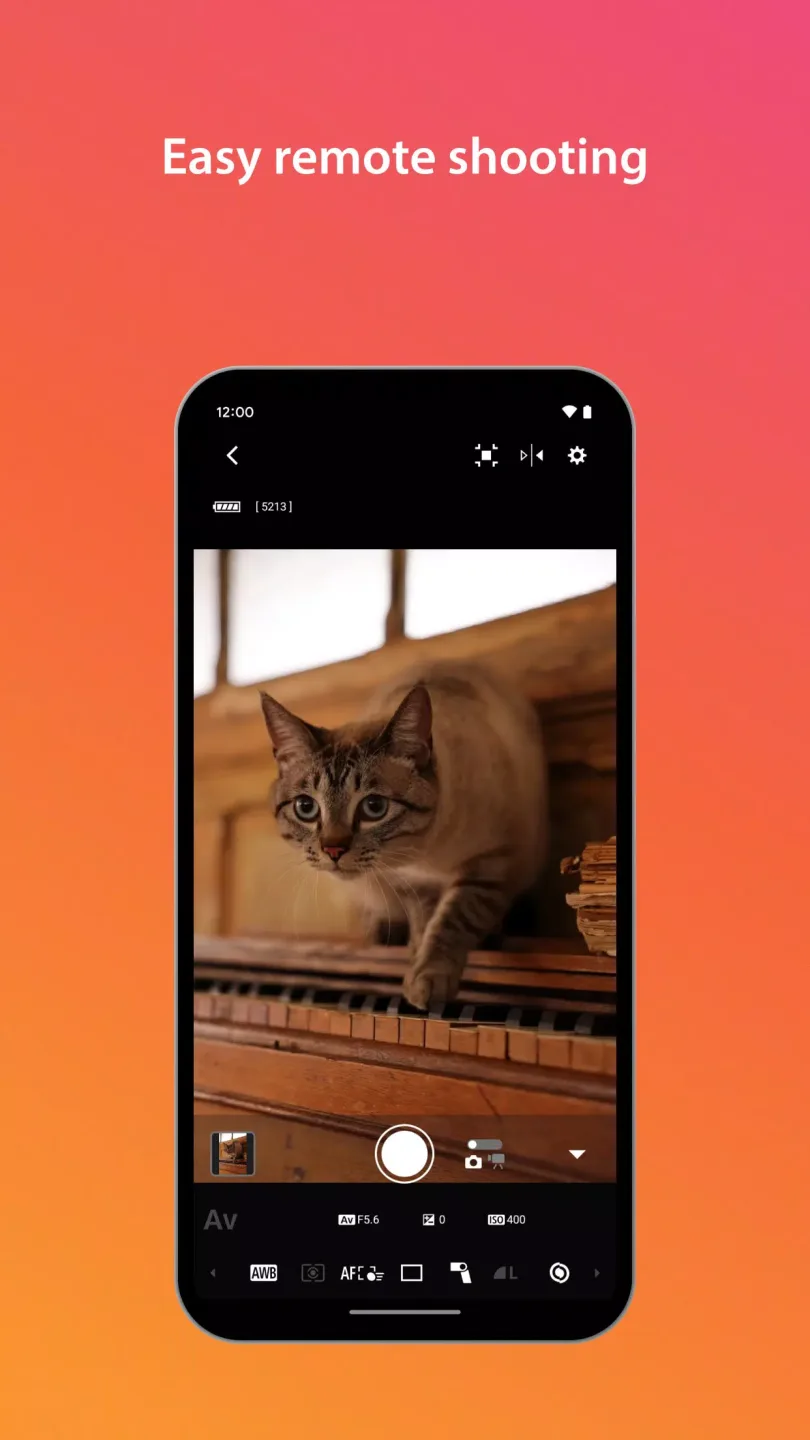
You can start remote shooting with live view from your phone and release the shutter over a Bluetooth connection on supported models. When using a Power Zoom Adapter, set Live View to ON for proper operation. Firmware transfer from the phone is available for compatible cameras, which helps keep functions up to date.
Flexible connections and requirements
Connect over Wi Fi using direct connection or a wireless router.
Switch to Wi Fi from a Bluetooth pairing, or from touch with an NFC enabled camera.
For Bluetooth, the camera must support Bluetooth and the phone must support Bluetooth 4.0 or later with Android 5.0 or later.
App system support covers Android 11, 12, 13, 14, 15 and 16.
If a network confirmation dialog appears during setup, check the box to allow the same connection next time.
If the app does not operate properly, close it and try again. Operation is not guaranteed on all Android devices.
Supported languages include Japanese, English, French, Italian, German, Spanish, Simplified Chinese, Russian, Korean and Turkish.
Location info and Canon services
Canon Camera Connect can acquire location information from your phone and add it to images on the camera. The app also connects to Canon services on supported models. When sharing photos online, check your settings because GPS data may be included in image files.
Highlights:
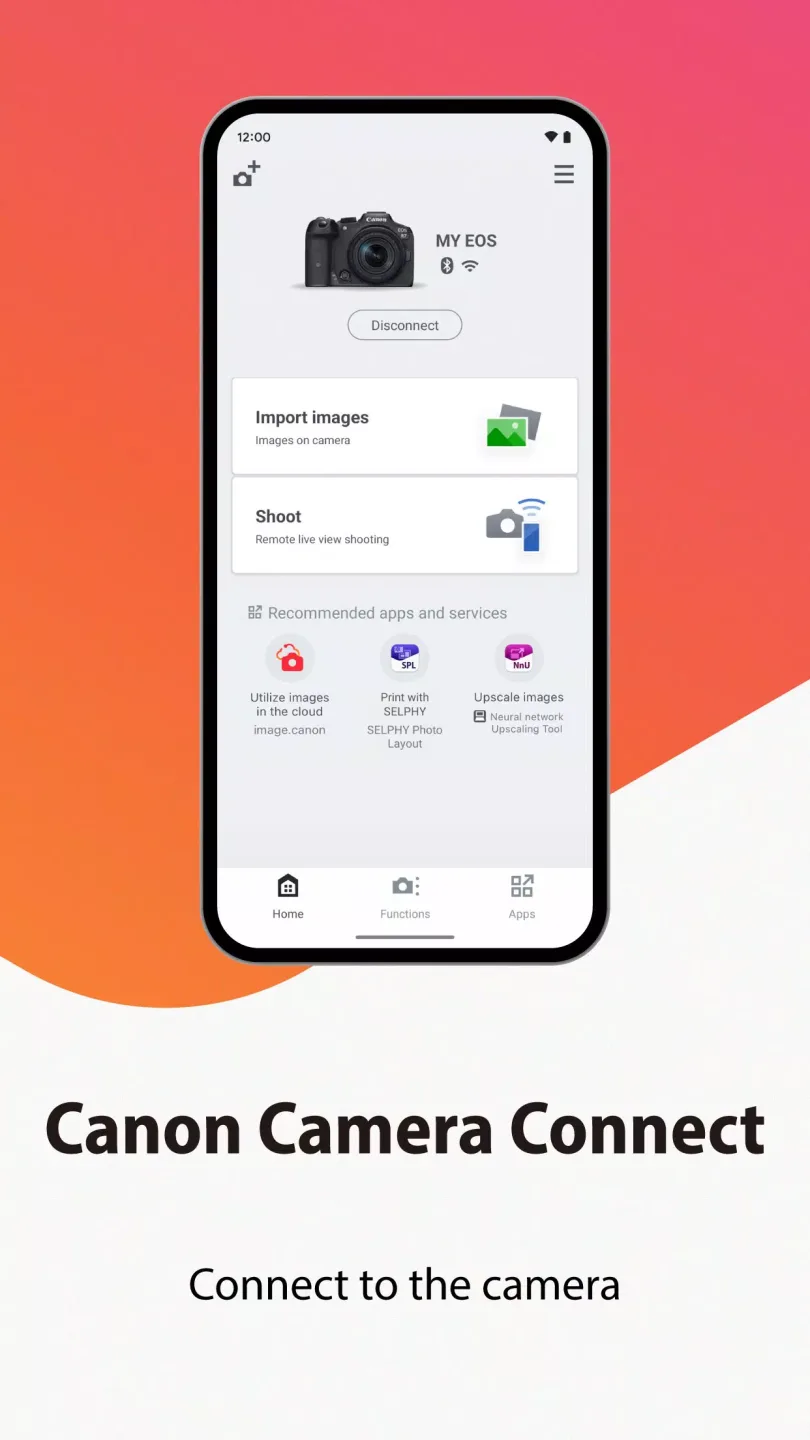
Wireless connection with the camera for image transfer and remote live view shooting.
Wired (USB) connection with the camera for image transfer.
Adding location information to camera images
Bluetooth connection with enabled cameras
Auto image transfer with enabled cameras
Transfer the latest firmware to enabled cameras
Wired (USB) connection with the camera for remote live view shooting
Set up Wi-Fi information on the camera
Live streaming settings
Pros and Cons:
Pros
Wireless control on your camera
You can make a self-portrait by yourself
Transfer images from the camera to other devices
Cons
Difficulty connecting with Bluetooth
FAQs:
What is Canon Camera Connect?
Canon Camera Connect is a mobile application developed by Canon Inc. that allows users to connect their Canon cameras to their smartphones or tablets for photo transfer and remote control.
Is Canon Camera Connect compatible with all Canon cameras?
No, Canon Camera Connect is not compatible with all Canon cameras. It is primarily designed for select models that support Wi-Fi or Bluetooth connectivity.
How do I connect my camera to the Canon Camera Connect app?
To connect your camera, first enable Wi-Fi or Bluetooth on your camera, then open the Canon Camera Connect app on your mobile device and follow the prompts to pair the devices.
Can I transfer images from my camera to my phone using the app?
Yes, you can easily transfer images from your Canon camera to your smartphone or tablet using the Canon Camera Connect app.
Is there a cost to download the Canon Camera Connect app?
No, the Canon Camera Connect app is free to download from the App Store (iOS) or Google Play Store (Android).
Can I use Canon Camera Connect for live view shooting?
Yes, you can use the app for remote shooting in live view mode if your camera supports this feature.
What file types can be transferred using Canon Camera Connect?
You can transfer JPEG and RAW files from your Canon camera to your mobile device using this app.
Does the app provide image editing features?
Canon Camera Connect offers limited editing features; for extensive editing, you may need to use other graphic software or apps.
Is an internet connection required to use Canon Camera Connect?
No, an internet connection is not required to use the basic functionalities of Canon Camera Connect; however, certain features like firmware updates may require it.
What should I do if I have trouble connecting my camera to the app?
If you're having connection issues, ensure that both devices have updated firmware, are within range of each other, and that Wi-Fi/Bluetooth is enabled on both devices.
Conclusion:
Canon Camera Connect is a well-rounded companion for Canon camera owners seeking flexibility in shooting and sharing images. Its robust wireless functions, coupled with remote shooting capabilities, provide clear advantages in both creative and practical applications. Occasional connectivity hurdles and some model-specific limitations do exist, but for most users, the app adds considerable value to their photography workflow.








