
atvTools is an outstanding TV control utility that lets you easily manage your Android TV or Google TV devices from your mobile device, avoiding cumbersome remote control operations. It provides a unified, centralized smart service integrating application management, file transfer, remote control, and system monitoring. The application presents a powerful yet lightweight device management program for a wide user base, offering excellent remote file transfer, advanced performance, and process monitoring. It supports excellent device compatibility, allowing users to easily obtain and manage application permissions, making your TV2 control even more convenient.
Click to load YouTube / 点击加载视频
YouTube ↗Wonderful Features of atvTools
Fast App Installation and File Transfer
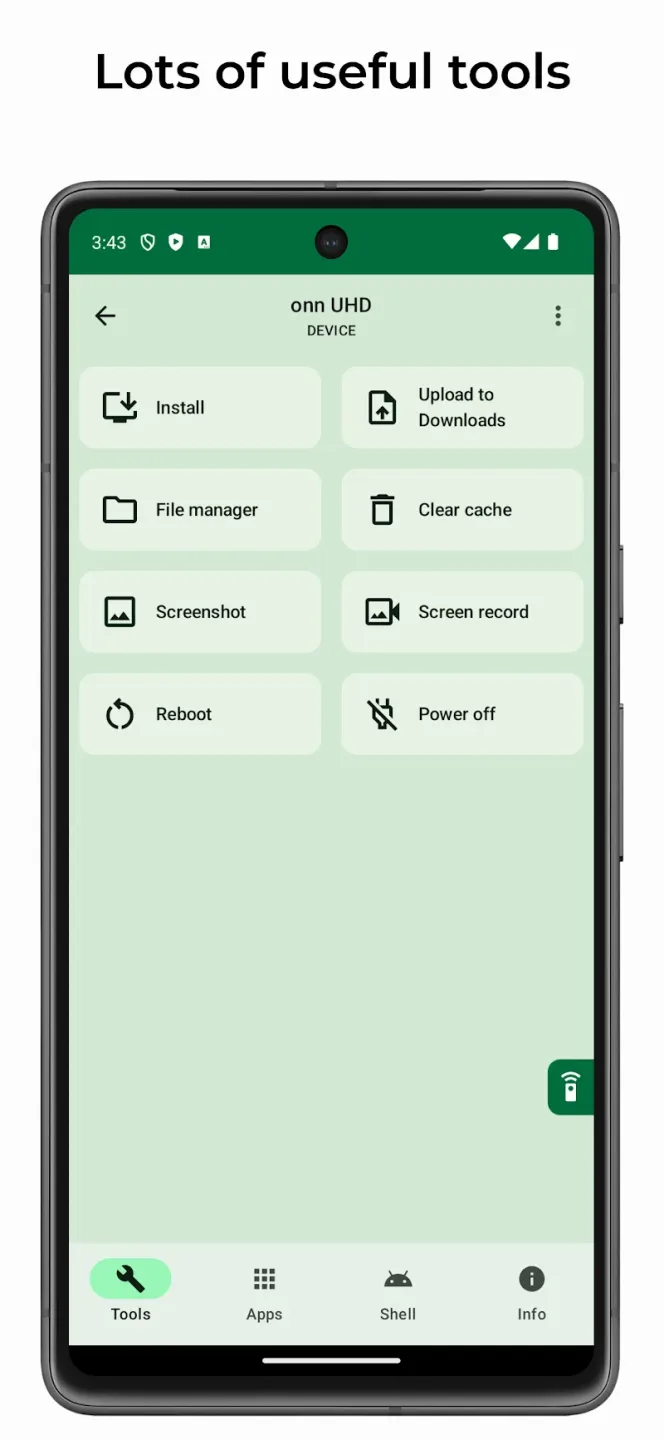
atvTools lets you install apps directly on your Android TV and transfer files between your phone and TV. You can push APK files, copy media files, and organize folders without using a separate file manager on your TV. This simplifies the process of setting up a new device or restoring your favorite app sets.
App Management and Permissions
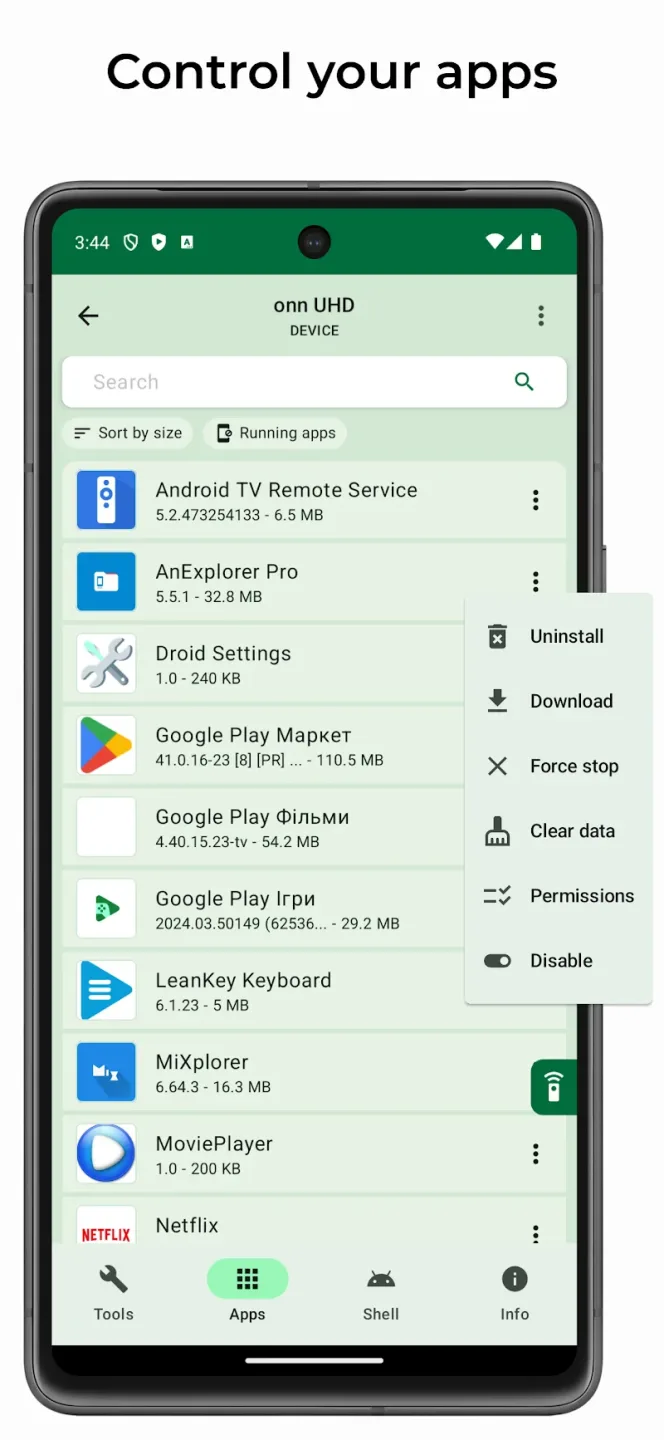
You can open, uninstall, disable, or enable applications and adjust their permissions directly on your phone. atvTools allows you to operate multiple applications much faster than clicking through menus on your TV. These controls ensure consistent settings when you want to clean up the launcher or restrict access.
Remote Control, Mouse, Text Input, and Screenshot
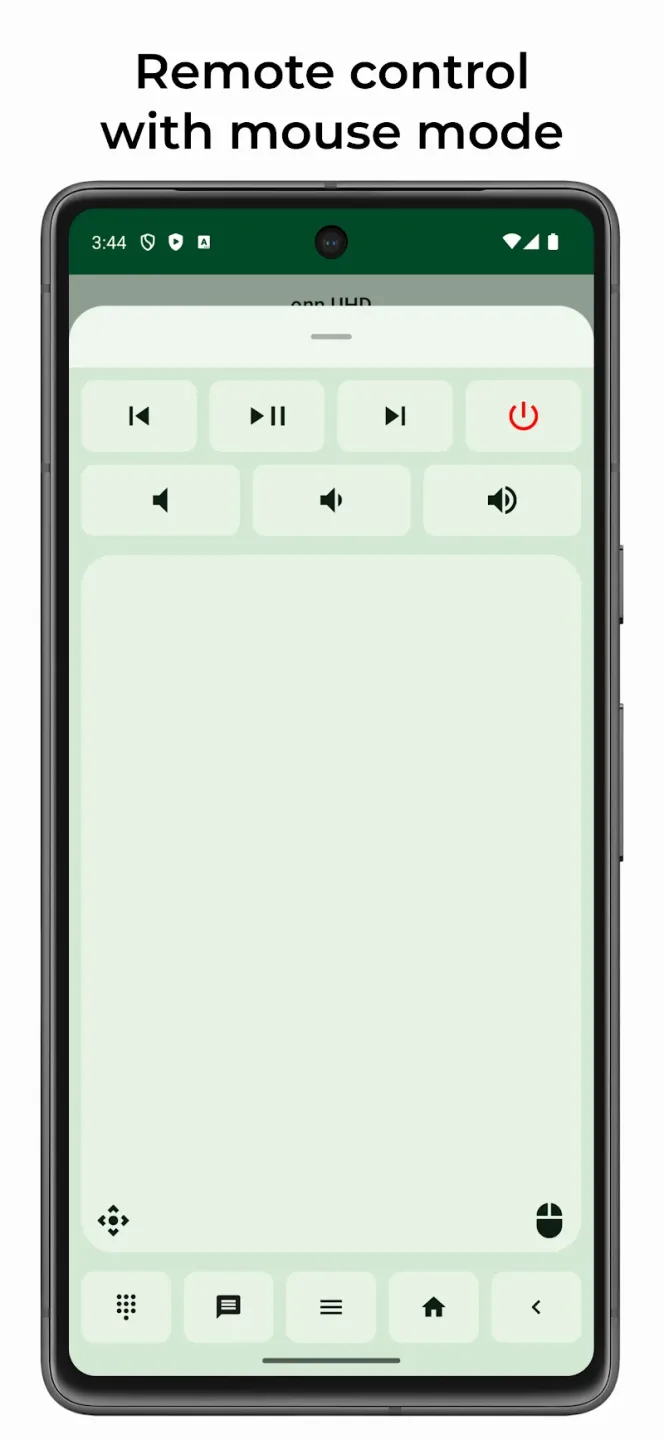
atvTools offers remote control and mouse modes for precise navigation in applications that require pointers. You can paste text from your phone, which is very useful for entering passwords and making search queries. The app also supports screenshots and quick file push, allowing you to easily capture and share content on your TV.
Power and Shell Utilities
With atvTools, you can restart or shut down supported devices with a single click and clear all application caches. Its shell command console supports advanced tuning features, such as disabling pre-installed apps to hide them from the launcher if they cannot be uninstalled. Furthermore, it works seamlessly with tools like tvQuickActions, allowing advanced users to reassign buttons after removing unwanted apps.
Performance and Process Monitoring
atvTools displays CPU, memory, network, and storage status so you can identify bottlenecks early. You can view running processes and force-stop malfunctioning or resource-intensive applications. This helps restore your TV's responsiveness without restarting the entire TV.
Amazing Highlights of atvTools
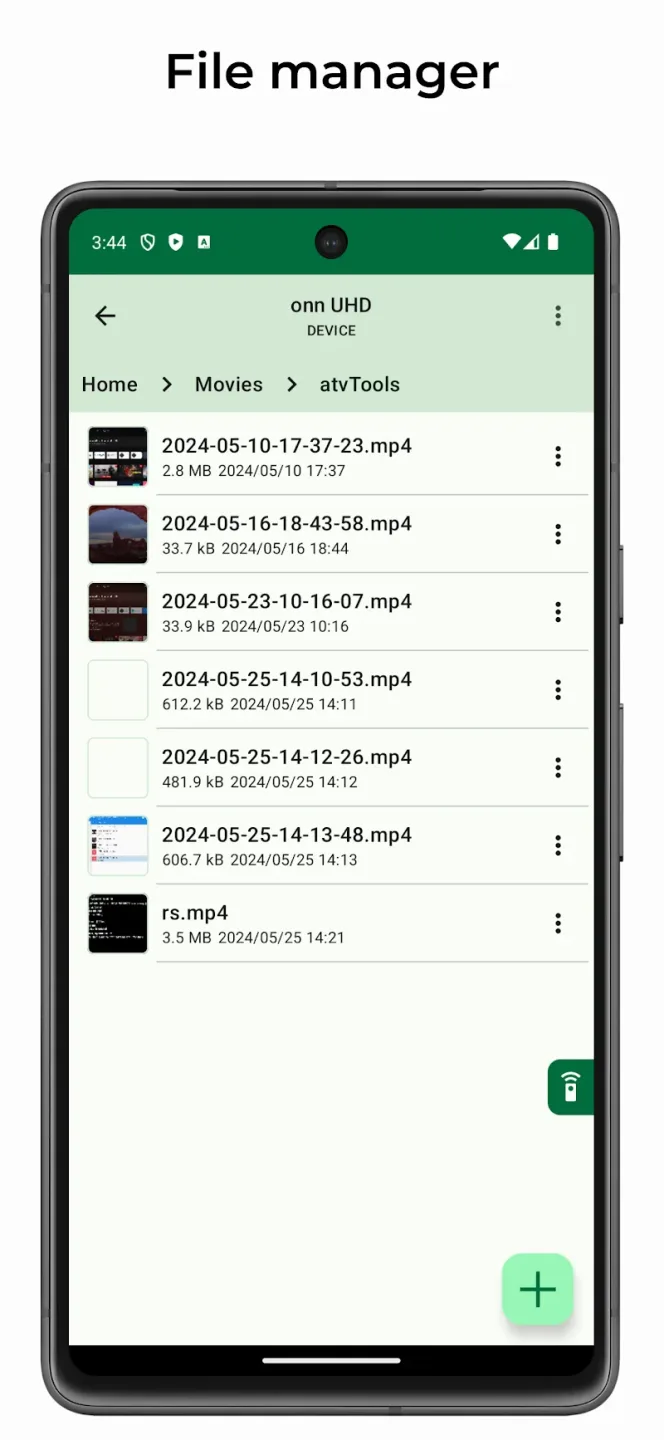
Install (sideload) apps from your smartphone to your TV.
Control your TV apps (including opening, uninstalling, disabling/enabling, and downloading APK files).
Control app permissions (grant/revoke).
Built-in file manager.
Screenshot.
Send files from your phone to your TV.
Control your device using remote and mouse modes within the app.
Paste text from your phone.
Run shell commands.
Clear all app caches with one click.
Reboot and power your TV.
View CPU, memory, network, and storage usage.
View running apps and force-stop them if necessary.
Helpful Tips of atvTools
On your TV, enable developer options and turn on USB debugging or network debugging as needed.
Connect your phone and TV to the same network, or connect your phone to the TV via USB if using a wired connection.
Open atvTools on your phone, follow the prompts to detect the TV, and grant the necessary permissions.
After a successful connection, perform an APK installation or file push to confirm a stable connection.
Then, use application management, remote tools, power options, and monitoring features as needed for daily tasks.
User's Comments of atvTools
Amazing app! it really helped me to gain more ram memory on my devices, I'll leave some suggestions: when you enable a service/app don't go back to the top, stay on that section to keep disabling more, the same should be when you see permissions, it should return to where it was previously, there should be a button to reset all of them or some, thank you for your great work.
My favorite app EVER! A recent software update for Amazon Fire TV Stick removed the option of hiding Amazon apps that couldn't be uninstalled. I only use 2 of the 14 apps/channels. It was bad enough that the other 12 wasted storage space... now, they are wasting screen space, too. But atvTools fixed that. In just a few minutes, those apps were disabled and/or gone. I was happy to buy the developer a Coffee & Dessert! tvDev is my hero!! Thank you!
The application is more than excellent, but I think there is a problem with the mode wireless debug When I activate the mode and connect it to the application, it works well. However, if I restart the Chromecast device, it stops working, and I need to activate it again from developer mode. Is there a solution that makes this wireless debugging situation work continuously, awaiting a response from the developers?
Conclusion
In short, atvTools provides a convenient way to manage Android TV and Google TV directly on your iOS device. With its user-friendly interface and numerous practical functions, this app is undoubtedly ideal for users who want easier daily control of their TV devices. If you are looking for a convenient, simple, and efficient tool, then atvTools is definitely worth a try.








