SNES Emulator is an Android emulator application designed specifically for mobile devices. It offers an intuitive user interface, extremely fast emulation speed, and optimal game compatibility, allowing users to enjoy a wide variety of Nintendo games. With SNES Emulator, you can enjoy GPU-accelerated PPU core functions, support high-resolution Mode 7 mode, and experience a smooth gaming experience. Simply scan your phone to easily find and play your favorite SENS games, while also supporting useful features such as fast forward, rewind, save, quick load, cheat codes, auto-save history, and bookmarks.
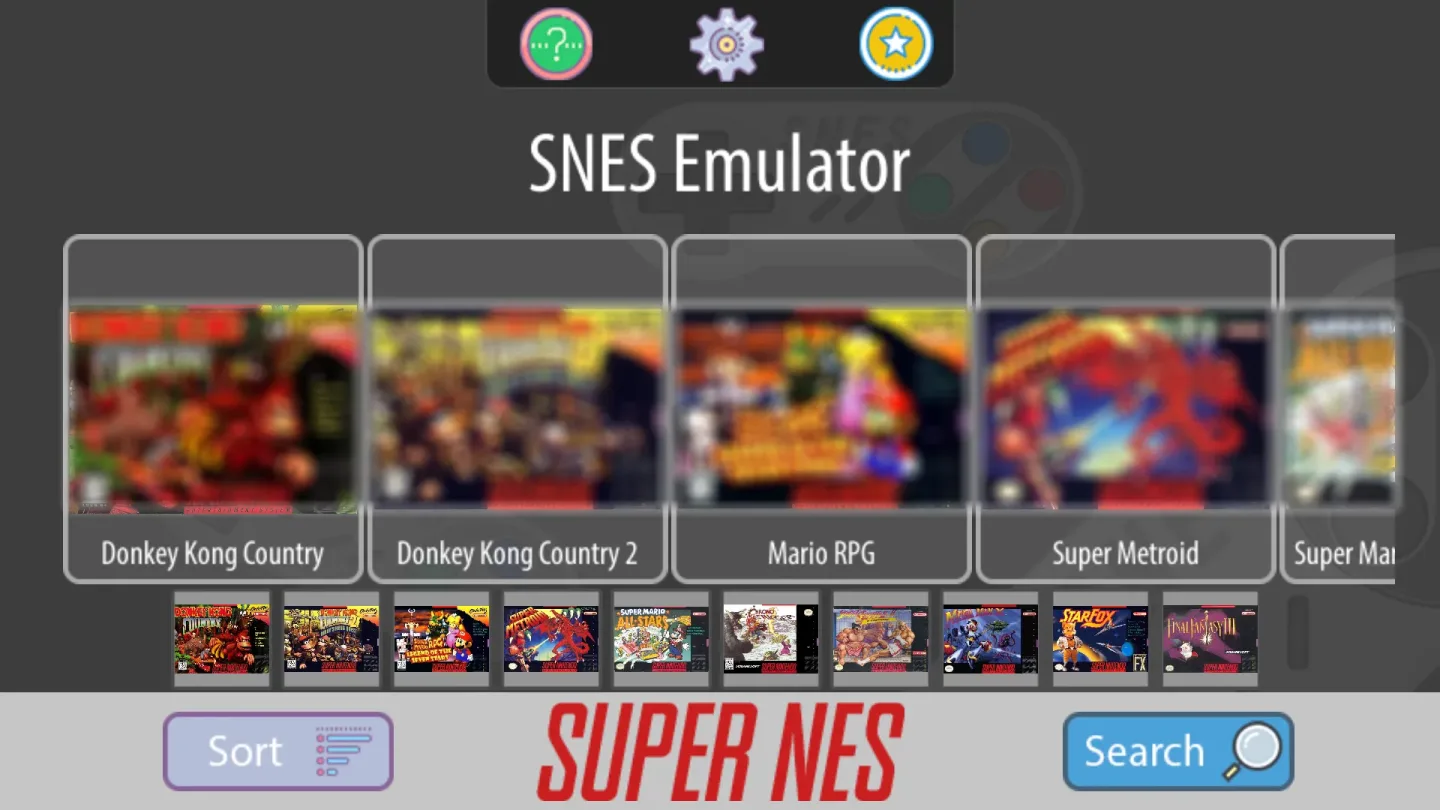
Highlights:
- Free SNES Games
- Add more games
- Search new games
- Save load game
- Resume game anytime
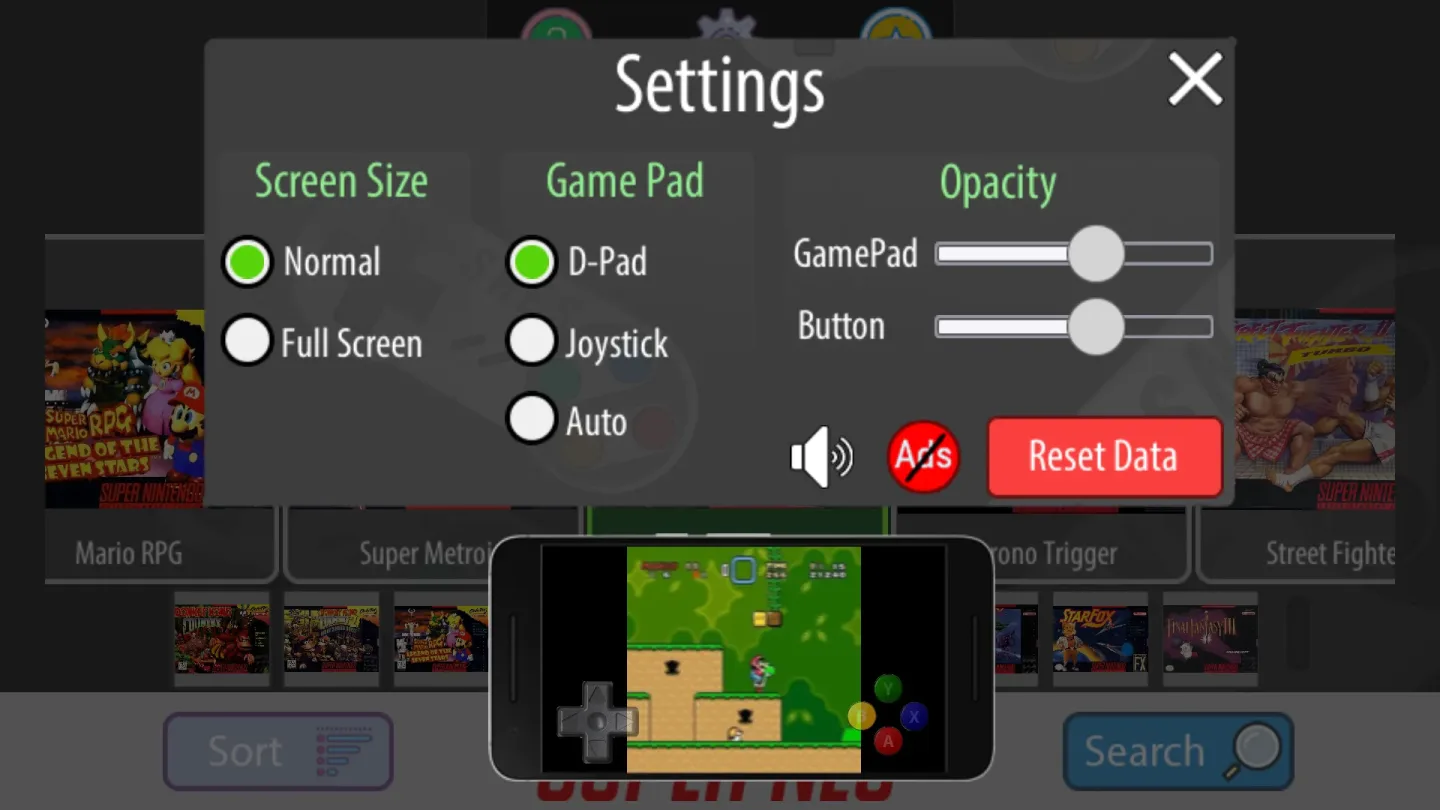
- Customize controller
- Download more game
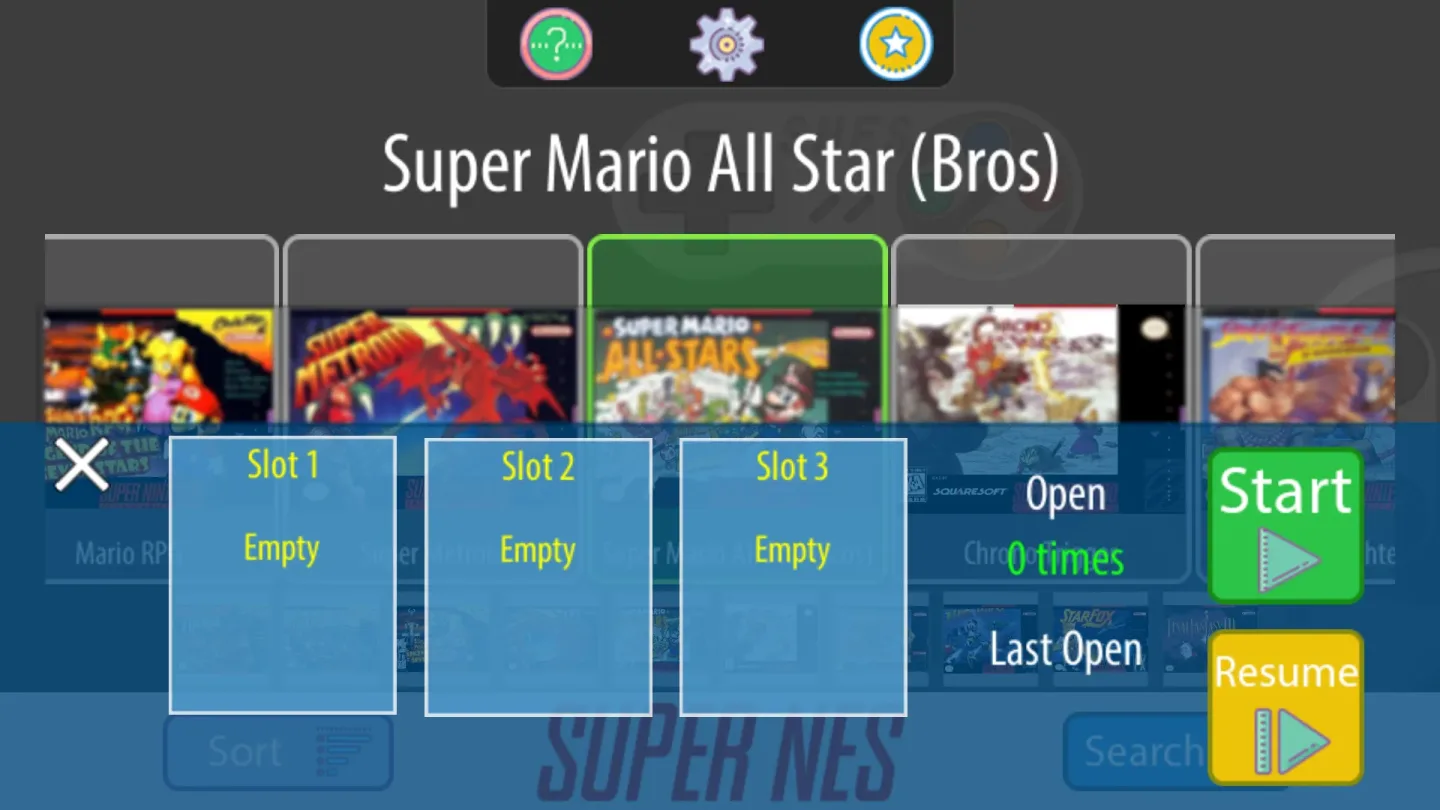
Features:
Wide ROM and archive support
Snes9x EX+ reads standard Super Nintendo formats such as .smc and .sfc. It also opens games stored inside ZIP, RAR, and 7Z archives, which can reduce the need to unpack files on your device. This flexibility helps you keep collections organized while still loading titles directly from storage.
Cheat code compatibility with .cht files
You can use cheat files in the .cht format to modify gameplay where supported. Snes9x EX+ recognizes these files so you can apply codes without extra converters. This gives users a simple path to adjust difficulty or experiment with game behavior.
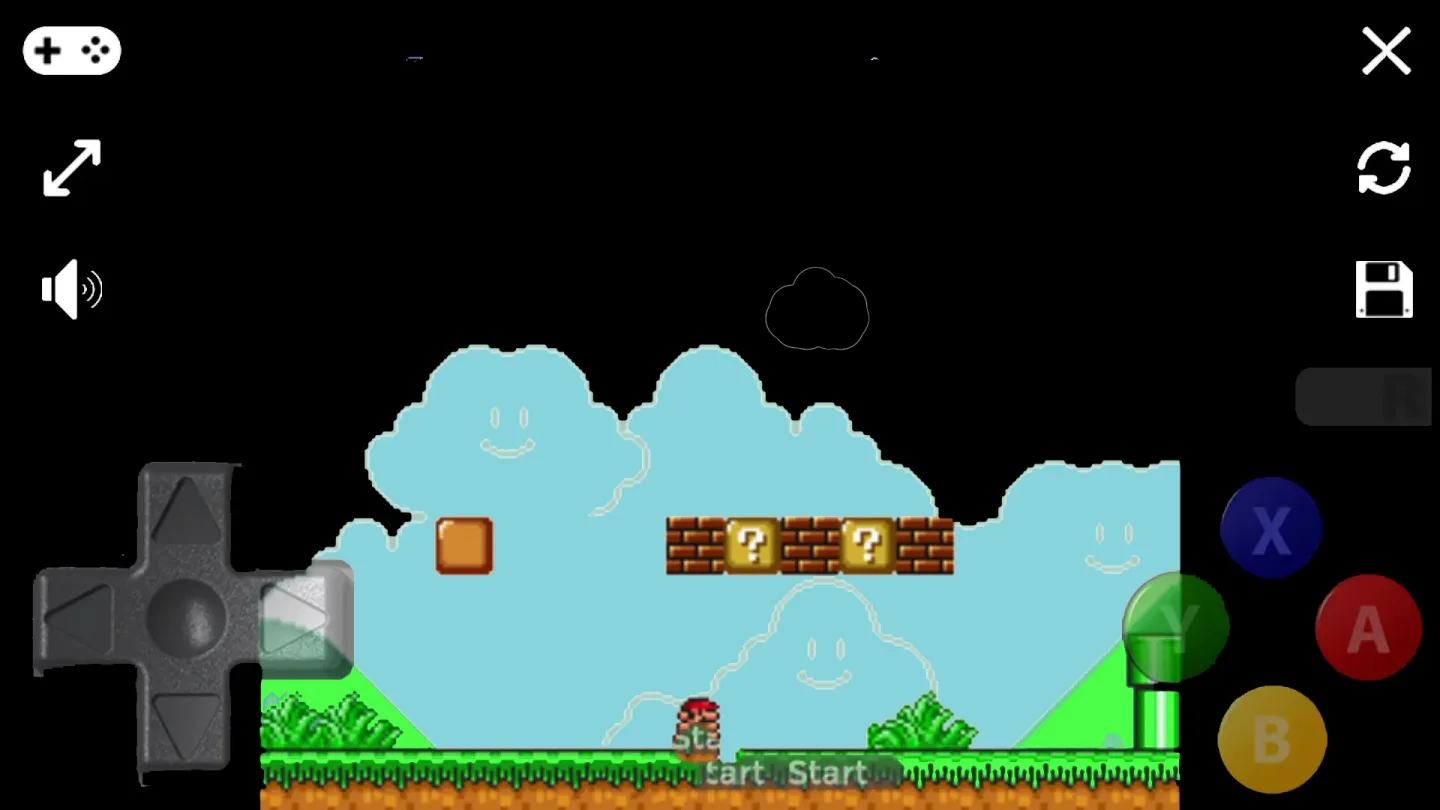
Configurable on screen controls and hardware input
You decide how to play. Adjust on screen buttons to match your layout, or connect a Bluetooth or USB gamepad and keyboard that Android recognizes as a standard HID device. Popular controllers such as Xbox and PS4 gamepads typically work when properly paired or connected through the system.
File access through Android’s Storage Access Framework
Snes9x EX+ uses the built in file picker on Android so you can browse and open content from internal memory, SD cards, and USB drives. This approach keeps storage access consistent across different devices and brands. It also means you can move ROM backups between locations without changing how you load them.
Minimalist interface and low latency focus
The app centers on responsive input and a clean layout so play feels direct and uncluttered. Menus and overlays stay simple to keep attention on the game screen. By keeping overhead low, Snes9x EX+ helps maintain consistent performance across a wide range of Android hardware.
FAQs:
What is SNES Emulator used for?
SNES Emulator is used to play SNES ROMs on Android devices through a GPU-powered emulator with save states, rewind, cheats, and quick loading.
Does SNES Emulator include SNES games?
No. SNES Emulator does not include ROMs or copyrighted game data. Users need to provide their own ROM files.
What features does SNES Emulator offer?
SNES Emulator includes fast forward, rewind, save states, auto-save history, bookmarks, cheat codes, high-resolution Mode 7, and visual upgrades for supported games.
Who should use SNES Emulator?
SNES Emulator is a good fit for retro players, SNES fans, and Android users who want emulator tools like rewind, save states, cheats, and sharper visuals.
Conclusion:
SNES Emulator is a premier app for playing SNES games on your phone. It offers the fastest emulation with excellent game compatibility, allowing users to easily locate and play their favorite titles. The app has a user-friendly interface and supports features like Chromecast streaming and cloud syncing for seamless gameplay across multiple devices. With the added bonus of thousands of cheat codes, this app provides an immersive and enjoyable gaming experience.