
Google Drive is an excellent file management and writing application. It offers comprehensive security features to ensure your files are safe and secure, and can be easily accessed anytime, anywhere, on any device. With Google Drive, you can securely store, organize, and easily share files, enjoying seamless workflow. You can easily edit and store all types of files available, from PDFs to video files. Furthermore, the application provides a smart search function, allowing you to quickly find files by name, content, type, or modification date.
Highlights:
Store and sync across devices
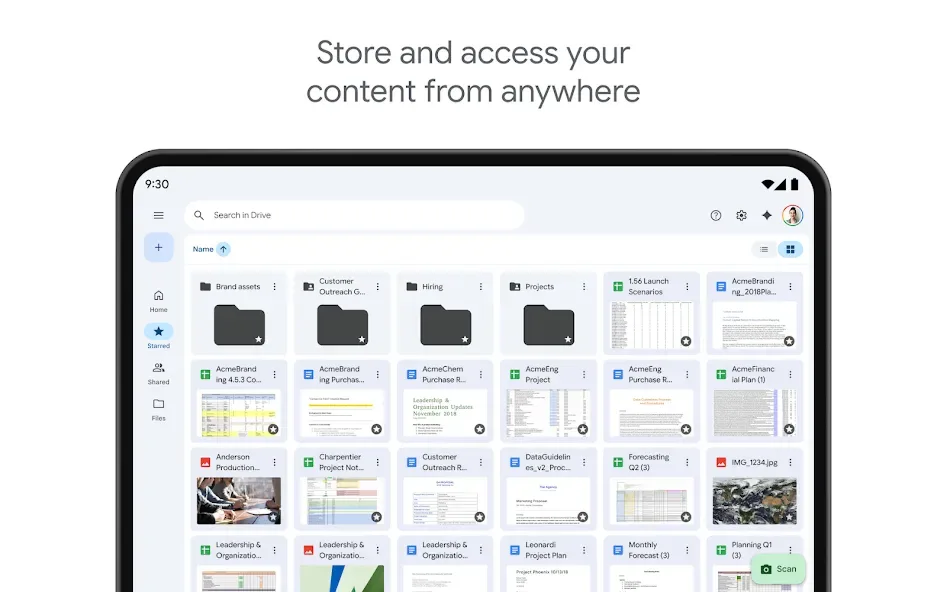
Google Drive keeps your files in cloud storage linked to your Google Account. Upload from your phone and see the same content on a tablet or a computer without extra steps. You can also mark selected items for offline access so important files open even without a connection.
Work with many file types
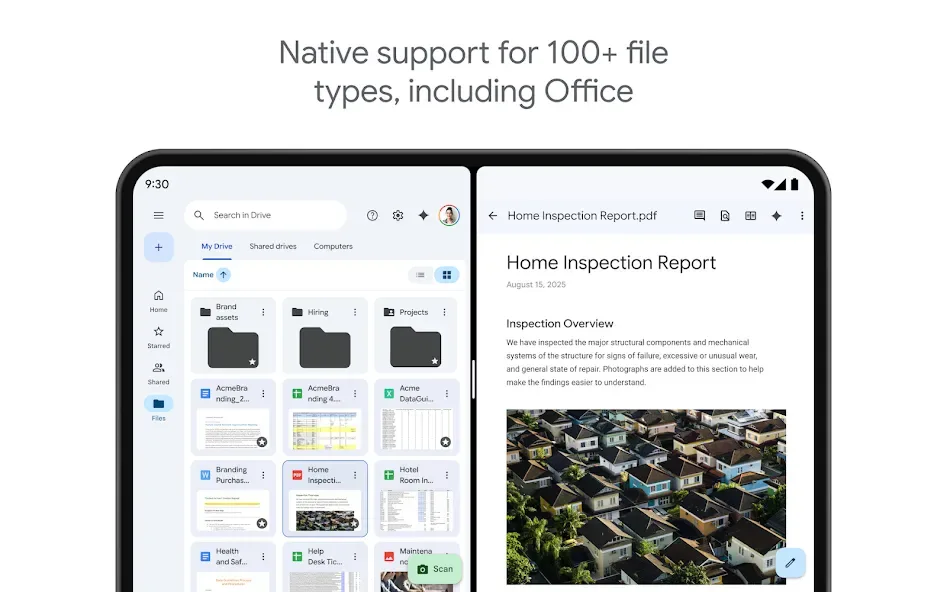
You can open and edit Google Docs, Sheets, and Slides inside the app. Microsoft Word, Excel, and PowerPoint files open without converting and keep their formatting for clean edits. You can add notes or drawings to PDFs with simple markup tools when quick feedback is needed.
Find files quickly
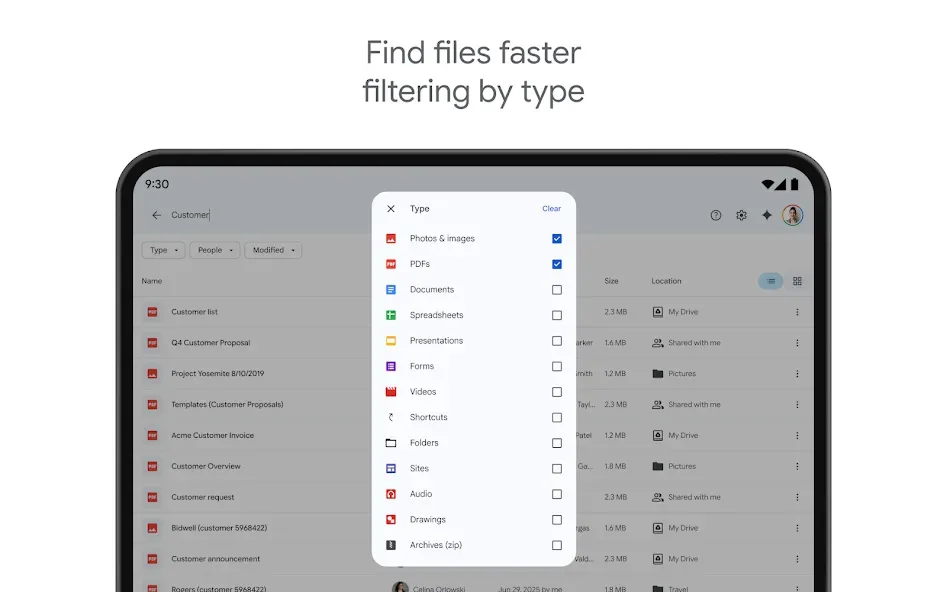
Google Drive includes AI powered search with filters for file type, owner, and time to narrow results. Quick Access surfaces recent and important items at the top so you can jump back to ongoing work. You can also save email attachments from Gmail into your storage to keep everything in one place.
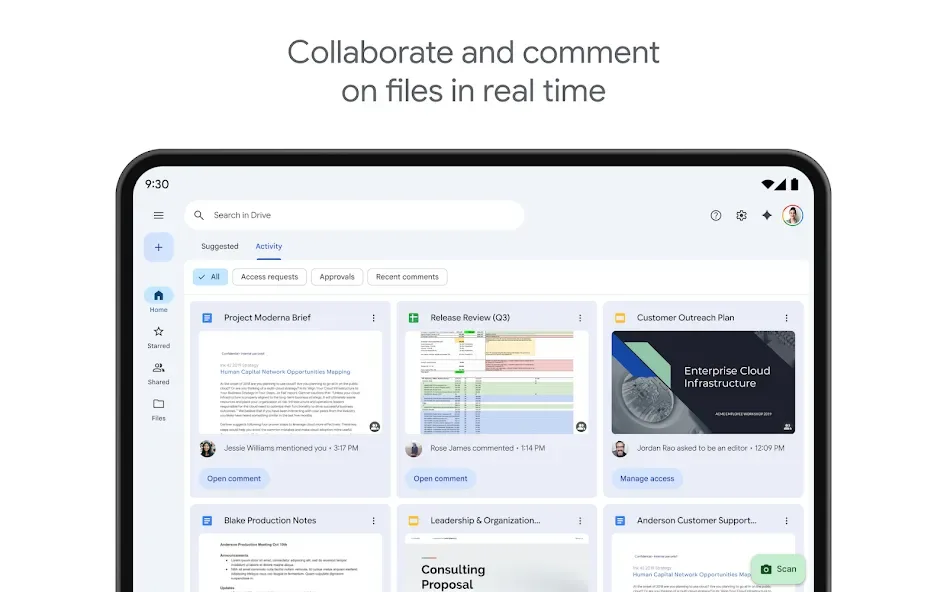
Share and collaborate in real time
You control view, comment, and edit permissions for each file or folder and can change them at any time. When collaborators make updates, you see changes and can receive activity notifications to stay informed. Teams on Google Workspace can use shared drives to keep work files together, and some plans include Gemini in Drive for summaries, e signatures, an activity view, and integrations with tools like Slack and Zoom.
Scan and mark up on mobile
Use your phone camera to scan paper documents into searchable PDFs that are easy to store. You can draw or comment on PDFs to highlight details or confirm changes. On Android tablets, split view and drag and drop help you move files into folders or attach them in other apps without switching screens.
Features:
Google Drive for Desktop enables synchronization between files saved on the machine you have installed the application and the Drive itself. Therefore, you can open and save items from Drive in the same method you would use to save a file to your computer, only now you can access it anywhere.
With Google Drive for Desktop, you no longer need to navigate to Drive's URLto access files. Google Drive for Desktop acts as a location on your machine to save files, which will be synced on Drive.
Google Drive for Desktop is issued with the Google Docs Editors suite, offering Google Docs for written documents, Google Slides for compelling visual documents, and Google Sheets for spreadsheets, all of which have become top competitors for other standard issue administrative software packages.
Beyond the range of software available, users can collaborate simultaneously, enabling co-workers to edit a document as it is created or track changes for future edits.
Sharing permissions enable groups to give access to specific users, editors, or viewers or allow access to anyone with a shareable link.
FAQs:
Is My Data Secure on Google Drive?
Yes, Google Drive uses advanced security measures to keep your files safe and protected.
Can I Access My Files Offline?
Yes, you can view your content on the go while offline, making it convenient for when you don't have an internet connection.
How Can I Collaborate with Others on Drive?
You can easily share files and folders with others and set permissions for who can view and edit them.
Final Words:
Download the Google Drive APK if you generally use Google services, because thanks to this app you can conveniently access a host of personal and shared files stored in the cloud. You can back up all your important documents from your Android device with a single tap. And, even better, you can then easily view them in the cloud from any other device.








