

Screen Recorder & Quick Capture with audio This is a screen recording software. The interface is clear and straightforward, with no ads, making it easy and convenient for users to use and providing a good user experience. This software can not only record the screen but also capture animated photos. Users can choose from multiple languages. Furthermore, this software is compatible with most other devices, offering diverse options. Users can also edit the captured or recorded content and add watermarks. It also has low memory usage, making it suitable for most users.
Features
Effortless Screen Recording:
With Screen Recorder Video Recorder, you can record your screen and capture screenshots with stunning HD with smooth, high-quality video. Customize settings to fit your needs or use our adaptive settings for perfect video recording every time.
Built-in Powerful Video Editor:
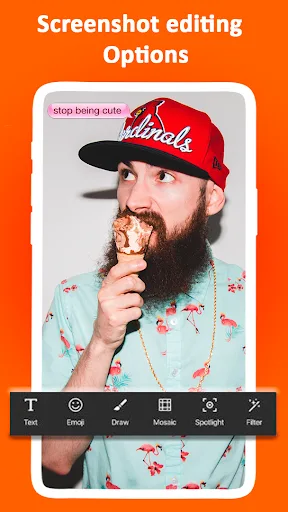
Don't wait! Edit your recordings right after capturing them. Trim to highlight key moments, crop unwanted video sections, and rotate the recordings for the perfect orientation. Then, share it directly on YouTube!
Intuitive Screen Recording Floating Control:
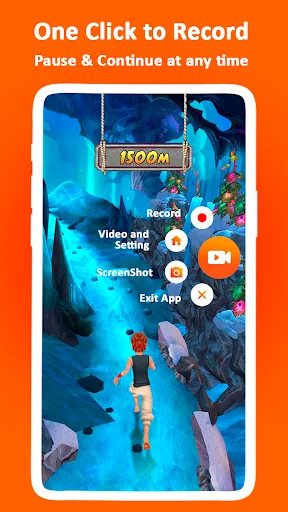
No need to fumble with menus. This screen recording app uses a simple floating button for one-tap control. Start, pause, resume, or take screenshots while recording with a single touch. Hide it when not in use for a smooth experience.
Engage Your Audience While Recording:
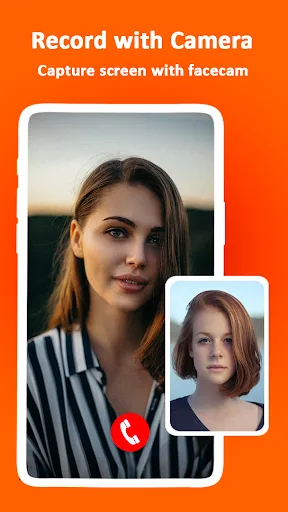
Open the facecam and show your face on the screen for engaging tutorials, gameplay videos, and presentations. Real reactions and expressions make your videos more interesting and entertaining.
Screen Recorder with Brush:
Explain concepts in a snap with the on-screen brush tool. Combined with the face cam, you can visually interact with viewers and keep them engaged with the screen recording. This is perfect for creating effective lessons and clear tutorials.
Record and Share Your Masterpieces:
Easily capture, annotate, and share your high-quality screen recordings with friends and colleagues.
Highlights
Free, NO watermark, NO root needed, NO time limit screen recorder.
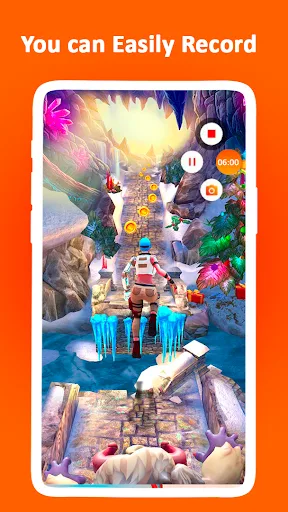
All screen record support: gameplay, video call, live stream, or tutorials.
Record with high quality: 1080P, 16Mbps, 120FPS
Record with audio: Screen recorder with internal and external audio
Trim, Crop and Rotate: finish video record, edit, and share right within the app
Floating ball: One tap to start/ pause/ resume screen recording
Facecam: show your face in the video to record reactions
Brush: draw on the screen to customize your video
Gesture control: quickly stop, pause, resume, and take screenshots, etc.
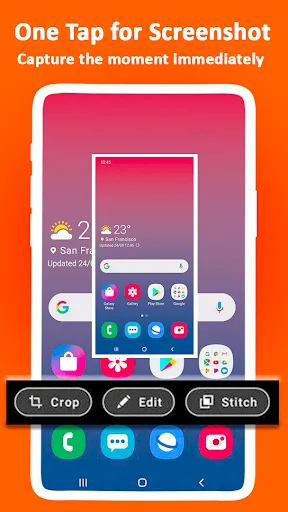
No worry about the pop-up notification after screenshots
More user-friendly functions: orientation selection, countdown
Simple and useful video editor
Easy sharing for screen record
User comments
I don't know what happened but the videos I have been recording are being muted. It's been set on device audio. But whenever I record a video, it says " this video has no sound". EDIT: My problem has been solved. Now I can record in both Device Audio & Microphone. Thank U for your cooperation.
I love the app, it's great for screen recordings.But for some reason around the one minute and twenty mark , my screen recordings keep on ending automatically. I'm not even touching anything whenever I'm just trying to get into a game. It just stops I don't know why please fix it. But other than that, it's a good screen recording app.
recording came out nice, 2nd time is being a little difficult,but maybe is my phone.i will be back after a couple more videos & update :)no it didn't crash ,not sure what is wrong 1st one is great, I think something on my phone is interfering. so I'll be back I would have just waited to review until I figured it out, but app kept asking if I would review & I didn't want to seem ungrateful
Advantages and disadvantages
Pros
No in-app advertisements are included
Supports a handful of basic editing options
Very little hard drive memory is required
Provides support for numerous languages
Cons
Permissions might be required to activate this app on certain devices
Recorded videos cannot be compressed
Files may be deleted on occasion for no apparent reason
The editing tools can be somewhat difficult to use
Conclusion
In addition to its recording capabilities, the application includes editing tools that allow users to trim, merge, and annotate their videos before sharing them on social media or other platforms. The intuitive interface ensures that both novice and experienced users can navigate the app with ease. With its free access, Screen Recorder - Audio, Record, Capture, Edit stands out as a practical choice for those looking to create engaging video content directly from their Android devices.








