

OneTouch TV is a video streaming app that offers users the latest hit TV series, movies, and television programs. Whether you want to find the newest episodes, look up cast members, or read plot summaries, this app helps you access the content you love. It features a clean interface with comprehensive categories and navigation, as well as subtitle support to enhance your viewing experience. Best of all, everything is free to watch, making it the perfect choice for your leisure-time entertainment.
Function
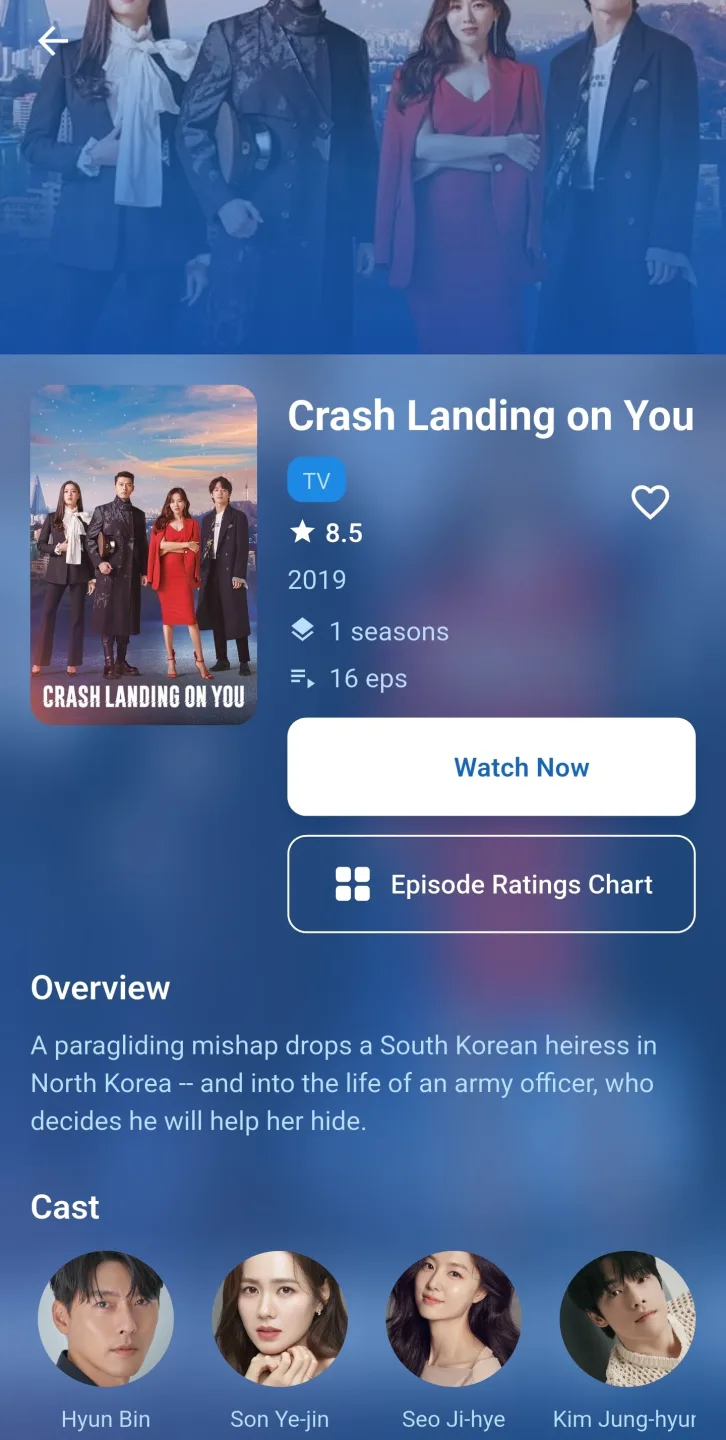
Discover popular TV series, movies, and TV shows
View detailed information and synopses
Explore cast, crew, and production details
View ratings, genres, and release information
Find trending and upcoming entertainment
Easy search and quick navigation experience
Regularly updated entertainment database
Simple and user-friendly interface
Features
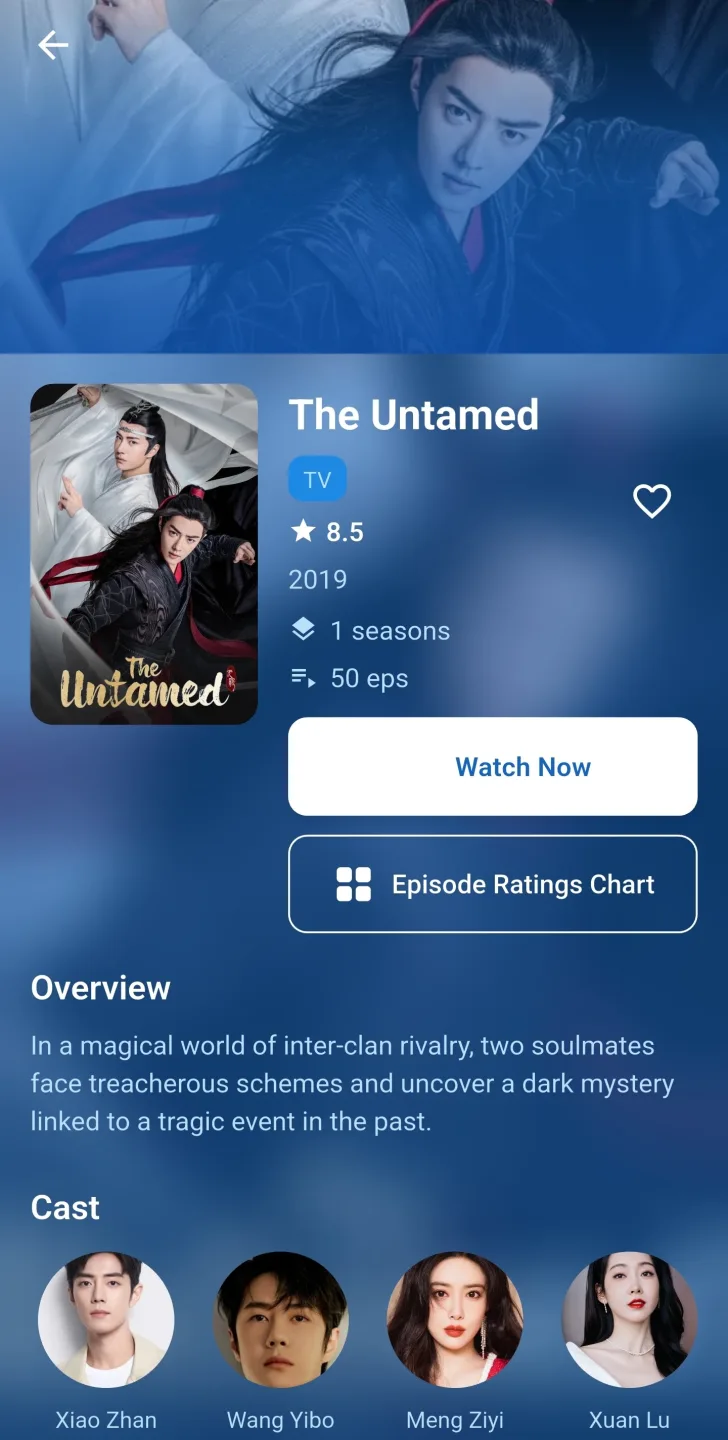
It focuses on Asian entertainment content, including dramas, movies, and variety shows from countries like South Korea, China, Japan, and Thailand. As a central platform, the app allows users to browse and watch content without switching between multiple platforms.
The app's main purpose is simple: to quickly and easily watch popular dramas with subtitles. Many users use it to watch Korean or Chinese dramas that are hard to find elsewhere. The clear categorization of dramas makes it easy for users to find what they want to watch or continue watching without confusion. It's designed for drama buffs, allowing them to get the latest plot updates immediately.
The navigation is very convenient. Programs are grouped by genre, country/region, or popularity, which is very useful when you don't know what to watch next. In addition, it features a quick search tool and a favorites list function, allowing you to save programs for later viewing. These thoughtful details make daily use smoother, especially when switching between multiple dramas.
Subtitles are a major highlight. Subtitles display quickly and are usually well synchronized with the video. This is crucial for viewers who rely on English translations. Furthermore, the video playback quality is very flexible; users can adjust it according to their network speed, reducing buffering.
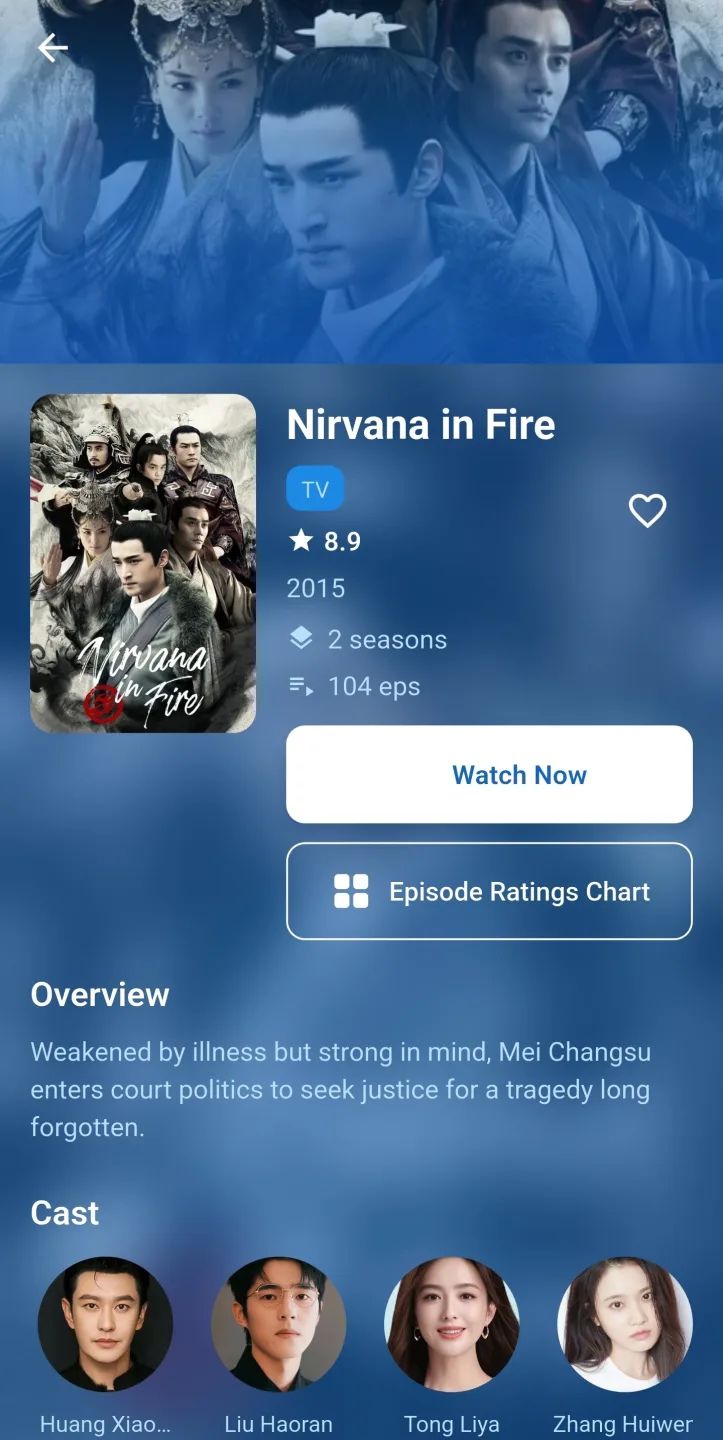
This app has several notable advantages. It's free, easy to install, and has a clean, intuitive menu that won't overwhelm users. It also includes basic social features such as ratings and comments, allowing viewers to share their opinions or see feedback before watching shows. For fans who like to stay up-to-date with the latest episodes, this app is incredibly convenient.
However, it also has some limitations. Because the content comes from external sources, availability is subject to change without notice. Video quality may vary depending on the source, and ads may occasionally appear. Furthermore, it doesn't offer the official licensing or stability of mainstream streaming platforms.
Advantages
Compatible Device Version
An old version of the device can cause many problems. So an updated version can solve many problems. The installation of the app should be without any problems.App Troubleshooting Guide
Active Internet Connection
A stable internet and Wi-Fi connection are required to use and download this application, so that the file can be downloaded without interruption and you can enjoy your favourite content.
Available Storage Space
The OneTouch TV APK file does not require much space; it is only 100.57 MB. Therefore, you do not need to have this much space. With storage, you can easily install new updates that make the app even better.
Permission Settings Enabled
Before the download process, allow unknown sources in the settings. This option will not cause any difficulty in installing the APK file for users.
HOW TO USE
Step 1: Download the OneTouch TV APK
To get the latest version of the APK file, please visit the official OneTouch TV APK website.
Click the download button to download the APK file.
Step 2: Enable "Install Unknown Sources Apps"
Go to "Settings" > "Security" > "Unknown Sources" and enable it.
This allows the installation of apps from third-party sources.
Step 3: Install the OneTouch TV APK File
Once the download is complete, click the APK file to start the installation.
Accept the prompts to install unknown apps and continue.
Step 4: Launch the Application
Now you can open the OneTouch TV app from the app drawer and start browsing your favorite content.
Summarize
OneTouch TV is the ideal streaming solution for your Android device. It offers a rich library of live TV channels, movies, and shows, all completely free. It boasts a user-friendly interface, HD streaming options, and compatibility with multiple devices. This app provides unlimited entertainment content across the streaming realm, allowing you to enjoy endless entertainment experiences tailored to your personal preferences. Its modern design and layout deliver a smooth viewing experience. Hopefully, you have successfully installed the app on your device without encountering any errors or problems








