

Whatscan for Whatsapp Web is an auxiliary software based on the WhatsApp app. It enables fast downloading of dynamic media. The software interface is simple and clear, allowing users to easily navigate upon opening the software. It supports batch saving of media content, direct chatting, downloading chat history, logging into multiple accounts on one device, automatic saving of cookies for automatic login, and access to the page by scanning a QR code. It provides convenient uses for communication and media creation.
Function
Overview of Whats Web - Whatscan web
Whats Web - Whatscan web stands out as a practical utility for Android devices, tailored for users who want to manage WhatsApp content efficiently. This app lets users download and save WhatsApp statuses—images, videos, and text stories—shared by their contacts, allowing them to store memorable moments and revisit them at any time.
User Interface and Experience
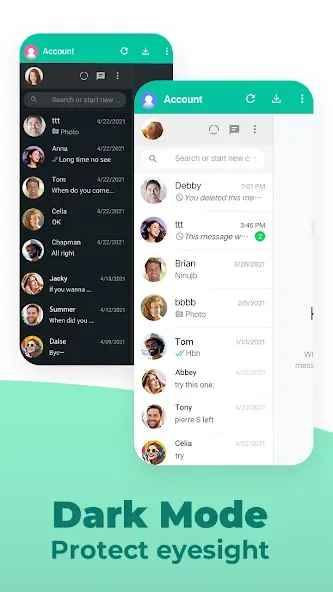
The interface emphasizes clarity and accessibility. Navigation is straightforward, thanks to a clean layout and intuitive controls. Statuses from the WhatsApp app are displayed in an organized manner, making it simple to view, select, and download preferred content with just a few taps. This ease of use is ideal for users who value simplicity in their daily apps.
Status Download and Management Features
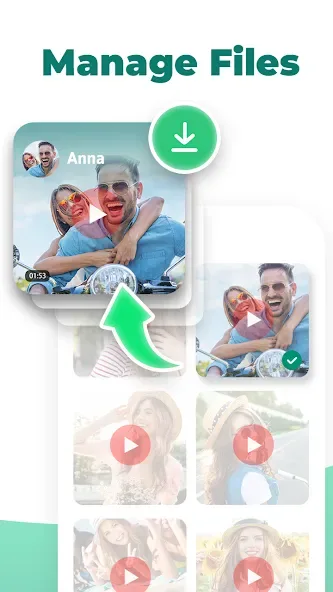
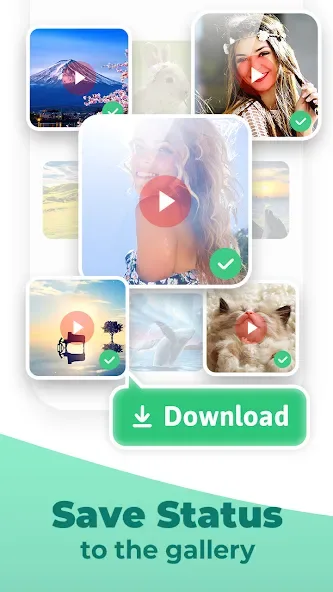
Whats Web - Whatscan web’s primary feature is status downloading. Upon accessing the app, users can browse through the latest WhatsApp stories posted by their contacts. Downloading is quick, with statuses saved directly to the device’s storage, grouped for easy retrieval. There is also an integrated gallery, so all saved content can be reviewed within the app without needing third-party file managers.
Some versions of the app provide batch saving, allowing users to download multiple statuses at once, further streamlining the process. Additionally, the app supports a sharing feature, making it convenient to repost favorite statuses or send them via other messaging platforms or social networks.
Features
Use a QR Code on a Web Page to Clone an Account
Support Android Pad
Status Saver
Direct Chat
Simultaneous Multi Accounts Login
Password & Fingerprint Lock
Adapt to Mobile Phone interface
Fast and Stable Connection
Support Downloading Chat Files
Support Horizontal and Vertical Screen Switching
Advantages
Run Two WhatsApp Accounts On One Device For Free!
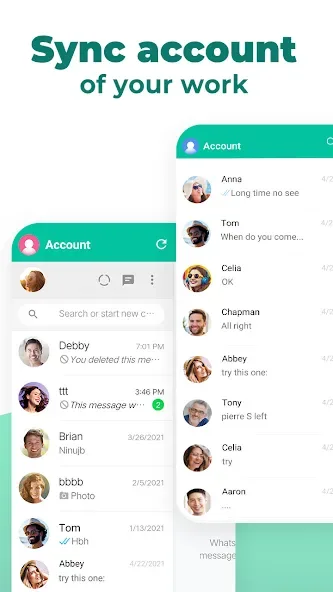
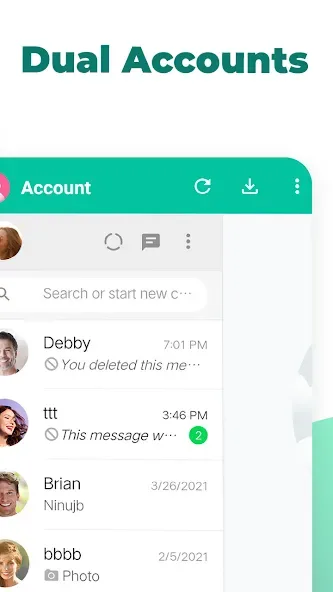
Whatscan for Whatsapp Web is an APK that lets you use WhatApp on your mobile divide, computer or laptop. Usually, you may only use one WhatsApp account per device, but this app allows you to use two at the same time.
A simple way to lead a double life
The main and only function of this app is to allow people to run two different WhatsApp accounts on one device. Whatscan for Whatsapp Web is for anyone who uses WhatsApp on their phone, it will help everyone who has a computer, internet and Wi-Fi to get the information off their WhatApp phone fast, they will not have to connect their phone to a USB port by using this APK.
Advantages and disadvantages
Pros
Makes getting information off your WhatsApp easier
It notifies you when someone has messaged you
It logs you in automatically to the computer
Tells you when you phone battery is running out
Cons
Won’t work if you don’t have data or Wi-Fi
WhatsApp won’t work at all if the mobile battery is dead
Summarize
In summary, Whatscan for Whatsapp Web offers a range of features that enhance the WhatsApp experience for Android users. With its dual chat capability, QR code and barcode scanning, story-saving options, and user-friendly interface, the app serves as a comprehensive tool for managing multiple accounts. Whether for personal or professional use, Whatscan for Whatsapp Web provides a practical solution for efficient communication and organization.








