
Geode is a full-featured open-source framework. This application boasts a rich collection of popular mods, designed to simplify the creation and installation of Geometry Dash mods. It allows users to add new features, tweak gameplay, or add extra visual elements without manually modifying the game's APK file. With Geode, you can enjoy the full game and integrate various community-developed mods to expand game functionality and enhance your gaming experience. Additionally, the application provides developer tools and UI components that help users clearly understand and utilize its features.
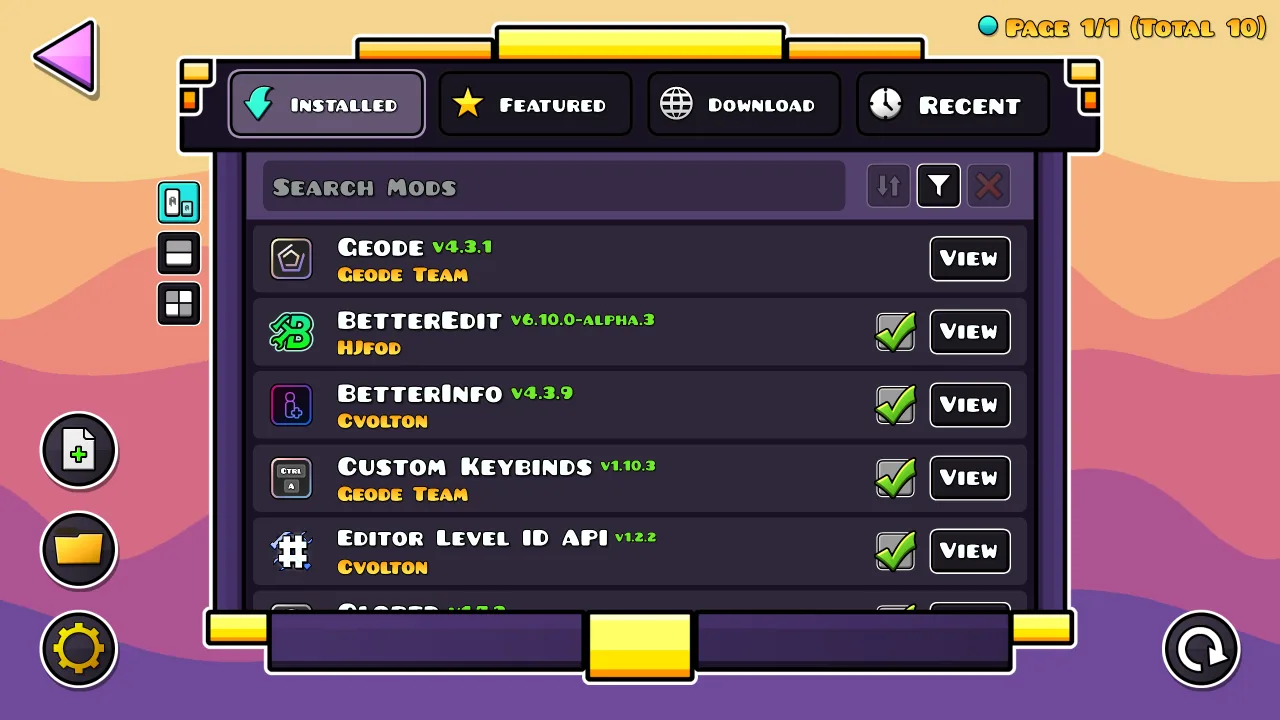
Highlights:
Compatibility with the official version of Geometry Dash on Android.
Installation and management of MODs from a unified interface.
Reduction of risks by avoiding direct modifications to the APK.
Activation of MODs in a simpler and faster way.
Seamless integration with the game without affecting performance.
Enable or disable MODs without reinstalling the game.
Features:
In game mod browsing on Android
Geode adds an in game list for finding and installing Geometry Dash mods on Android. You choose mods directly while playing, without switching to external tools. This keeps setup simple and reduces interruptions.
Cross platform support
Beyond Android, Geode supports Windows, macOS, and iOS as well. This helps when you play on different devices, as mod management follows the same approach. It also encourages mod authors to publish builds that reach more users.
Developer focused tools
These resources reduce repetitive work, so you can focus on mod logic and testing. Geode is open source, so developers can review code and contribute improvements.
Community and mod catalog
The Geode community includes active players and modders. You can browse a wide range of mods and see new ideas suggested regularly. This ongoing activity helps users discover content that fits different play styles.
Tips for Users:
First, make sure the latest version of Geometry Dash is installed on your device.
Download and install the Geode APK file.
Open Geode and tap the Launch button in the main menu.
Geometry Dash will start automatically.
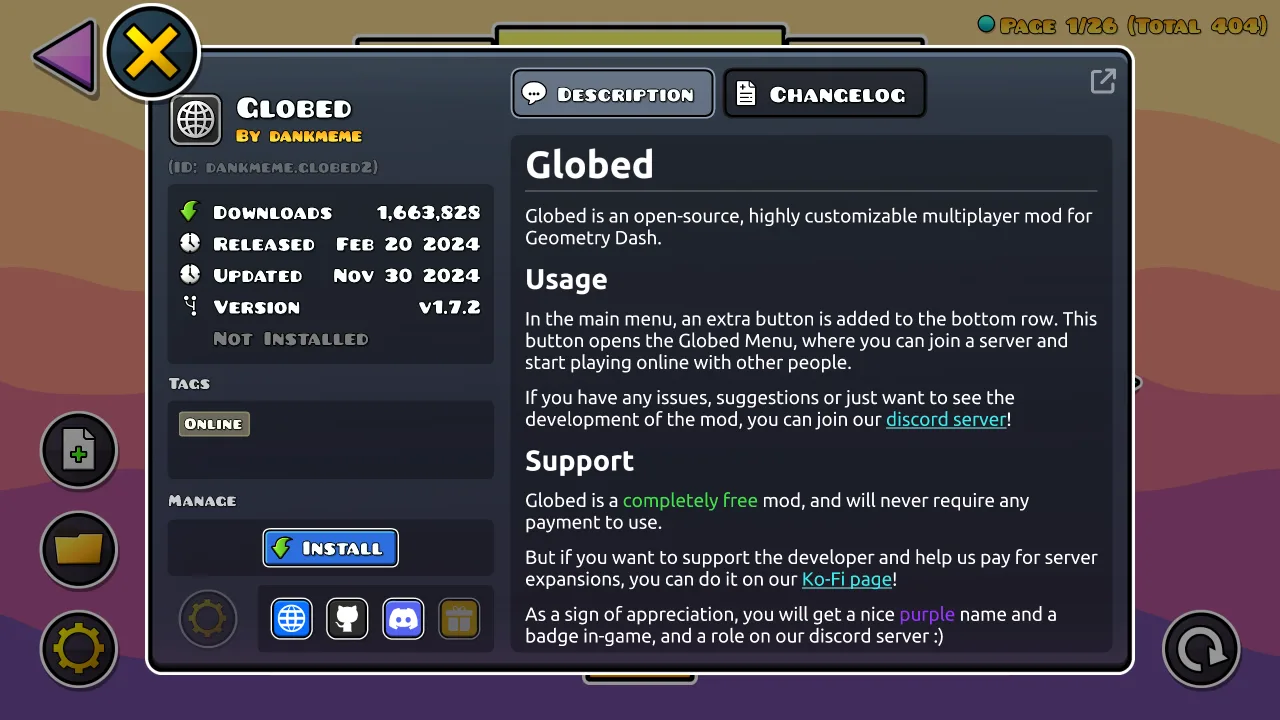
In the game’s main menu, tap the new Geode icon to open the list of available mods and add-ons.
Go to the Featured tab to browse popular and available modifications.
Tap Get to view detailed information about a selected mod.
Press Install, then restart the game to apply the changes.
Final Words:
In conclusion, when you download Geode Android for free offers a safe and organized way to experiment with MODs in Geometry Dash, eliminating technical barriers. Therefore, it is an ideal tool for customizing the gaming experience without compromising stability.








