

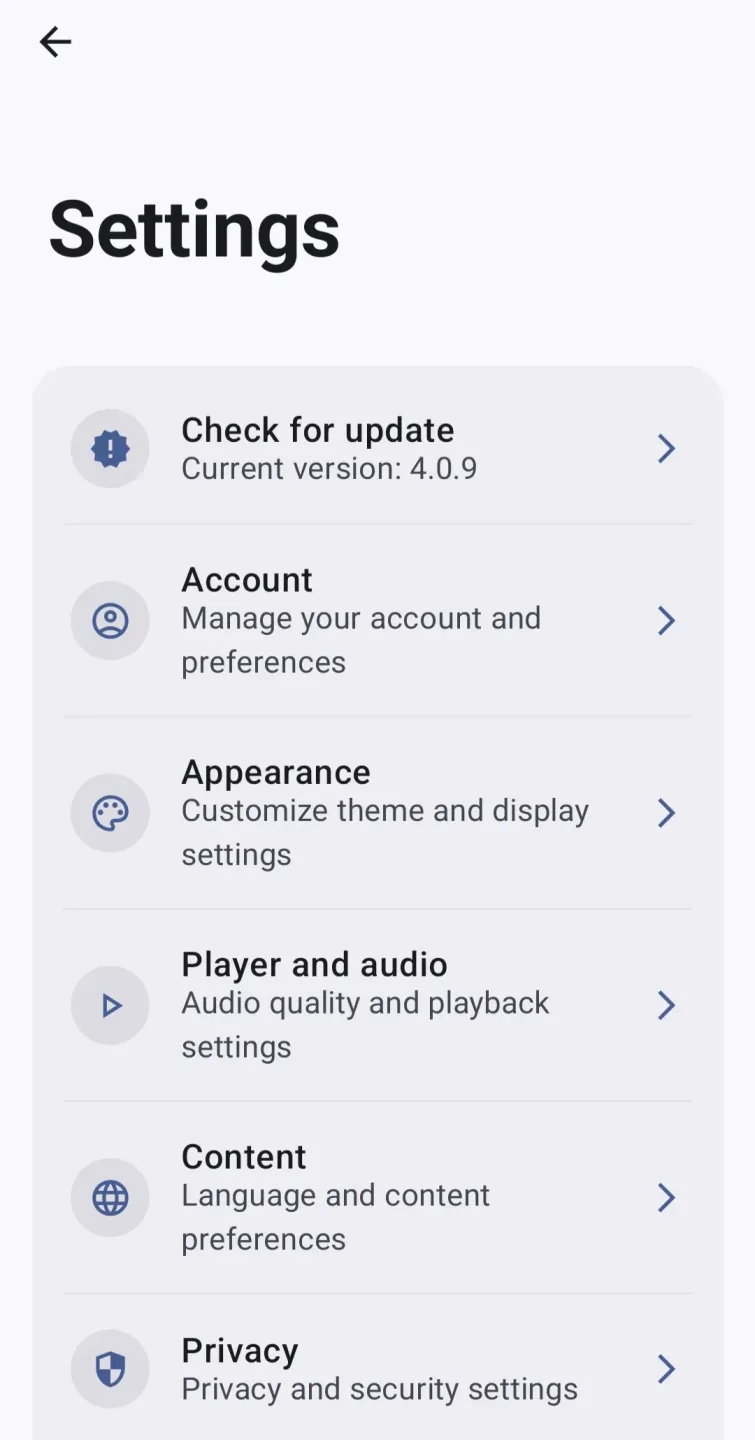
VIVI Music is a powerful streaming media player. It offers a rich music library, a clean interface, and fast navigation, providing a smooth listening experience. With VIVI Music, users can find music according to their preferences, keep audio playing while using other apps, and control tracks via notifications or the lock screen. The app also supports downloading and caching songs for use without an internet connection. Furthermore, a built-in wireless updater keeps the app up-to-date without the need for manual searching.
Highlights:
Play music from YouTube Music
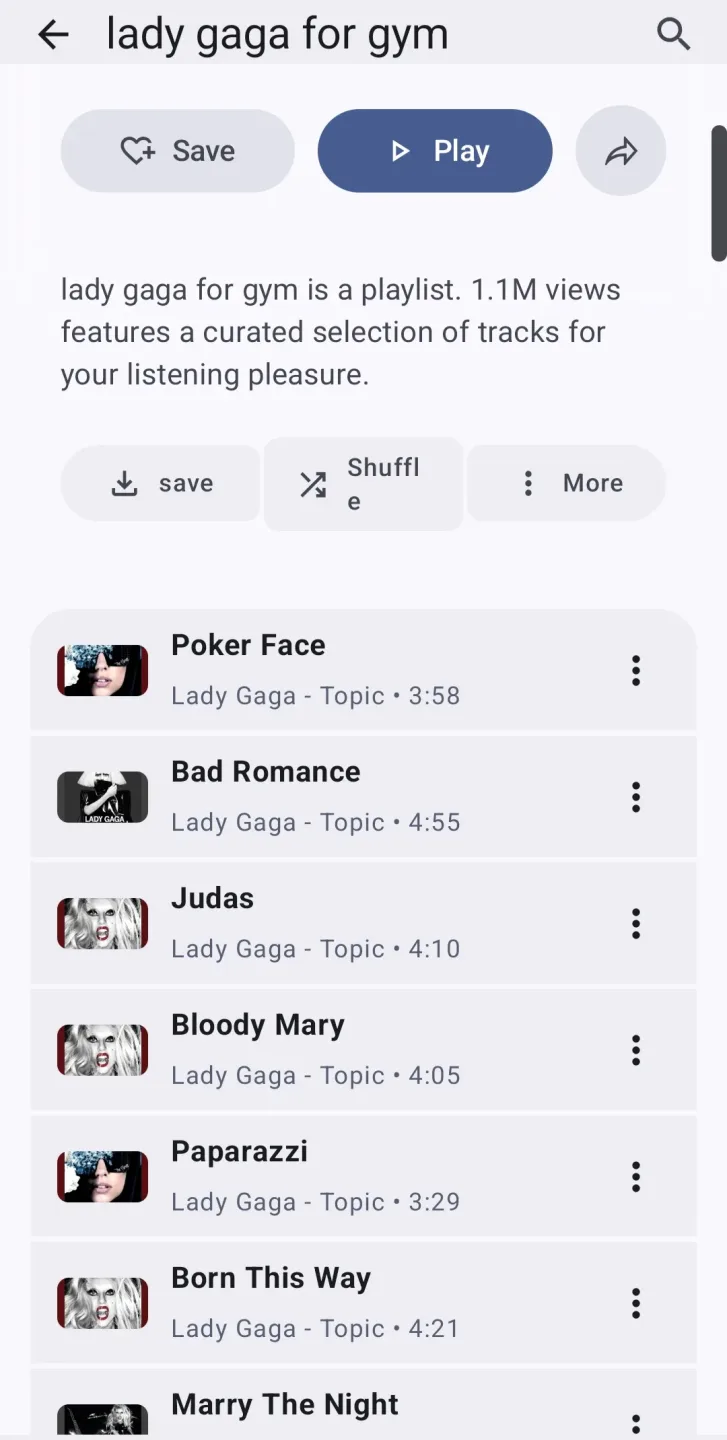
With VIVI Music, you can play virtually any song or video available on YouTube Music directly from the app, no browser or official client required. Just use the search tool to find songs, albums, artists, music videos, or full playlists, and then add them to your queue or personal collections. Since playback works in the background, you can turn off the screen or switch to another app without interrupting the audio, which is ideal for long podcasts or study playlists.
Offline listening with smart caching
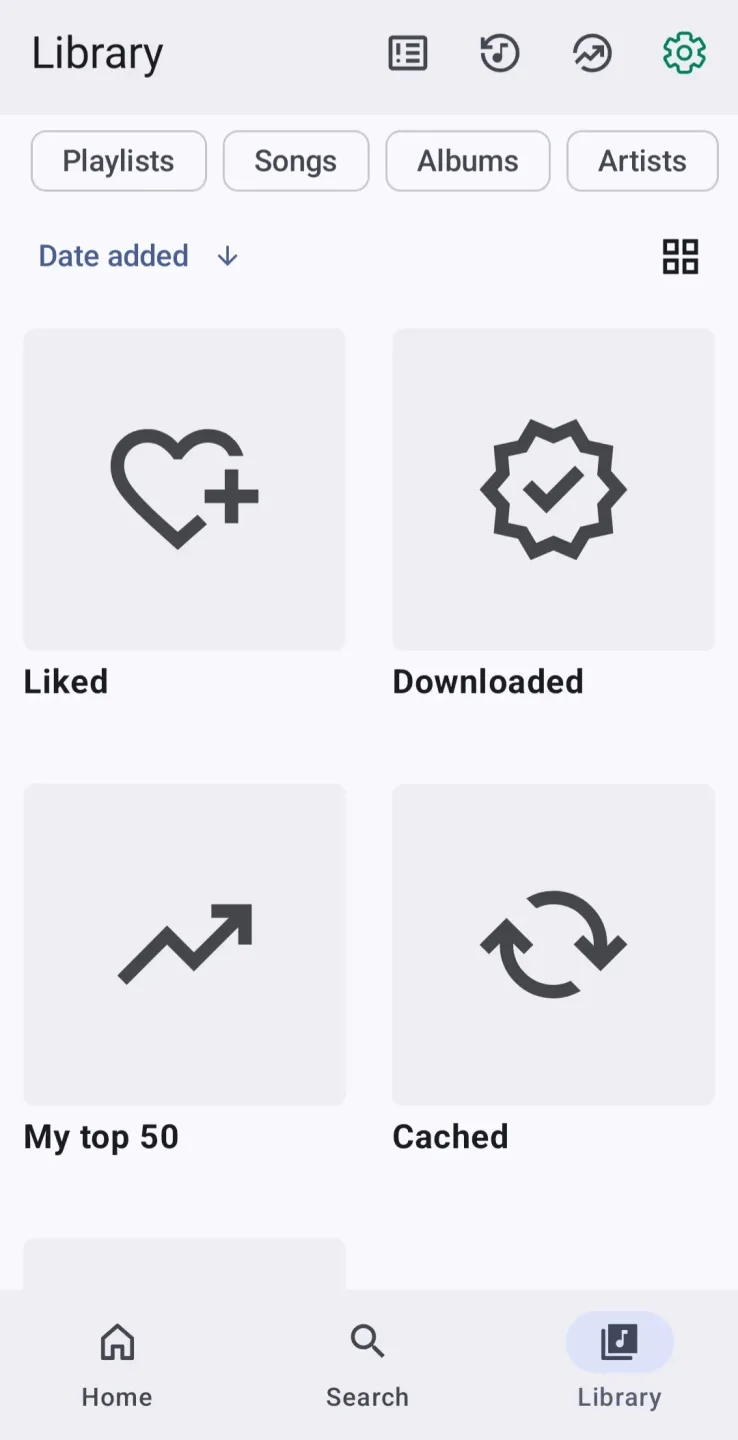
VIVI Music automatically stores everything you play in its cache, allowing you to listen again later, even without an internet connection. When you mark songs or playlists for offline use, the app saves them locally and integrates them into your library, treating them as if they were your own files. This prevents interruptions when traveling or dealing with poor coverage.
Library, playlists, and discovery
VIVI Music organizes your music into a library with sections for songs, albums, artists, videos, and playlists, along with filters by genre or mood. You can favorite artists and albums, create custom playlists, import external playlists, and reorder your playback queue at any time with simple gestures. The app also keeps a listening history and highlights your most-played tracks.
Synced lyrics and audio controls
If you enjoy following along with your music, VIVI Music includes full lyric support, including synced lyrics that scroll in time with the track. Tapping any line jumps directly to that part of the song. Other useful features include volume normalization, which ensures all tracks play at a similar level, automatic silence skipping at the beginning or end of songs, and additional audio tweaks to enhance listening comfort on headphones, speakers, or your car system.
Features:
Open source streaming music player for Android.
Integrated search for songs and artists from the interface.
Online playback without the need for official clients.
Integratied YouTube and YouTube Music with ad-free playback.
Minimalist interface focused on the musical experience.
Background playback.
Create and manage custom playlists.
Lightweight design optimized for low resource consumption.
Intuitive navigation with quick access to recent content.
Download songs for offline listening.
Automatic shutdown timer.
Song lyrics synchronized with the music.
Lots of customization options.
Smooth animations and transitions.
Color schemes adaptable to match the album cover.
QR codes to share songs and playlists.
Menus customized based on the user's playback habits.
Tips for Users:
Open VIVI and follow the prompts on first launch. Check permissions so the app can save cached music and show notifications for quick control.
Search for an artist, album, or track, then tap play. Use the mini player or notifications to pause, skip, or seek while you use other apps.
To listen without internet, open the track or playlist menu and choose download to cache. Queue several items, then view progress in the downloads section.
While a song is playing, open lyrics to see synced lines. If needed, adjust the equalizer, enable audio normalization, or turn on skip silence from the audio settings.
For driving, connect your phone to Android Auto and open VIVI from the car display. Use voice commands for hands free control, then resume on your phone when you leave the car.
Final Words:
Download the VIVI Music APK if you want a player that gives you access to the YouTube Music catalog as the core of your library, along with features like ad-free background playback, offline caching, and full control of your music through Android Auto, Android TV, or home-screen widgets.








