
Google Chrome: Fast & Secure is a powerful and secure web browser application. Boasting lightning speed and a user-friendly interface, it aims to revolutionize the online experience, delivering the best web browsing experience. With Google Chrome: Fast & Secure, you can easily browse the internet and enjoy a secure and private internet access method. The application also provides personalized news articles and quick links to frequently used websites for fast access. Whether you want to browse the web at lightning speed, access your favorite content with a single click, or protect your phone from dangerous websites, this app has you covered.
Click to load YouTube / 点击加载视频
YouTube ↗Highlights:
The core browsing experience combines immediate access to web content with integrated search functionality. Built-in Google Search lets users enter queries directly from the browser interface without navigating to a separate search website. As text is typed, a personalized feature displays relevant results and suggestions, anticipating user intent through analysis of previous searches and browsing patterns. The browser also includes translation for viewing web pages in different languages without external services or additional tabs.
Personalization features customize the new tab page and browsing interface to match individual preferences and habits. The browser displays personalized news articles selected based on browsing history and interests. Shortcuts to frequently visited websites appear on the new tab page for quick access. Previously visited web pages appear in quick access sections, letting users return without typing URLs or searching history. The auto-fill feature streamlines form completion by automatically populating common fields across web pages, reducing redundant data entry.
Synchronization across devices ensures consistency for users who browse from phones, tablets, and computers. When signed in with a Google account, bookmarks, passwords, and browser settings synchronize automatically across all devices. Browsing preferences, login credentials, and bookmarked pages remain current regardless of which device is used, with changes on one device immediately updating on all others.
Features:
AI help while you browse
Google Chrome includes Gemini in Chrome and an AI Mode in the address bar to assist with complex questions. You can ask multi step queries, get page summaries, and see helpful links in context. This support appears where you already type, so you can keep reading and refine your query without switching screens.
Search with text, voice, or your camera
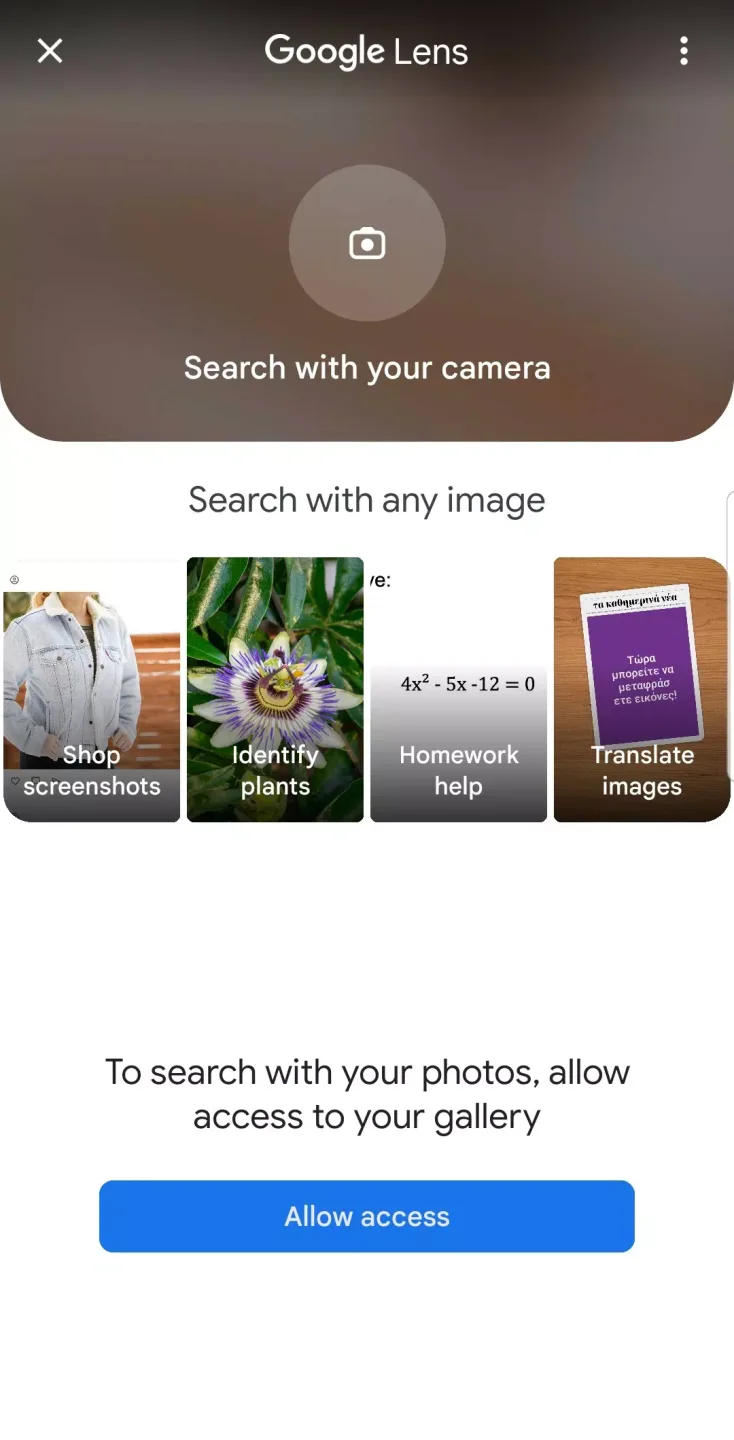
You can use built in Google Search to find answers fast. Voice search lets you ask questions hands free when typing is not convenient. With Lens, you can search what you see using your camera or an image on a page, then jump directly to relevant results.
Translate entire pages
When you visit a site in another language, Google Chrome prompts you to translate the full page. It supports more than 130 languages so you can read content beyond your own language. You can choose to always translate certain languages, which helps if you read the same types of sites often.
Protection and password support
Google Chrome includes Enhanced Safe Browsing to help block dangerous sites and downloads before they cause trouble. Safety Check reviews site permissions and other risks so you can adjust settings. Google Password Manager creates and stores strong passwords, then alerts you if they appear in known breaches.
Sync and organization across devices
After you sign in, Chrome syncs bookmarks, passwords, history, and tabs so you can start on your phone and continue on your laptop. Tab Groups help keep related pages together and easy to find later. Autofill also saves time by entering addresses and payments when you check out.

Tips and Tricks:
These extensions allow users to customize their browsing experience and enhance productivity.
Cross-platform compatibility: Chrome is available for various operating systems, including Windows, macOS, Linux, Android, and iOS. This allows users to use Chrome on different devices and easily sync their browsing data.
Integration with Google services: Chrome seamlessly integrates with various Google services, such as Google Search, Gmail, Google Drive, and Google Docs. This integration provides users with quick access to their favorite Google applications and services.
Regular updates: Chrome receives regular updates, ensuring that users have access to the latest security patches, bug fixes, and new features. These updates help improve the overall browsing
FAQs:
Can Google Chrome be used without logging in?
Yes, the browser can be used without logging in, but synchronization features such as saving passwords and bookmarks will not be activated.
How can I delete my browsing history in Google Chrome?
The history can be deleted through Settings, then go to “Privacy” and select “Clear Browsing Data”.
Does Google Chrome affect the speed of my device?
Chrome may consume some amount of RAM when many tabs are open, but constant updates improve performance and minimize resource consumption.
Final Verdict:
Download the Google Chrome: Fast & Secure APK and discover one of the best browsers for Android operating systems. If you use Chrome on your PC or Mac and have an Android, this app is almost essential, as it will allow you to synchronize your browsing experience across your devices. Even if you don't or it is not a key feature you are looking for in a browser, Google Chrome is an optimal solution to surf the Internet comfortably and safely.








