
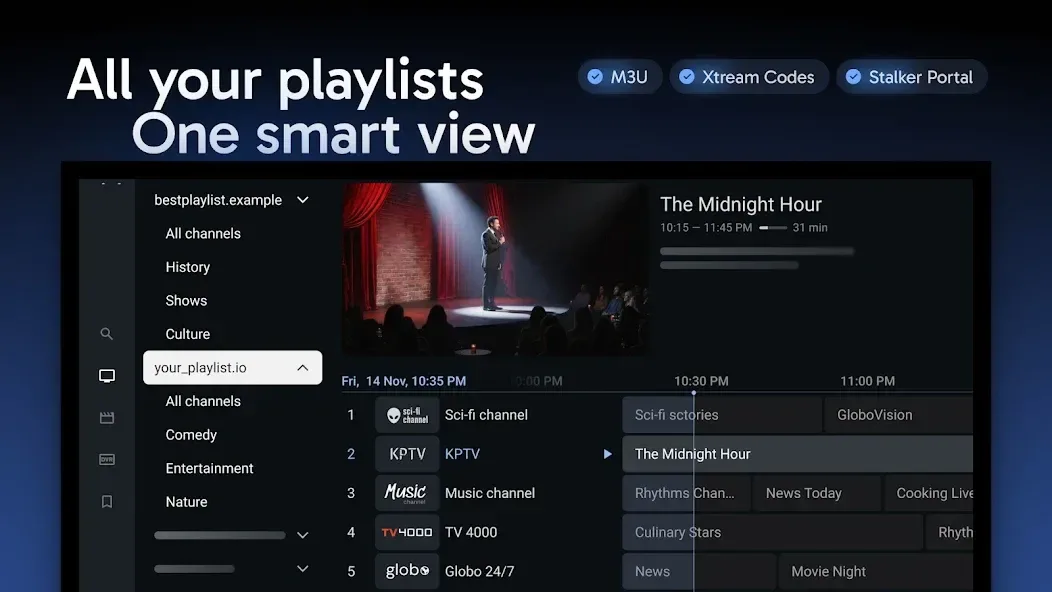
Tivimate is a video player. Its beautiful and intuitive interface allows users to quickly get started. It supports a wide variety of media video formats. Playlists can be browsed in a clear grid format. Users can also bookmark frequently watched channels and use a countdown timer. A rewind function ensures users don't miss classic content. Users can also record their favorite programs. A search function allows for quick finding of channels and programs. Parental controls are available. It supports casting to other media devices. The software is also safe.
Features
Tivimate Iptv Player
Refined, intuitive and customizable interface tailored for large screens
Support for common IPTV playlist formats: M3U, Xtream Codes, Stalker Portal
TV guide (EPG): browse the full program schedule in a fast, clear grid
Multiple playlists: Effortlessly manage and switch between your playlists
Favorite channels: Bookmark your most-watched channels for instant access
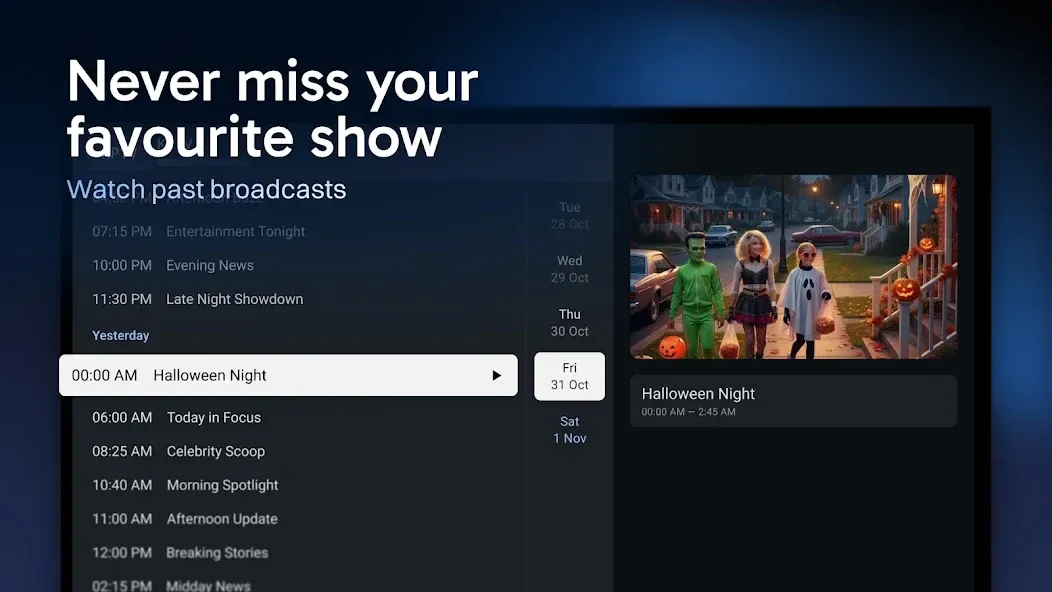
Catch-up: Access past broadcasts so you never miss a show
Recording: Record your favorite shows to watch later
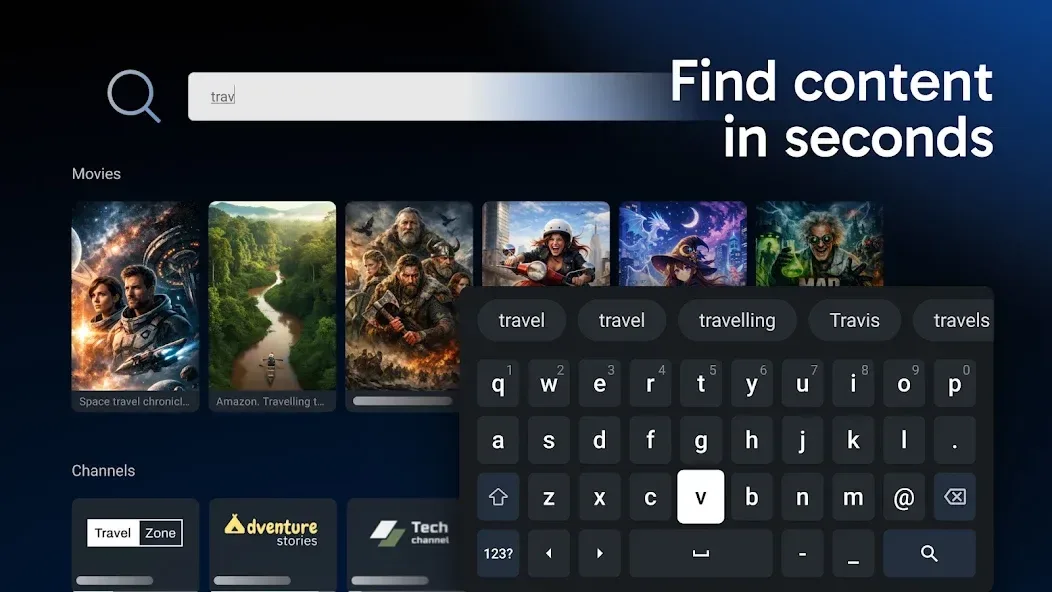
Search: Find channels and shows instantly with intuitive search
Parental controls: Manage access easily to ensure a safe viewing environment
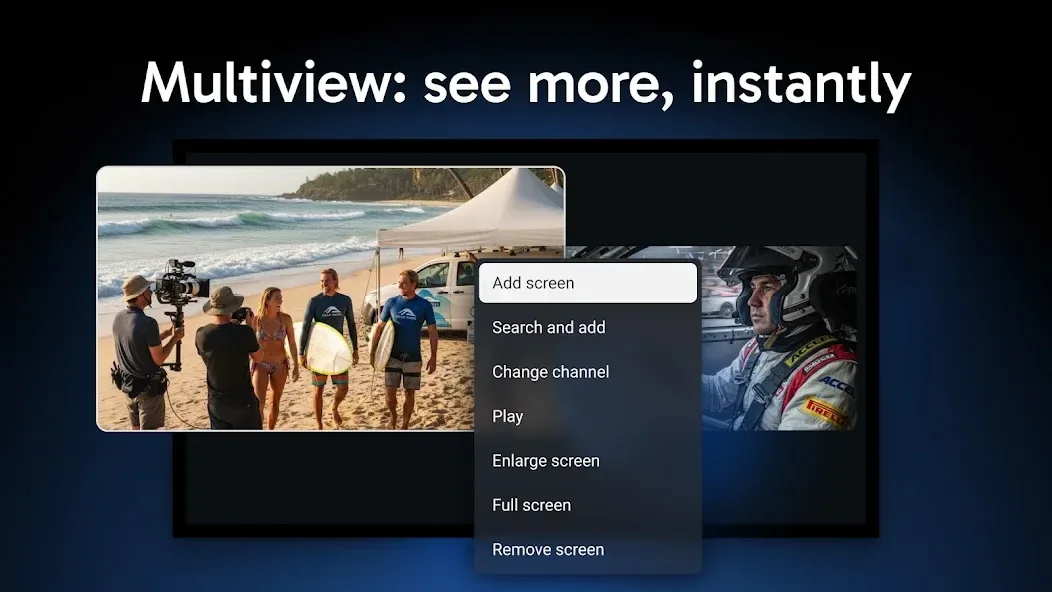
Multiview: Watch multiple channels at once on a single screen
How to Use
To add content, you can use three methods, including the standard method of uploading a simple M3U file or entering your server credentials (username and password).
After accessing the application, you will see a list of channels by country. You can view upcoming content through the programming information, as well as on-demand content if your service supports it.
User comments
I've used some pretty terrible IPTV apps, so I am qualified to say that this is one of the few that work out of the box. The controls make sense, the EPG works as well as what is possible with content. Search is better than expected (useless with other apps). Favorites and Watchlist are great. Only wish that was synced to my account since I have multiple players. I bought the annual subscription, but if it works this well for a year I will probably pay the one time, as it's pretty good!
Best IPTV app ever. Tested around 15 different IPTV apps and all of them were missing something. This one has it all. Very nice interface and easy to use. Very customizable. Been using it about 4 years and now bought lifetime as most probably there won't be anything better. I would be happy if developer would make same app for Apple devices.
The best IPTV Player out there ,You can FULLY customize your IPTV playlist in every way.You can add multiple playlist ,rearrange the order of the groups, rearrange the order of the channels and you can increase buffer size change the color of the layout to whatever you want with options they provide etc...... I highly recommend you get the lifetime premium version it's well worth it there is no player even close Tivimate is KING
FAQS
What is the TiviMate APK?
The TiviMate APK is the installer file used to manually install the TiviMate IPTV player app on Android TV, Google TV, and FireStick devices, especially where the Google Play Store isn't available or applicable.
How do I download the TiviMate APK?
Sideload it onto your device using the Downloader app or your device's browser, ensuring you retrieve it from official, secure developer directories.
Is the TiviMate APK safe?
Yes, when downloaded from verified sources. Avoid third-party cracked or unlocked versions, which pose privacy and security risks to your device.
Can I install the APK on FireStick?
Yes, FireStick doesn't use the Google Play Store, so sideloading the TiviMate APK via the Downloader app is the standard installation method on that device.
Does the APK include Premium?
No, Premium is a separate in-app upgrade activated through legitimate purchase, not a different APK file. The standard APK installs the full app, with Premium unlockable afterward.
Summarize
Tivimate is a multimedia content player that allows you to view any specified link. The app does not include any content link; it is only a player. To play content, you should have the links your operator or television package offers.








