

Super Black Keyboard is an excellent keyboard app. It offers a wide range of cool, stylish keyboard designs, allowing users to break free from the monotony of standard keyboards and showcase a unique style. With the Super Black Keyboard, users can personalize their smartphone keyboards and create a personalized typing experience. You can also browse through various included HD screenshots to quickly find a design you love and give your phone a fresh, new look.
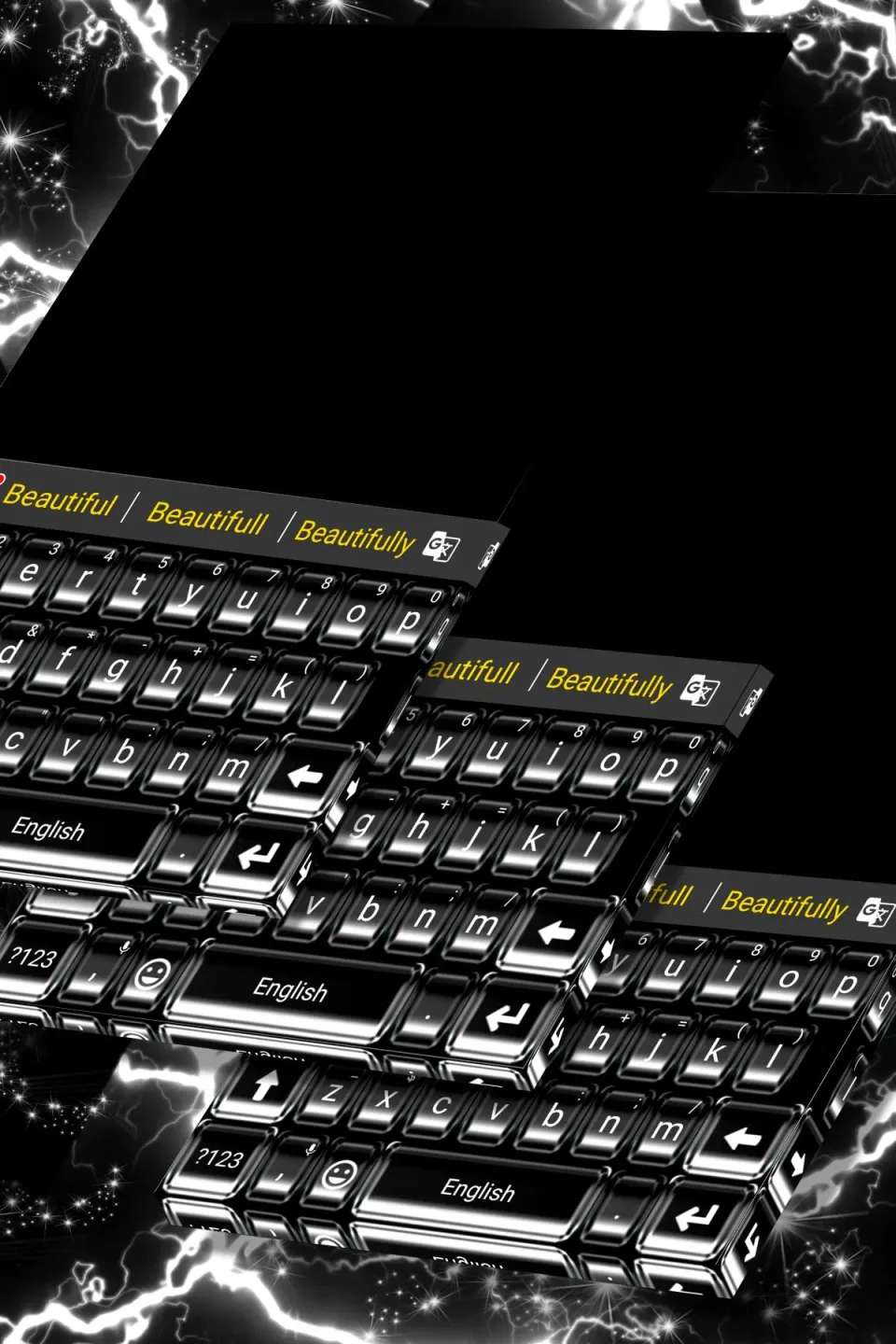
Highlights:
Distinguish yourself with your new black keyboard!
Make sending text messages even more fun!
Transform your phone’s appearance!
Features:
Over 150 languages supported.
Clipboard for multiple fast copy and paste.
Colorful themes: 3000+ Colorful Themes available and DIY your own theme.
Customizable keyboard color, wallpaper and layout as you like.
Input thousands of Emojis, Dictionaries, GIFs, Emoticons and stickers anywhere conveniently.
Contextual Prediction: Most powerful error correction: auto-correct mistyping, spelling errors and capitalization automatically.
Cloud prediction: Enhance next word prediction and other predictions by cloud computing.

Tips for Users:
With Super Black Keyboard, you can create a truly unique messaging experience by uploading your own photos as keyboard backgrounds or selecting from an extensive library of themes. The app supports over 100 languages and includes more than 500 fancy fonts, offering unparalleled customization options.
Fast typing features, including swipe and split layouts, make typing more efficient on phones or tablets. It also integrates seamlessly with popular social apps, enriching your conversations with GIFs, stickers, and symbols.
This app boosts your texting efficiency, featuring voice typing, intelligent auto-correct, and AI-powered predictions. Its expansive emoji collection and thousands of sticker options provide endless possibilities for self-expression.
Whether you're chatting on messaging platforms like WhatsApp, Telegram, or Snapchat, Super Black Keyboard ensures every conversation is visually engaging and expressive.
Final Words:
Please note that Black Keyboard currently supports Latin languages including English, French, German, Portuguese, Spanish, and more. Under Manage Keyboards, select the Black Keyboard option and set it as your default keyboard in the "Default Keyboard" section. Kindly note that the installation process may vary based on your phone model and Android version.








