Blurrr is a powerful video editor that combines essential editing tools with a wide array of professional-grade features. Users can incorporate keyframes, filters, blend modes, special effects, text, and much more into their videos. The software also includes a 3D camera feature, elevating the quality of your edits. It offers an extensive library of special effect templates across various categories, allowing users to select the perfect options for their specific needs. Furthermore, Blurrr integrates AI-powered tools—such as AI-assisted keyframing and intelligent background removal (matting)—to streamline the editing process and enhance the overall user experience.
Click to load YouTube / 点击加载视频
YouTube ↗Features
Keyframes and Curves
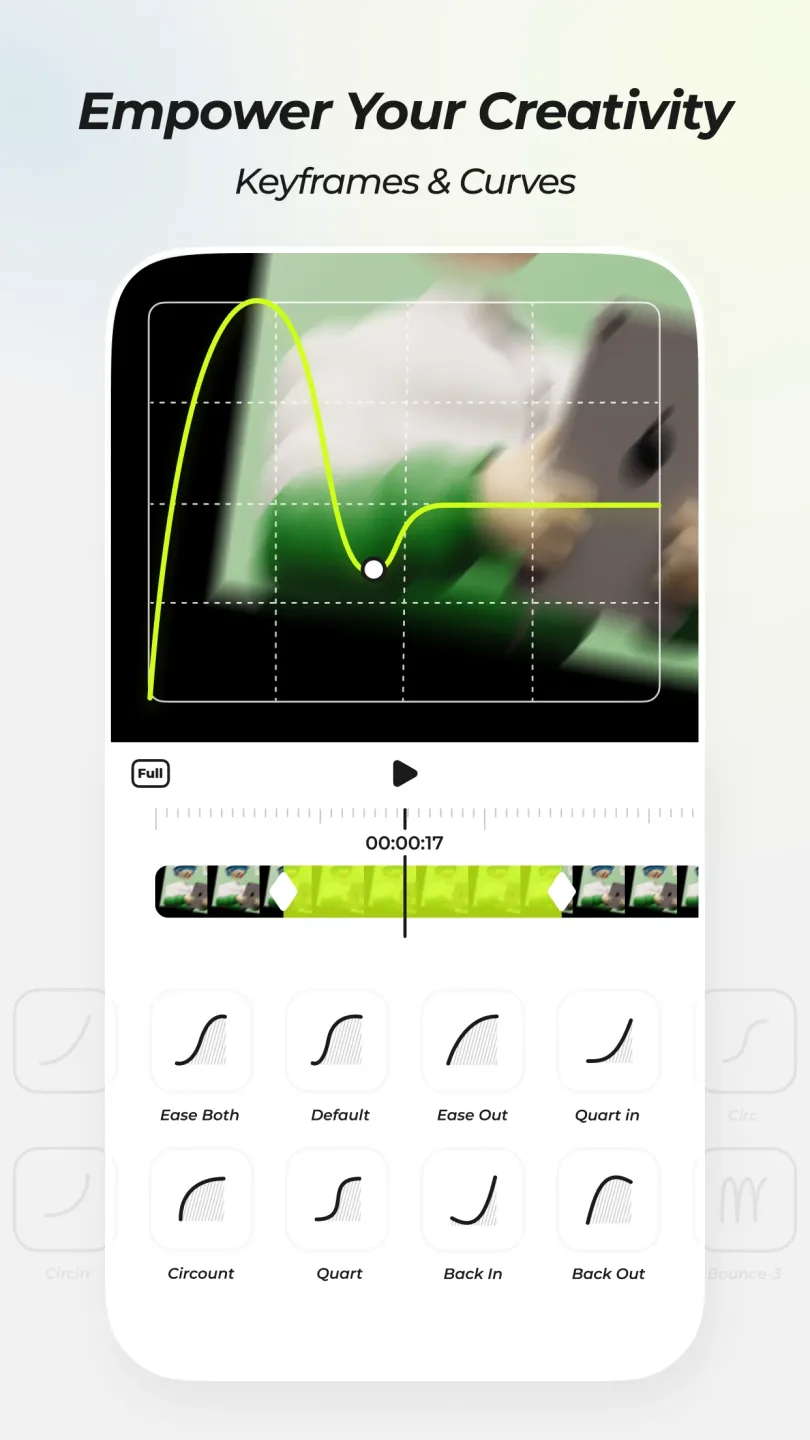
Blurrr allows you to set keyframes and adjust curves for motion, effects, filters, blend modes, and color. You can fine-tune every parameter to align with your desired timing and visual style. This precise control makes it easy to synchronize transitions, movements, and color grading with music or beats—ideal for detailed editing that requires a consistent rhythm throughout the timeline.
Multi-Track Compositing
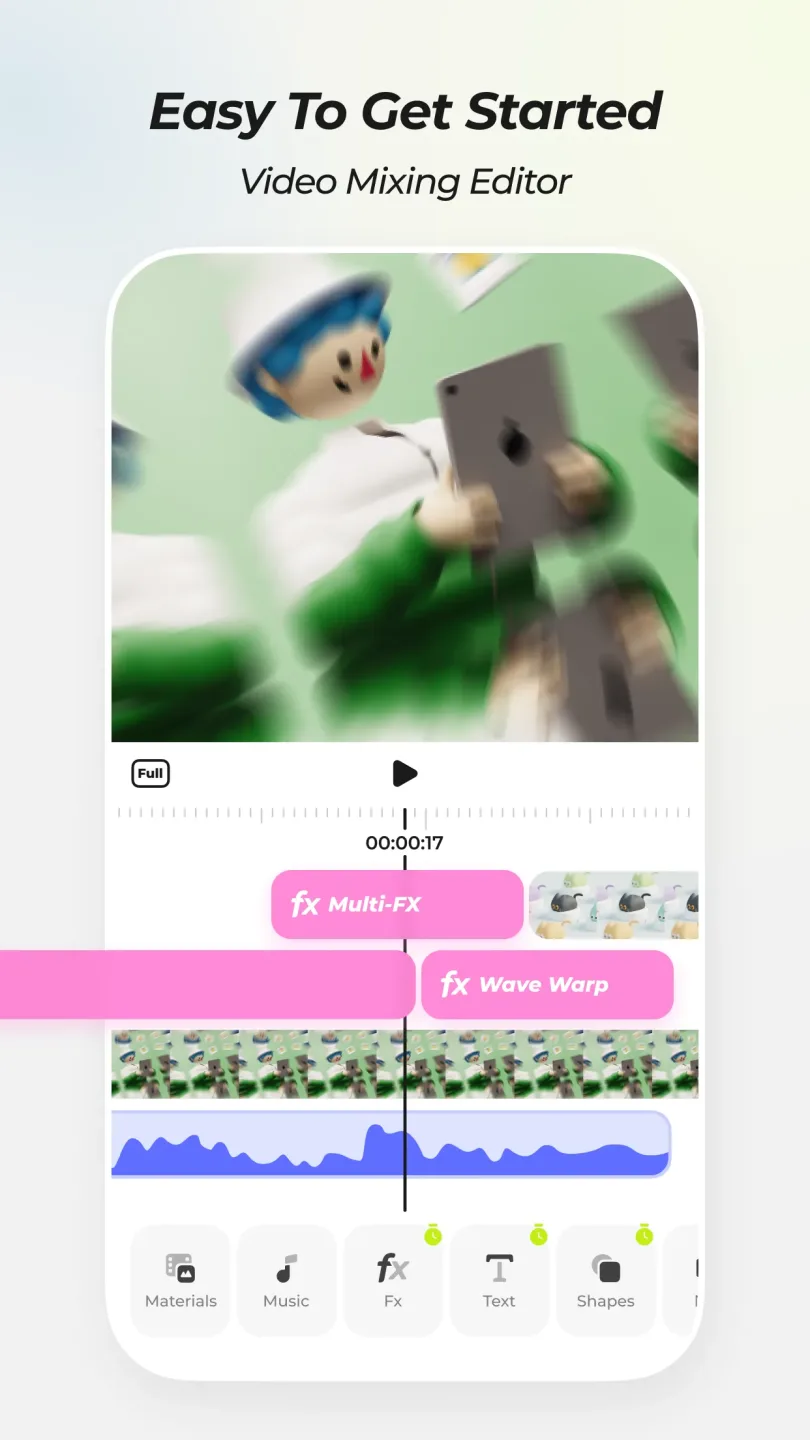
You can mix and match various layers, including video, audio, text, shapes, vectors, textures, effects, filters, 3D cameras, and null objects. Layers can be reordered to establish visual priority, while parent-child hierarchies help organize complex scenes. This approach supports everything from simple overlays to advanced compositing, ensuring that even large-scale projects remain manageable as your edit grows.
Effects and Template Library
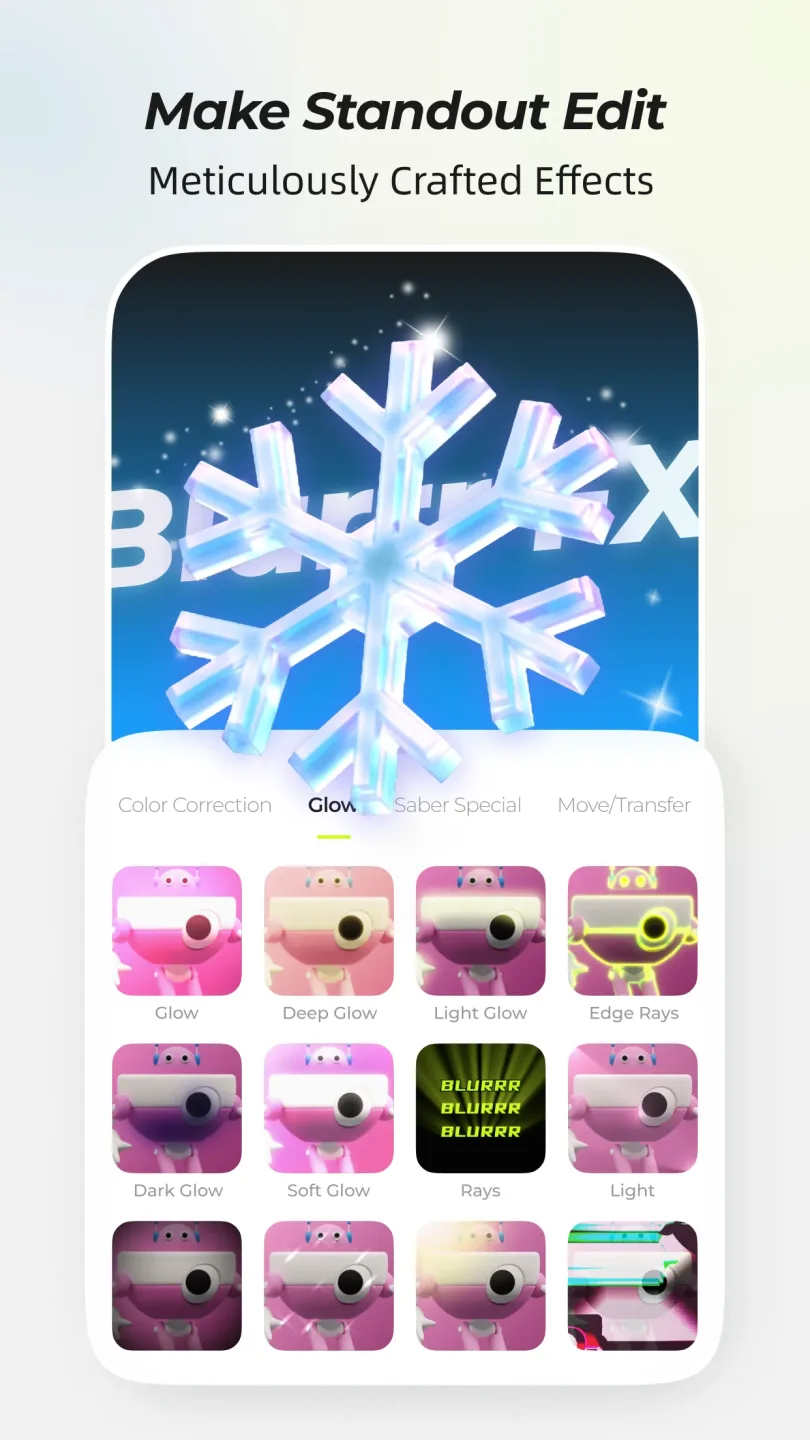
Blurrr includes over 400 professional-grade effects, such as motion blur, HDR, HSL, primary color wheels, displacement maps, turbulent displacement, masking, and glow/edge-lighting effects. A variety of presets and templates allow you to quickly apply common effects, which can then be fine-tuned to achieve your desired final look. This saves time when establishing a consistent style across multiple clips and helps users explore new effects with ease.
Speed and Time Remapping
Variable-speed keyframing and AI-powered frame interpolation enable smooth slow-motion sequences and precise synchronization with music. You can adjust speed smoothly, ensuring it aligns perfectly with the beat—all without any stuttering. This is especially crucial for AMVs (Anime Music Videos) and gaming montages, which rely on precise timing. Furthermore, it enhances transitions in motion graphics, using speed variations to guide the viewer's focus.
AI-Powered Rotoscoping and 3D Camera Tools
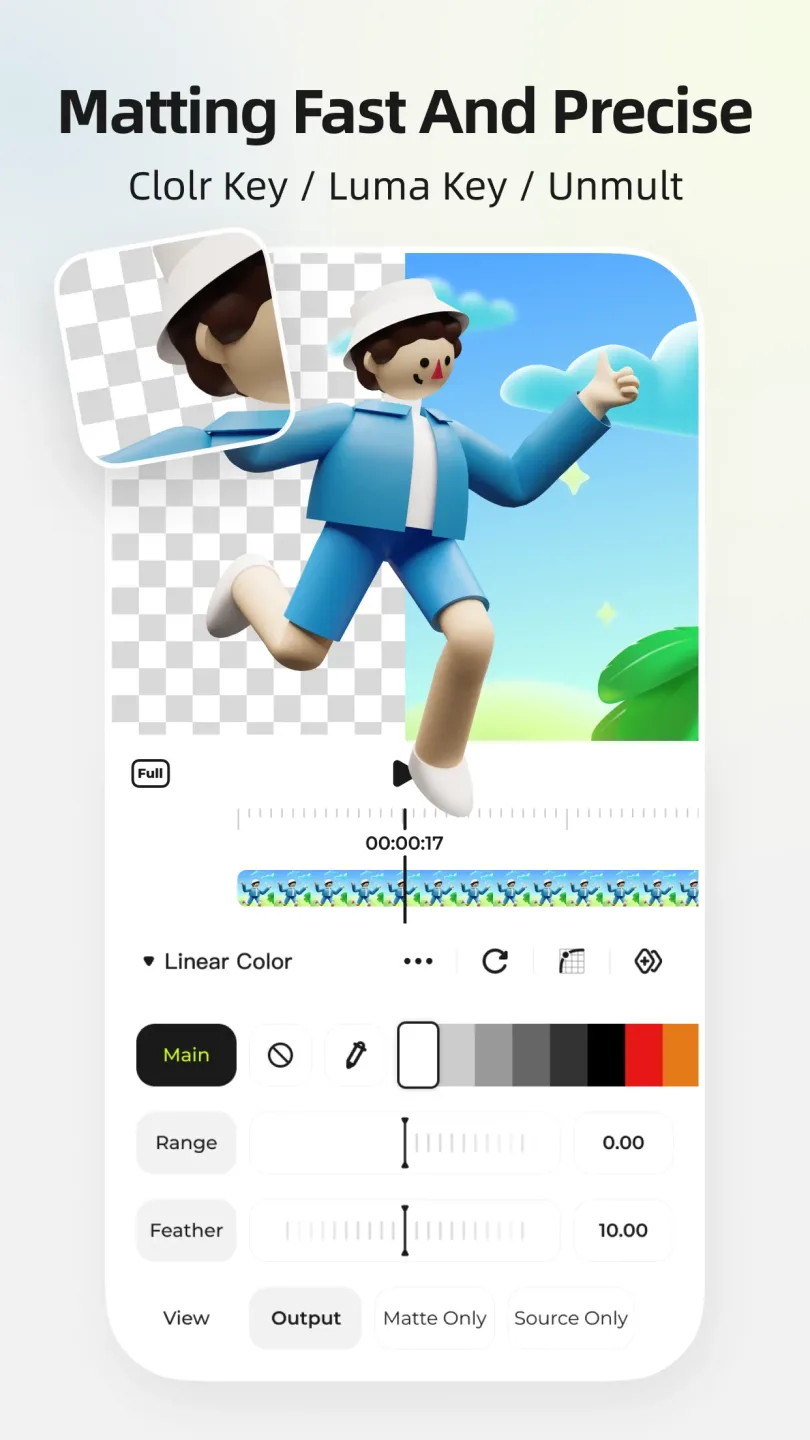
The AI-powered rotoscoping feature enables dynamic subject isolation, allowing you to precisely remove backgrounds and separate subjects. 3D and camera tools help you construct tunnels, cubes, conveyor belts, and cinematic visual effects. Particle systems and super-resolution capabilities significantly boost clarity—an invaluable asset for animation and low-resolution footage. Together, these tools make it easy to create crisp, composited visuals and stylized scenes, even on a mobile device.
Highlights
Unlimited Audio Mixing: Blend tracks without restrictions to craft a harmonious soundtrack that perfectly complements your visual storytelling.
Layered Creativity: Combine various types of keyframes and curves to gain precise control over transitions and animations, enhancing the dynamic appeal of your videos.
Effects and Filters: Access a library of over 140 effects and nearly 100 filters to add depth, texture, and creative flair to your content.
3D and Camera Features: Utilize 3D and camera tools to build immersive, multi-dimensional visuals, bringing a sense of realism and interactivity to your projects.
Parenting and Null Objects: Manage complex scenes with ease using these advanced tools, ensuring a polished, professional-grade final result.
FAQs
Can beginners use this app for video editing?
Absolutely! Its user-friendly interface allows beginners to get started with video editing in no time.
Does the app support high-definition video export?
Yes, it supports high-quality video exports, delivering clear, professional-looking visuals.
Will videos edited with this app have a watermark?
No, this app does not add watermarks to your edited videos.
User Reviews
I’m absolutely blown away by this app. I’ve been using CapCut for years, but I grew tired of its limited features—many of which were locked behind a paywall. But this app is completely different! The editing quality is absolutely fantastic, and applying effects or charts is so much more convenient! You can even group your assets and apply effects to the whole group at once—no need to do it manually for each item!
This app is truly excellent. Once you get the hang of it, the workflow becomes incredibly smooth. I previously used CapCut, then switched to Video Star, and now I’ve moved to Blurrr. It might seem a bit tricky at first, but it’s actually super simple to learn.
I absolutely love this software!! I switched over from CapCut, and it’s just so convenient to use. I’m a huge fan! The effects are amazing, and adding lyric overlays has become incredibly easy. It’s fantastic—I’ll definitely be recommending it to my fellow editor friends!! I’m so glad I finally ditched CapCut; this software is far better and much easier to operate.
Conclusion
Blurrr is perfect for users who edit AMVs, anime, gaming clips, or motion graphics on their mobile devices. It offers the best of both worlds: quick, template-based editing alongside the depth required for precise, granular adjustments. This makes it accessible for beginners to get started quickly, while allowing experienced editors to fine-tune every single detail. The interface is perfectly tailored for the mobile experience, and it’s capable of handling everything from simple cuts to complex compositions.