

SideQuest is a software designed specifically for Oculus Quest users. It's very easy to use: simply log in to your Oculus account and you'll be able to browse your downloaded games and start playing. SideQuest also includes games that aren't available on Oculus, giving users more choices. And the software is free to download and use. Download it now if you need it!
Click to load YouTube / 点击加载视频
YouTube ↗Features:
VR Games
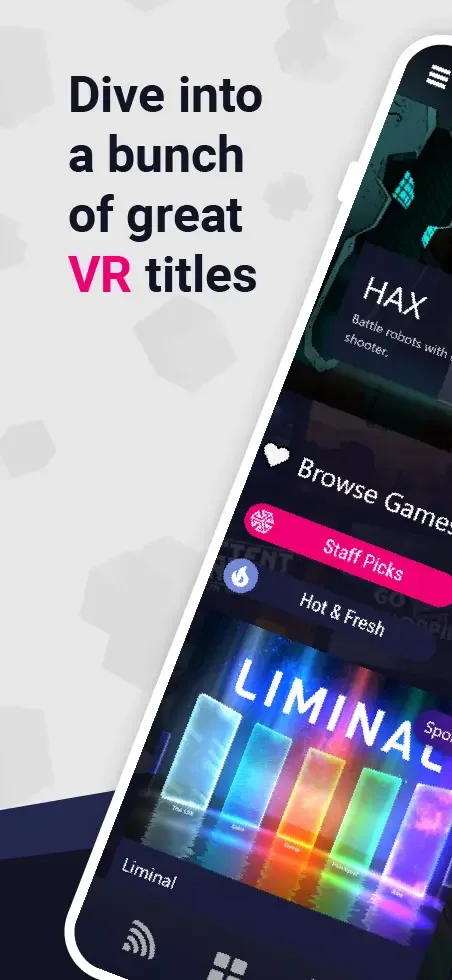
The best thing about this app is that it comes with a wide range of games made for Virtual Reality headsets. This app contains a huge number of games that you can download and play on your VR without any issues. You can choose from any of the titles and start playing them. The new games are updated every once in a while for you to try out and enjoy.
Communities
If you are a social person, then the community feature in this app is quite useful. There are hundreds of communities in this app for you to join. What’s in the communities? Well, you get to meet the other Oculus Quest VR users and discuss with them on various topics. Be it the games, apps, or random content, you can join other people and have fun.
VR Content
Games are too common to Play on a VR headset. But what’s better than watching videos that are interactive? Well, this app comes with a huge library of movies and shows that are made in the Virtual world. This helps you to have an interactive experience and immerse yourself in the movies or other pieces of content.
Control VR Headset
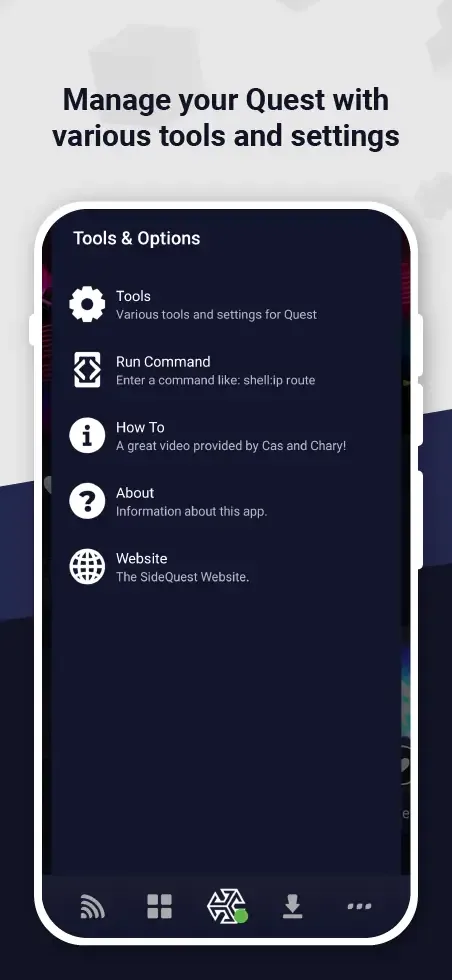
There is no need to open the dedicated VR app to control your devices. With SideQuest, you can easily access the controls for the VR headset. You can change the various settings of the VR headset without any issues. You can change the resolution, volume, pictures, input, and many other things.
Highlights:
Easy Setup
Initial setup with SideQuest may require enabling Wireless ADB on your VR headset. Although this can necessitate a USB connection, SideQuest facilitates this through some OTG-enabled phones. Alternatively, users can employ the SideQuest desktop app on PC, MAC, or Linux for a seamless wireless connection setup.
Expansive Library
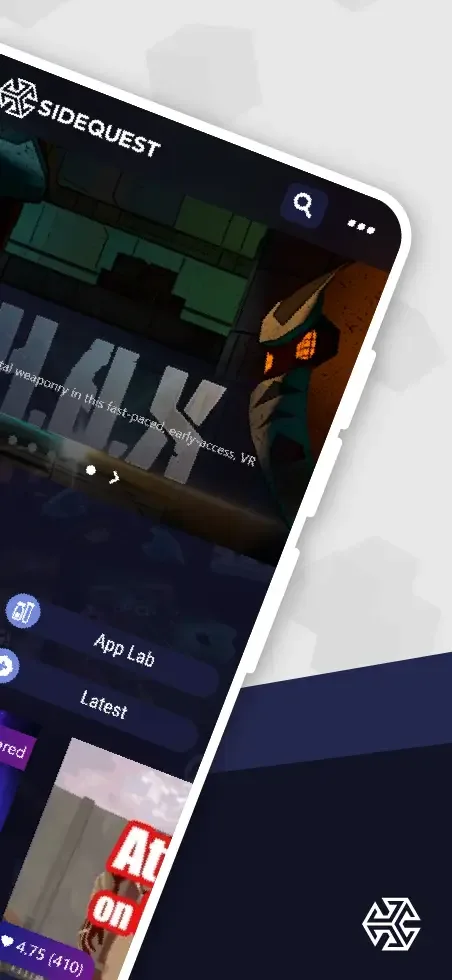
The app boasts a vibrant, user-friendly interface, leading VR enthusiasts to a vast library of novel content. Whether it's exploring the app lab, searching by genre, or browsing the comprehensive list, the SideQuest library is a treasure trove waiting to be discovered.
Community Engagement
With dedicated Discord servers for both developers and the general user community, SideQuest is more than a sideloading platform—it's the cornerstone of a bustling VR community. Users can connect with likeminded individuals, exchange insights, and fortify their VR experience.
Diverse Communities
SideQuest hosts a variety of groups, allowing users to delve into niche interests and games, such as the App Lab group or support communities. These groups facilitate discussions and support for soon-to-be-released apps.
Generous Giveaways
Engagement on SideQuest doesn't go unnoticed—with community and Discord giveaways, active participants have the chance to win an array of prizes, enhancing the overall experience of being part of the SideQuest community.
Real World Integration
The SideQuest experience goes beyond the virtual world, encouraging players to embark on real-world adventures. From treasure hunting to sightseeing, the quests promise not just fun but tangible rewards—ranging from complimentary refreshments to high-value items like new cars.
Frequently asked questions:
Question: What is VR?
Answer: VR is like a special computer world you can play in. You wear glasses to see it.
Question: Can SideQuest hurt my Oculus goggles?
Answer: Mostly, no. But you should be careful with what you download.
Question: Do I need Oculus glasses for SideQuest?
Answer: Yes. SideQuest is made for Oculus glasses like Quest 1 and Quest 2.
Question: How much does SideQuest cost?
Answer: SideQuest is free. You don't pay money to use it.
Question: Can anyone use SideQuest?
Answer: Yes, but you need to know a bit about computers to start it.
Conclusion:
Overall, this app is best suited for VR users who like trying new things, developers looking for a launchpad, or anyone who finds the Oculus Store too limiting. If you’re curious about modding, supporting small creators, or expanding your VR library in new directions, this tool offers a lot with minimal fuss.








