
Xodo PDF is a valuable PDF productivity tool that helps users work with PDF files. It integrates a comprehensive collection of common file processing tools, allowing you to easily upload documents, edit, convert formats, merge files, collect signatures, and perform other important operations. Download Xodo PDF now and let it become your go-to tool for efficient work!
Click to load YouTube / 点击加载视频
YouTube ↗Features:
OPTIMAL DOCUMENT READING INTERFACE FOR USERS
Users can read a wide variety of documents using Xodo PDF Reader & Editor with an interface that can be easily adjusted so that your experience is always guaranteed. You can change the color of the page as it reads like white, dark, and more. Specifically, it’s a list of colors that you can choose from depending on your experience. The default reading of that application is landscape reading, and you can adjust it yourself to switch to portrait reading.
Depending on how you read, you will have different valuable and optimized features for yourself. You can shrink the page with a simple swipe, and then the single mode will be switched to double. From there, you’ll be able to manually tap some words or sentences on the page for easy editing and highlighting. At the same time, for documents that are rotated to another direction, the application also supports the rotate feature so that you can read the document comfortably.
READ DIFFERENT FILE TYPES
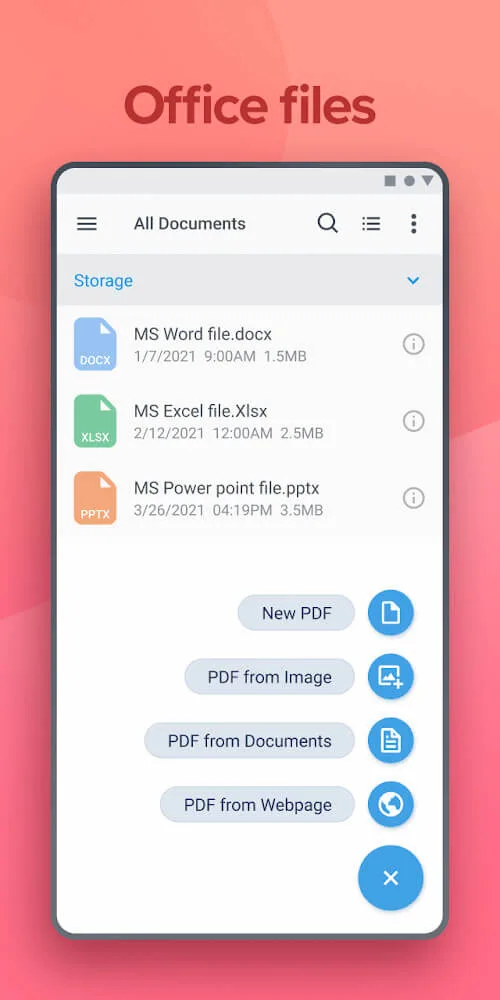
The main feature that users can find in Xodo PDF Reader & Editor is reading document files and editing them as their wish. You can read many different file types like PDF and standard Microsoft Office files at work like Word, Excel, and Powerpoint. From there, it’s a simple yet handy feature so that users can read multiple documents with their device, and they will need to replenish documents from time to time automatically.
Another handy feature that any user will consider is that you will open office files for use, and of course, you can save it to PDF depending on your purpose, like to share. At the same time, printing files in PDF is also ultimately easier and less prone to movement than office files when opened on other platforms. In addition, besides reading documents, getting helpful information is also possible with this application.
Highlights:
HIGHLIGHT IMPORTANT ELEMENTS
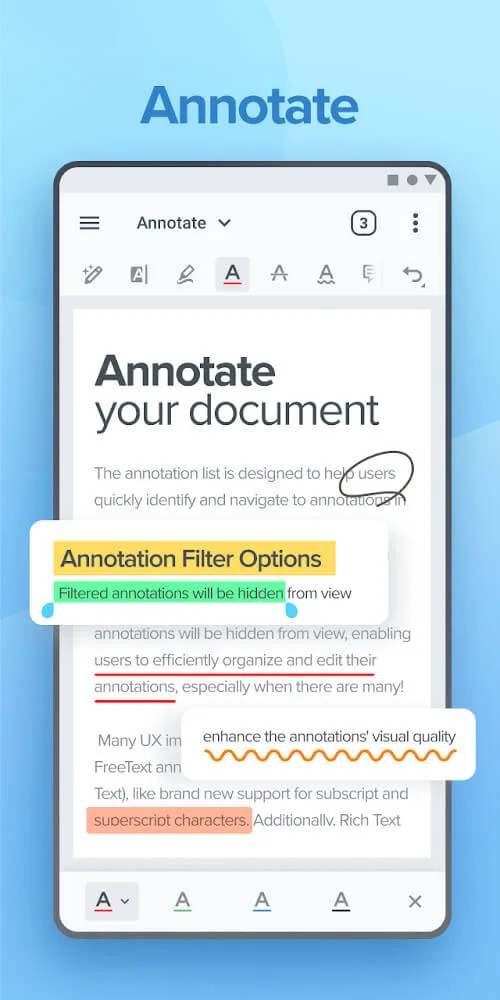
In reading documents, it is necessary to highlight essential lines that appear in Xodo PDF Reader & Editor. You can highlight a word or a sentence and then highlight it with different colors. You can choose from a variety of colors so that you feel comfortable rereading this information. In addition, you can also choose from many different ways of highlighting depending on the importance of the information.
If the document you are using is pre-edited and has appendices, you can easily find the outline feature’s headings. You will see a list of the document’s headings, and with just one touch, you will be taken to the corresponding page. Also, you can add a blank page after a page you have selected. From there, you’ll be able to add notes that correspond to the page you just read, and it’s perfectly suited for learners.
Conclusion:
Xodo PDF Reader & Editor is an application that helps you read office and PDF files and edit them as your wish. You will experience features that help optimize the readings to suit yourself and the corresponding color. At the same time, you can select elements within the document and make them stand out from the rest. Indeed this is a useful application that any user will enjoy.