
Download X-plore, a powerful dual-pane file manager, for free. It displays two folders simultaneously, allowing you to easily copy files from one pane to the other. X-plore supports file sharing over WiFi, working with cloud folders, accessing FPT or FTPS servers, and managing shared folders on your local network. Efficiently manage device files and external storage connections with X-plore's exceptional file management tools.
Click to load YouTube / 点击加载视频
YouTube ↗Brief Introduction
X-plore File Manager is an application that provides users with efficient file management and device interaction. Based on the user's exclusive permissions, unnecessary files can be deleted faster and the content can be copied to a new location.
Advanced User Features
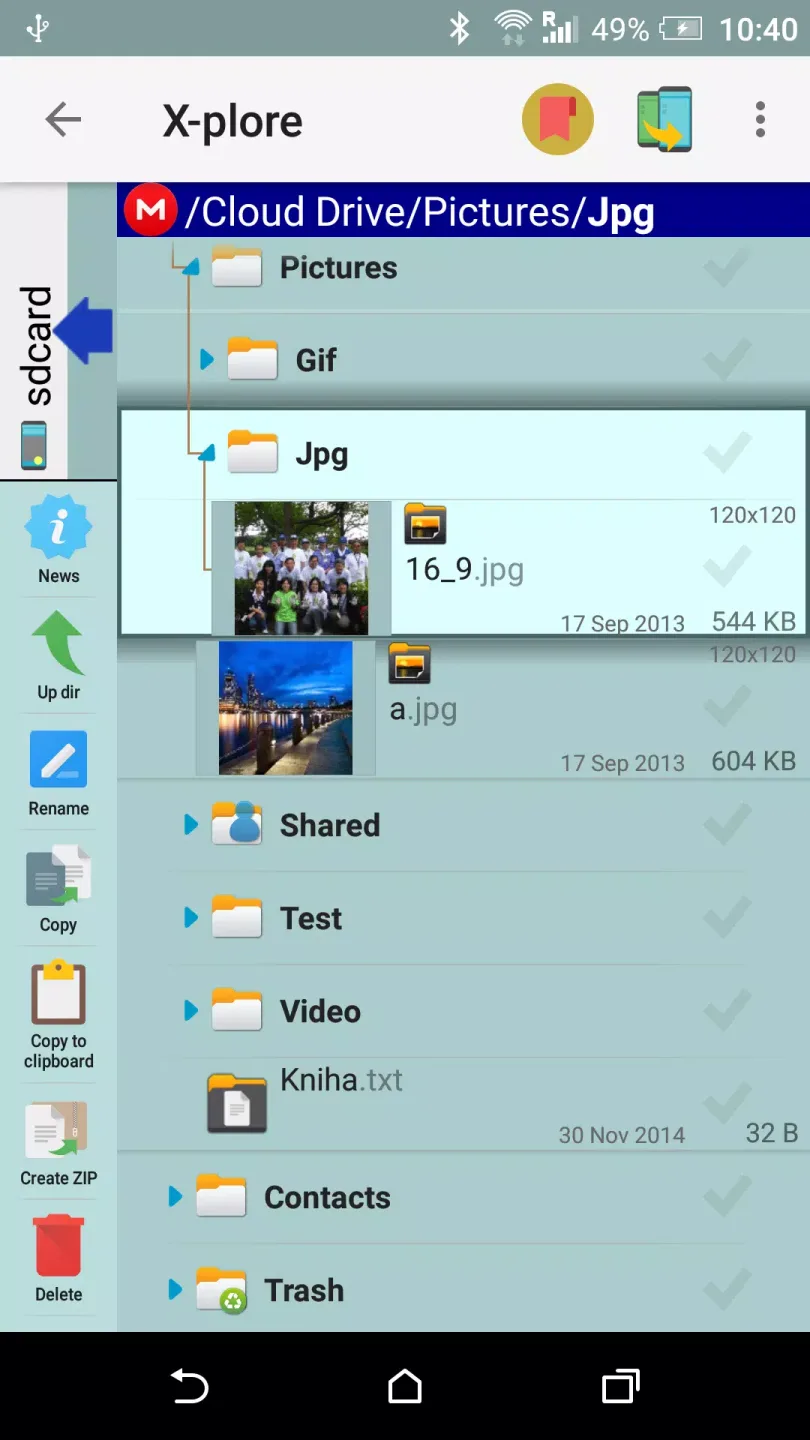
In depth exploration: Allow advanced users to browse important files and folders inside the device more easily.
System access: Provide specialized features for users who have set up an administrator management system and can access the Android subsystem.
Normal user interface
Information viewing and hiding: Allow ordinary users to view information and hide unwanted content.
Non intrusive browsing: In browsing mode, hidden files will not appear or interfere with access.
System security: Previewing files or performing any operations will not affect the entire system.
Access more resources
Cloud integration: You can view and edit files stored in the cloud on the application interface.
Account association: Quickly access and edit information related to your account.
Multimedia support: seamlessly play music or view multimedia files such as photos.
Dual pane interface: Click on the displayed content through the touch controller and select the desired file, while interacting with multiple files.
Easy operation for installing applications
Application management: Organize the browsing and testing of existing applications on devices.
Cross device connection: Upgrade access process through data or WiFi connection, and support connection between PC and mobile phone.
File Move: Easily move information from one file to another.
Special feature development
Document Reading and Interaction: Provides functionality for viewing and reading documents in files, allowing users to interact and make changes.
User feedback: Adjust functions based on user feedback to better serve different types of user groups.
Summary of Key Functions
Intelligent organization: Develop two independent areas to intelligently organize documents, files, and folders in the form of charts, helping users easily interact with the provided content.
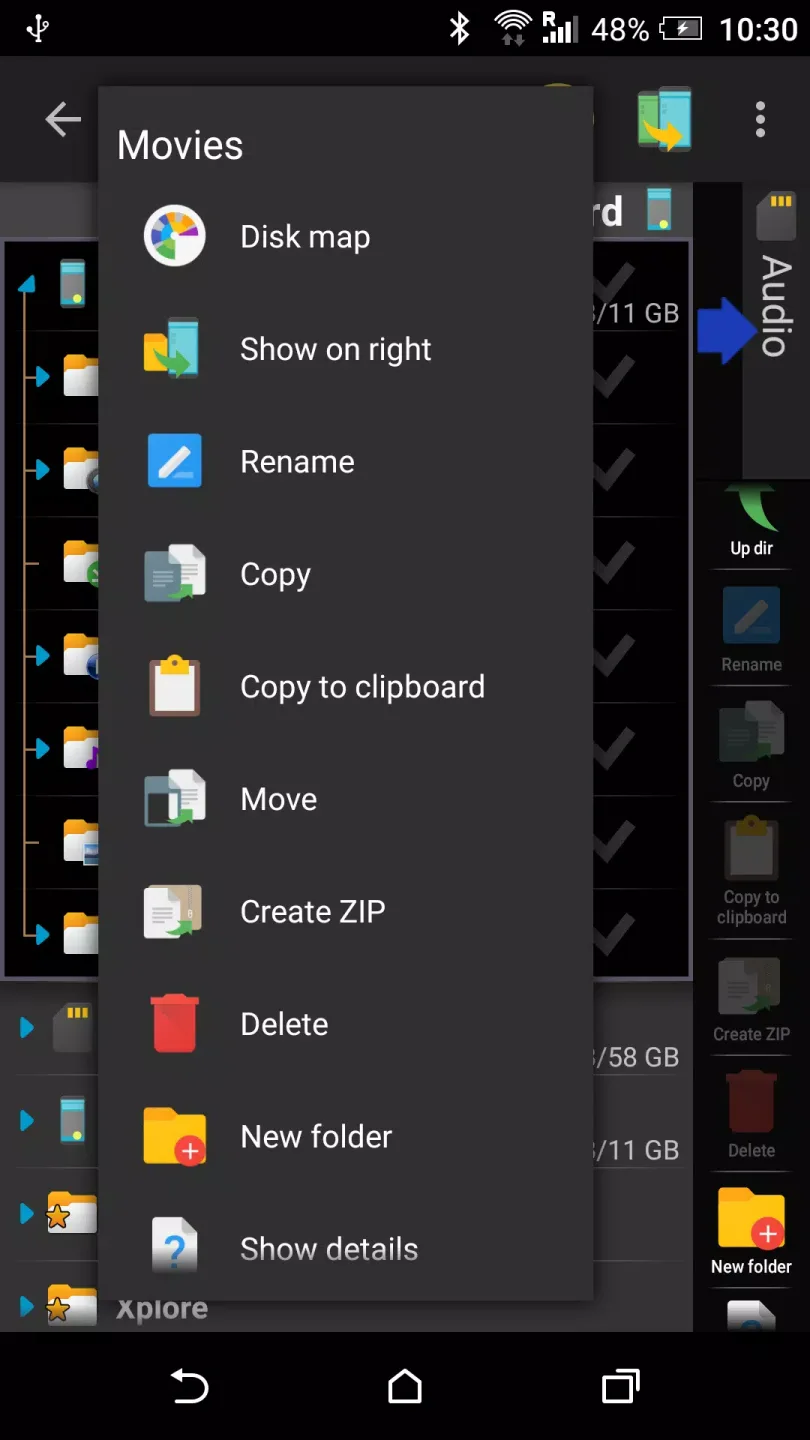
Professional experience: Provide exclusive functions for users who have set up private spaces to perform operations such as deleting and copying files.
Basic function: For ordinary users, it provides the ability to view and copy documents existing in the device or connect from a USB data source, and can hide unnecessary files.
Multi source interaction: Interact with any files organized in the application or stored in the cloud, with various link sources to help you access them without barriers.
Multi file processing: With just a simple click, you can select the files you want, project multiple files simultaneously on a basic dual pane screen, and operate freely.
Conclusion
X-plore File Manager is a file management tool that lets you explore all your folders on your Android. You can copy, paste, and move any file, and in general manage all of the content on your phone or tablet's memory.
With X-plore File Manager, users can explore not just any folder or file, even if it's compressed (ZIP, 7Zip, RAR), but also any file in APK format, just as with ZIP content.








