
Screenshot Touch is a comprehensive and user-friendly screen capture tool. This app supports multiple ways to trigger screenshots, including a notification bar shortcut button, a floating icon, and shaking the device, adapting to the needs of quick screenshots in various scenarios. It also offers highly customizable screen recording functionality, allowing users to freely adjust resolution, frame rate, bitrate, and audio settings, and output in the universal MP4 format for easy editing and sharing. Download and experience it now!
Click to load YouTube / 点击加载视频
YouTube ↗Highlights:
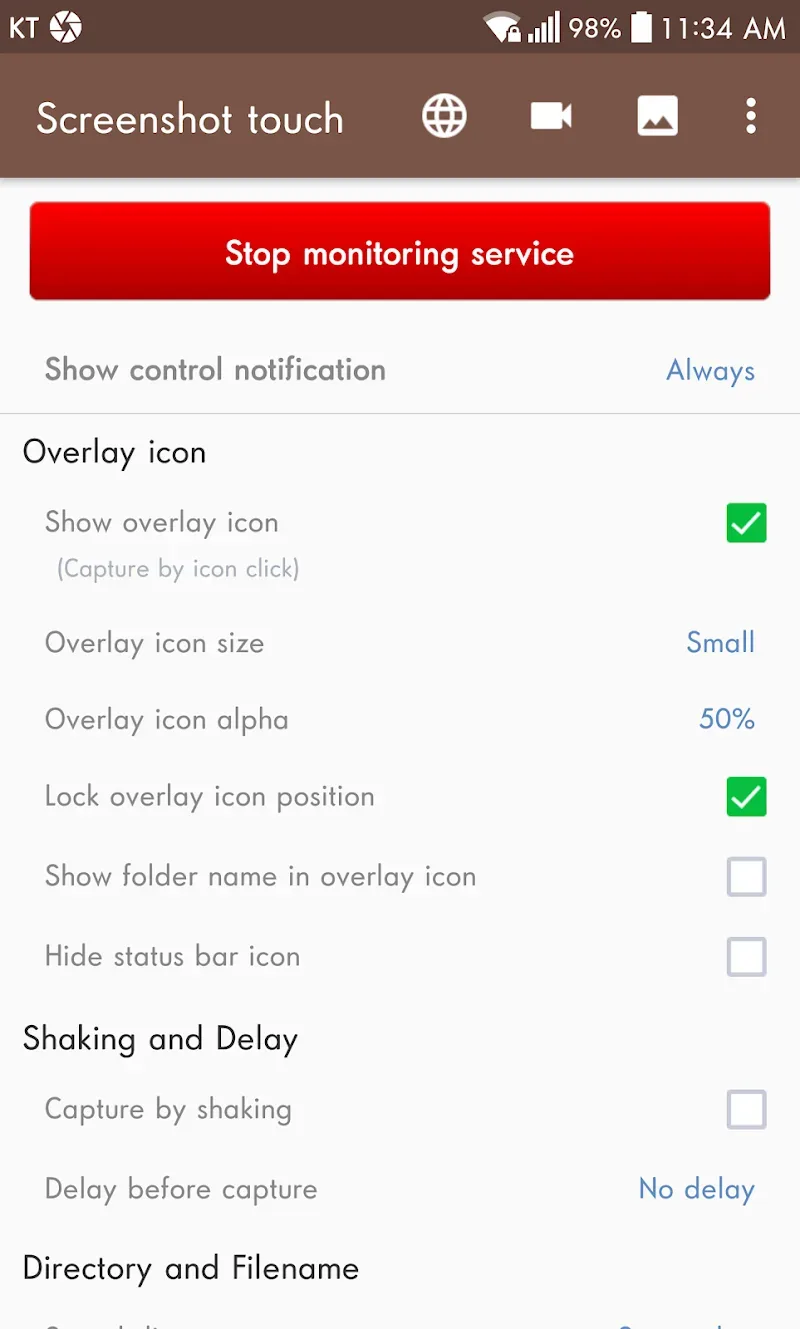
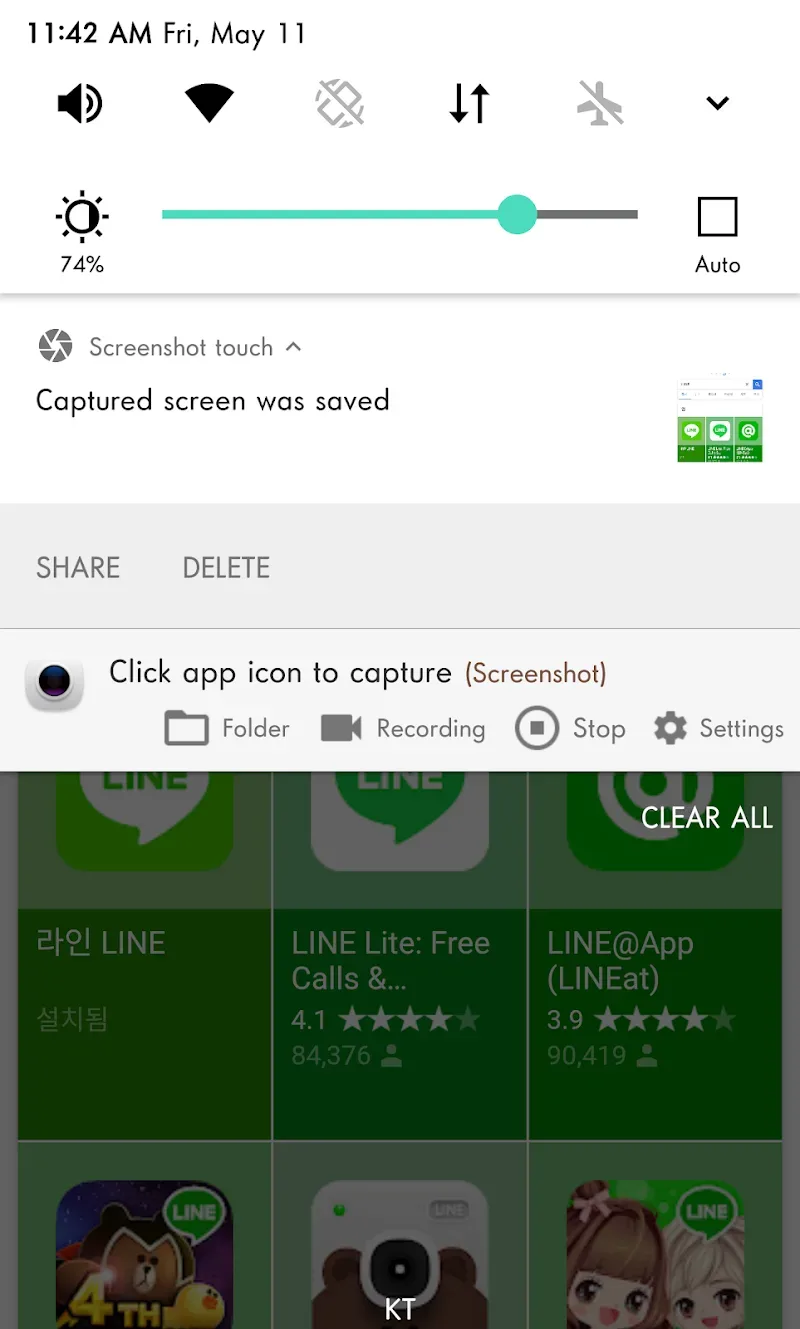
Capture by touch (Notification area, overlay icon, shaking the device)
Record videocast of the screen to mp4 with options (Resolution, Frame rate, Bit rate, audio)
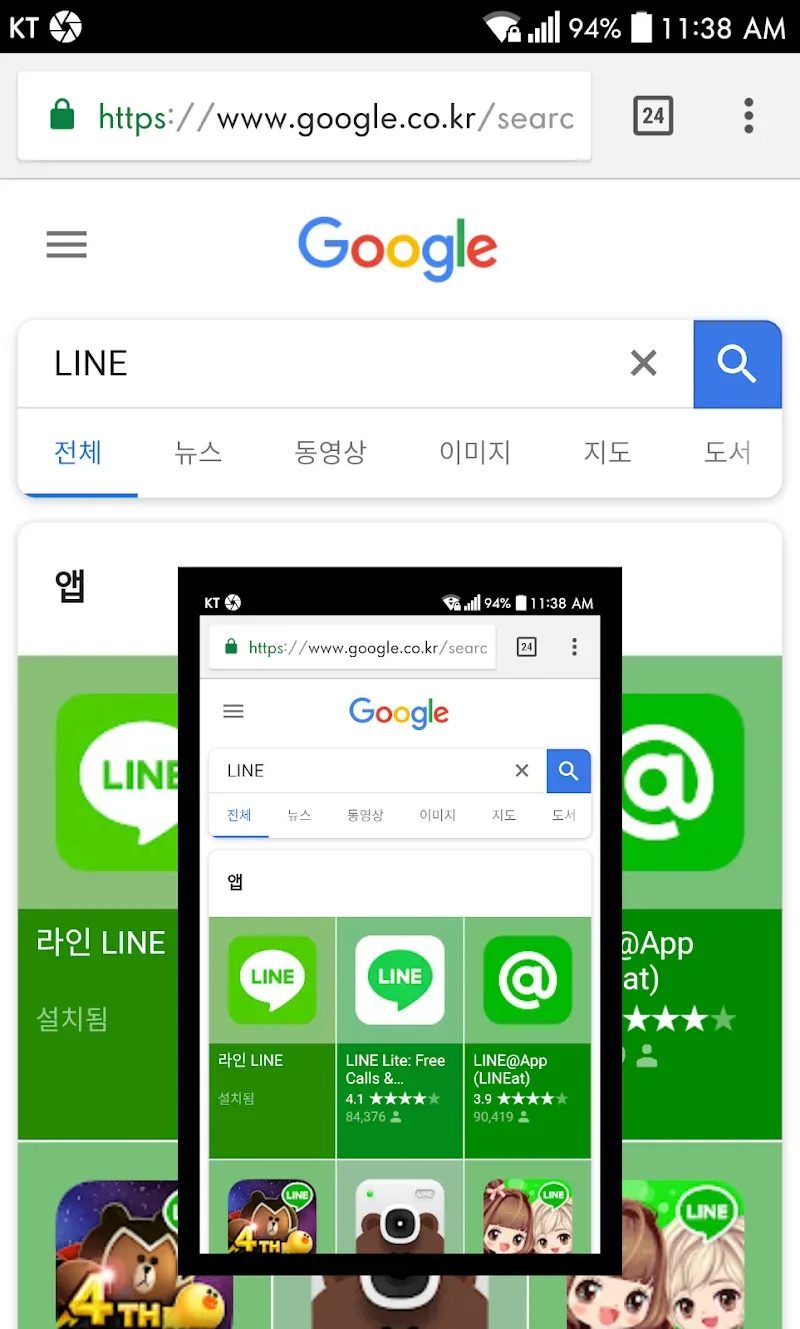
Web page whole scroll capture (with an in-app web browser)
Two ways to scroll capture
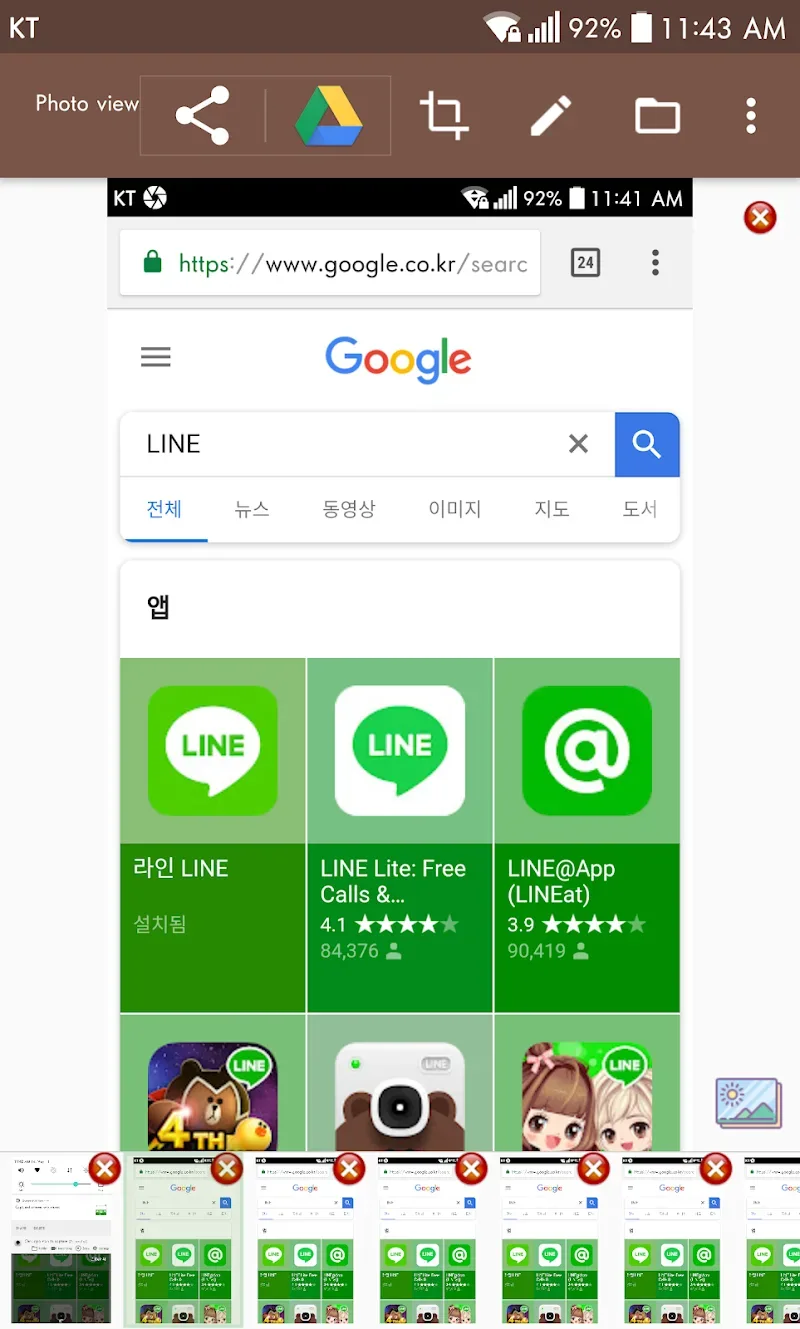
Photo viewer
Image cropper (Crop ratio, rotate)
Drawing on captured image (Pen, Text, Rectangle, Circle, Stamp, Opacity and so on)
Sharing screenshot images to other installed apps (user controlled)
Features:
A comprehensive screen capturer on mobile phones
Useful tool Screenshot touch makes it easy for users to take screenshots on their smartphones. Users can take a picture of the entire screen or just a specific area with this application’s simple and intuitive interface. From there, create high-quality photos using the app’s many photo editing capabilities, including sketching, highlighting, and cropping, and then send them to friends via email, text, or social media. Festival. In addition, Screenshot touch also offers the option to save screenshots in a separate folder, making it easier for users to manage and access captured images. It also allows recording screen videos with extremely sharp HD resolution for many jobs.
Screen capture in different ways
Mobile users can take screenshots with the powerful Screenshot touch app. Because this program offers a wide selection of screen capture methods, allowing users to customize and choose the method that best meets their requirements. The ability to take screenshots of complete web pages, even the content not displayed on the screen, is a great screenshot feature. Users need to scroll up or down for the application to record the entire content automatically. In addition, instead of taking photos traditionally and having to perform many time-consuming steps like before. Screenshot touch allows users to take screenshots on the overlay icon notification area with a single touch. Even shaking the device can take a screenshot.
Screencast video recording to MP4
Besides the impressive screen capture capabilities, the Screenshot touch allows users to record video and transfer it to an MP4 file. Thanks to various adjustable options, users can change the parameters to create high-quality videos that meet their intended use. First, the user must select the screencast video resolution from the choices provided. To accurately capture every detail on the screen, users can record video at the highest resolution compatible with their device, from HD to Full HD and even 4K. The user will then come to the following options: audio, including sound from the microphone or specific applications. Finally, adjust the Bitrate and Frame rate to create the most complete video.
Edit captured screen images
Users can use editing features such as crop, rotate, colour correct and apply special effects to captured screen images with Screenshot touch’s comprehensive editing capabilities. Users can select specific parts of the screen image using the crop tool to retain only the most essential information. Also, customize your screen images and make them more beautiful by rotating and changing the viewing angle. In addition, the program has colour correction options that allow users to change the contrast, brightness, saturation and overall colour of the image on the screen. To add to the fun, Screenshot touch MOD APK also provides different types of brushes for users to enjoy drawing and decorating on the screenshots they take before storing or sharing.
Tips for Users:
Customize the Floating Button: Take advantage of the customizable floating button feature. Adjust its position on your screen so that it's easily accessible whenever you need to take a screenshot.
Explore the Editing Tools: Don't just settle for basic screenshots. Dive into the editing tools provided by Screenshot Touch. Experiment with drawing, highlighting, and adding text to make your screenshots more informative and visually appealing.
Organize Your Screenshots: With the multiple saving folders feature, make use of the subfolders to categorize your screenshots. This way, you can easily locate and manage your screenshots without cluttering your device's storage.
Share with Ease: Take advantage of the direct sharing options available in the app. Use it to quickly share your screenshots with friends, colleagues, or on social media platforms. It's a hassle-free way to get your screenshots out to others.
Advantages:
Custom save location: The application gives you a huge storage, with this storage you can store everything in the phone that you want, because the memory is super large and it can hold everything without any problems.
Quality file control: The file format in your application can be adjusted, the application provides you with an editing tool that can convert different file formats quickly. In addition, the quality of the files is also extremely high, giving you the best results.
Timed capture feature: You can also take screenshots quickly by simply touching the screenshot without having to do difficult operations like before. Just touch the screen, and you can capture what you want on the screen.
Efficient folder creation: You can create subfolders to categorize the applications on your phone. You can put game apps in the same folder so you can easily find and access the games you want to play.
Automatic screenshot sorting: The app will also automatically rearrange screenshots by time, and you can search for the photos you took earlier faster and more conveniently.
No manual organization: With this app, you don’t need to manually arrange like before, the app will automatically arrange and do everything for you without you having to do anything.
Conclusion:
Screenshot Touch is an app to create snapshots of whole websites as they're shown on your smartphone. From your settings menu, you pick the format you want for your screenshots (default captures are set to JPEGs); and they're image resolution (50% by default). You can also choose to exclude or include your status bar. Plus along with creating website captures, Screenshot Touch also lets you capture anything on your screen - fast. Plus you can create video captures as well. All your image and video files are perfectly stored on your smartphone memory within the app's file.








