
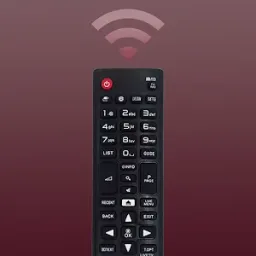
LG Remote is a handy mobile app for controlling your TV – it's free to download and use, allowing you to control your TV without needing a physical remote. LG Remote addresses a common problem for many users: the difficulty of finding the TV remote. It transforms your device into a full-featured remote control, eliminating the hassle of misplaced remotes and constantly replacing batteries. Try LG Remote today and simplify your TV viewing experience!
Click to load YouTube / 点击加载视频
YouTube ↗Advantages of the LG TV Remote app for Android
Stylish design
Layout looks and functions like a real remote control
Great backup if you lose your physical remote
Intuitive and easy to use
Disadvantages:
Annoying pop-up ads
Signal interference may occur
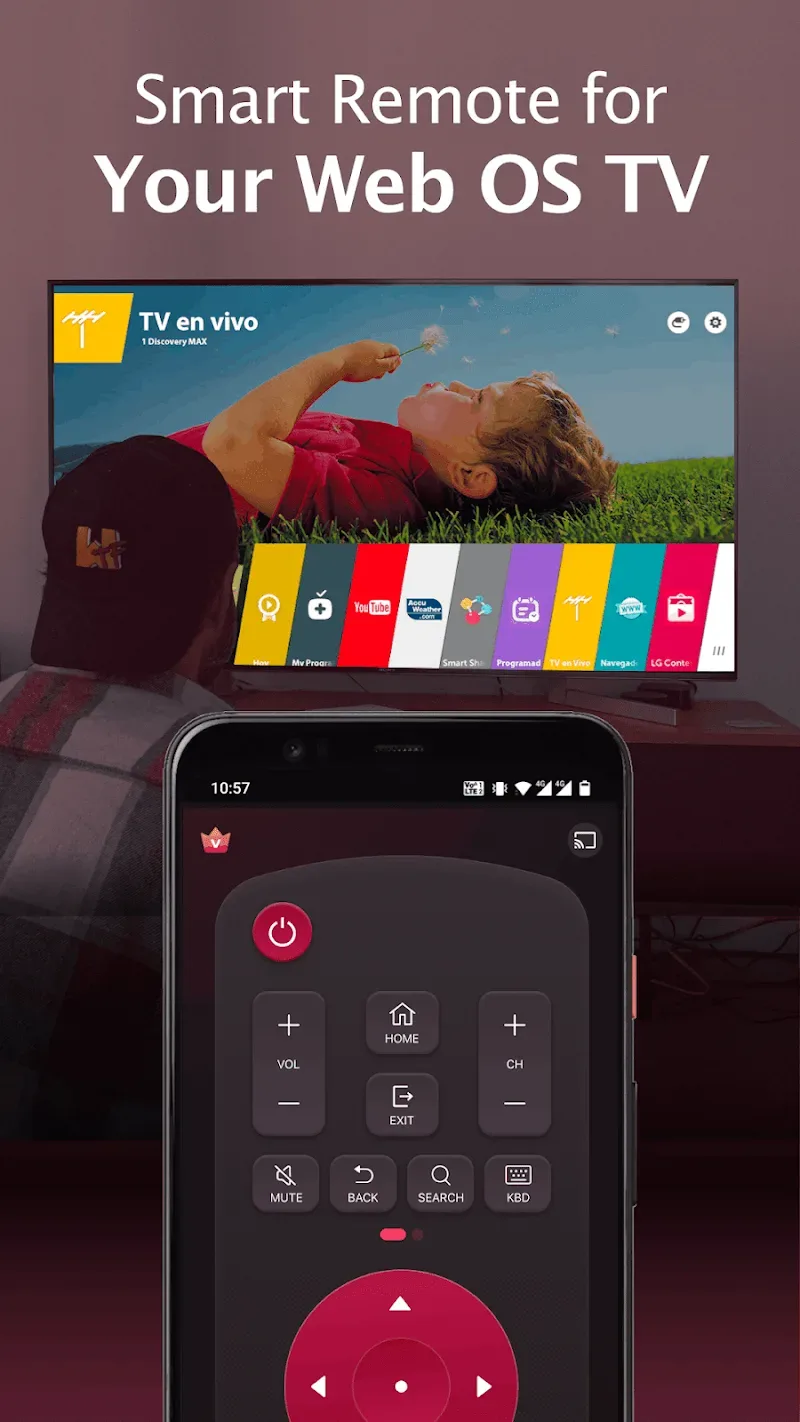
Key Features
- A fully functional remote control for LG TVs, easy and convenient to use
- Turn your LG TV on/off using the power button on the smart remote
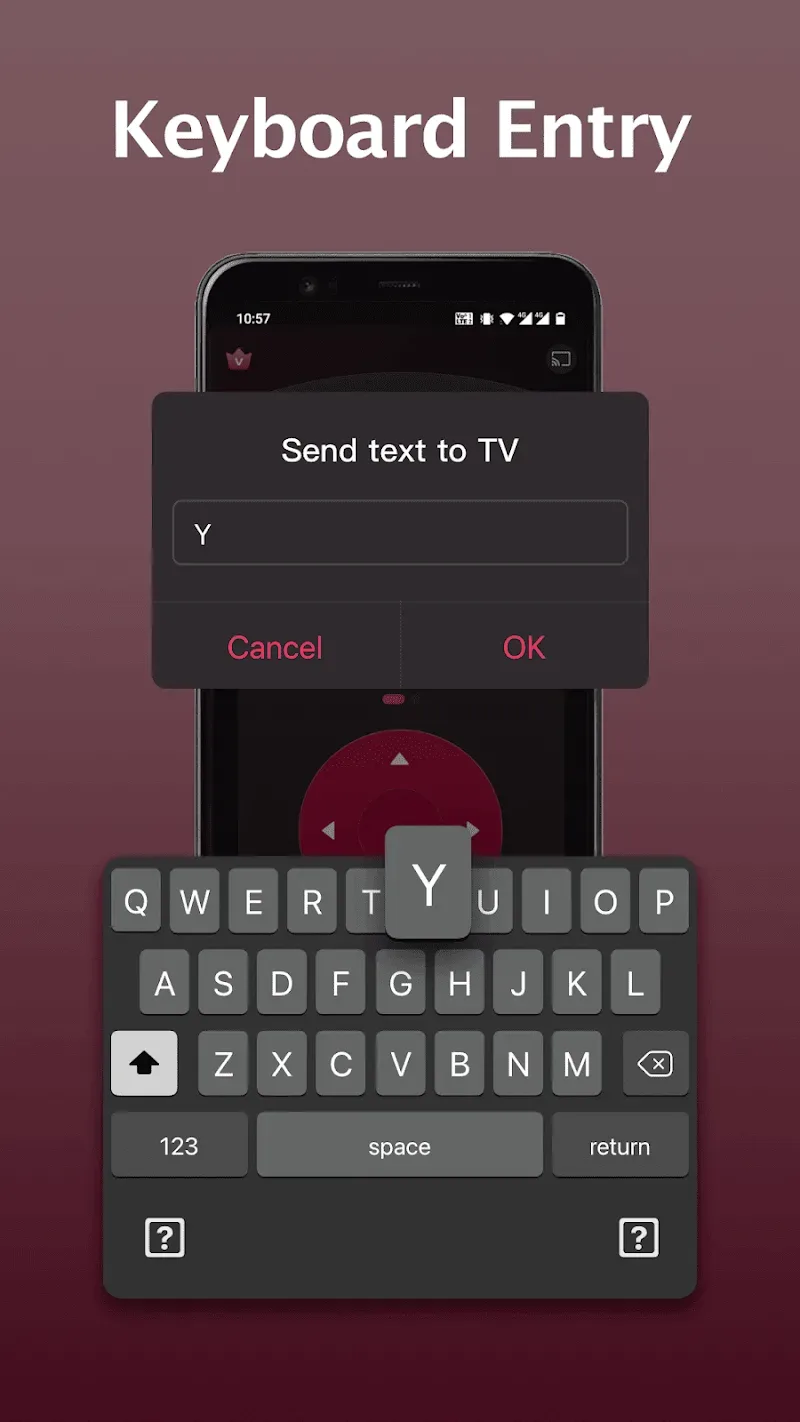
- Keyboard function simplifies text input and searching
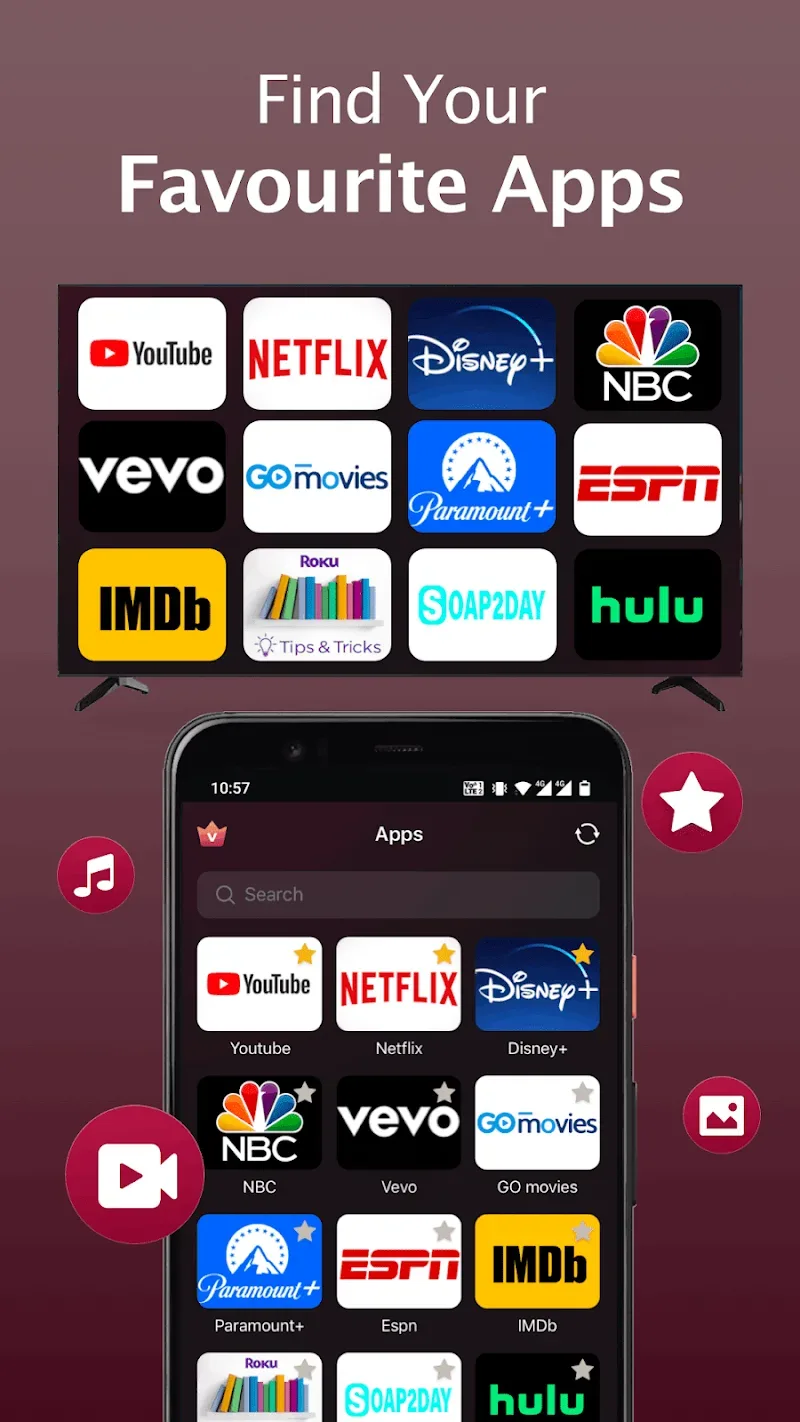
- Quick access to your favorite channels and apps on your smart TV
- Mirror your phone/tablet screen to the TV in high definition with low latency
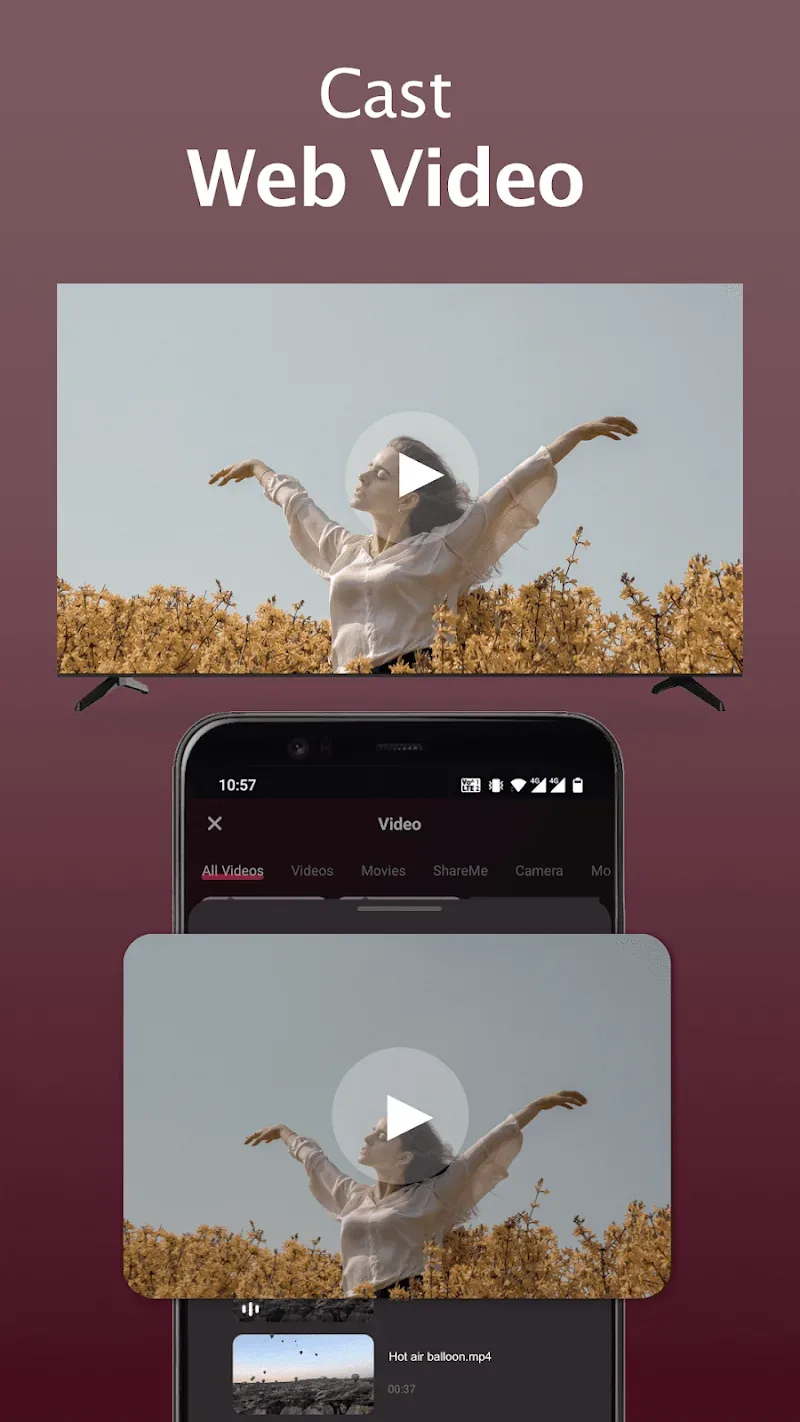
- Cast online videos to your LG TV using AI ThinQ; also cast local photos/videos to the TV
How to connect the Smart Remote app to your LG TV
- Ensure your LG webOS TV and the Smart Remote app are connected to the same Wi-Fi network.
- Turn on Wi-Fi on your phone/tablet and connect this LG replacement remote to the same network as your TV.
- In the LG TV Remote app, tap any button on the app interface, then select your LG Smart TV from the list of available devices.
- Once connected, you can enjoy the convenience of controlling your TV with your mobile device, without needing to find and use the physical remote.
Wonderful Function
PIN CODE CONNECTION
Understanding users’ concerns that connecting requires too many complicated operations, this application allows you to connect to your TV via a PIN code. This feature is convenient and enhances your device’s security to avoid situations where others control the TV illegally.
Simple PIN Entry: The way for users to connect this application to their TV is quite simple. You just need to open the application and enter the PIN code that appears on the TV screen.
No Complex Pairing: Many users have praised its simplicity because they do not need to connect any additional wires. This is also when the dwarf’s experience becomes better.
ADVANCED NAVIGATION MODES
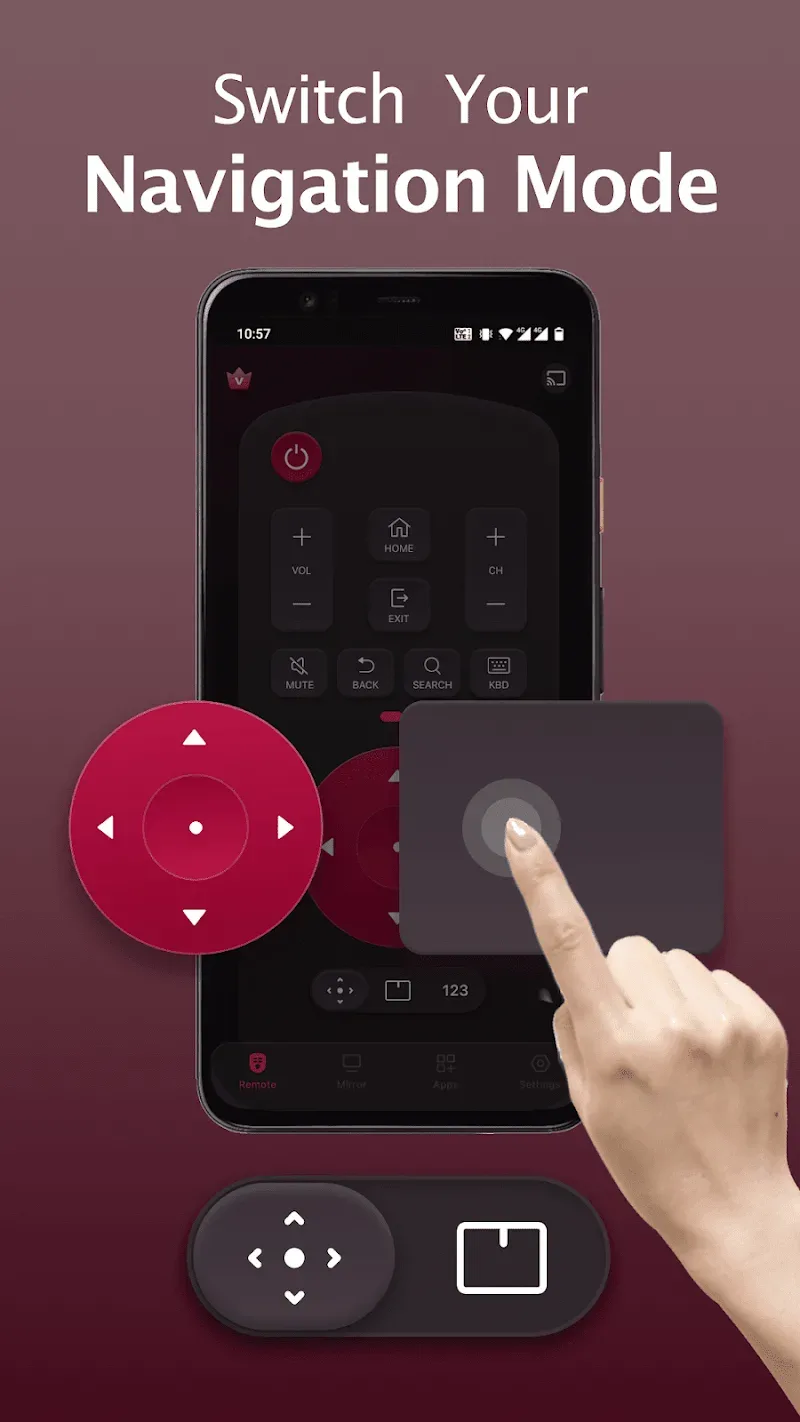
For users to experience the application according to their preferences, the application also provides options between navigation modes by mouse, virtual keyboard, or virtual buttons on the screen. In addition, those features can also be adjusted in size to best suit the user’s needs.
Precise Directional Control: This application is also considered to operate like a traditional TV remote. It provides its users with a navigation panel to control and select the content they want to watch on TV.
Intuitive Trackpad Navigation: In addition to a navigation panel, you can switch to using the touchpad on the app. This feature helps users feel like they are controlling the computer mouse right on their phone.
Easy Text Input: Now, you don’t have to search for each letter that appears on the screen to enter; you can write down what you want to search for using the virtual keyboard that appears on the application.
User's Comments
really nice app it's working good tq LG remote , before it was really fast to connect but nowadays it's really taking so much time connect
the app is definitely excellent, but after connecting gives a lot of advertisements due to which unable to operate the remote through mobile
The wheel scroll unfortunately failed on My magic remote after 5 years of having the TV, ordered a new wheel scroll but won't be with me until 19th of this month, so this app is a great solution for me, as It means me TV isn't out of action why my remote is, because I can use my phone to control my TV, absolutely genius
best app for LG TV to control without remote
connects so easily and quickly. can also connect and turn on tv when the tv is off. 10/10! best remote LG ever!
very nice and also connect with any phone
Excellent interface. Switched on LG TV and started the app. It automatically searched for model and after connecting started operating. The whole process was ultra fast. User Interface is excellent and mouse pad is very useful especially for search as compared to up down and left right buttons for selecting alphabets. Liked the app. Except the advetisements may be disturbing in the free version. However the paid ad free version for life time is almost same as that of physical remote.
I was trying this application but I was using stating it is not work but few days I have used this application this application has worked starting is not work because I have not use this application
Final Words
If you own an LG smart TV but find the included remote a bit inconvenient, don’t worry, Remote for LG ThinQ TV & webOS will be the perfect companion to dispel that inconvenience and help you control your TV more easily and conveniently than ever. With an intuitive interface and smart features, this application promises to turn your phone into a multi-function remote and thanks to it you can access your TV anywhere in the house.








