Adobe Reader is the official PDF reader for Android devices. This mobile app inherits the core functionality of the desktop version and is optimized for touchscreens. It supports opening PDF files directly from email, web pages, and other shared sources, and can handle encrypted documents, PDF portfolios, and annotated text. It's a comprehensive and powerful mobile PDF app. Download it now!
Click to load YouTube / 点击加载视频
YouTube ↗A detailed review:
Overview
Adobe Reader DC for Windows is a software tool used to view, print, and annotate PDF documents. The program lets you read digital documents with clear text and images, and it supports navigation features like zoom, page rotation, and bookmarking. It accommodates secure viewing and offers options for digital signatures to verify document authenticity. Users can download Adobe Reader DC for Windows from reliable sources like Softonic to access the latest version.
Core features
The application offers a range of essential functions like text search capabilities and customizable viewing settings, which help users locate information inside lengthy files. Tools for adding comments and markups mean you can review and collaborate on a document easily. Form-filling and e-signature options help with the handling of interactive documents. Security settings permit users to restrict editing and printing. The interface is straightforward, with menus and toolbars arranged to make the navigation simple and intuitive.
Integrations and alternatives
Adobe Reader DC integrates with cloud storage services and other products in Adobe’s document management suite to make document handling easier. A few of the comparable programs on the Windows platform include Foxit Reader and PDF Reader X. Adobe Reader DC for Windows' comprehensive design is why it suits a wide range of users, from students to professionals, who want a dependable solution for managing PDF documents. The software is part of a broader suite of tools that address various document-handling needs.
Features:
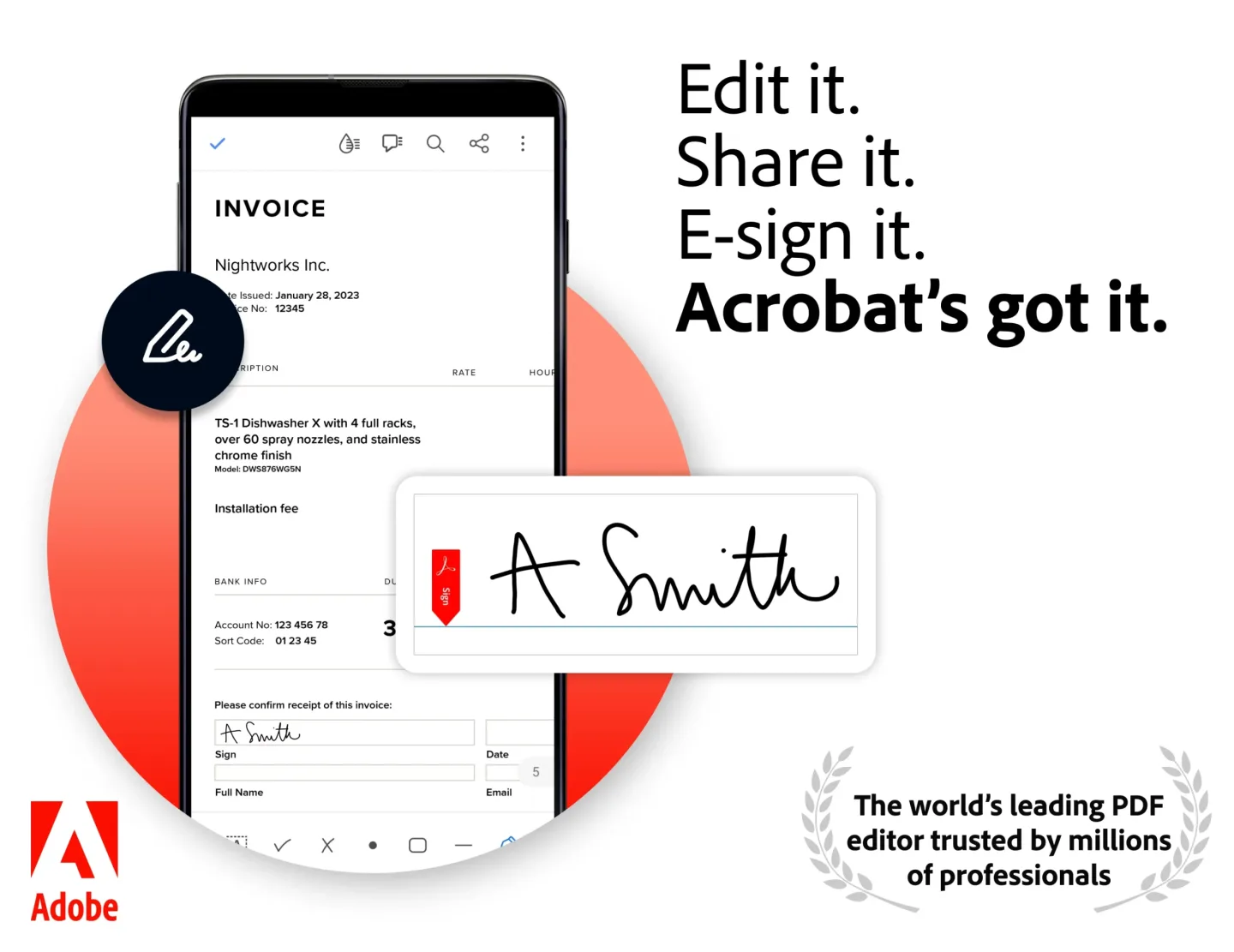
View and interact with PDF documents on Android devices.
Easily zoom in or out of a document to read it clearly.
Search for words within the text of your PDFs quickly and accurately.
Select single page, continuous scroll, or reading mode views when viewing documents.
Access recently viewed files from anywhere using Acrobat Mobile app services integration.
Create new pdf by combining multiple existing ones into one file easily without any hassle.
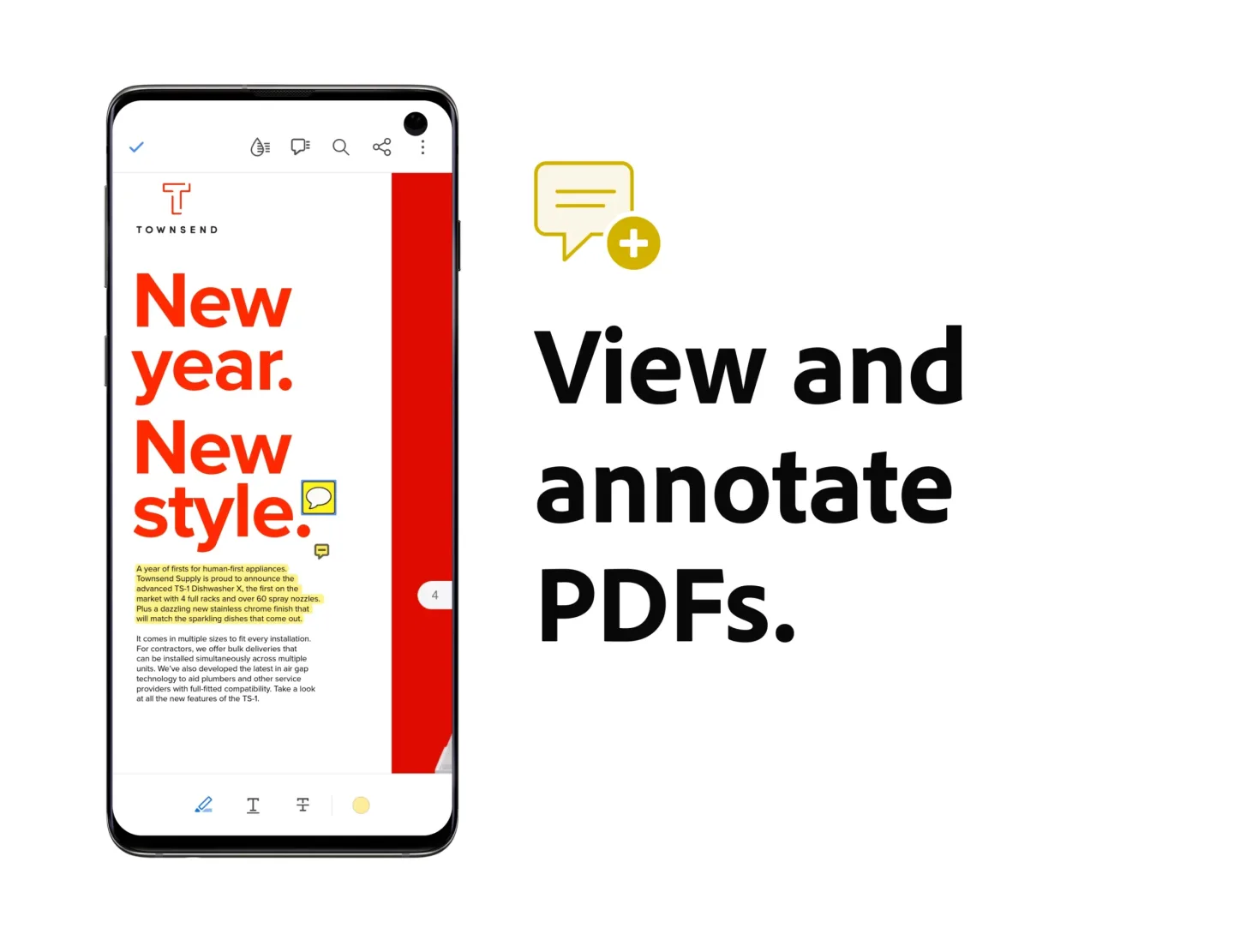
Add comments directly onto an open document right away as you view them while editing texts if needed.
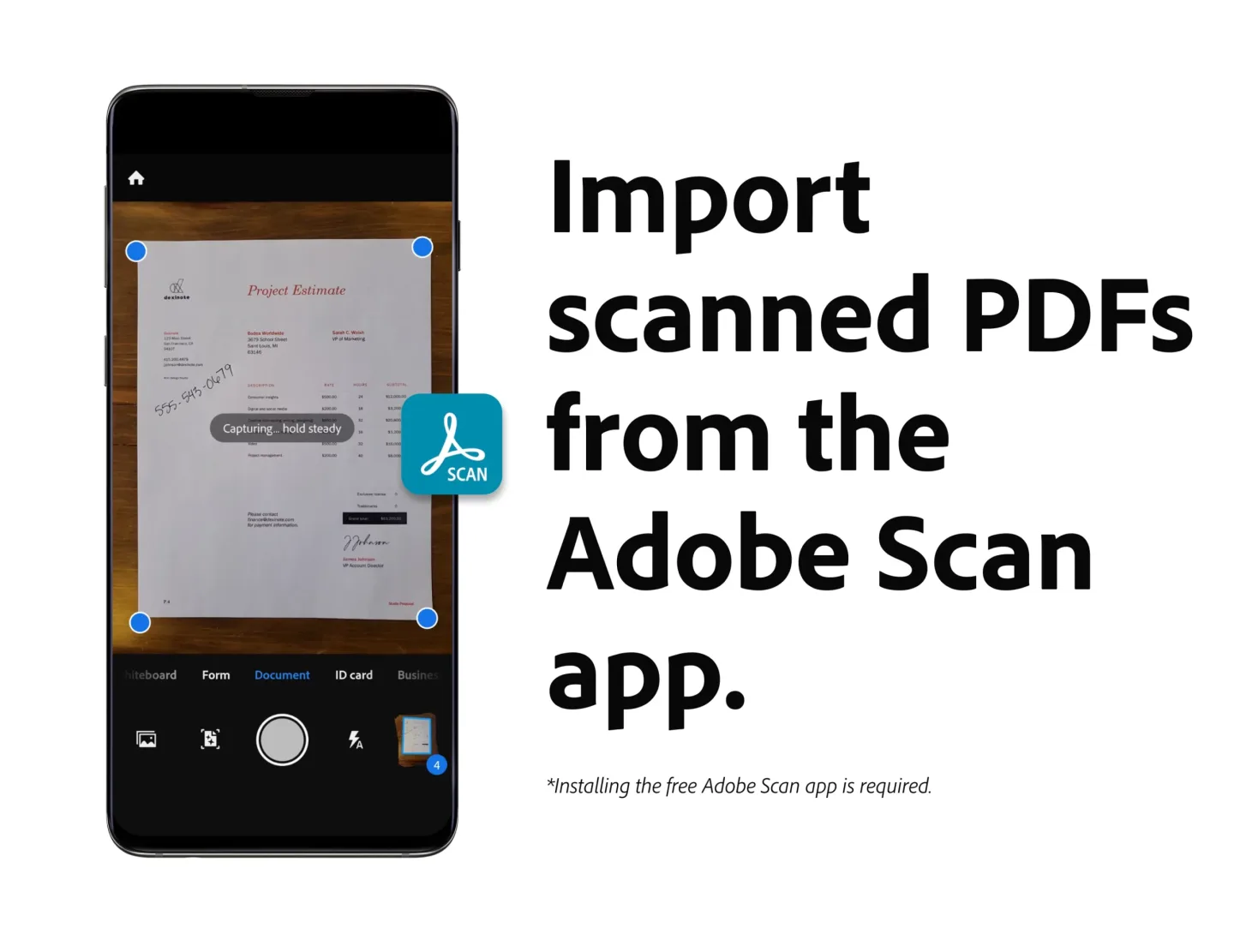
Share scanned images through email instantly after scanning them via the Adobe Scan mobile scanner application.
What does it do?
For those of you who don’t know yet, PDF is now considered the best file format for sharing text content as it doesn’t vary on different platforms like Doc and other files. And when reading PDF files, you’ll have the true feeling of reading books and other printed documents. Which is why many people are preferring PDF files for their digital text contents. Thus, you’ll now need PDF reader apps to view or make changes to your PDF files.
And among the top PDF reader applications, you can always find Adobe Acrobat Reader ranking among the top. Not only because the file format was developed by Adobe and they have had the time to improve their apps, but also due to the impressive features and functions that it provides. Here, you can fully view your files and make all kinds of changes to the documents just like with a physical copy. Thus, improve your in-app experiences.
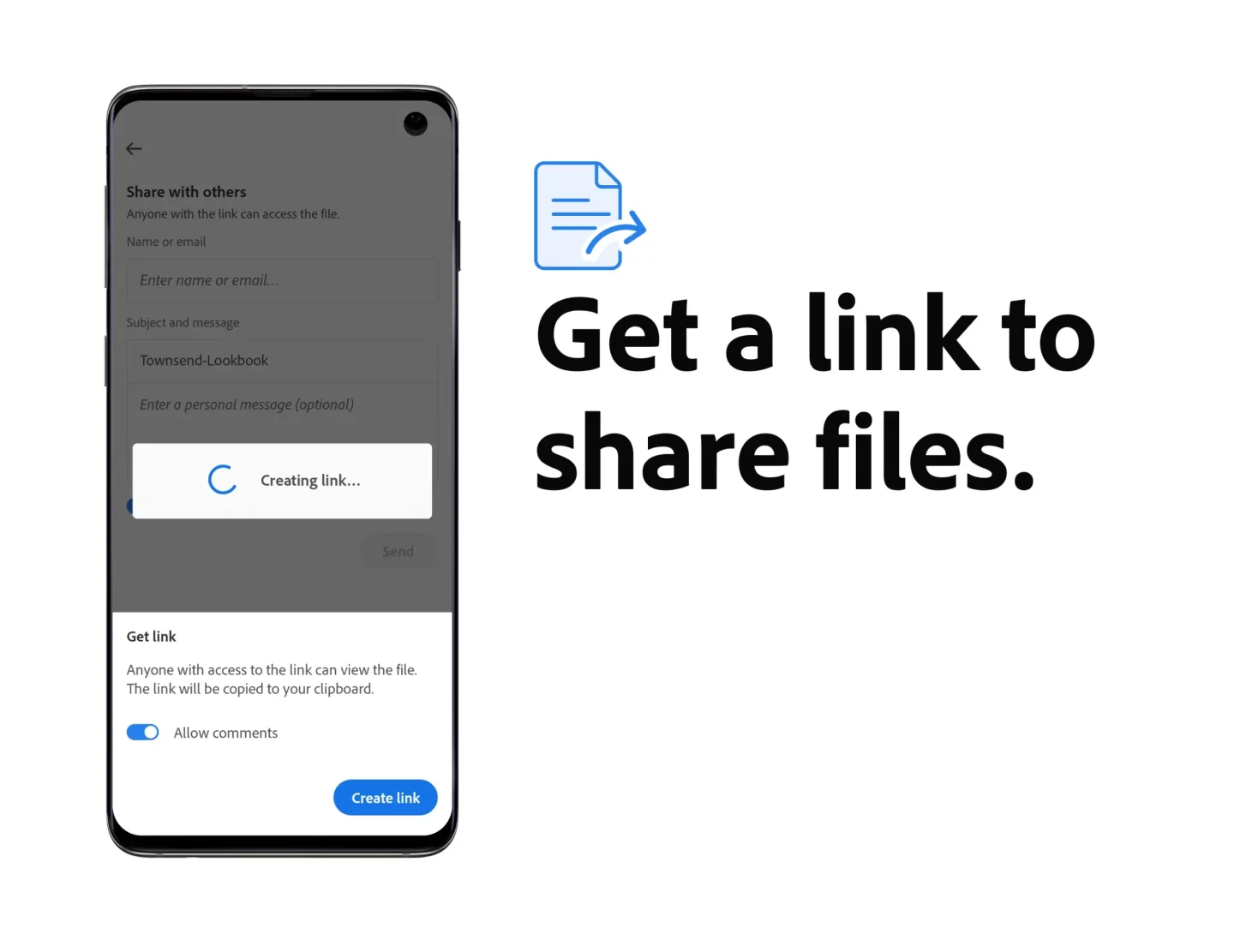
Feel free to view whichever PDF files on your system. Make uses of the provided options to further enhance your viewing experiences. Quickly and conveniently work with others to unlock better teamwork efforts. Using online drives to share and save your files so you won’t lose them. The list goes on.
FAQs:
What is Adobe Acrobat?
Adobe Acrobat is a mobile app that lets you view, edit, sign, and manage PDF files with tools like OCR, AI summaries, and cloud sync.
How does the Adobe Acrobat AI Assistant work?
It uses voice or text prompts to answer questions, summarize content, and find info across multiple PDFs, making document review way faster.
Is Adobe Acrobat free to use?
Yes, basic features like reading, signing, and annotating PDFs are free. Advanced tools like editing and AI Assistant need a subscription.
Can I edit scanned documents with Adobe Acrobat?
Absolutely. Its built-in OCR converts scanned PDFs into editable and searchable text, perfect for old forms or printed contracts.
What file types does Adobe Acrobat support for conversion?
You can convert Word, Excel, PowerPoint, images, and even web pages into PDFs — and export PDFs back into those formats too.
Conclusion:
Adobe Reader is the official Adobe application for Android devices. It offers a wide range of features, making it practically identical to its big brother computer version, but with controls perfectly adapted for touch screen use. The application allows you to quick open PDF documents directly from email, a webpage, or any application that enables the 'share' option (where you can normally publish files on social networks). You can view PDF portfolios, password-protected PDF documents, and documents with text and other notes drawn on. Basically, everything you'd expect from Adobe Acrobat Reader is now available on your small Android screen. You can also run searches to find terms in any document.