
NoteCalendar is a versatile and beautiful utility app. It seamlessly integrates note-taking and scheduling into a visual planner for efficient management. Users can take colorful notes and attach them directly to calendar dates, making it easy to keep track of important reminders at a glance. Additionally, NoteCalendar features a password lock, customizable settings, and backup options to keep your data secure and organized. By following the provided tips, users can maximize the app's functionality and streamline their note-taking and scheduling processes. Download and experience it now!

How to Work:
Select the date you want to save note(memo) and tap the [Add Button].
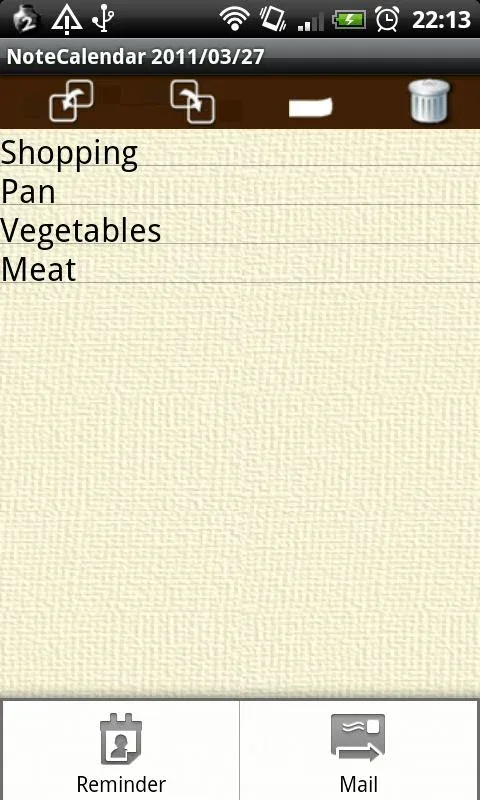
The edit screen appears. Tap the screen then keybord appears.
Write memos and tap [Post-it] above the screen and select the color of post-it for the note(memo).
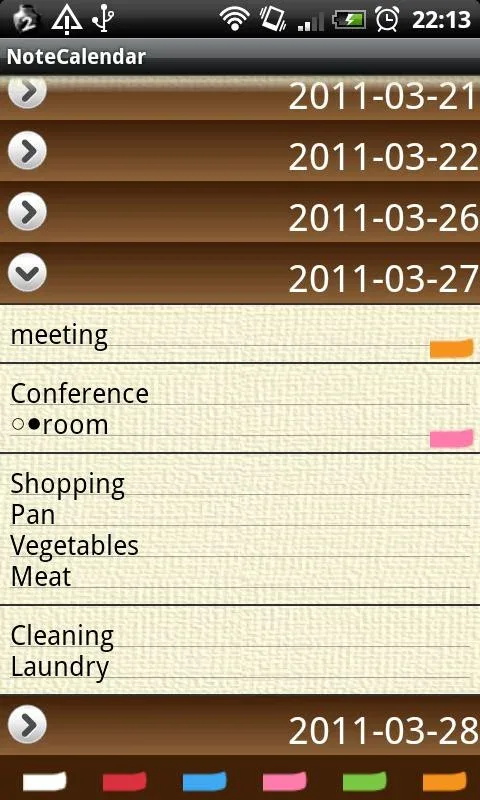
Press [Return] of your mobile and see the calendar. You can see the saved memos in the list.
Features:
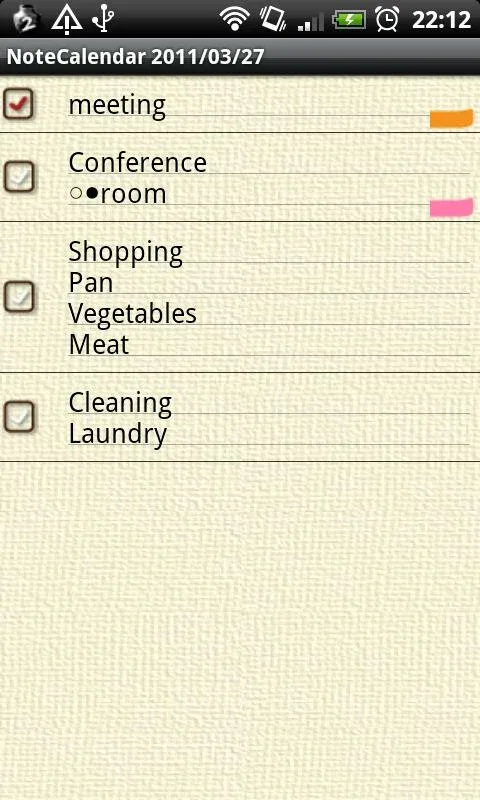
Visual Planner: Merge memo-taking and scheduling by adding colorful “post-its” directly onto calendar dates for easy visibility.
Checkboxes: Mark completed tasks with checkboxes and view them on the calendar with checkmarks for efficient tracking.
Customization: Personalize calendar settings, password lock data for security, and export/import backups via SD card or cloud storage.
Ad-Free Option: Upgrade to the ad-free “Pay version” for a distraction-free planning experience.
Playing Tips:
Use different colors for different types of notes to visually differentiate between tasks or events.
Utilize the check-off feature to track completion progress and easily identify which tasks are still pending.
Take advantage of the backup function to ensure that your important data is secure and accessible across devices.
Experiment with the repeat feature to set up recurring plans for daily, weekly, monthly, or annual events.
Explore the setting menu to tailor the app to your preferences and optimize your note-taking and scheduling experience.
Conclusion:
With its unique blend of memo-taking and scheduling features, customizable options, and ad-free experience, NoteCalendar is the perfect solution for users looking to stay organized and productive. By utilizing the checkmark system, backup features, and customization options, users can effectively manage their tasks and notes with ease. Download NoteCalendar today to enhance your productivity and streamline your scheduling process.