

Apex Launcher is a deeply customized theme application. Click to download the latest Android version to help you personalize your smart device. Apex Launcher provides powerful and convenient tools for users, allowing you to set up your phone to your liking. This application not only features advanced drawer functionality but also customizable screens, gestures, and theme icon packs. Use Apex Launcher now to create the ultimate personalized experience with highly customizable features and powerful customization options!
Click to load YouTube / 点击加载视频
YouTube ↗Awesome Features
Customizable Home Screen: Apex Launcher allows users to customize their home screen with various grid sizes, icon packs, and custom widgets. Users can also choose to hide certain apps, create folders, and set custom gestures for quick access to their favorite apps.
App Drawer Organization: Apex Launcher's app drawer supports multiple sorting methods, including alphabetical order, frequency of use, or installation date. Users can also choose to hide infrequently used or unnecessary apps to keep the app drawer tidy.
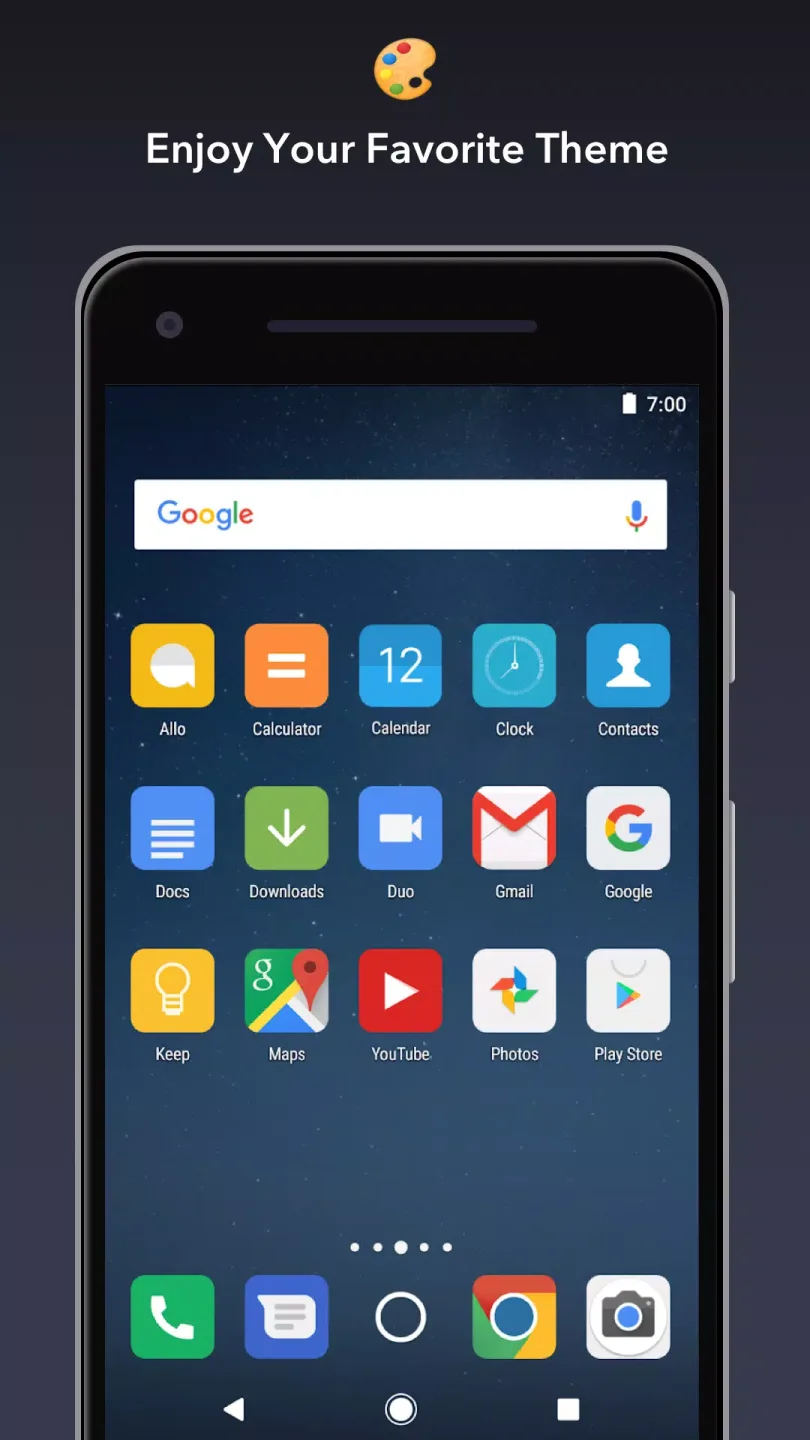
Icon Packs and Themes: Apex Launcher supports a variety of icon packs and themes available in the Google Play Store. Users can choose from thousands of unique designs to personalize their devices and make them stand out.
Scrollable Dock: Apex Launcher's scrollable Dock allows users to have multiple Docks, displaying up to seven icons per page, for quick access to their favorite apps and shortcuts.
Gesture Controls: Apex Launcher offers a range of gesture controls, allowing users to perform actions such as opening the app drawer or accessing the Notification Center with simple swipes and taps.
Backup and Restore: The app includes backup and restore features, allowing users to save Apex Launcher settings and layouts. This allows users to easily transfer personalized settings to new devices or restore them after a factory reset.
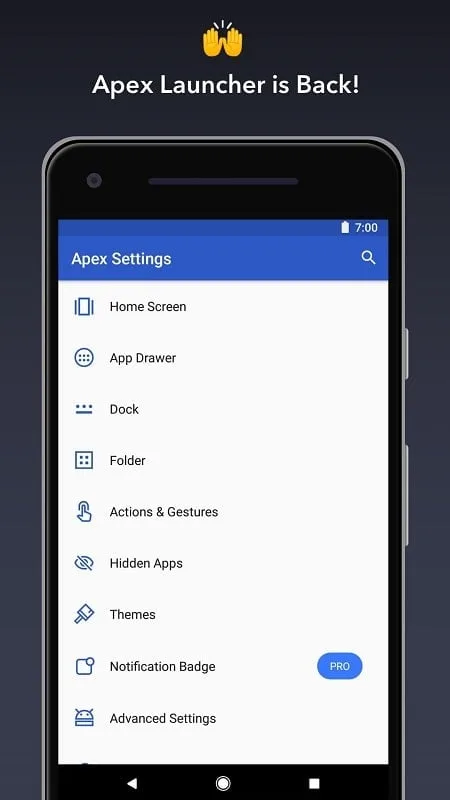
Wonderful Function
Personalized Themes and Icon Pack Center:Customize your home screen and app drawer grid size. Customize shortcut and folder icons, themes, and labels.
Efficient and Convenient Scrollable Dock: Displays up to 10 icons per page, up to 5 pages.
Easy to Use: Infinitely Flexible Scrolling (Home Screen, Drawer, and Dock)
Effects: Cool transition effects (Tablet, Cube, etc.)
Optimized to Your Needs: Hide Elements (Status Bar, Dock, etc.)
Customization: Choose different folder preview styles and backgrounds.
Easy Management: Drawer app sorting (Title, Installation Date, Most Frequently Used)
Hide Apps: Hide apps from the app drawer.
Lock: Desktop to prevent accidental changes.
Gesture Controls: Convenient home screen gestures (Pinch, Swipe Up/Down, Double Tap)
Explore Themes: Advanced theme engine (Icon Packs, Skins, etc.)
Backup/Restore Settings and Data
Optimized for Phones and Tablets on All Devices
More Exciting Features Await You! Even more customization options are available!
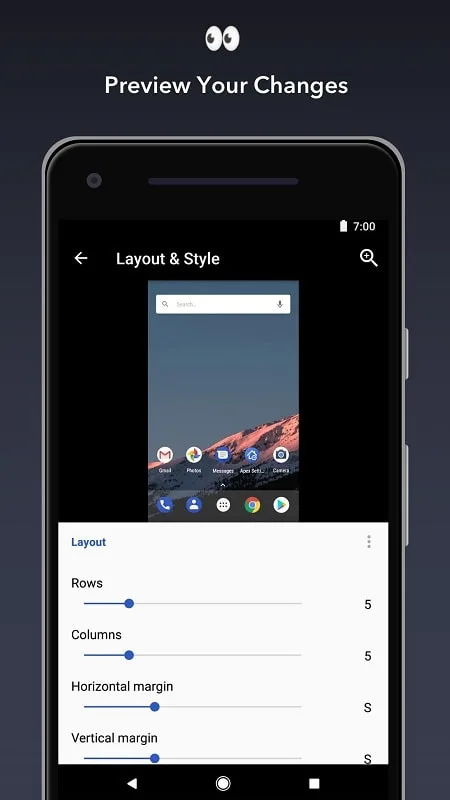
Brilliant Performance
This app offers features including: nine customizable home screens that you can rotate; a dock that holds seven icons; infinite scrolling anywhere on your device; different transition effects between screens; and the ability to hide certain elements (such as the status bar or even the dock).
In addition, you can customize icons and folders, organize apps into different folders according to different criteria, and customize screen gestures. Your Android device will have dozens of useful features.
Apex Launcher is a great device customization tool that offers many phone personalization options. While it may not be the most aesthetically pleasing launcher, its functionality is still very powerful.
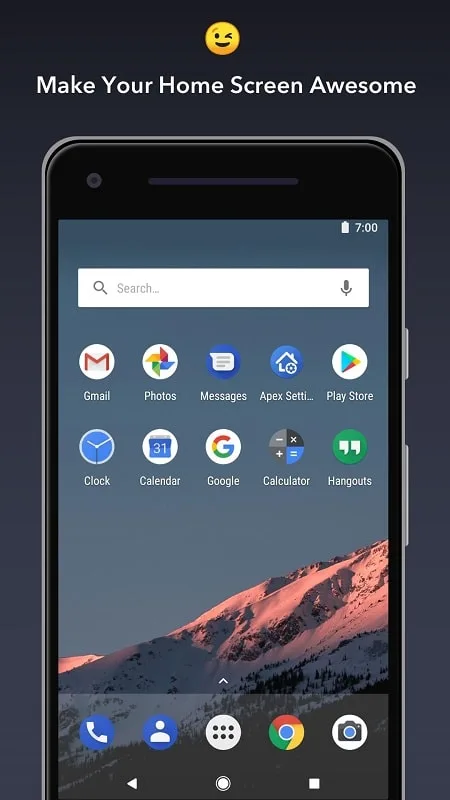
Excellent Highlights
The latest version of Apex Launcher introduces several updates and improvements to enhance the user experience:
Stability and Performance Improvements: The application has been optimized for performance and stability, ensuring a smooth and enjoyable user experience.
Vulnerability Fixes: The latest update addresses various bugs and issues reported by users, further improving the application's reliability and performance.
New Icon Packs and Themes: Apex Launcher now supports more icon packs and themes from the Google Play Store, providing users with more options for customizing their devices.
Enhanced Gesture Controls: Gesture controls in Apex Launcher have been updated for improved responsiveness and ease of use.
Expanded Compatibility: The latest version of Apex Launcher is compatible with a wider variety of Android devices, making it accessible to more users.
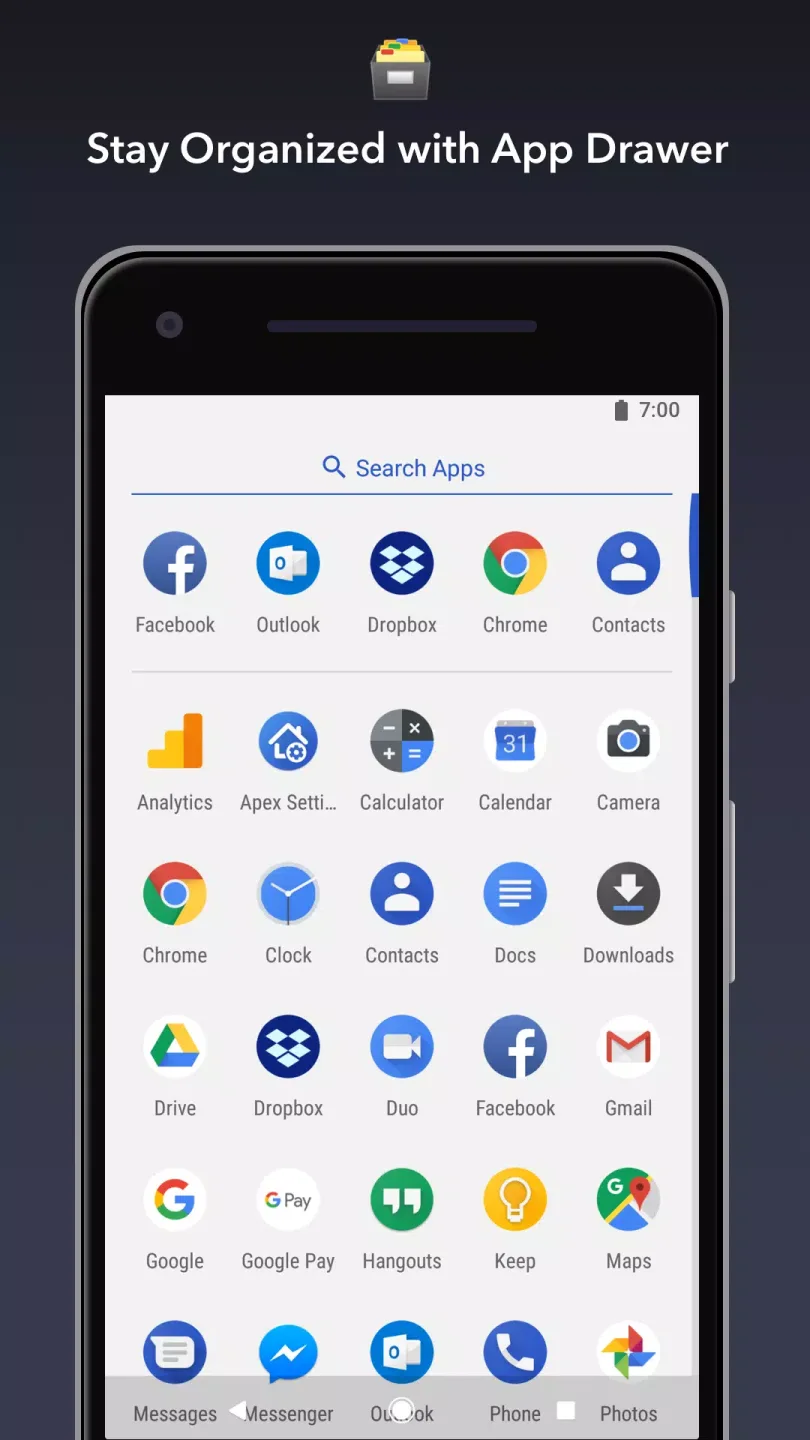
Best Advantages
Pro/Paid features unlocked – no additional key required;
Unnecessary permissions, receivers, providers, and services disabled/removed;
Graphics optimized and aligned, resources cleaned up for faster loading;
Ad permissions/services/providers removed from Android.manifest file;
Ad links removed, call methods no longer valid;
Ad layout visibility disabled;
Google Play Store package check disabled;
Debug code removed;
Default .source tag name removed from corresponding Java files;
Analysis/crash logs/Firebase disabled;
Facebook ad bundle SDK completely removed;
AOSP compatibility mode;
Language: Supports multiple languages;
Final Thoughts
Apex Launcher is a fantastic personalization app designed for Android users who want to customize their home screen and app drawer. With its rich features, including customizable home screen layouts, app drawer organization, icon packs, and themes, Apex Launcher offers a diverse and enjoyable user experience. Recent updates, including improvements to stability, performance, and compatibility, make this app even more appealing.








