

Spatial Touch is an invaluable tool. Click to download the latest Android version and let this advanced application, powered by smart technology, allow you to control your mobile device remotely. Spatial Touch helps users control their mobile devices without touching the screen, performing various functions such as pausing, fast forwarding, rewinding, and adjusting volume for streaming services. Users can utilize powerful customization settings for more precise control, helping to reduce accidental touches. Use Spatial Touch now to free your hands and enjoy a more convenient control experience!
Click to load YouTube / 点击加载视频
YouTube ↗Fantastic Function
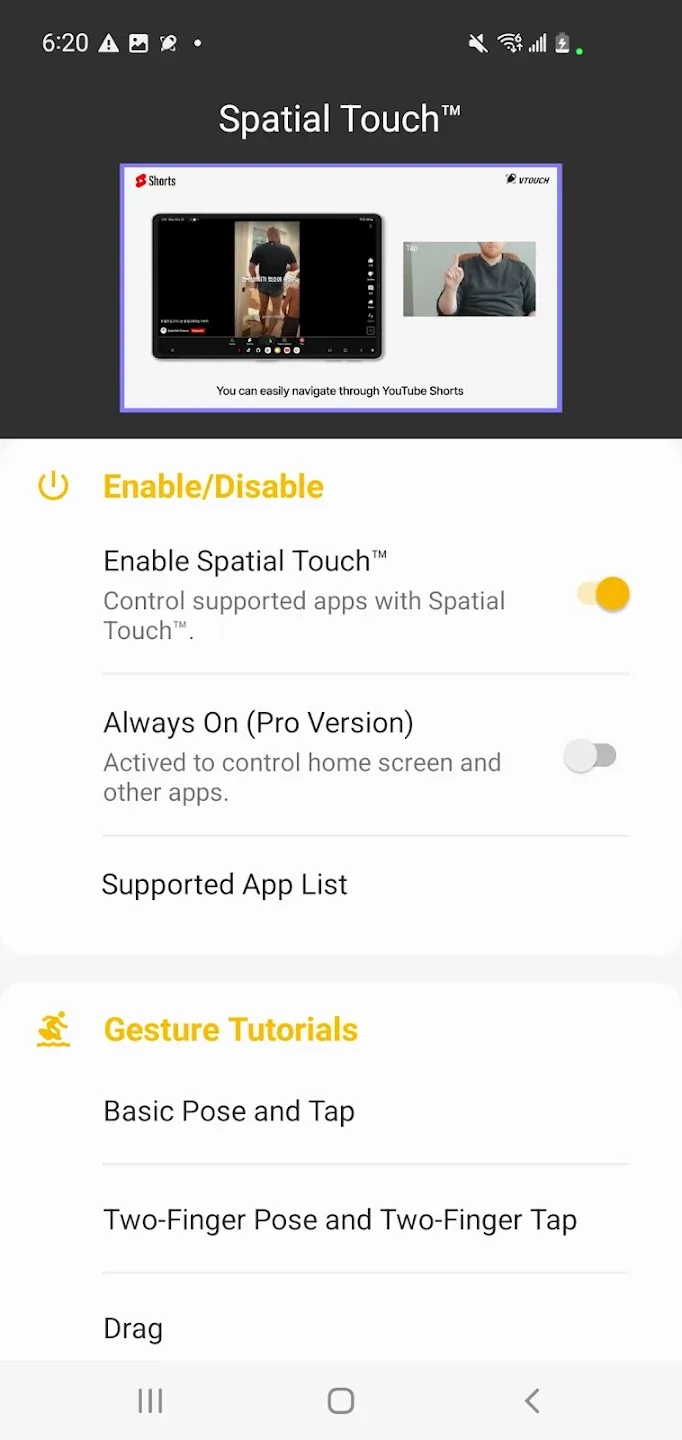
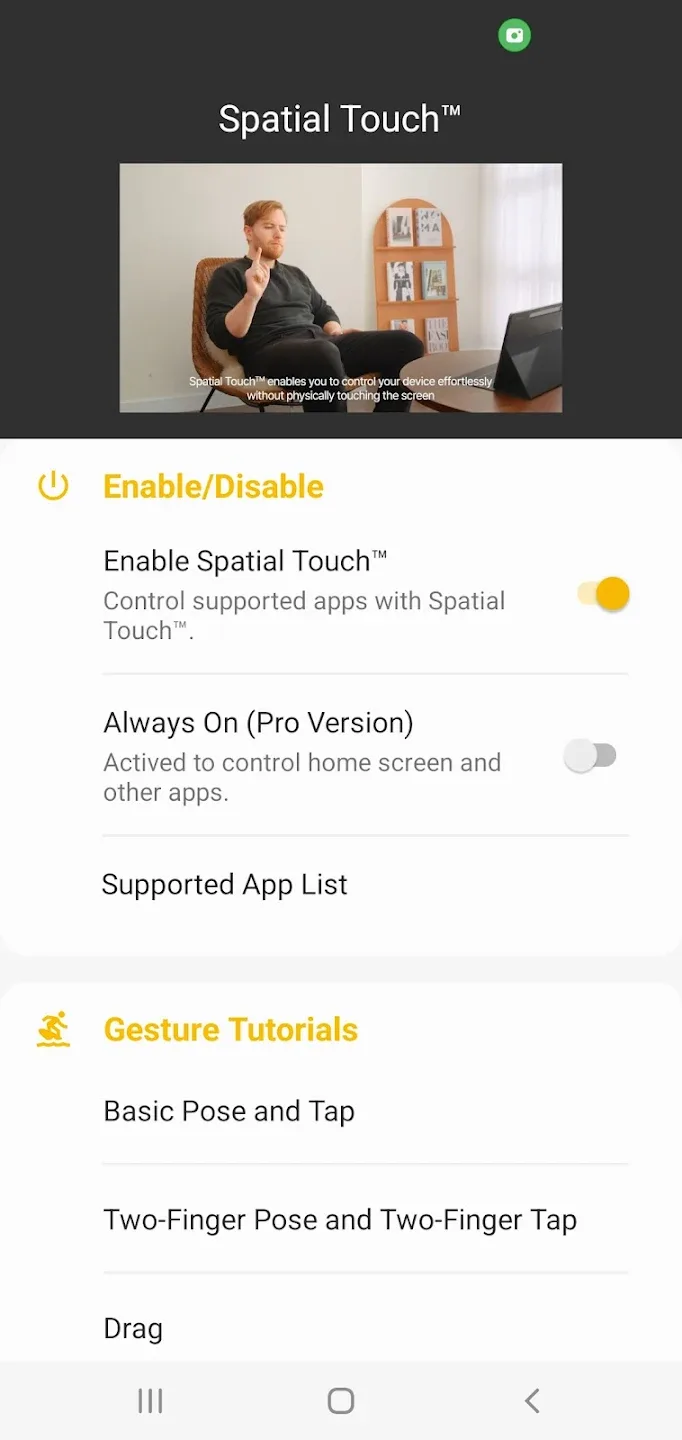
Air Gestures: Control media playback, pause, volume adjustment, navigation, scrolling, and more using air gestures without touching the screen.
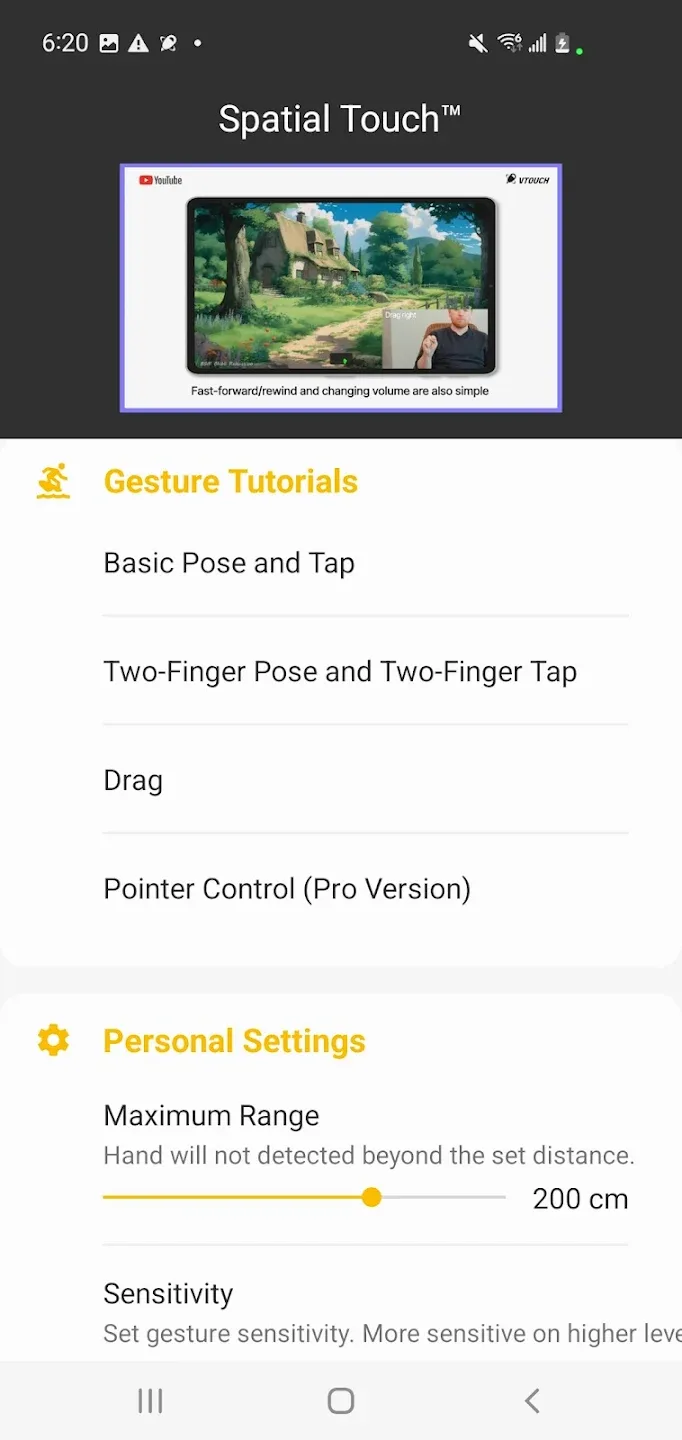
Remote Control: Control your device from up to 2 meters away, working perfectly in various environments and postures.
Advanced Gesture Recognition: Minimizes false detections with multiple hand filters. You can lower the filter strength for ease of use or set a higher filter strength for more stable performance.
Automatic Background Launch: No separate launch is required after app installation. Spatial Touch™ automatically activates and runs in the background when you launch supported apps like YouTube or Netflix.
Strong Security: While Spatial Touch™ uses the camera, it does not store or transmit any images or videos outside the device. All processing is done within your device. The camera is only activated when supported apps are running and is automatically disabled when apps are not in use.
Key Features
Clicks: Play/Pause Video, Skip Ad (YouTube), Skip Intro (Netflix), Next Video (Shorts, Reels, TikTok), etc.
Drag left/right: Video navigation (fast forward/rewind)
Drag up/down: Adjust volume
Two-finger tap: Switch to full-screen mode (YouTube), previous video (Shorts, Reels, TikTok)
Two-finger swipe left/right: Scroll left/right, switch to the previous/next video
Two-finger swipe up/down: Scroll down/up
Pointer (Pro): Activate the cursor and be able to tap any button on the screen
Supported Apps
Major video and music streaming services and social media platforms. More apps will be added in the future.
Short Video Formats - YouTube Shorts, Reels, TikTok
Video Streaming Services - YouTube, Netflix, Disney+, Amazon Prime, Hulu, Coupang Play
Music Streaming Services - Spotify, YouTube Music, Tidal
Social Media: Instagram Feed, Instagram Stories
Brief Info
Minimum System Requirements
Processor: Qualcomm Snapdragon 7 series or later processor recommended.
RAM: 4GB or more recommended.
Operating System: Android 8.0 (Oreo) or later.
Camera: Minimum resolution 720p, 1080p or higher recommended.
- Please note that these are general guidelines only; actual performance may vary by device.
App Permissions Information
To provide the service, this app requires the following permissions:
Camera: For user gesture recognition (enabled only while the app is in use)
Notification Settings: For app update and status notifications
Accessibility Control Permissions: For app control and screen taps
Settings - Accessibility - Installed Apps - Allow Spatial Touch™
Final Verdict
Spatial Touch™ allows users to navigate and control playback settings using intuitive air gestures. With these features, you can play, pause, stop, fast forward, rewind, adjust volume, and even fast forward or rewind without touching the screen. Furthermore, the app runs automatically in the background, eliminating the need for manual launch each time and ensuring it's always available.








