

PC Remote will bring users a brand-new PC experience. Users can remotely control their computer devices through the software, enabling real-time file transfer, customizing key bindings, and enhancing game frame rates based on their computer's model, providing the most comfortable gaming experience. PC Remote also prioritizes user security, employing new protection technology to safeguard user accounts and privacy information in real time, allowing users to use all of PC Remote's functions with peace of mind. Interested users can download PC Remote from this site!
Features:
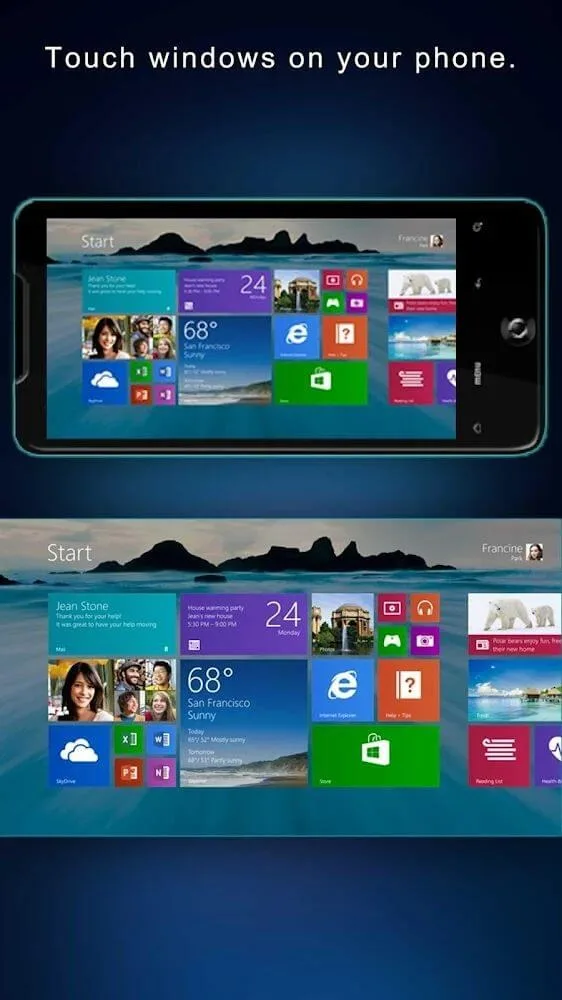
Cast your Android screen on PC display and vice versa: With PC Remote, Android users can choose to cast their Android screen to the PC monitor and vice versa. Use this feature to enable a touch windows interface on your mobile devices or tablets. And you can also cast your Android screen to the large screen to enjoy better entertainment experiences.
Easy file transfer between the two devices: Feel free to transfer files between your devices using the quick and easy storage access, using both wired and wireless connections. Here, you can browse all existing files on your Android devices using the PC or view your PC files with the remote Android interfaces. Easily select and manage each file and folder with many built-in options.
Protect your privacy with highly secured connections: With PC Remote, Android users can enjoy the highly secured connections between the two devices, which will allow mobile users to protect their personal data. Here, the app only use the highest security of 256 Bit AES Session Encoding on its remote connection. As a result, Android users can now protect their devices from any threats.
Many utilities to work with: And to make it more convenient for Android users to remote control their laptops or PCs, PC Remote will provide its many cool features that you can immediately work with. Here, you can choose to work with microphone, and camera devices that are connected to your PC via PC Remote’s intuitive multimedia controller menu. Feel free to record your voice, broadcast your images, and more.
Highlights:
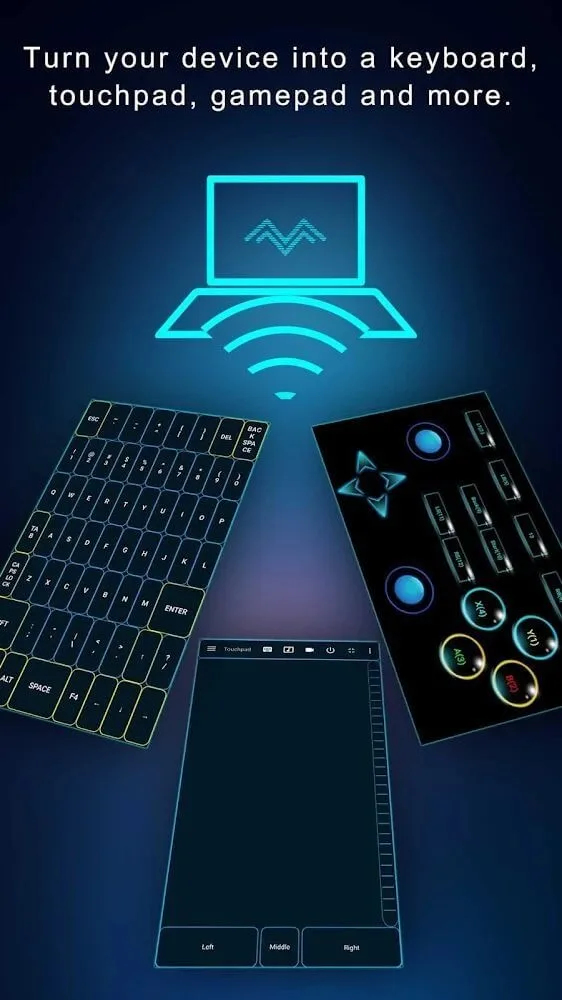
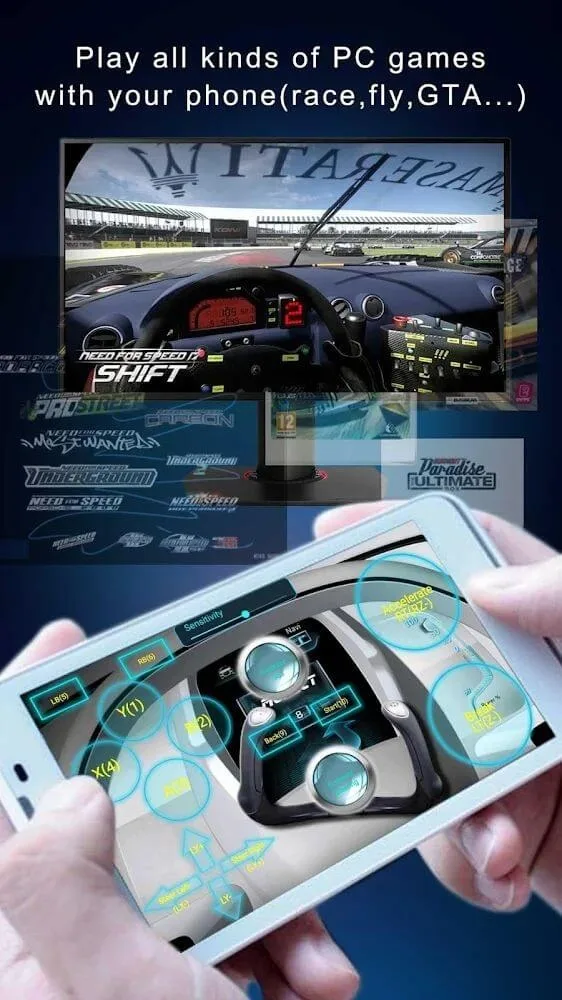
Advanced Gaming Support: Provides customizable button layouts and onboard sensor integration to facilitate an engaging gaming experience tailored to user preferences.
Real-Time Screen and Camera Sharing: Enables seamless streaming of the PC’s display and camera feed to a smartphone interface, potentially useful for remote monitoring or presentations.
Virtual Camera Functionality: Allows the use of a smartphone’s high-quality camera as a virtual webcam, suitable for video conferencing, streaming, or online meetings requiring clear visuals.
Wireless Mouse and Keyboard Control: Turns a mobile device into a remote input device, offering convenient control over the PC from virtually anywhere within connectivity range.
Multi-Display Expansion: Supports up to four virtual displays to extend workspace capabilities, thereby enhancing multitasking efficiency and productivity.
Digital Art Support: Transforms a device into a graphics tablet, with pressure sensitivity support compatible with software like Adobe Photoshop, which can enhance creative workflows.
File Transfer Functionality: Facilitates straightforward transfer of files between devices, streamlining data management tasks.
Security Measures: Implements 256-bit AES encryption to protect remote sessions against unauthorized access, ensuring secure communications over networks.
User Reviews:
I had to stop playing games on pc because of my disability (can't use a keyboard orcontroller). This app is allowing me to slowly reenter the realm of pc gaming, and for thatI deeply appreciate the developers! (Thank you!)That being said, there are some bugs.For instance, if l am using a layout that has a trackpad and a joystick, they can't both beused at the same time. Which is both a shame and odd, seeing as you can control twojoysticks simultaneously. lf this aspect was fixed, l would rate 5 stars and jump for joy.
I am shocked at how easy this was to setup and how good it works. l paid for a phonesamsung remote and it is terrible and this is amazingly smooth. l am shocked its free tothe point l feel like there is a catch that makes me nervous of the prgram that l needed todownload on my pc. l am hoping apple made sure this was a safe provider but wow l amamazed. Was about to pay $30 for a pc remote so l could watch tv from my bed.l onlyhave my computer in my room with no ty and now with this remote it is even better than atv!!Amazing!!!
This app has a lot of potential. l think that the owner of this app should center theexperience just around the smart phone remote idea. As far as l know this app doessomething no other app like it can do, it lets you connect without having to log on onyour pc. This feature distinguishes it from any other app and l think if the developersmade some software improvements it could be a very useful tool.
Final Thoughts:
Imagine, you are lying on the bed, in the sub-zero weather, looking at the computer in the corner of the room and trembling in pain: “I wish I could lie under the blanket and still use the computer?” Well, in situations like that, we will need PC Remote, an application that can help you control your computer remotely, specifically through your phone. This is a set of tools that helps turn your small phone into a control center, from office to gaming, from entertainment to work.








