

Rotation is an outstanding screen rotation adjustment utility. This lightweight and compact application is highly popular for its powerful and easy-to-use features, helping users better manage their mobile device usage. Rotation elevates your mobile phone experience to an unprecedented level, offering rich rotation adjustments and powerful customization options to meet your flexible settings needs. In addition, Rotation features attractive widgets to further optimize the user experience.
Click to load YouTube / 点击加载视频
YouTube ↗Fantastic Function
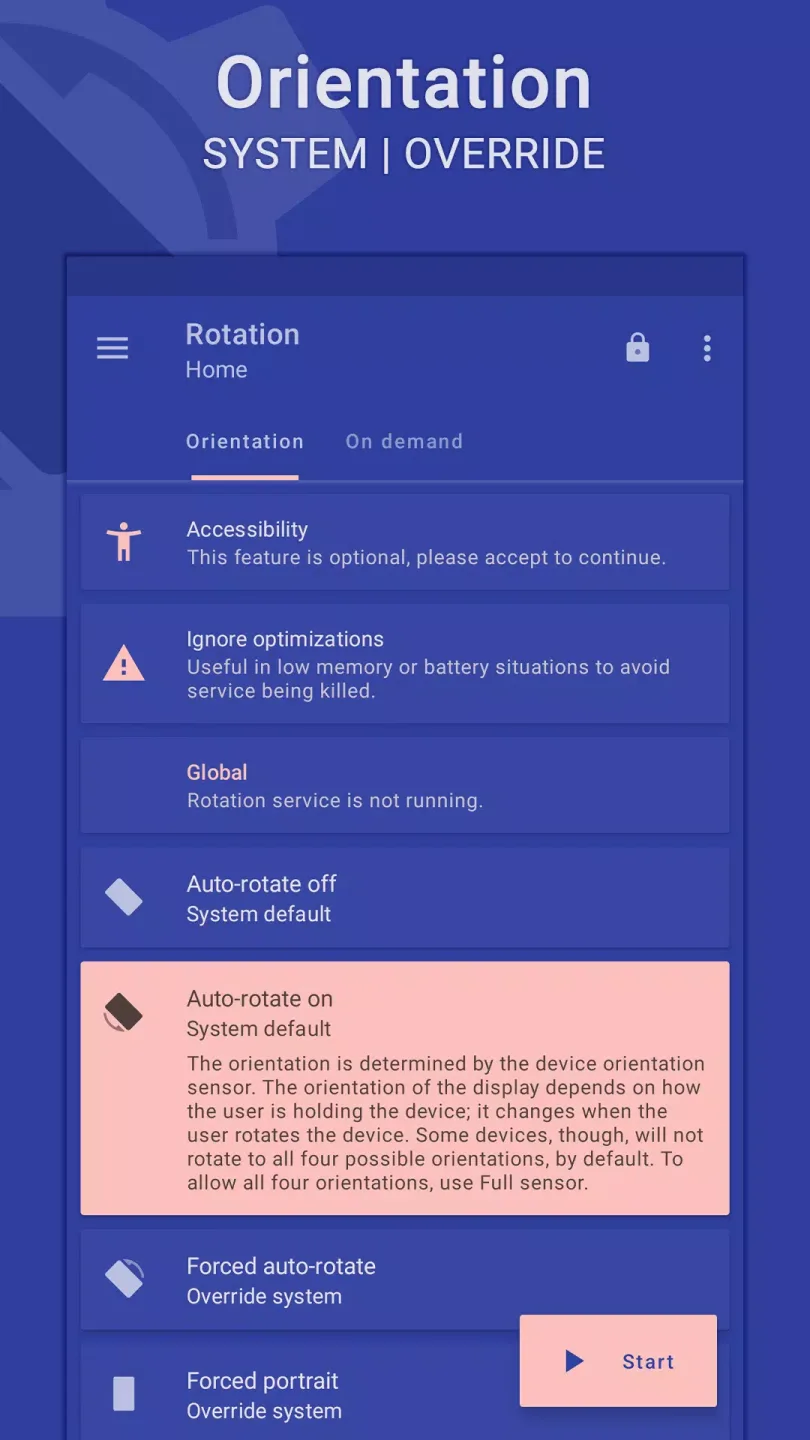
Orientation
Automatic Rotation On • Automatic Rotation Off
Forced Automatic Rotation • Sensor Automatic Rotation • Reverse Automatic Rotation
Forced Portrait • Forced Landscape • Reverse Portrait
Reverse Landscape • Sensor Portrait • Sensor Landscape
Full Sensor • Left Sensor • Right Sensor • Reverse Sensor
Lock Current – Locks the current orientation
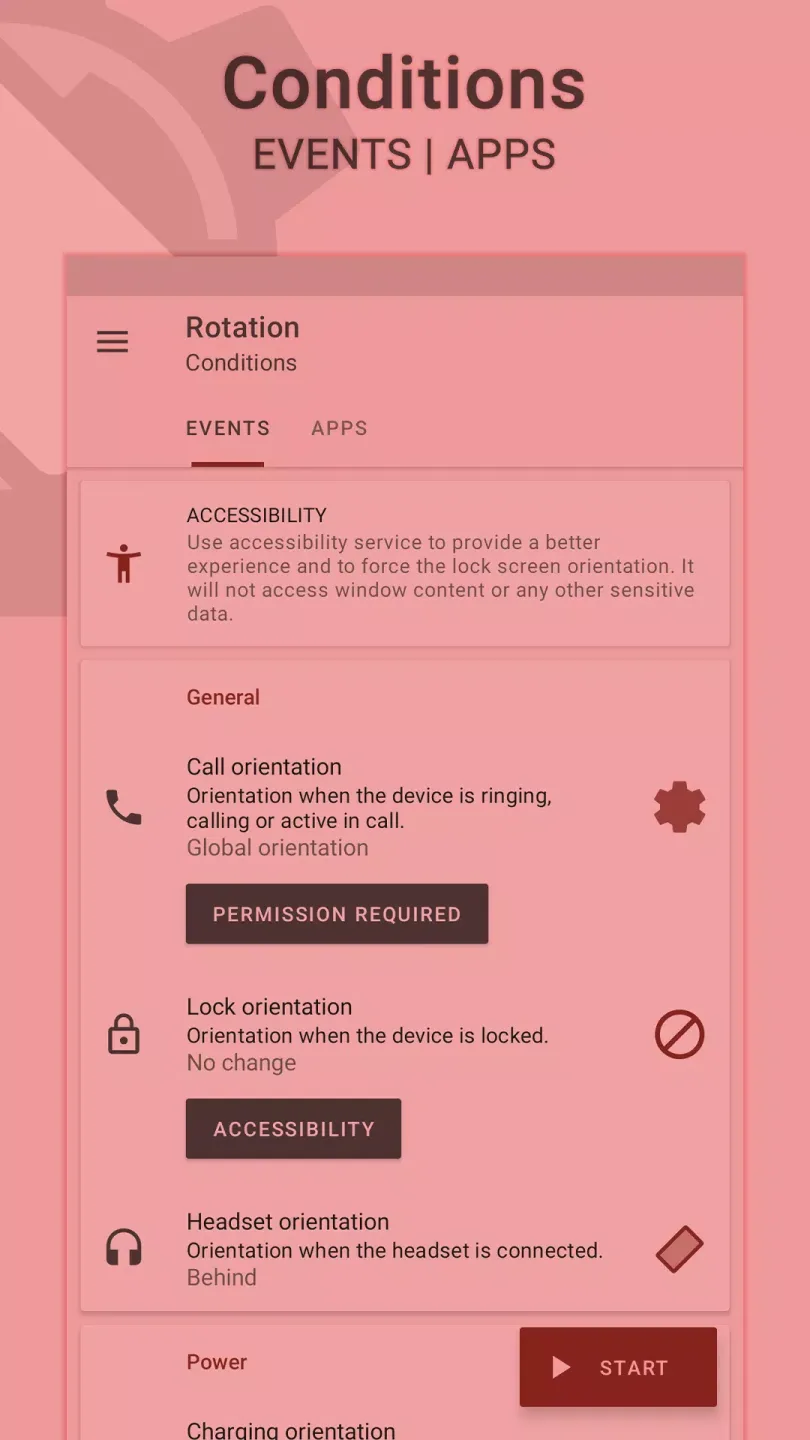
Status
Call Orientation • Lock Orientation • Headphone Orientation
Charging Orientation • Dock Orientation • Application Orientation
Event Priority - Customizable event priority to control the priority of two or more events occurring simultaneously.
On Request
Change the orientation of the foreground application or event via a fully customizable floating avatar (or notification or tile) located at the top of supported tasks.
Themes
Dynamic theme engine with background awareness to avoid any visibility issues.
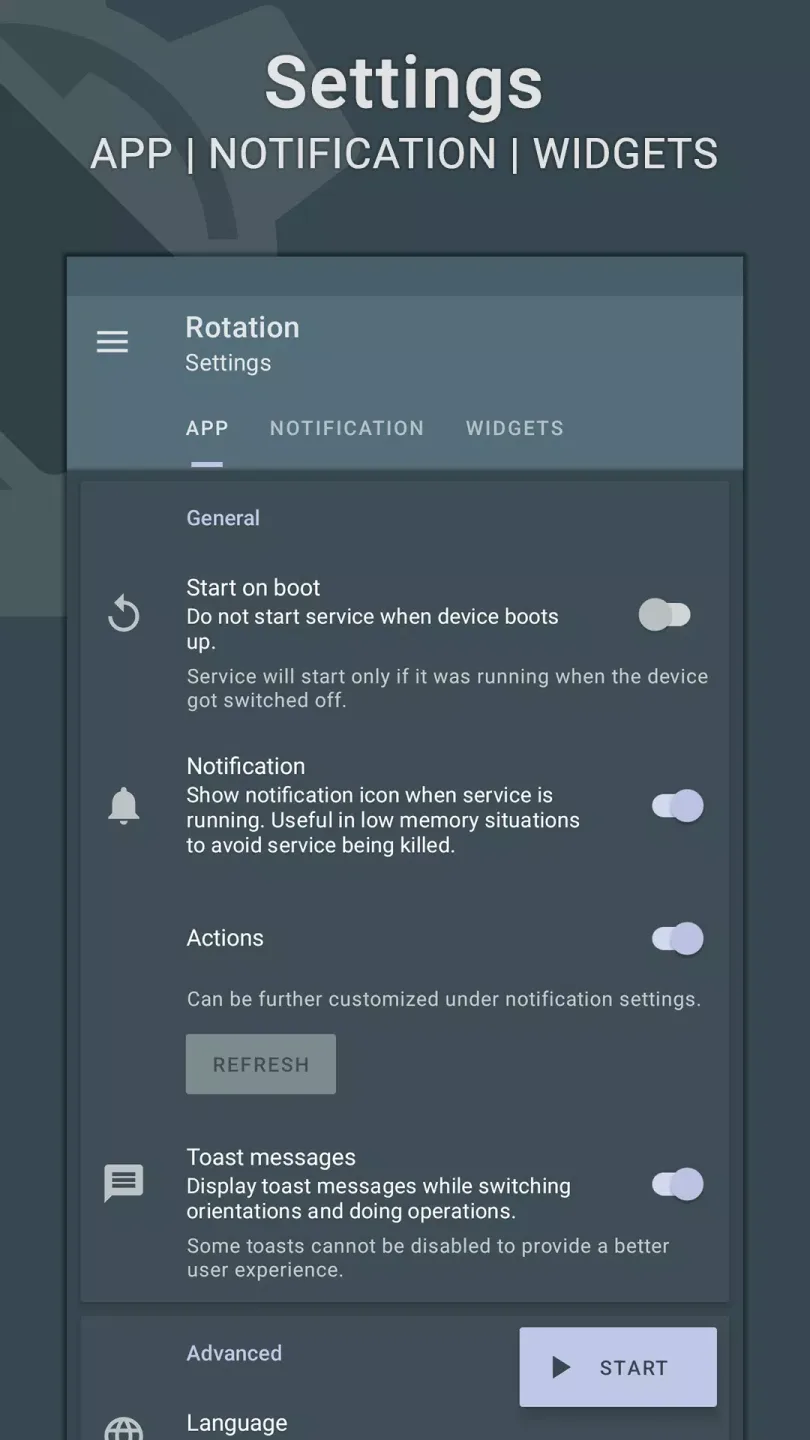
Exclusive Highlights
One noteworthy feature is the rich selection of options it provides, as the application offers multiple formats for different screen orientations. You can preview and select based on the specific needs of each application, such as allowing the application to change orientation when the phone rotates, as well as portrait lock, reverse portrait lock, landscape lock, reverse landscape lock, and more.
Furthermore, you can utilize other exciting features, such as widgets. Many users appreciate this feature because it provides an overview and is more convenient to use. Now, users can easily manage their devices by viewing essential information such as the phone screen orientation on the home screen without opening the application.
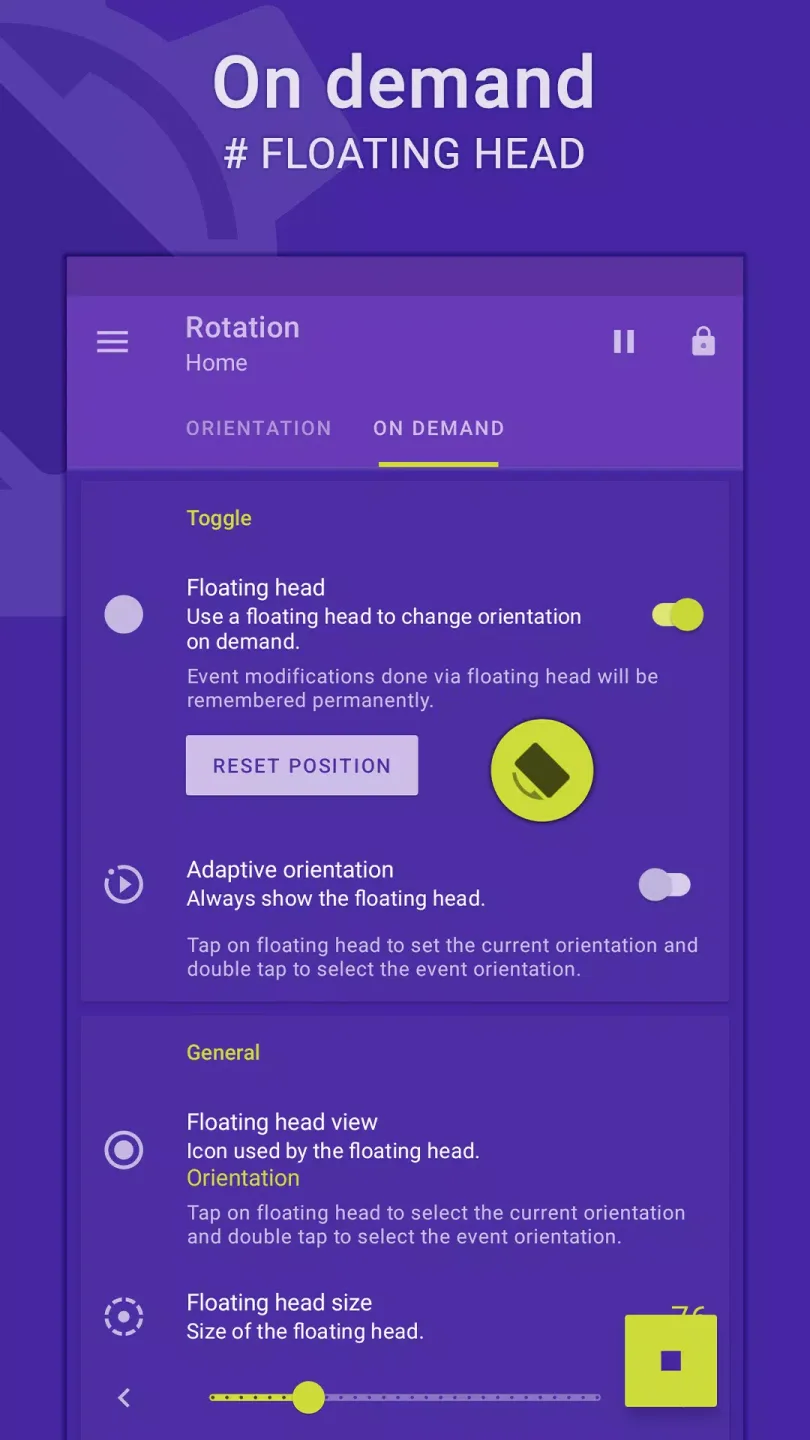
Excellent Performance
It helps users manage and control their phone usage more efficiently. If you often find the constant rotation of your phone screen inconvenient, then this application is exactly what you need. With it, users can manage the direction and rotation of their phone screen in detail and conveniently for different uses. The application provides a basic but extremely useful function: turning automatic screen rotation on/off. When this feature is enabled, the phone screen can automatically rotate based on the phone's orientation, or remain locked in a fixed display orientation.
Users can not only automatically adjust the screen orientation based on the phone's direction, but the app also allows for a high degree of customization. Through this app, users can fully enable forced auto-rotation, forced portrait mode, and forced landscape mode. In addition, users can also set completely inverted portrait, inverted landscape, sensor-based portrait, and sensor-based landscape modes. The app even allows users to set screen orientation when making and receiving calls, and lock the screen orientation when using headphones. More simply, the app can also help you easily set charging orientation, dock orientation, or application orientation.
User's Comments
App is great! Very configurable, maybe not the most immediately intuitive. Also a bit strange that unlocking all the features requires another app to be installed. But it's all worth it for the functionality and the fact that no data is collected. I wish you would develop a Google TV app that can just flip orientation easily, globally. Like for a projector that doesn't support this natively. Would totally buy that for a higher price even. Thanks! Didn't figure it's even possible to turn the screen upside down without rooting! This app is quite well written, and can allow it on the fly when the headphone jack is attached, for example. A possible improvement, don't know if it's possible, would be if it could honor the phone's default notification to lock and unlock auto rotate.
Thank you to the developers, the phone's touch was bad at a specific point; because of this, I wasn't able to open it, but it helped me force rotate the lock screen. :-)
Final Thoughts
Rotation - Orientation Manager is a very interesting customization app designed to enhance your Android experience and eliminate inconvenient screen rotations. Say goodbye to manually turning screen rotation on and off!








