

Samsung Smart Switch Mobile is a phone cloning software that can transfer files and important information from an old phone to a new device. It supports various phone and computer models, and with just a few simple steps, you can sync and transfer various apps, games, files, videos, and more between different devices. Samsung Smart Switch Mobile is small in size and also supports backup functionality, regularly backing up important files selected by the user to protect the security of user files and important information. Users who need this phone cloning software shouldn't miss it!
Click to load YouTube / 点击加载视频
YouTube ↗Features:
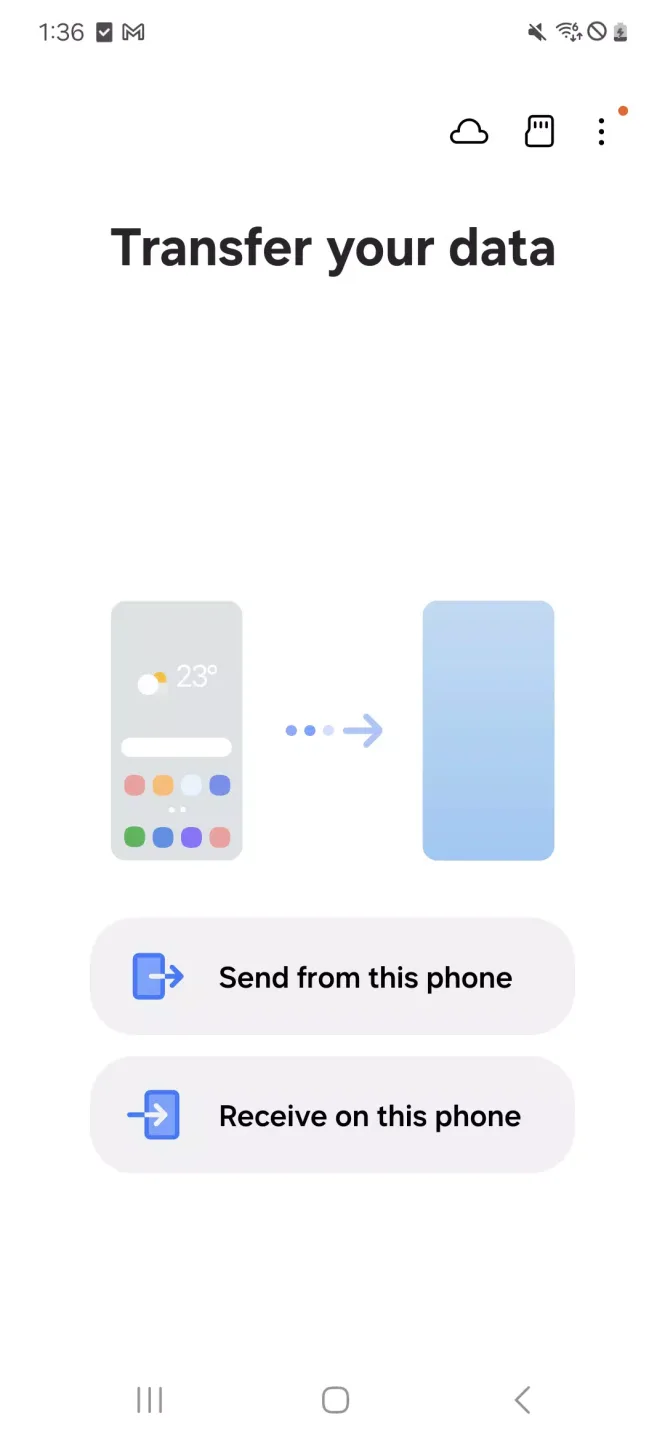
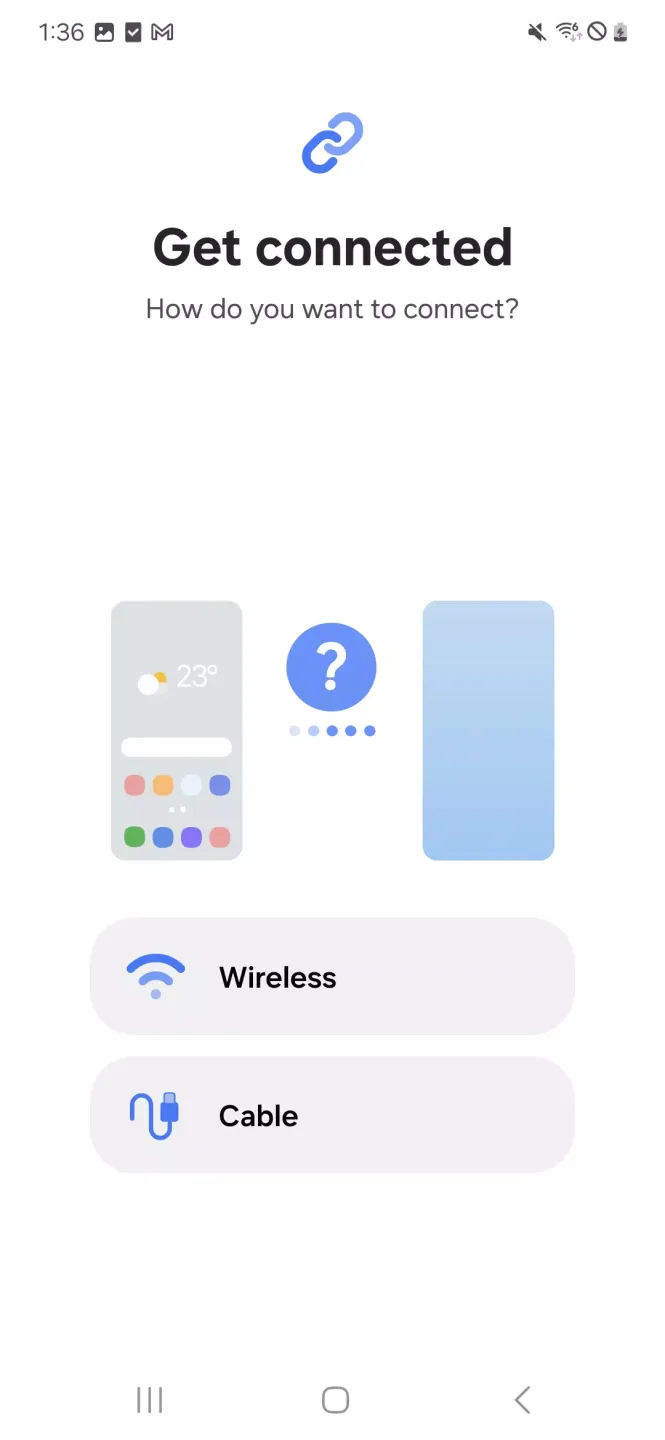
One of the first points to consider is how the program is actually used. You're probably quite familiar with the process of plugging your phone into your computer to get access to its files. And Samsung Smart Switch does support wired transfers. But the program also opens up a much more user-friendly way of syncing data between the two devices. You can actually just set Samsung Smart Switch to use a wireless WiFi connection. Doing so will typically incur a slight bit of lag in your transfer speed. But you shouldn't notice much difference as long as you have a relatively strong WiFi connection.
When you connect to a Samsung device with Samsung Smart Switch you'll be presented with a fairly clean and easy-to-understand user interface. Most of the important options are laid out for you so that you can easily transfer files, media, and even messages. However, it's also important to note that the program gives you a lot of powerful but less easily noticed options. Backups are among the most important of these options.
Most people are well aware of the fact that they should be making regular backups of all of their important files. But that's often easier said than done. Especially when it comes to the often tedious process of organizing files on a phone. But Samsung Smart Switch makes backing up items on your phone easier than you could have ever imagined. Backups are just as easy as transferring files between your devices. In fact, this makes it easy to "switch" to new hardware when you're ready to upgrade your phone. As long as your new phone is a Samsung model you'll be able to simply restore most of your data from a backup made to your PC.
You can even back up your phone's apps. This is especially useful if you find yourself pressed for free space on your phone. You can simply back up large apps, and restore them just as easily when you've cleared up some space.
Highlights:
Effortless Data Transfer: Samsung Smart Switch Mobile enable user transfer essential data suches as contact, photo, message, video and even app setting. By select desired content, user maybe migrate everything their new Samsung Galaxy device in just few tap. Processed is intuitive, ensuring smooth transition no losing any important filed.
Multiple Transfer Methods: Samsung Smart Switch Mobile support wireless, USB cable and SD card transfer. Wireless transfer allow quick migration via Wi-Fi, ideal for user no cables. USB method ensure faster and mores stable transfer by directly connect both device. SD card backup option let user save theirs data external and restored it later, offer flexibility and convenience.
App Recommendations and Restoration: Samsung Smart Switch Mobile recognizes previous installed app and help user restore them on their new device. If app is unavailable, its suggest similar alternative from Samsung Galaxy Store or Google Play. Feature ensure user maybe continue using their favorite app no manually search for replacement, enhancing user convenience.
Secure and Lossless Data Migration: App guarantee 100% secure transfer, ensure no filed are lost or corrupted during processed. With its encrypted transmission system, sensitive data suches as message, call log and password remain private and safe. Make Samsung Smart Switch Mobile reliable tool for user concerned about data integrity dure phone upgrade.
User Reviews:
It's good to know it transfer photos my contacts but the only thing it didn't transfer wasthe apps and the data of the app so I don't know if it's allowed that but I'm gonna knowbecause sometimes I do not wanna download and put all my data because that takeskind of forever and now Ijust wanna do it and like 20 minutes faster.
Everything transferred over for me, i had no problems. Keep in mind with theapp's bad rating that people with a bad experience feel obligated to write areview while people with a good experience just move on. Mostly likelyeverything will work unless you get unlucky.
Samsung is better because is has way more apps than Apple and Samsungis way more creative for its smartphones for example, flip phone etc.
Required Permissions:
Phone: Used to confirm your phone number (Android 12 or lower)
Call logs: Used to transfer call log data (Android 9 or higher)
Contacts: Used to transfer contacts data
Calendar: Used to transfer calendar data
SMS: Used to transfer SMS data
Storage: Used to save the files necessary for data transfer (Android 11 or lower)
Files and media: Used to save the files necessary for data transfer(Android 12)
Photos and Videos: Used to save the files necessary for data transfer (Android 13 or higher)
Microphone: Used for high-frequency audio when searching for Galaxy devices
Nearby devices: Used to search for nearby devices using Wi-Fi or Bluetooth (Android 12 or higher)
Location: Used to connect to devices using Wi-Fi Direct, which makes your location available to nearby devices (Android 12 or lower)
Notifications: Used to provide information about the progress of data transfers (Android 13 or higher)
Summary:
Samsung Smart Switch Mobile is a utility application designed for seamless data migration to Galaxy devices. It supports the transfer of essential data like contacts, messages, photos, and more from both Android and iOS platforms. Users can choose from various transfer options, including wired connections for iOS devices, iCloud imports, or PC/Mac transfers using iTunes. This flexibility makes it an ideal choice for users switching to Galaxy smartphones or tablets.








