

TorrServe is an outstanding open-source utility for downloading torrent files. It helps users download torrent files as HTTP files and supports efficient streaming. TorrServe presents a user-friendly and feature-rich download application with extensive customization options to meet your flexible download needs. This popular download application offers excellent torrent file preview capabilities, including for large videos.
Click to load YouTube / 点击加载视频
YouTube ↗Amazing Functions
With TorrServe, you can watch torrent files from applications like NUM, Lampa, or KinoHD, or directly access torrent websites through your browser, or watch via magnet links. Clicking a torrent file or magnet link opens a menu where you can choose to launch it with TorrServe (add the torrent file to your database and start streaming, or play it directly).
Users can download files from .torrent or .magnet links directly without needing a client.
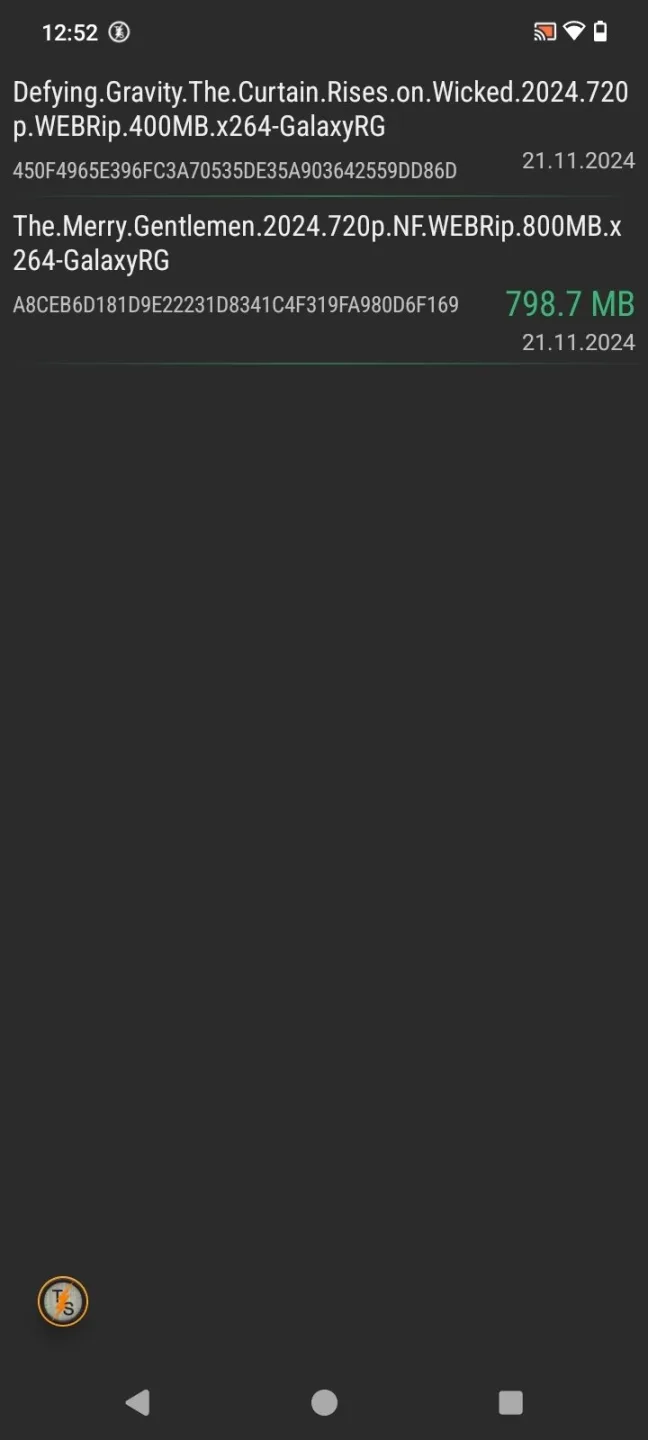
While watching or downloading torrent files online, you can rewind or pause the file. All links are stored in memory, so you can always go back and continue watching.
Wonderful Features
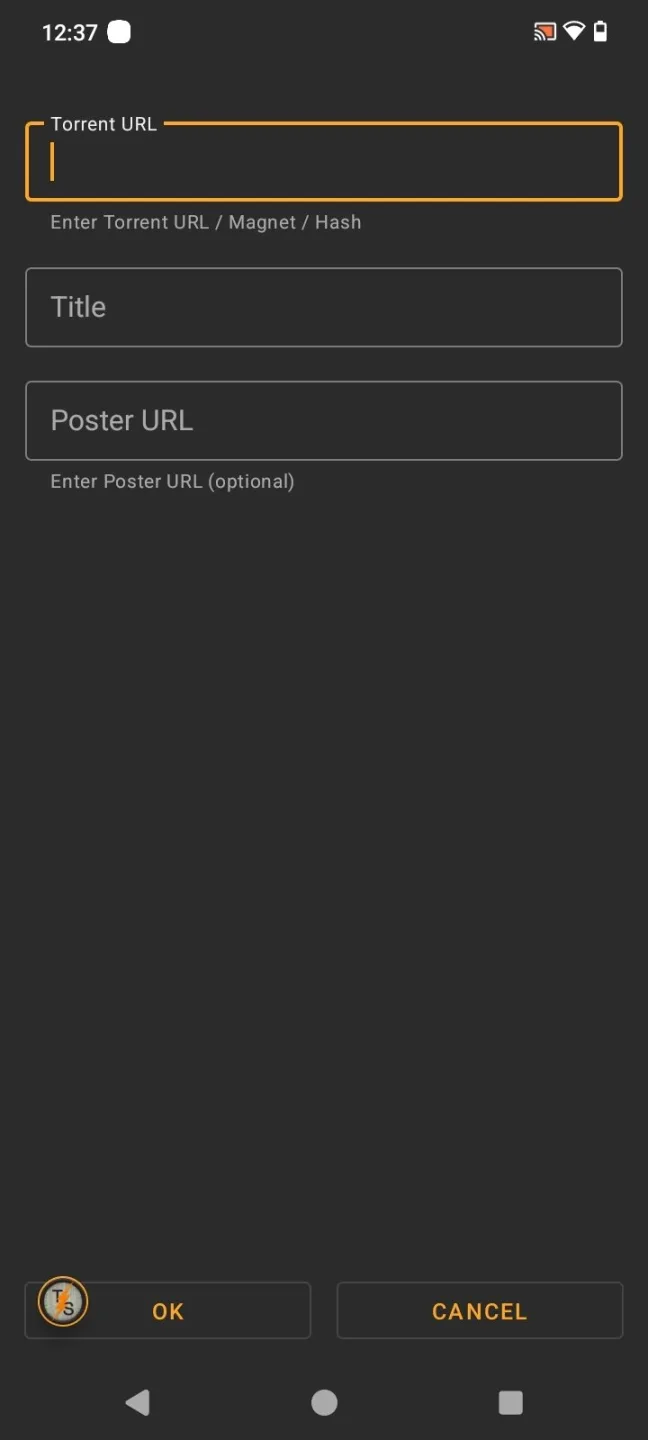
TorrServe's features include adding torrent files via URL, magnet link, or hash value. Note that the program does not include any embedded files, so you will need to find them yourself. You can use any program that includes torrent files or other trusted sources to find them. Once you find the desired file, add it to the designated field in the program and start browsing.
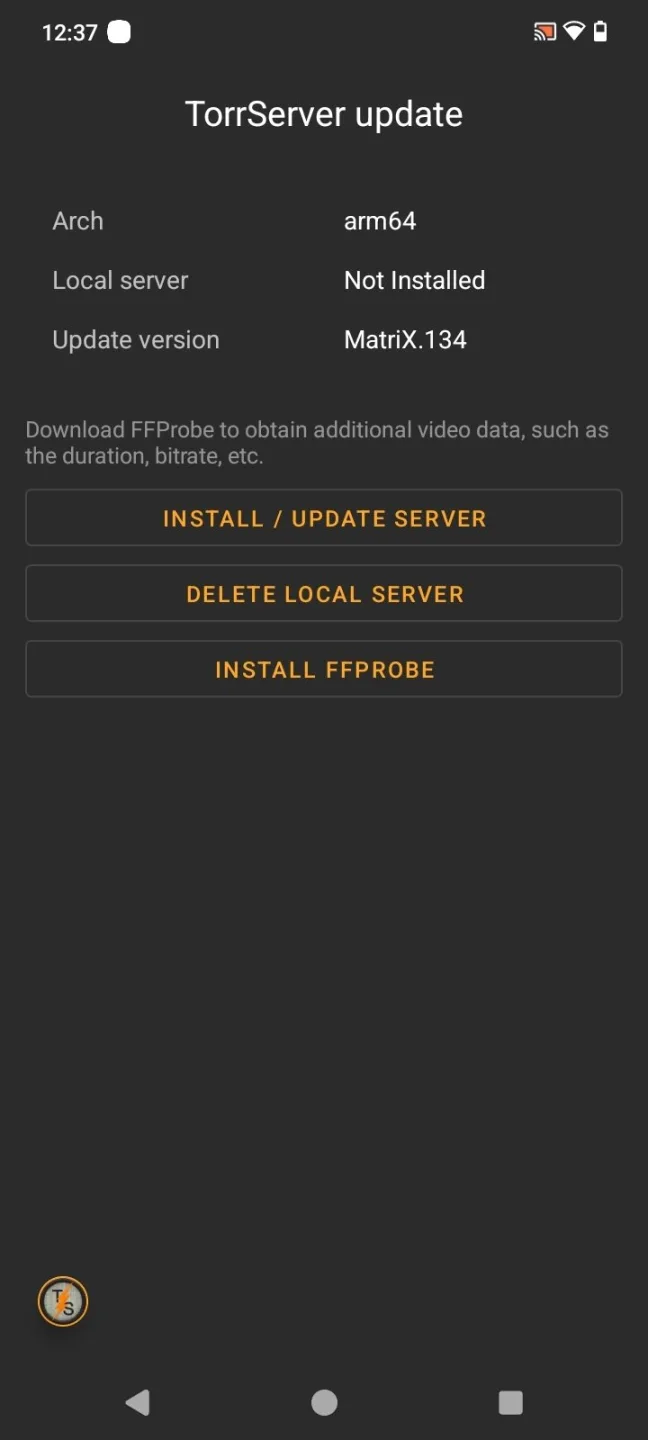
Important! When you first launch TorrServe, you must install a server. To do this, click the "Install/Update Server" button. Once installed, the program will function correctly.
You can use any external player you prefer to play the files. Some good options include VLC, MX Player, and Vimu. You can make all the necessary settings directly within the player for the most comfortable viewing experience. For example, you can choose playback quality, playback speed, add subtitles, and more.
One of TorrServe's main advantages is its clean and intuitive interface, allowing users to quickly access all major functions. Simple menus and intuitive controls make navigation easy and convenient, even for novice users.
Wonderful Highlights
An open-source application that downloads torrent files as HTTP files.
Watch online without waiting for the content to fully download.
Compatible with multiple formats.
Simple and easy-to-use interface.
Integrates with BT clients.
Customizable playback options.
Intuitive buttons for installing servers, and the FFProbe tool for more information.
Pros and Cons
Pros
Able to watch even the largest torrent files online.
Convenient download management.
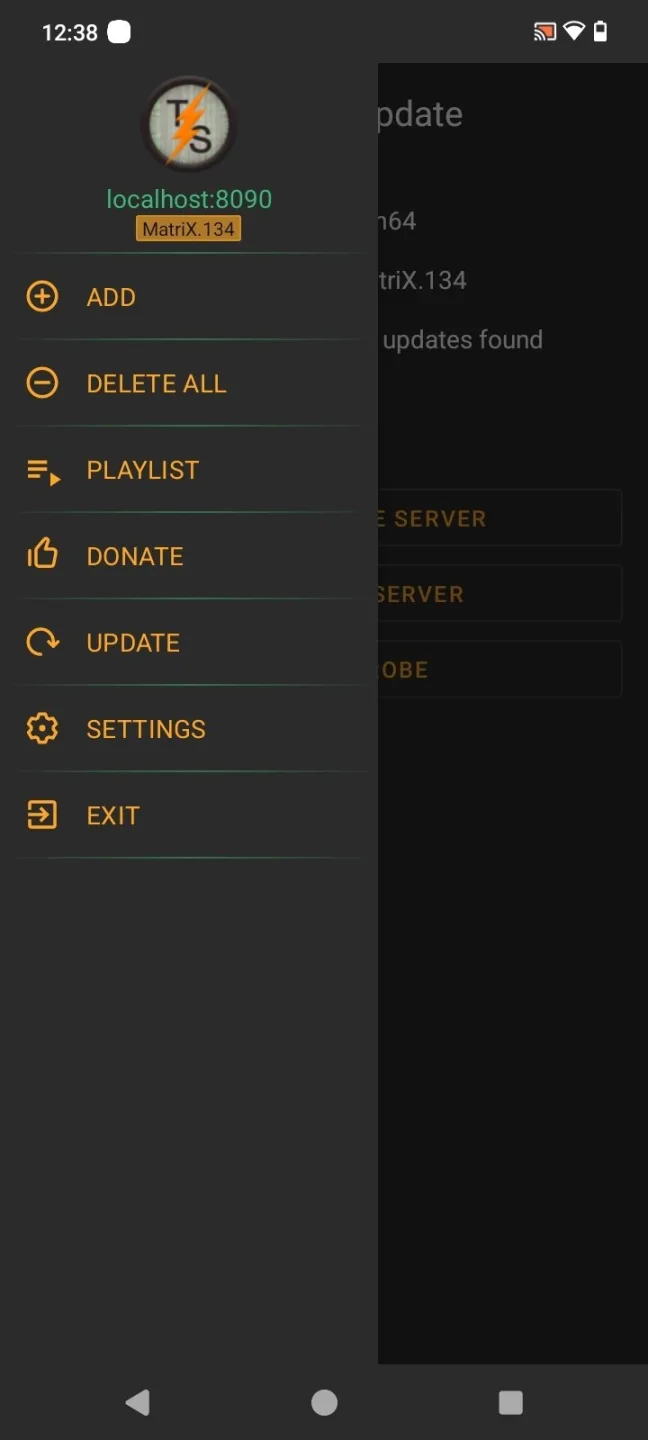
Provides a playlist containing all added files.
Intuitive, minimalist interface.
Free and ad-free.
Cons
This application is resource-intensive (requires at least 1 GB of RAM and a medium-powered processor to run).
Does not include built-in torrent files.
Conclusion
This is one of the most popular online torrent file viewing services. Even the largest torrent files can be watched smoothly with this tool. A download link for the latest version of the application is provided at the end of this article.








