

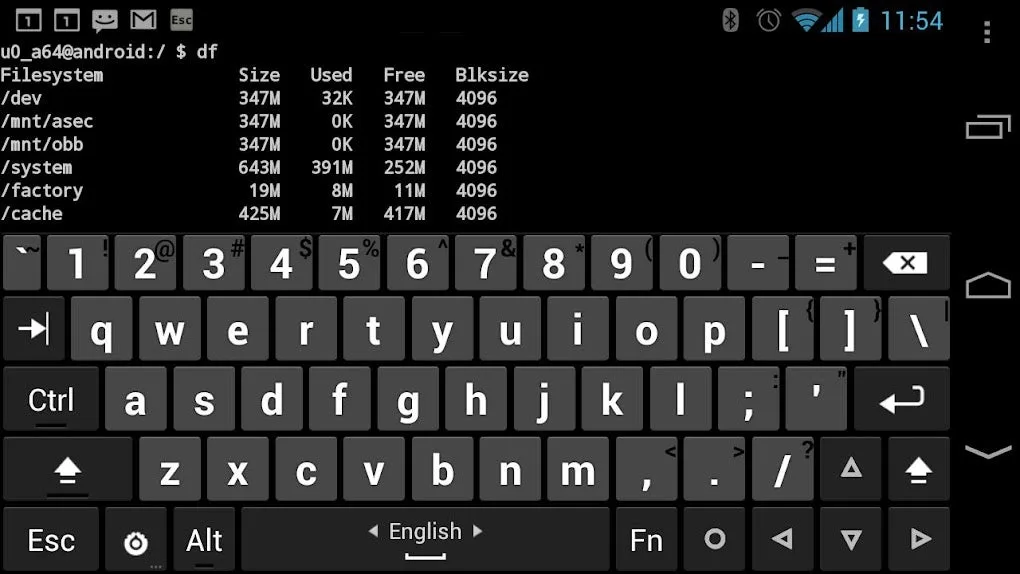
Hacker's Keyboard is a keyboard application built for Android. This powerful app offers a wide range of customization options, allowing users to personalize their keyboard layout to their liking, creating a unique user experience. With Hacker's Keyboard, you can freely choose your preferred theme, and it comes with a comprehensive keyboard that recreates the look and function of a real computer keyboard on your screen. Furthermore, you can enable automatic capitalization and autocomplete to improve typing efficiency.
Click to load YouTube / 点击加载视频
YouTube ↗Features:
Practical Customization Options
Hacker's Keyboard provides robust configuration options, including adjustable keyboard height, custom themes, and variable key labeling. Users can fine-tune the keyboard’s behavior, adjust vibration and sound feedback, and modify appearance for improved readability. Power users will appreciate the ability to enable or disable key rows, redefine modifier behavior, and control advanced settings such as swipe gestures and long-press actions.
Performance and User Experience
In terms of performance, the keyboard maintains consistent responsiveness during fast typing and switching between key layouts. The design is lightweight, ensuring minimal lag even on older devices. While the initial setup involves a few permission dialogs and manual activation, clear on-screen guidelines facilitate the process.
The settings menu is comprehensive, which may feel daunting for beginners. However, those who spend a few minutes exploring the available customization options will find the app highly adaptable to individual typing habits.
Ideal Use Cases
Hacker’s Keyboard shines in scenarios where precise input is required—such as software development, system administration, SSH sessions, or remote desktop work—where access to function keys and shortcuts is vital. It's also beneficial for language learners or those typing in scripts and dialects not fully supported by standard keyboards.
Security and Privacy
The developer maintains a transparent privacy policy, emphasizing that the keyboard does not collect personal data without user consent. As with any third-party keyboard, users should remain aware of privacy implications and review permissions accordingly.
Benefits:
If you want to upgrade the functionalities of your keyboard, you’ll certainly like Hacker's Keyboard. At first glance, it looks like your typical keyboard. However, what makes the app stand out is it features function keys, “PgUp” and PgDown” buttons, an “End” button, and many more—making typing a more pleasant experience. With this tool, you’ll no longer have to settle for boring virtual keyboards.
As it is disabled by default, you’ll need to enable it yourself by tapping the “ENABLE KEYBOARD” button and selecting “Hacker’s Keyboard.” Two warning pop-ups will then appear on the screen. From there, just tap “OK” and you’ll be able to use the keyboard. To change your current active input method, you need to touch “SET INPUT METHOD” followed by the “Hacker’s Keyboard” button.
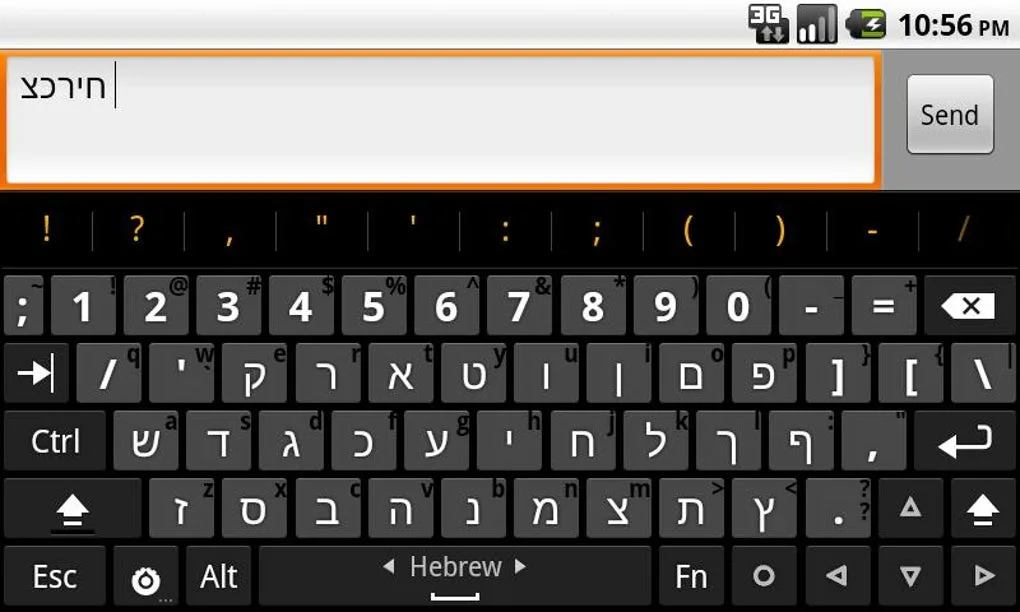
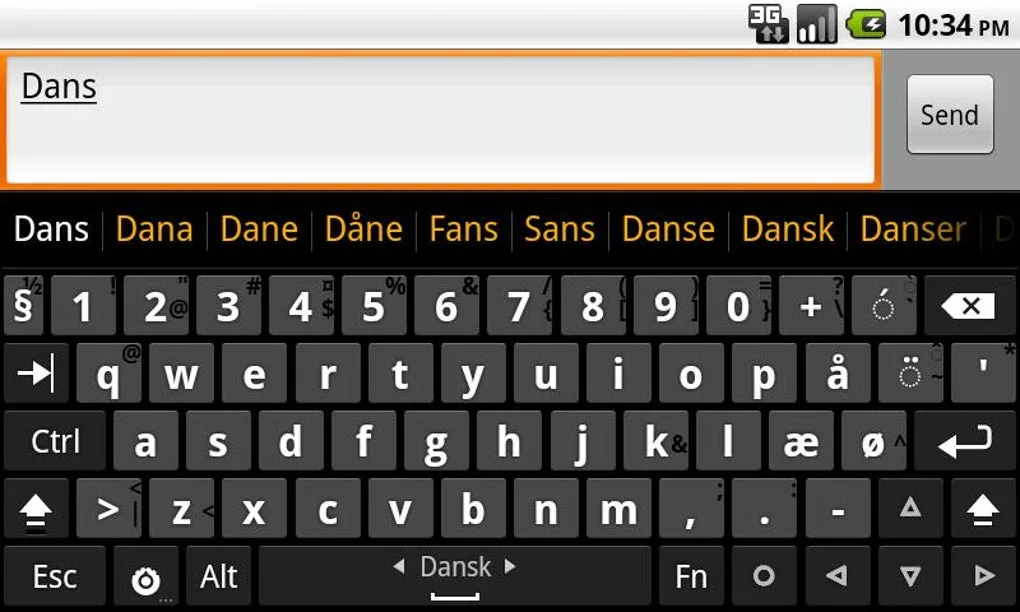
You can change the app’s language input to your native language, too. Apart from English, it also supports French, German, and Russian, to name a few. Although the “SETTINGS” page can overwhelm users, it’s surely a rewarding experience once you’ve tweaked the keyboard layout, behavior, and others according to your preferences. You’ll also have access to the app’s project web page, where you can read the User’s Guide and FAQ.
Changelog:
Try 3 for fixing popups on pre-O versions, tweak transparent and Material light themes.
Fix 4 for popups on Android O MR1 (8.1). (Android P is still misbehaving.)
Conclusion:
Overall, Hacker's Keyboard is an essential app for anyone who wants to enhance their typing experience on mobile devices. Its comprehensive customization options and advanced features make it a powerful tool for both casual users and power users alike. Whether you're looking to improve your typing speed, customize your keyboard layout, or simply enjoy a more comfortable typing experience, Hacker's Keyboard is worth checking out.








