

Adobe Acrobat Reader is a popular and widely used PDF processing utility that helps users perform daily tasks more efficiently. Adobe Acrobat Reader presents users with a fully functional and intuitive document editing platform, featuring a powerful built-in AI assistant and supporting many commonly used advanced functions such as PDF editing, text recognition, file splitting, and document conversion. Users will find this application more efficient in digitizing documents, saving time and effort.
Click to load YouTube / 点击加载视频
YouTube ↗Amazing Functions
Edit PDFs
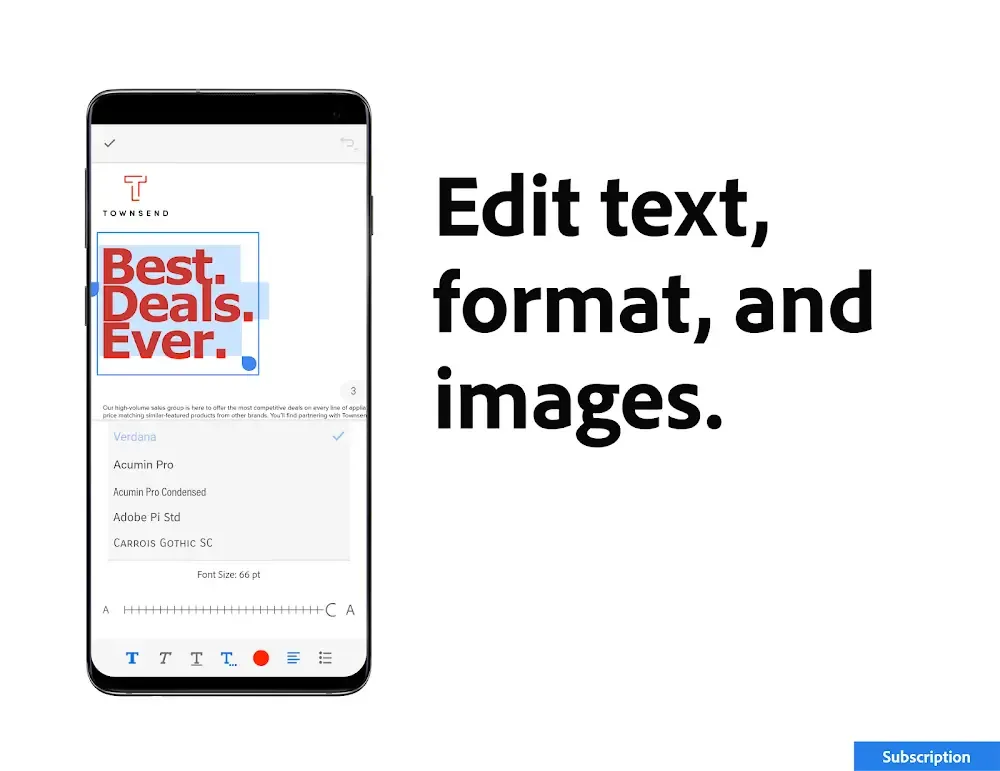
Edit text and images directly in PDFs using our PDF editor (mobile devices only)
Correct spelling errors or add paragraphs using the PDF editor
Easily add, delete, or rotate any image
Ensure your documents are error-free using this PDF signer and viewer.
Recognize Text
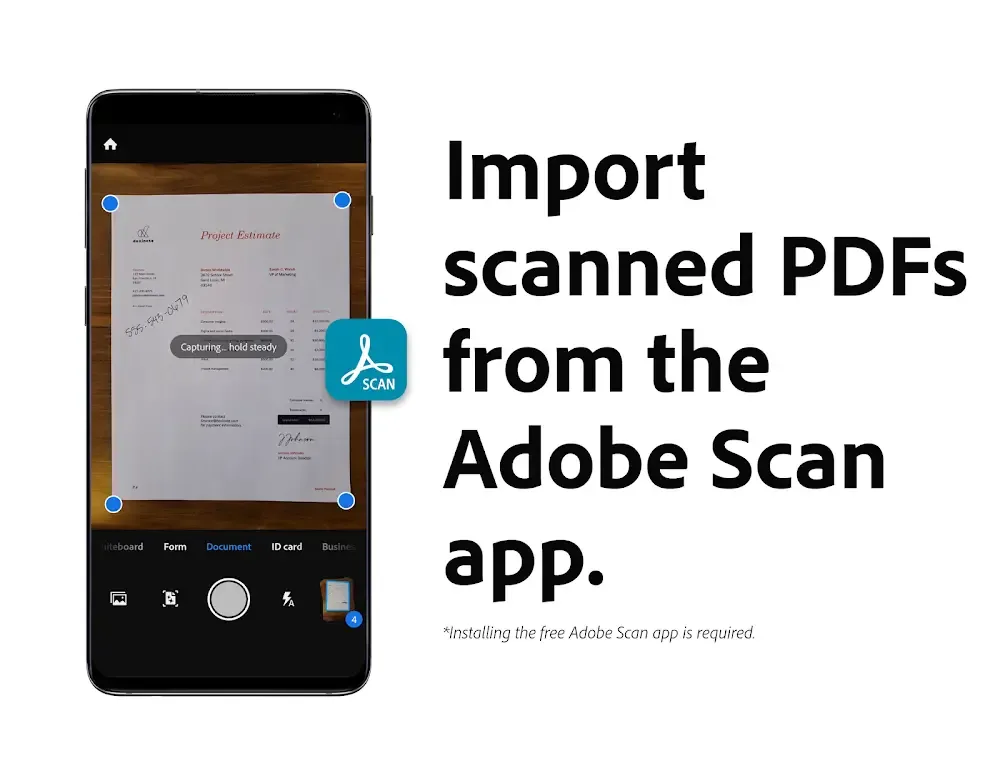
Optical Character Recognition (OCR) converts scanned PDF files into searchable, editable text for use in other formats.
Merge and organize PDF files with a PDF converter
Split or merge multiple files into a single PDF file using a PDF converter
Insert, delete, rotate, crop, and rearrange pages in PDF files using a PDF editor.
Create, convert, and export PDFs
Easily convert any file type, including Microsoft, Google Docs, and images, to PDF.
Export PDF files and convert them to Microsoft Word, Excel, PowerPoint, or various image files.
Convert web pages to PDF.
Wonderful Highlights
It's feature-rich and almost identical to the desktop version of Acrobat Reader, but its controls are perfectly adapted for touchscreens.
The app allows you to quickly open PDF documents directly from email, web pages, or any app with the "share" option enabled (where you can typically post files to social networks).
You can view PDF file packages, password-protected PDF documents, and documents with text and other annotations. Essentially, all the features you expect in Adobe Acrobat Reader are now available on your Android's small screen. You can also run a search function to find keywords in any document.
Adobe Acrobat Reader offers additional options that allow you to choose between viewing one page at a time or viewing all content continuously, easily zoom in on text or images for better visual experience, and read in dark environments using Night Mode.
Adobe Acrobat Reader is a full-featured PDF file reading application. It's not only feature-rich but also incredibly powerful.
Wonderful Benefits
Open and view PDF files with Adobe PDF Reader.
Different display modes: Single-page mode, continuous scrolling mode, or dark mode.
The Liquid Mode tool provides the best reading experience by adjusting text and using outlines for navigation and searching.
Add comments and revisions to shared files.
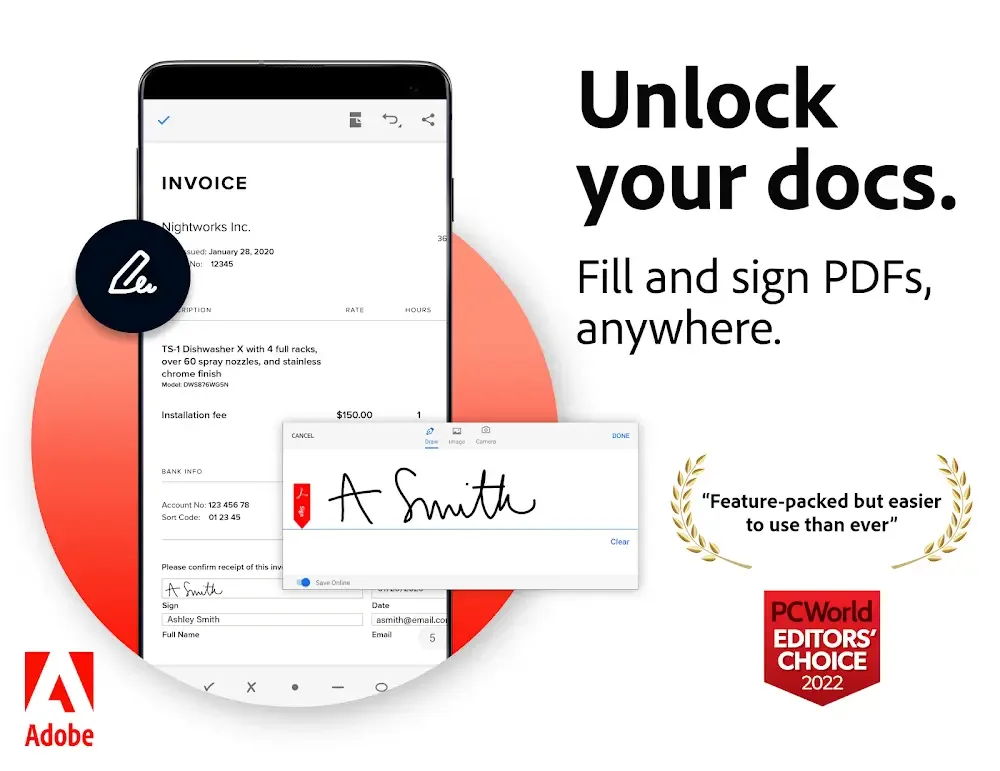
It allows you to fill out and sign forms using digital signatures, handwritten signatures, or signatures with your finger or pencil.
Users can write, annotate, draw, or add digital signatures to PDF files.
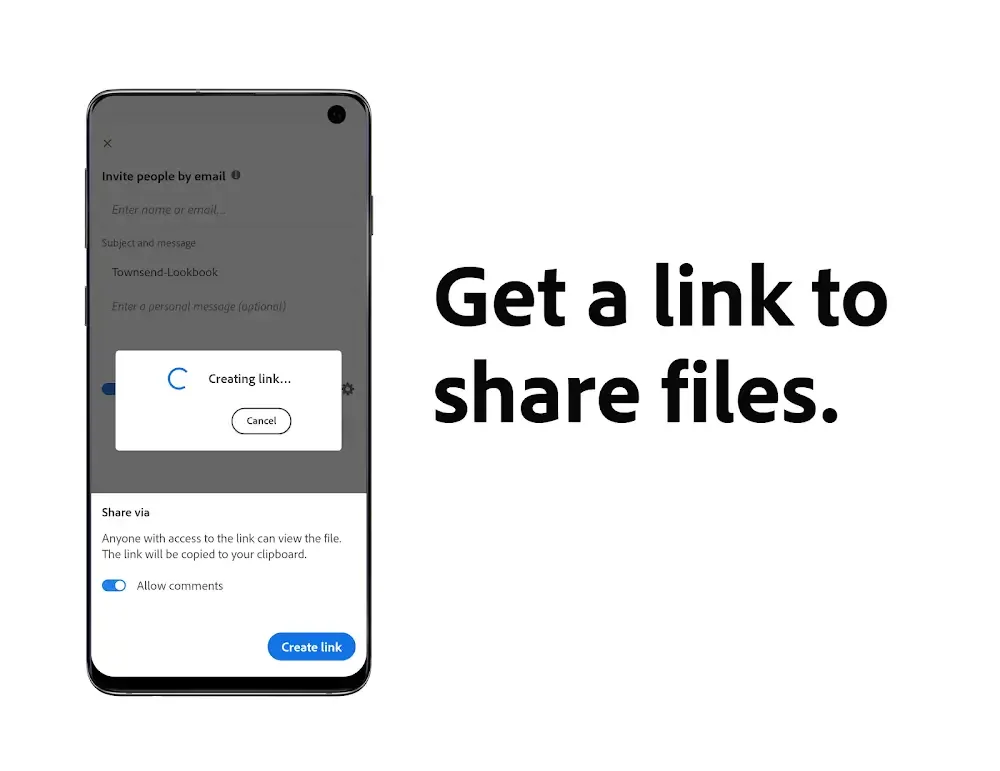
Files can be stored in a free account or an online storage account such as Dropbox or Google Drive and are accessible and manageable from anywhere.
Pros and Cons
Pros
Free download and use.
Easy-to-use user interface.
Able to open, view, annotate, and print PDF documents.
Easily fill out forms online.
Supports multiple languages, including English, French, and Spanish.
High security features such as password protection for sensitive files.
Cons
Does not support all document types, such as HTML and Flash files.
Its editing capabilities are limited compared to the desktop version of Adobe Reader.
Opening large documents or opening multiple documents simultaneously may be slower.
There are no annotation tools available for marking up PDFs on mobile devices.
Not optimized for touchscreens; some features may require a stylus or mouse-like device to function correctly on smartphones and tablets with touchscreen displays.
Final Verdict
Adobe Reader Apk is an essential tool for anyone who needs to view, create, and edit PDF documents. It offers a comprehensive set of features that are easy to use yet include advanced features such as text search, annotation tools, and document signing.








