
Limbo Emulator aims to help users recreate a PC operating system on their mobile devices, supporting peripherals such as mice and keyboards to emulate their devices and meet personalized usage needs. Limbo Emulator supports multiple operating systems, including Intel, FreeDOS, and DSL Linux, all of which can be emulated on mobile devices. Furthermore, the Limbo Emulator code is completely free in the community, allowing users to freely modify and customize it. Don't miss out on Limbo Emulator if you're interested!
Click to load YouTube / 点击加载视频
YouTube ↗Features:
Free and Open Source: Limbo is free to use and its code is open for anyone to see and improve.
Install PC Games: In this Emulator, you can install high-end games without a second thought. The tool will guide you through the installation process and let you install all the fun of your choice.
Easy-to-Use Operations: The app doesn’t take more than seconds to load any page or window for you. It is speedy and works as smoothly as it is on the desktop.
Multiple Operating System: You can install the operating system of your choice, and there is no need to purchase the OS from any sources. The Emulator already has two options; you only have to select and get started.
Smooth Environment: The Emulator doesn’t have any adverts, or it doesn’t promote any external links on the app. The environment will always remain clean for the users to get the realistic experience of using a desktop.
Highlights:
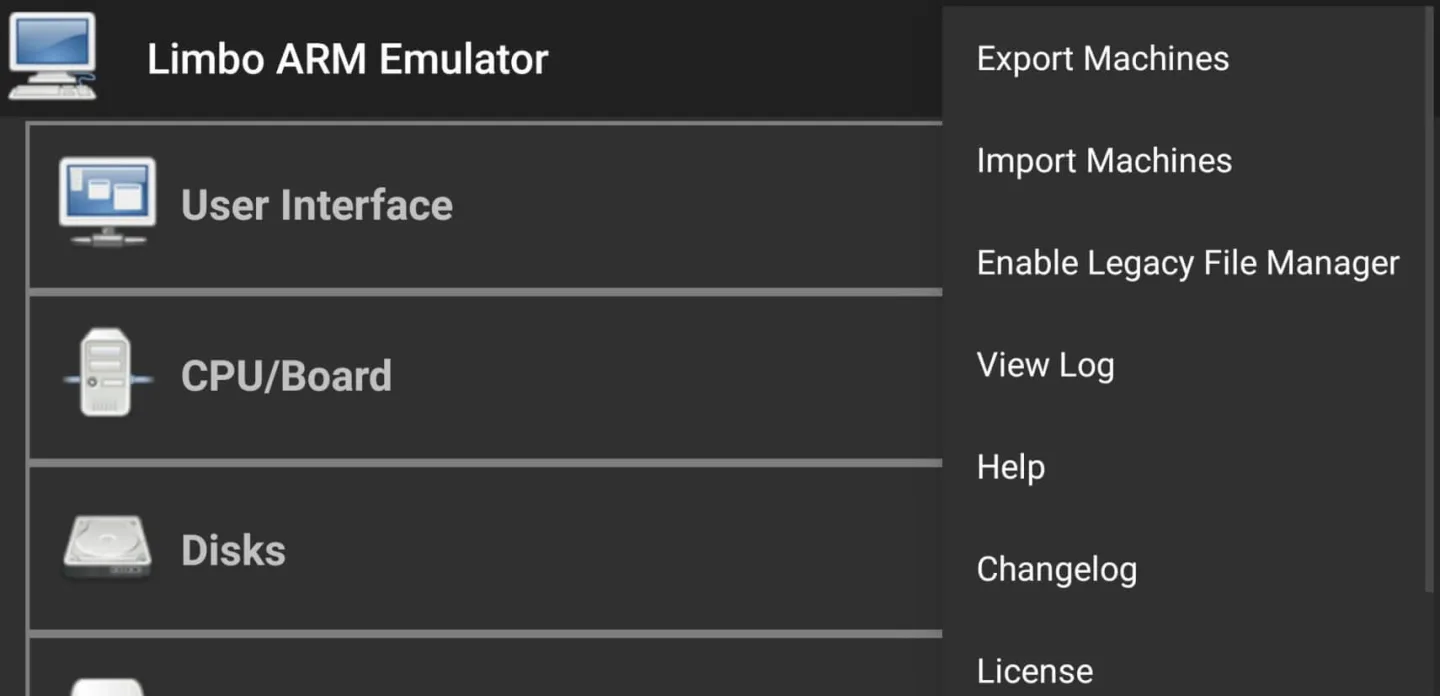
Multiple Architectures: Limbo can copy the brains of different computers, like x86, ARM, PowerPC, and Sparc.
Run Full Operating Systems: You can run full desktop versions of operating systems. It’s like having a computer on your phone.
Portable: Take your emulated systems wherever you go, right in your pocket.
Experimentation: If you love trying out different operating systems, Limbo is perfect for you.
Education: It’s a great tool for learning how computers and operating systems work.
Legacy Software: Run older software that might not work on modern devices.
Development: Test your programs on different systems without needing multiple computers.
Conclusion:
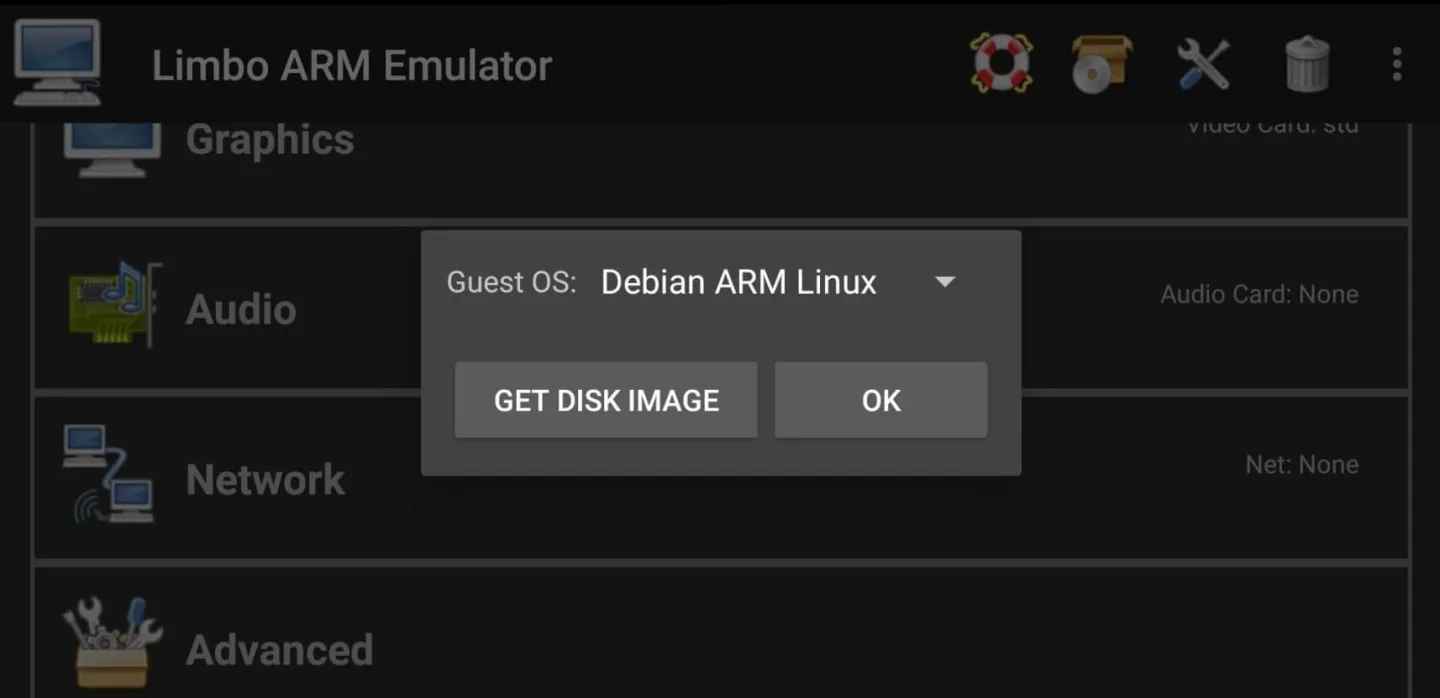
This emulator allows users to run older versions of Windows, Linux distributions, or other PC-compatible operating systems. Its main purpose is to give mobile users a way to access PC interfaces and software from a handheld device, making it useful for both developers and tech enthusiasts.The app’s interface is simple, with adjustable performance settings that let users control CPU speed, RAM allocation, and display resolution. This flexibility makes it possible to balance performance with stability depending on the device’s hardware limits.








