

Glip is a screen recording software designed for game enthusiasts. Users can record exciting moments and voiceovers from within the game at 60 frames per second and share them with friends or on social media platforms to earn likes and comments. Glip also supports creating live streams and interacting with viewers during the stream, enhancing the gaming atmosphere. Glip also optimizes user-recorded videos, improving smoothness while reducing memory usage. Start your new game streaming journey with Glip!
Click to load YouTube / 点击加载视频
YouTube ↗Features:
Feature-rich Mobile Screen Recorder: Glip Wallet & Screen Recorder is a free Android application developed for users who want to capture and share their mobile gaming experiences. Designed with gamers in mind, this app supports screen recording at up to 60 frames per second, ensuring smooth, high-quality video output. Multiple resolution and bitrate settings are available, allowing recordings to be tailored for both casual clips and professional-level content creation.
Audio Capture Capabilities: A key advantage of Glip Wallet & Screen Recorder is its ability to record not only in-game sounds, but also microphone input. This dual audio capture feature is particularly useful for streamers and content creators looking to provide commentary or explain gameplay. Recordings can be stored locally or uploaded to the cloud, helping users manage and access their clips with greater flexibility. The app also ensures a watermark-free experience, keeping videos clean and unbranded out of the box.
Integrated Digital Wallet & Rewards: What sets Glip apart is its built-in digital wallet functionality. The app enables users to securely store, manage, and transfer cryptocurrencies and NFTs (non-fungible tokens) directly from the interface. Partnered with select blockchain-based games, Glip Wallet & Screen Recorder lets gamers earn crypto rewards simply by playing supported titles. Users can swap currencies, send assets to friends, or cash out to local accounts, adding a layer of utility beyond basic recording.
Security and Privacy: Crypto wallet operations on Glip are reinforced with standard security measures such as PIN codes and biometric authentication to help protect sensitive data. However, as with all crypto-related services, users should ensure they follow best practices for digital asset management and stay informed about the inherent risks of cryptocurrency transactions.
Highlights:
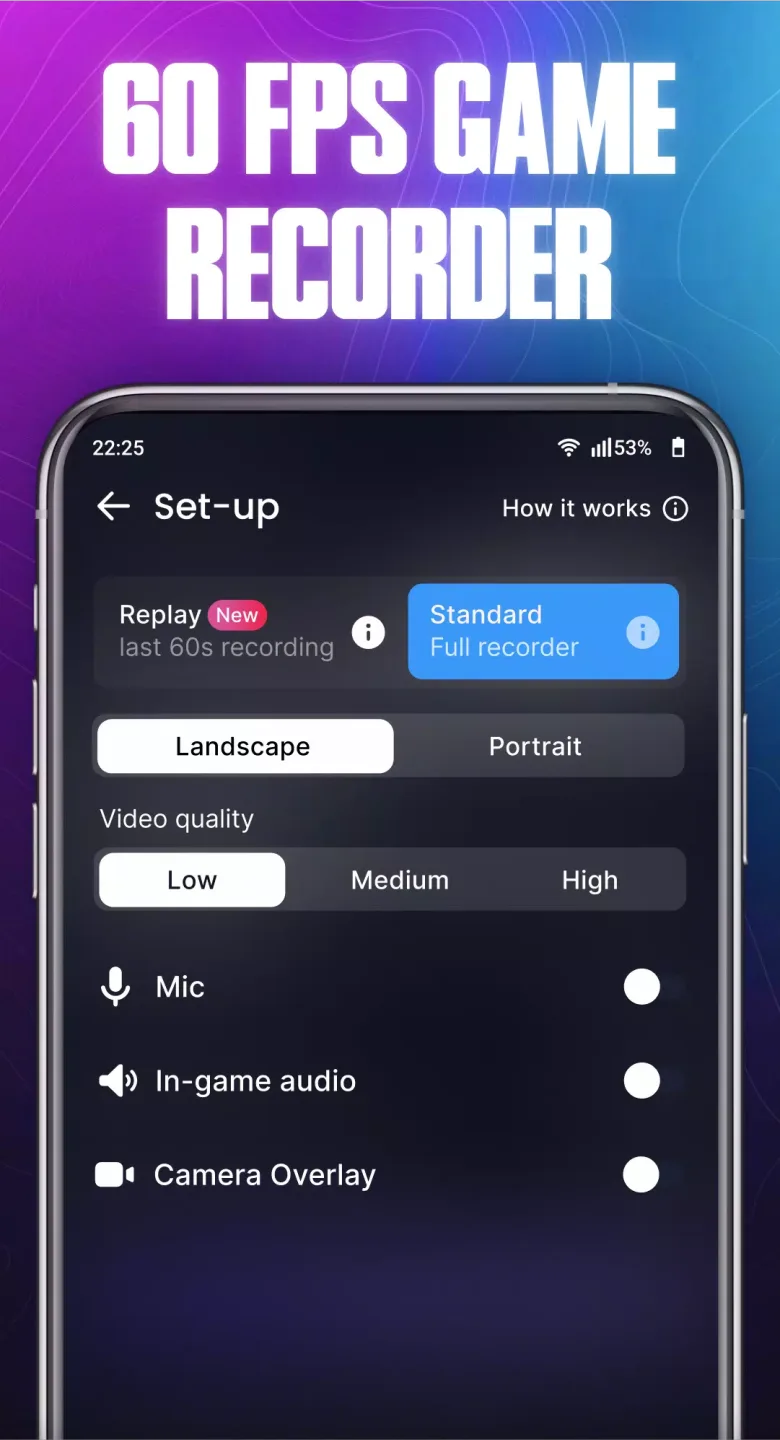
In-game audio recording: Users can record in-game audio to share an immersive gaming experience.
Microphone recording: The application allows to record audio from the microphone, helping users to add voiceovers and comments to the video.
Multiple bitrate modes: Glip provides multiple bit rate options for users to adjust video quality to suit their needs and devices.
Multiple resolutions: The application supports many different resolutions so that users can choose the right resolution for the screen and device used.
Enable in-game microphone accessibility: Glip allows users to enable in-game microphone access to communicate and talk to teammates during gameplay.
Game Video Streaming: Glip allows users to stream game videos directly to popular streaming platforms like Twitch, Youtube, Facebook and others.
Win rewards from web3 games: This app provides the feature to win rewards from web3 games. Users can participate in free quests and tournaments sponsored by web3 games for a chance to win valuable rewards.
FAQs:
Is Glip Screen Recorder free to use?
Yes, Glip Screen Recorder is free to use for all users.
How can I earn rewards with Glip Screen Recorder?
Users can earn rewards by completing specified tasks on Glip.gg while using Glip Screen Recorder for screen recording.
Is Glip Screen Recorder available on all operating systems?
Glip Screen Recorder is currently available on Windows and Mac operating systems.
Can I use Glip Screen Recorder for commercial purposes?
Yes, users can use Glip Screen Recorder for personal or commercial purposes.
Is there a limit to the number of recordings I can make with Glip Screen Recorder?
There is currently no limit to the number of recordings users can make with Glip Screen Recorder.
Final Thoughts:
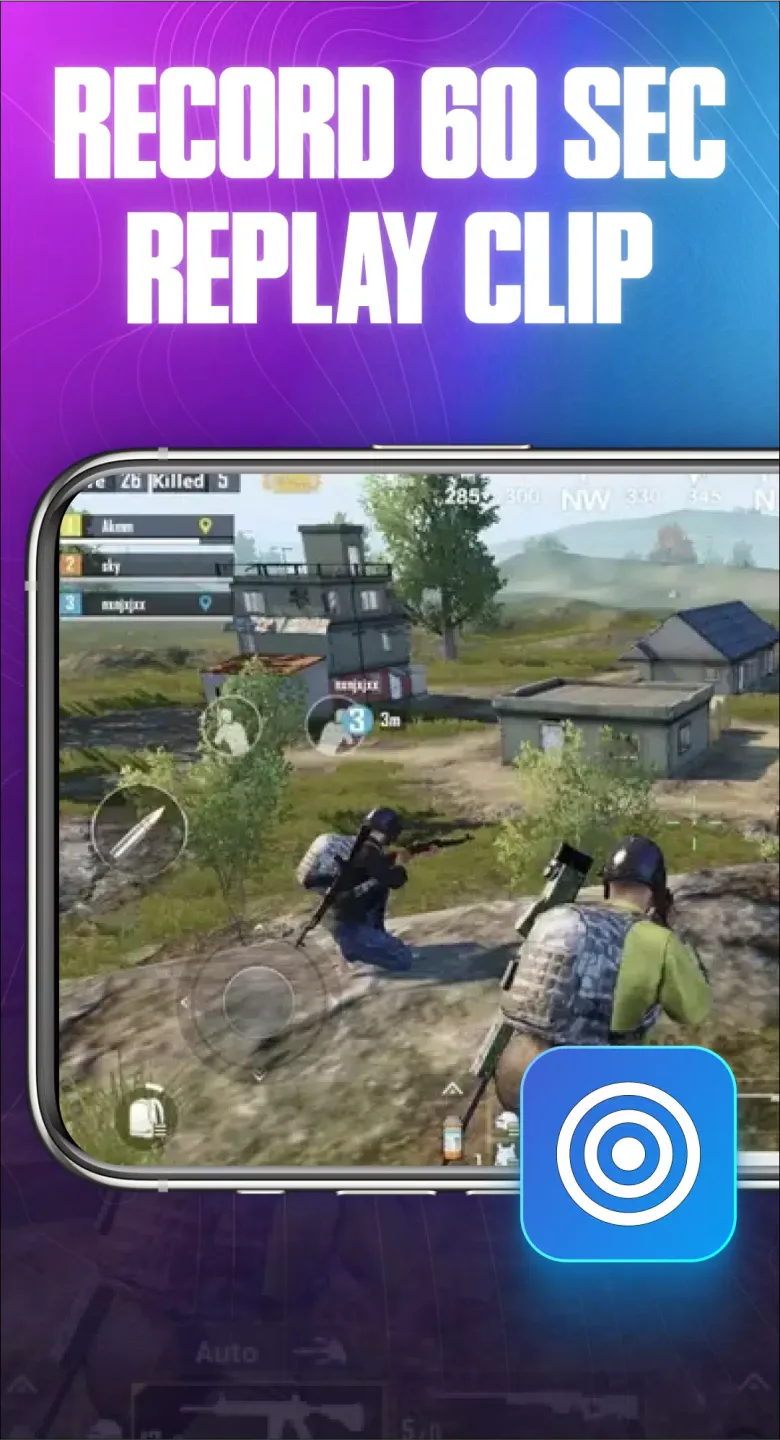
Whether you want to record the entire game or the last 60 seconds, Glip makes it easy. You can even select portrait or landscape for the display mode. And if you're worried that the microphones of your fellow players won't be recorded, or that you won't be able to talk to them, you can activate the necessary permissions for Glip to ensure that nothing is lost.Currently, the streaming mode of Glip is in closed beta, but it will soon become yet another advantage of using this app.








