

Send Files to TV is a file transfer software that allows for real-time transfer of files, pictures, videos, and more, simply by installing it on your device and TV, meeting various user needs. Send Files to TV provides detailed tutorials to help users master how to connect to TVs of different brands, and answers to any questions can be found in the FAQ section. Users who want to install various apps on their TVs shouldn't miss Send Files to TV!
Click to load YouTube / 点击加载视频
YouTube ↗Features:
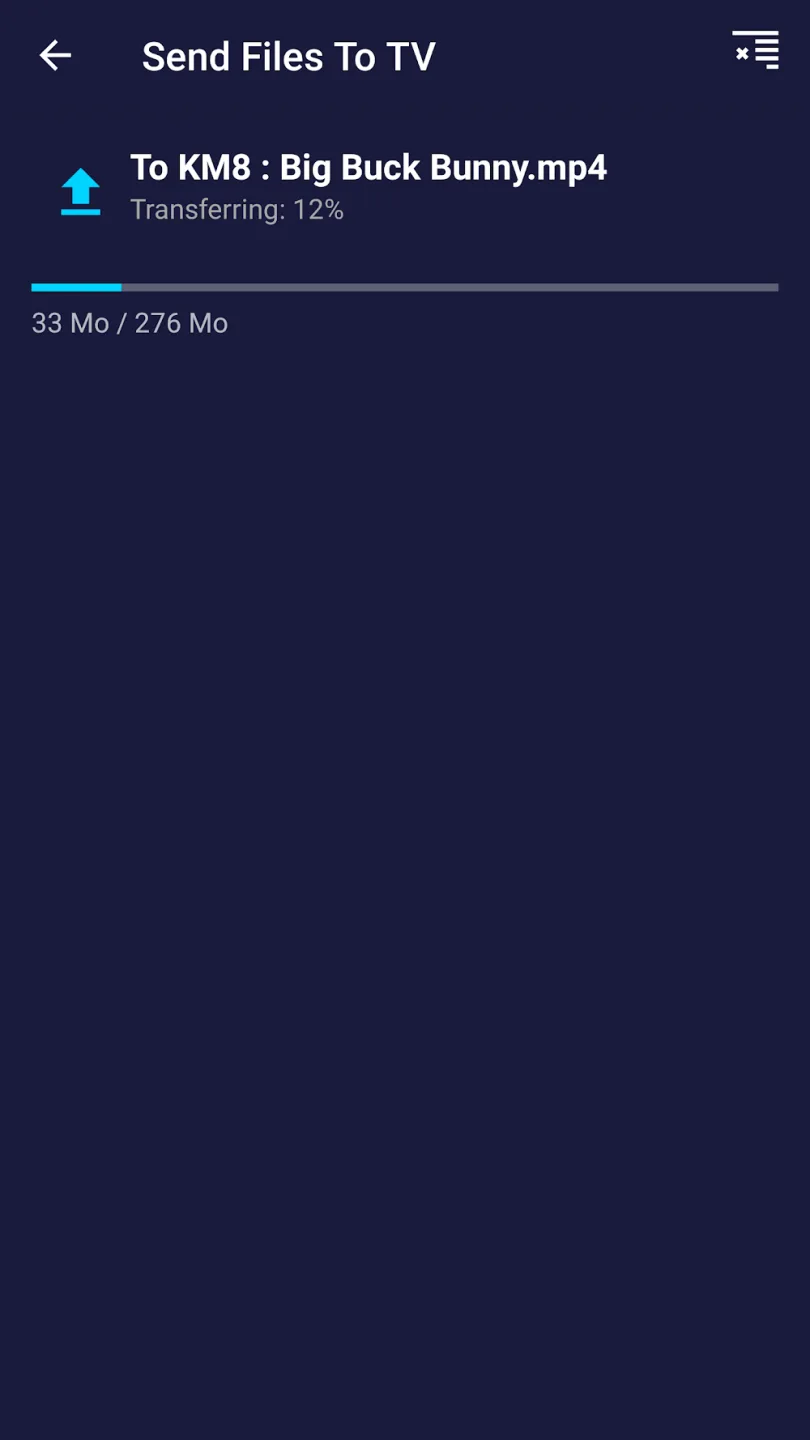
In order to use SFTTV on your local network, you will need to install the android application on your TV and on each device that you wish to use for transferring files. SFTTV has a really easy to use user interface !
Device to Device: SFTTV is designed to be simple.The application discover automagically other devices on the local network with SFTTV installed
High speed: Transfer large files in record time. SFTTV is faster than Bluetooth. SFTTV is the fastest and most private way to send files to your TV
File explorer: A sleek and intuitive file explorer with picture preview, allowing users to seamlessly navigate directories, view image thumbnails, and manage files with ease.
Sideload APK: A quick and hassle-free method to install APK files on your TV, enabling access to apps and features not available through the official app store.
Highlights:
No internet connection is necessary.
SFTTV is purposely designed to be uncomplicated.
The app automatically detects other gadgets within the local network that have SFTTV installed.
Effortlessly transfer large files at an impressive speed.
SFTTV outperforms Bluetooth in terms of rapid file sharing. It is identified as the quickest and most secure method for sending files to your TV.
Compatible across various platforms.
SFTTV runs seamlessly on Windows, macOS, and Linux systems, allowing smooth file transfers between devices operating on different OS.
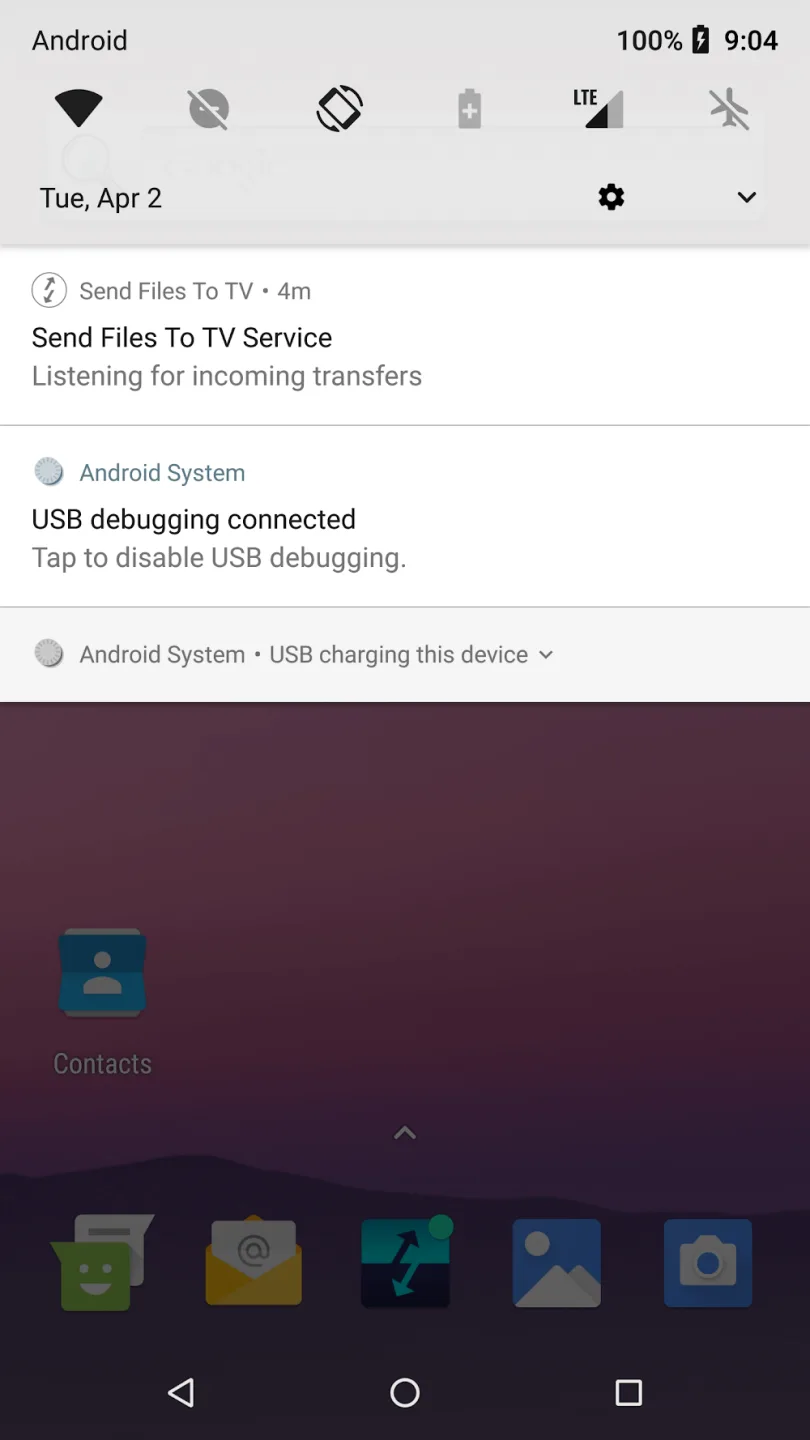
To utilize SFTTV within your local network, you must install the Android application on your TV and each device intended for file transfers.
The user interface of SFTTV is incredibly intuitive!
FAQs:
How does Send Files to TV by Yablio work?
The service uses a technology called screen mirroring or screen casting. It establishes a wireless connection between the sending device and the television, allowing for seamless file transfer and display.
What devices are compatible with Send Files to TV by Yablio?
Send Files to TV by Yablio is compatible with a wide range of devices, including computers (Windows, Mac), smartphones (Android, iOS), and tablets.
Do I need any additional hardware to use Send Files to TV by Yablio?
No, the service works without any additional hardware requirements. However, both the sending device and the television must be connected to the same Wi-Fi network.
Can I send files to multiple TVs simultaneously?
Yes, Send Files to TV by Yablio allows simultaneous file transfer and display on multiple TVs as long as they are connected to the same Wi-Fi network as the sending device.
Is there a file size limit for sending files to the TV?
While there is no specific file size limit with Send Files to TV by Yablio, larger files may take longer to transfer and display depending on the network speed and the capabilities of the receiving device.
Conclusion:
Send files to TV offers a fast, uncomplicated route for moving media or documents between devices in the same household. Occasional transfer stalls prevent it from feeling flawless, yet the convenience, speed, and cross-platform reach make it a valuable addition to any local sharing toolkit.








