PDF Compressor is a convenient and fast PDF software that can not only convert PDF files to various formats but also compress them, making it easy for users to send and manage their documents. The software also prioritizes user security, protecting user file data and privacy information in real time, allowing users to use all its functions with peace of mind. Users can also share PDF files with friends or on other social media platforms, saving time and effort.
Click to load YouTube / 点击加载视频
YouTube ↗Features of PDF Compressor:
This application stands out for its user-friendly interface that simplifies the process of compressing files. Users can quickly select a PDF document from their device and initiate the compression process with a single tap. This straightforward functionality makes it accessible to a broad audience, regardless of their technical expertise.
One of the primary advantages of PDF Compressor is its ability to significantly reduce the file size of PDF documents without altering the integrity of the content. The app employs various compression options, ensuring that users can choose the level of quality they desire for the output PDF. This flexibility is essential for those who need to balance file size with document clarity.
The app does not require an internet connection to function, which enhances its utility for users on the go. Being fully offline means that users can compress their documents anytime and anywhere, without the need for Wi-Fi or mobile data. This feature is particularly beneficial for individuals who may have limited connectivity while traveling or working in remote locations.
PDF Compressor is designed to handle multiple files at once. Users can select numerous heavy PDF documents for compression in a single operation, saving time and streamlining the process. This capability is especially useful for professionals who deal with large volumes of paperwork, as it allows for batch processing of files.
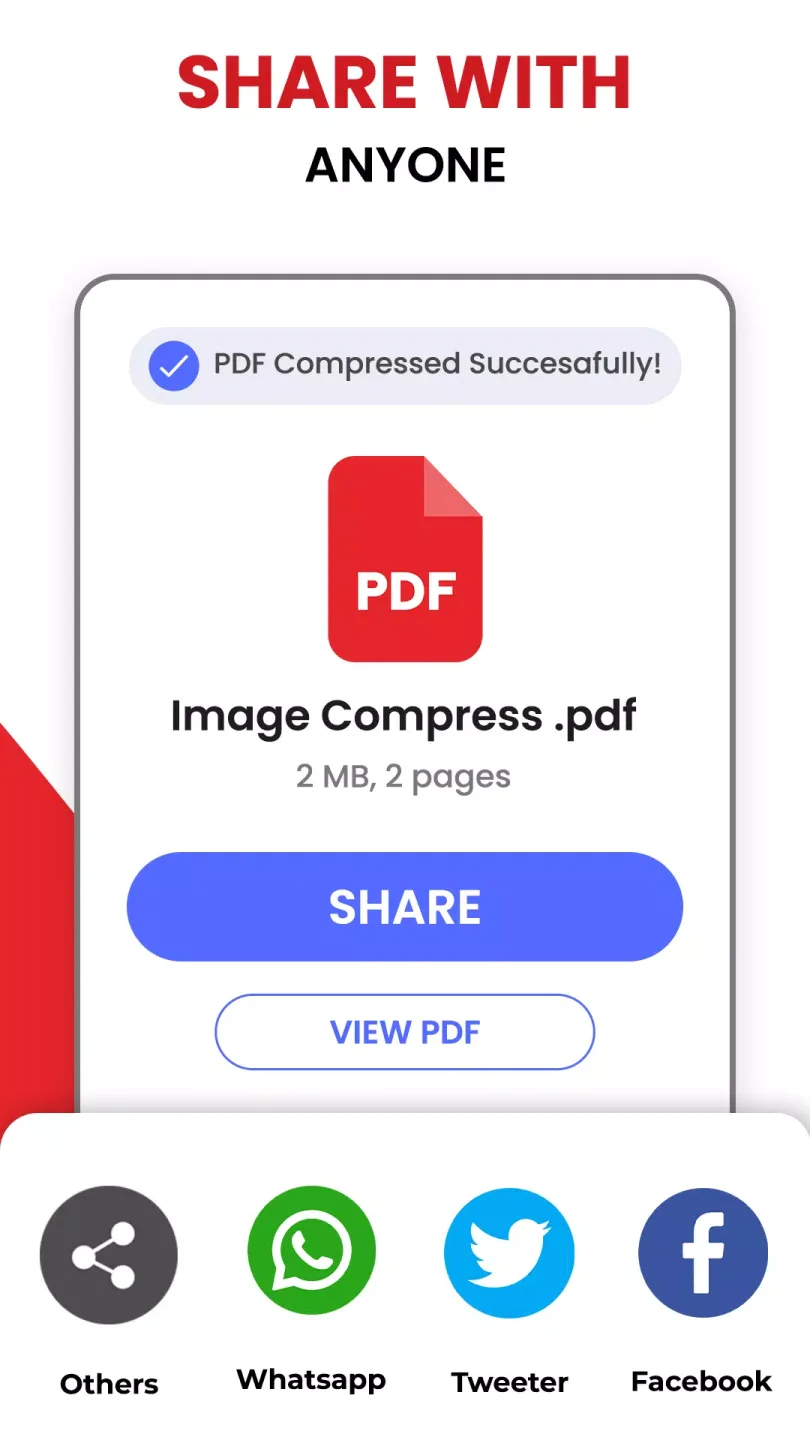
The app also includes a sharing feature that enables users to easily distribute the compressed PDF files online. After compression, users can share the documents through various platforms without needing to save them separately. This integration simplifies the workflow for those who often send files via email or other online services.
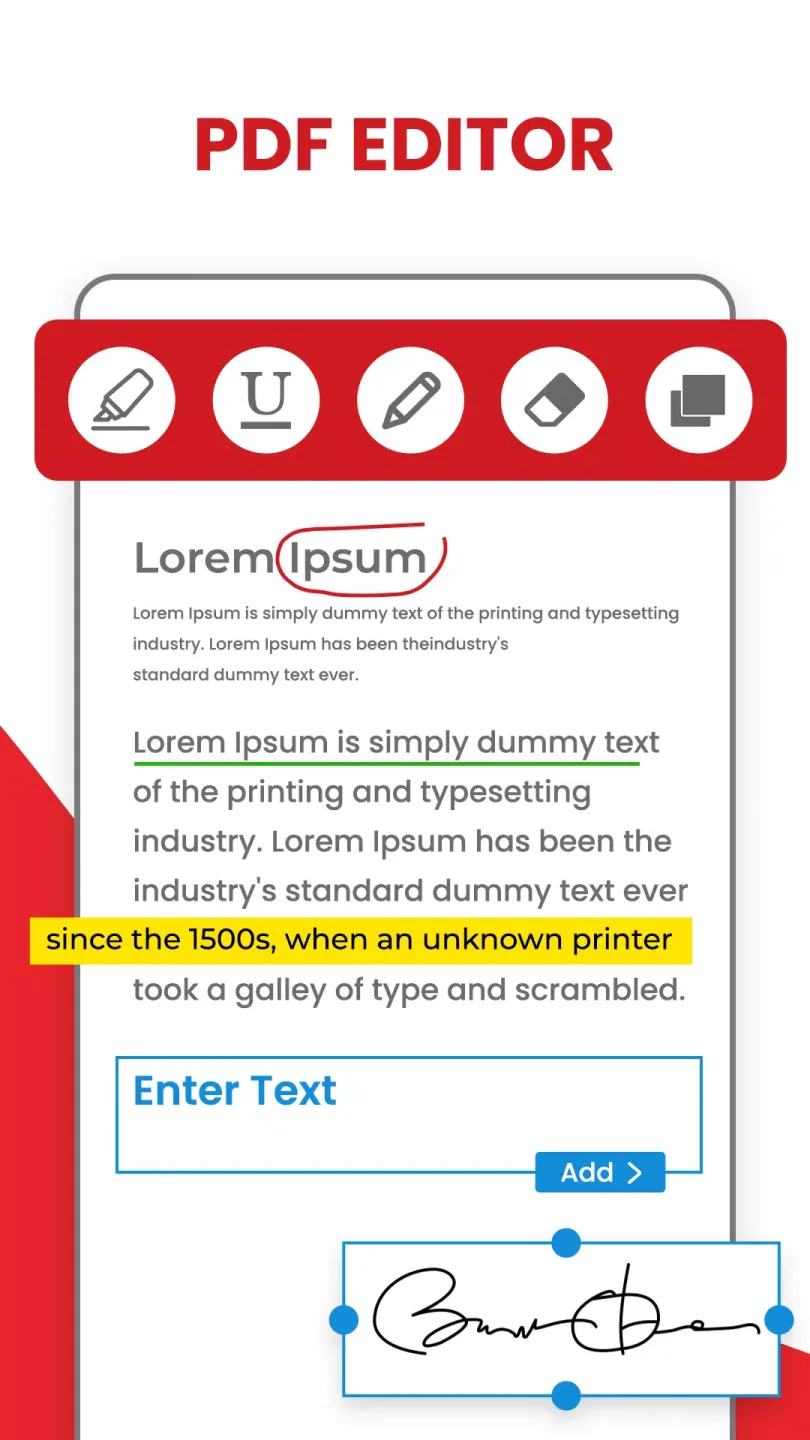
Functions of PDF Compressor:
Effortless Compression: Our fast PDF compressor app makes your files smaller without compromising quality, ensuring your documents remain clear and readable.
Time-Saving Technology: No more waiting for large PDF files to upload or download. Our PDF compressor for Android works quickly, helping you reduce file size for faster sharing.
Instant Sharing: Easily share compressed PDFs via email, social media, WhatsApp, Telegram, Gmail, X (Twitter), Meta (Facebook), Instagram, and more.
Secure and Private: Your data is protected—our PDF compressor, PDF converter, and PDF size reducer in 100 kb maintains the integrity of your documents while compressing them.
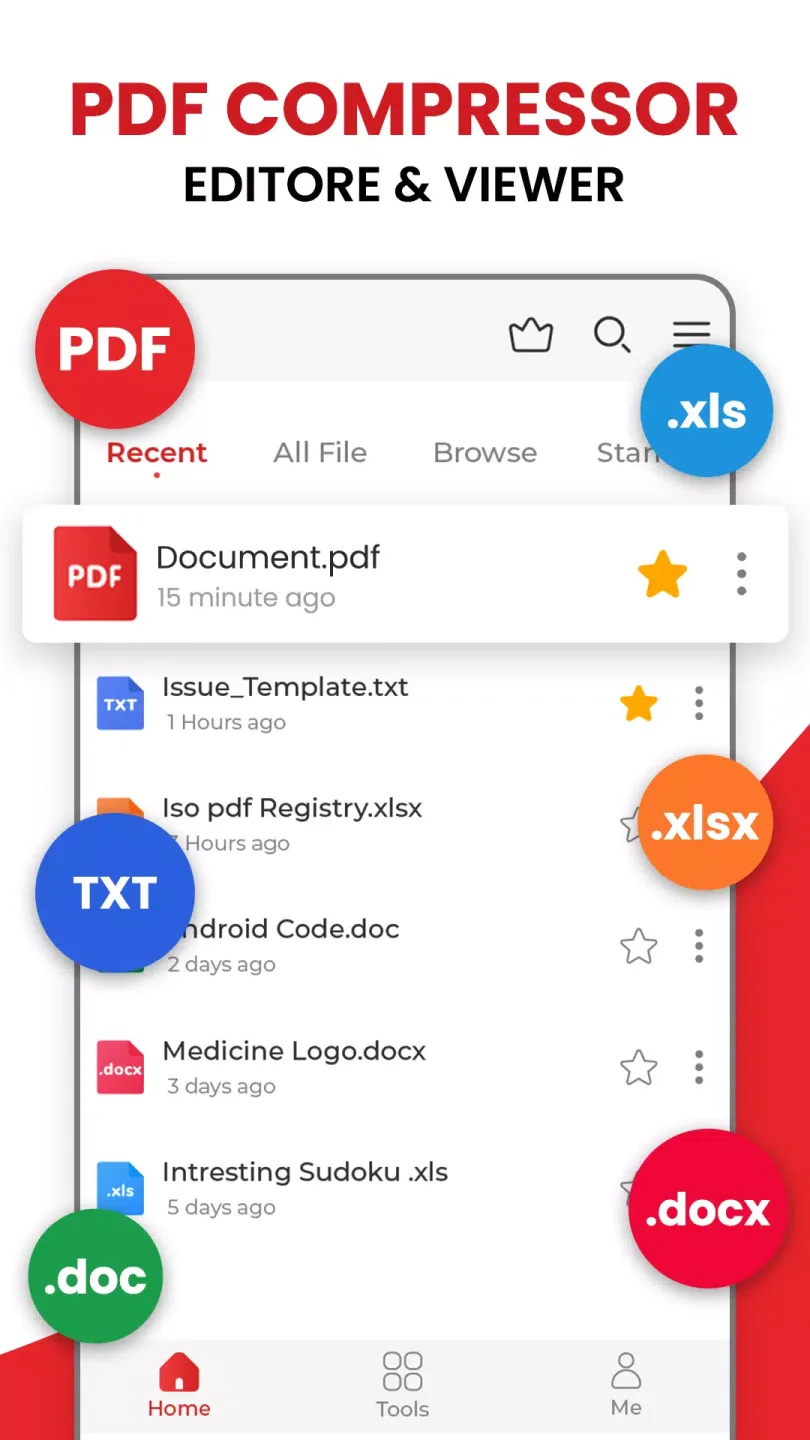
Organize PDFs with Ease: Our PDF converter & PDF size reducer helps you manage and categorize compressed PDF files efficiently. With the built-in PDF Reader, you can open, view, and search within documents instantly.
User Reviews of PDF Compressor:
I found this to send email updates to supporters that could include pictures and groupemail lists while in limited internet areas. This compresses fast and well and allows me tomake these documents small enough to to send to pretty much any recipient. One thingthat is frustrating is the insistence on staying in portrait mode. I use this on an ipad witha keyboard, so my head is always cocked to the left to use this. Moving to landscapemode when desired would be a cool improvement.
Like a similar reviewer, just happy to see an app that is simple and doeswhat I need it to do. Yes there are ads but I can wait 5 seconds to compressa PDF quickly and easily on mobile. I don't always review apps, but whenIdo it's for great little ones like this one !! Thank you !!
I can't express my appreciation enough for how simple and effective this app is atcompressing large files. I was a bit skeptical at first but this app literally works from thefirst time I ever used it. If you need to compress any file avoid the headache anddownload this app. Again thank you to the developers of this app for getting the job doneright the first time when designing a quick easy and effective tool.
FAQs of PDF Compressor:
Does PDF Compressor reduce the quality of the document?
No, PDF Compressor uses advanced compression algorithms to reduce file size without sacrificing the quality of the document.
What file formats can be compressed with PDF Compressor?
PDF Compressor can only compress PDF files.
Is PDF Compressor easy to use?
Yes, PDF Compressor has a simple user interface that is easy to navigate, making it user-friendly for all levels of computer users.
Can compressed files be opened with any PDF reader?
Yes, compressed files can be opened with any standard PDF reader. The compression process does not affect the compatibility of the file.
Is there a trial version available for PDF Compressor?
Yes, Abelssoft offers a trial version of PDF Compressor for users to try before purchasing the full version.
Conclusion:
In summary, PDF Compressor stands as a practical application for anyone looking to manage their PDF files more efficiently. Through its features, users can compress documents quickly, customize output quality, and share files easily—all while saving space and maintaining document integrity. This makes it an essential app for both personal and professional use.