
PingTools Pro is an outstanding network diagnostic utility that helps users easily troubleshoot network connection problems using powerful analytical capabilities and detection tools, enabling timely and effective solutions. PingTools presents a powerful, easy-to-use, and feature-rich network diagnostic application that doesn't consume excessive memory and is simple to use. PingTools provides comprehensive testing, continuous monitoring, and alerts. This application also allows users to gain in-depth insights into signal sources, router models, network traffic tracing, and more, providing comprehensive, reliable, and accurate network connection information.
Click to load YouTube / 点击加载视频
YouTube ↗Amazing Features of PingTools
All-in-One Diagnostics
PingTools integrates classic testing functions into a single platform for convenient and rapid testing. You can run ICMP, TCP, or HTTP ping tests, trace routes using UDP or ICMP protocols, look up DNS records, query WHOIS data, scan TCP ports, and perform quick calculations using the IP calculator. This combination of features allows you to transition from simple reachability checks to more in-depth analysis without switching applications.
Device and WiFi Discovery
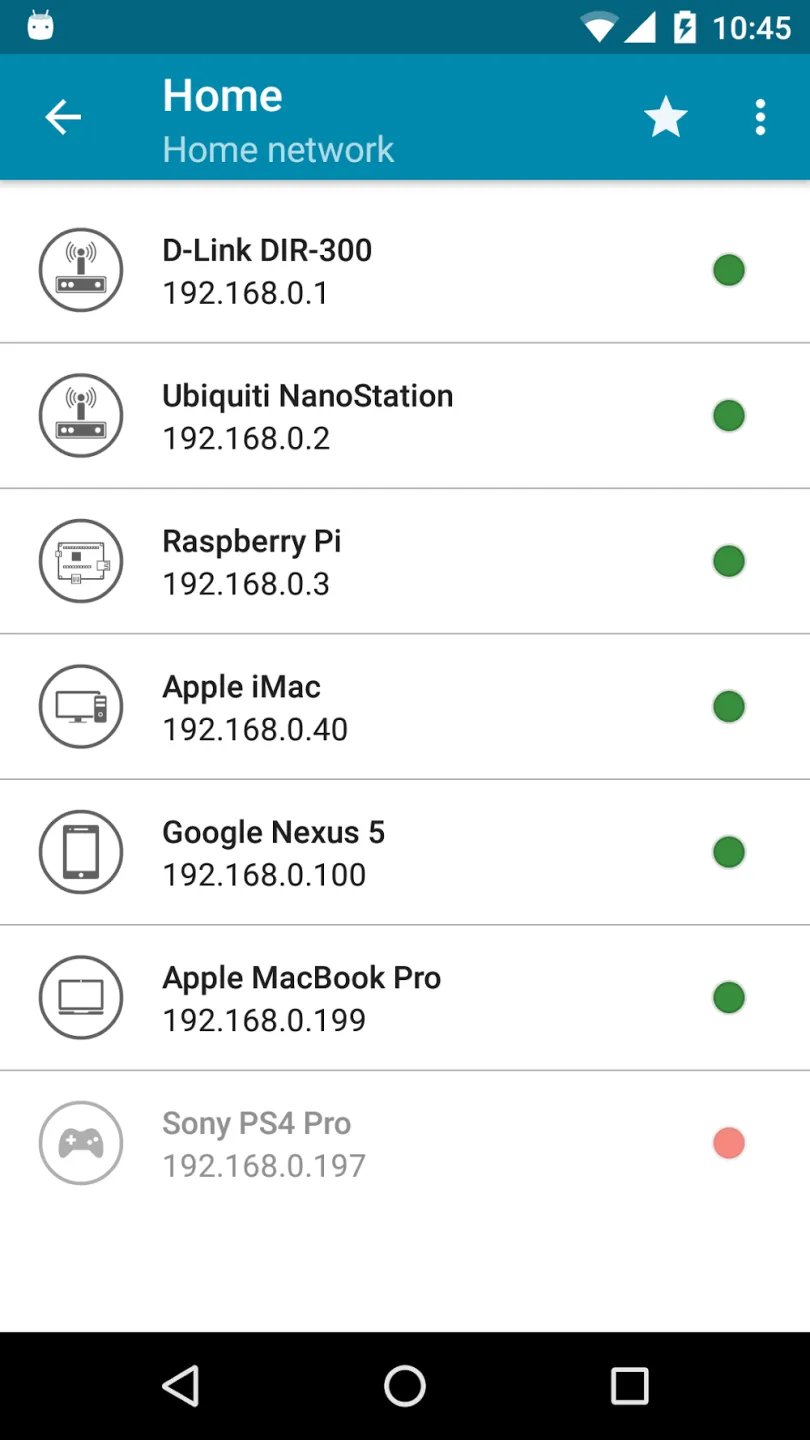
Beyond basic testing, PingTools helps you view devices on your network. The Local Network View lists devices on your local area network (LAN), while the WiFi and Subnet Scanner finds active hosts. It also browses UPnP, DLNA, and Bonjour services to help you find printers, media players, or other IoT devices that are sending alerts on your network.
Continuous Monitoring and Alerts
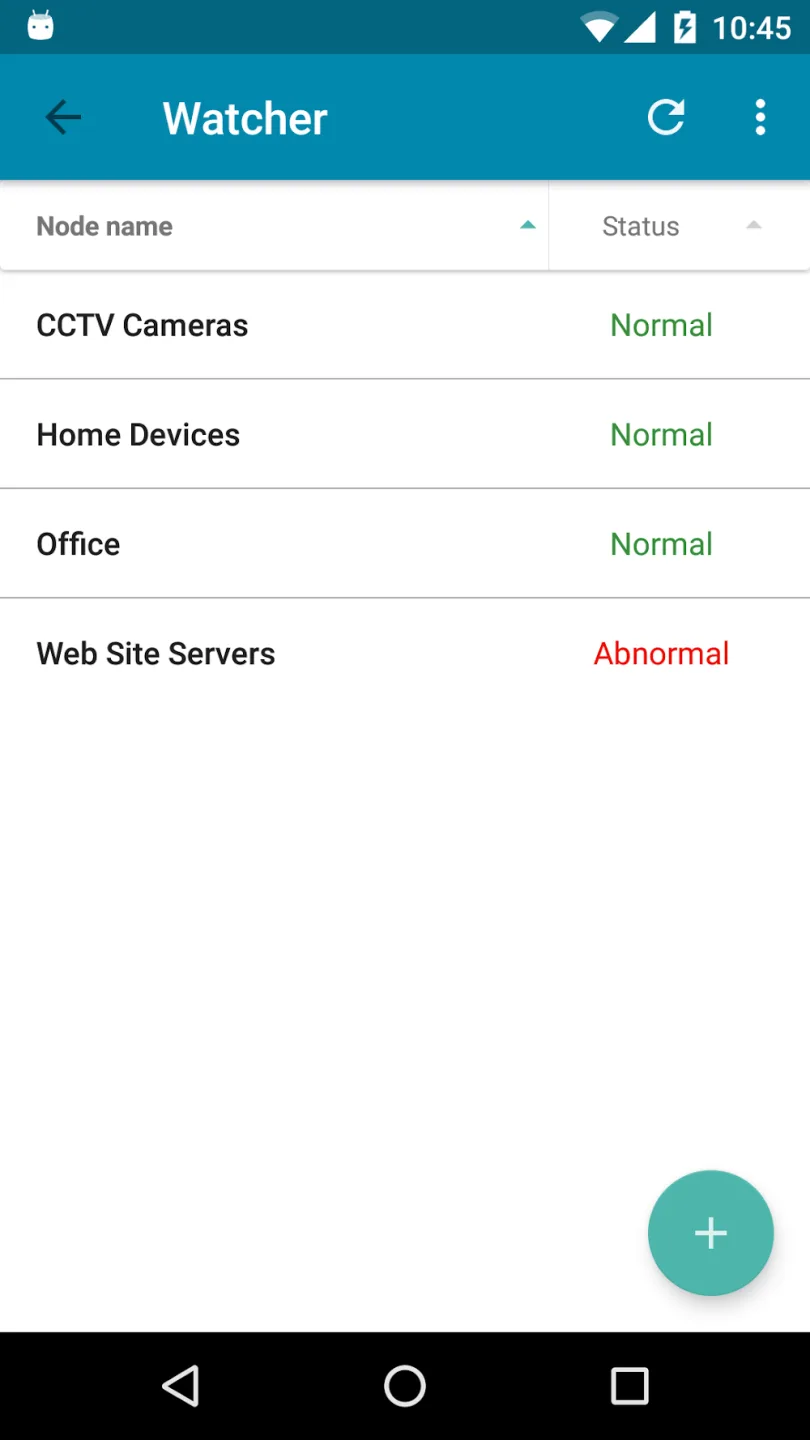
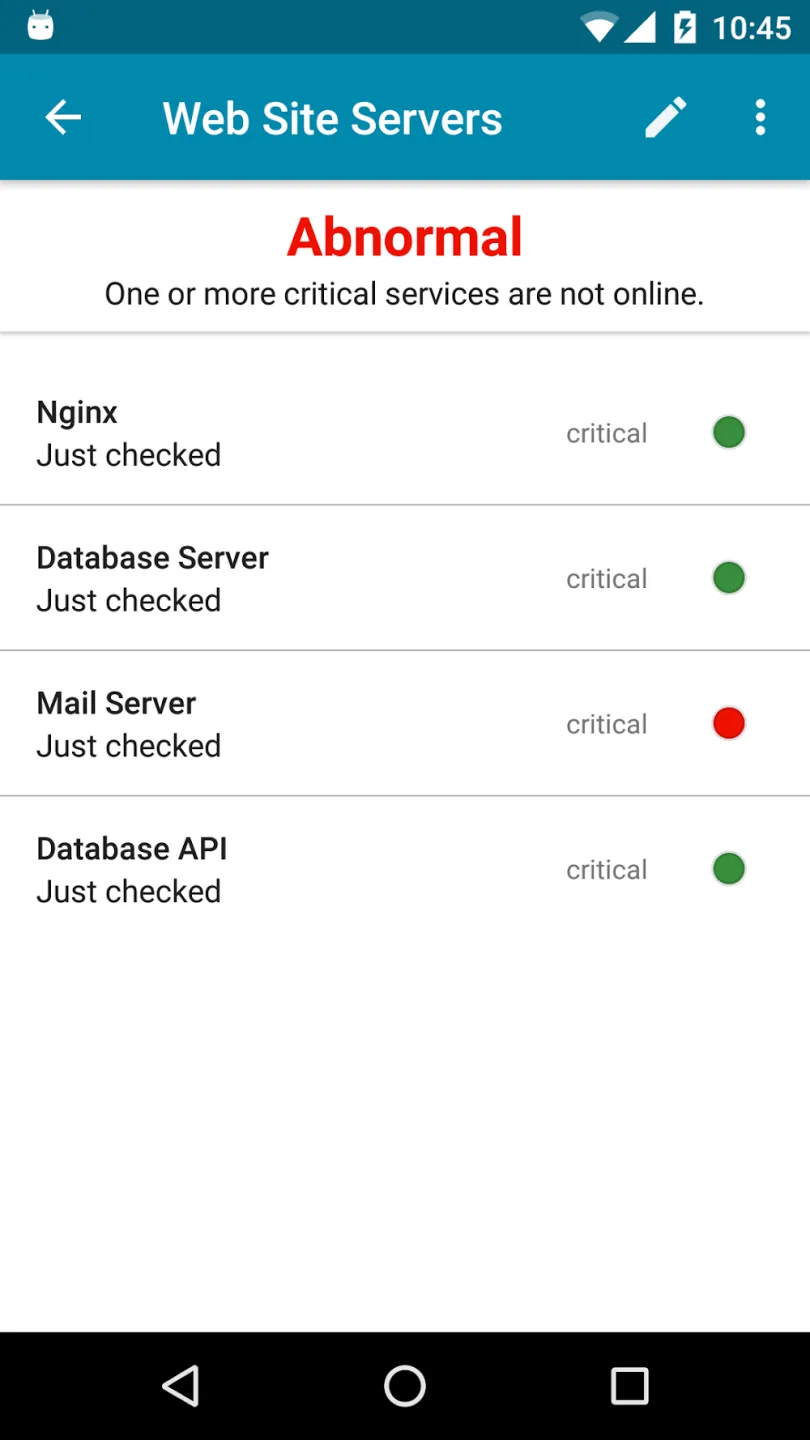
When you need to keep track, Watcher monitors selected hosts or resources in the background. PingTools runs checks at set intervals and sounds when a host goes down or recovers. This allows you to detect outages promptly, even when you're off-screen, without frequent manual checks.
Wonderful Highlights of PingTools
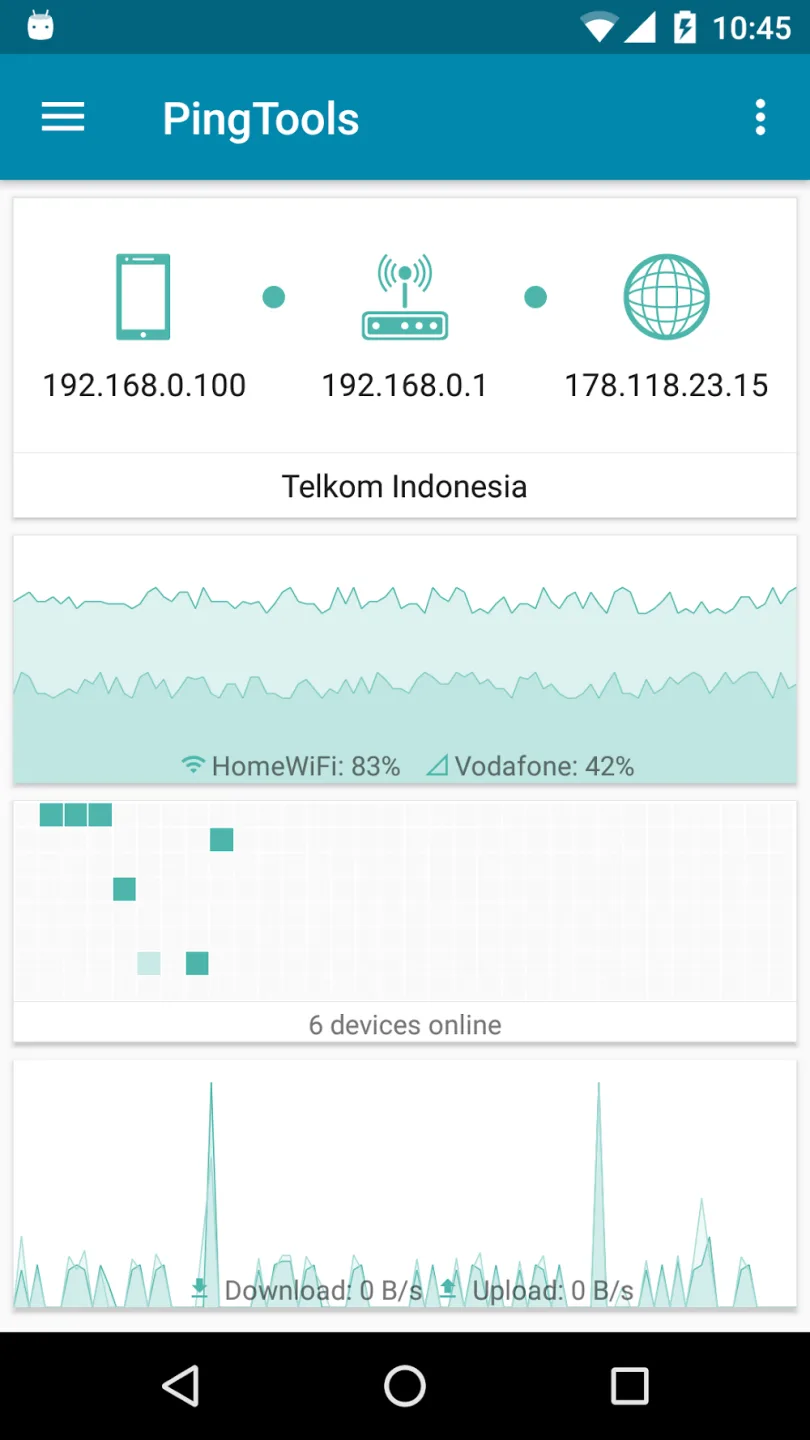
You can use this app to view all the information about your connected Wi-Fi, including network connection status, the Wi-Fi router's IP address, external IP address, and your ISP details. Additionally, the developers provide more information in the "Info" tool.
Another useful feature of this application is that it allows you to manage the amount of data used and the time spent using it. All data will be displayed in the "Monitoring" section.
Other devices may be sharing your Wi-Fi, slowing down the search for device information; if you don't know who is using your Wi-Fi, you can use the LAN feature.
One of the most useful features of this app is the Ping function. It can display information about the domain names or IP addresses you are using. Additionally, you can query domain registration dates, organization information, contact information, and other information.
Helpful Tips of PingTools
Open PingTools and perform a simple ping test. Enter the hostname or IP address and run the test. Check the round-trip time and packet loss rate to determine basic reachability; if a timeout occurs, use the traceroute command for further analysis.
Scan your local network. Open a LAN or subnet scanner, connect to your Wi-Fi network, and start scanning. View the device list to identify known mobile phones, laptops, printers, and IoT devices.
Set up a Watcher to monitor uptime. Add important hosts, such as routers, NAS, or service URLs, and then enable background monitoring and sound notifications. Check the logs after a few hours to confirm alert behavior.
Run a port scan on the target you manage. Enter the IP address or hostname, and initially choose a smaller port range to speed up the scan. Use the scan results to confirm that only the expected services are open.
Measure throughput using iPerf or SpeedTest. For iPerf, start the iPerf server on the computer you control and point your application to that host. Run the scan multiple times and compare download and upload values to identify network congestion or WiFi issues.
User's Comments of PingTools
Really useful tool to have in your toolbox. Watcher allows you to monitor various services or network availability of devices and apps. Get a map of address space usage on your subnet. Tons more tools all bundled together. Great work! Pro version is very reasonably priced. buy it! (I do see Speedtest doesn't work, but not critical for me, so not docking stars)
Everything works as intended. Keep up the good work Dev! » Also doesn't use a lot of memory and battery. »Actually closes itself when you're done unlike NetXPro, which stays open and drains your battery until you restart and don't open it. » Would you please add some more icons and device types like speaker, assistant (alexa type things), smart home devices (like nest thermostats, locks or smart outlets), also cars have Wi-Fi now so that may also deserve to be included.
Great Tools! Suggestion: Please try to add 2 ping buttons Eg. Short ping & Continues Ping. I know app have the Settings are available for both types, but it's not user-friendly, as sometimes I only need short messages and sometimes long ones. Going through settings every time isn't a good idea! :) So you could think about it and try to implement a solution like this. Thank you! :)
Final Verdict
This app lets you view network connection status, Wi-Fi router IP address, external IP address, Internet Service Provider (ISP) information, and more. Additionally, the "Information" screen displays some useful charts about Wi-Fi connection and network usage.








