

PPSSPP APK is a PSP emulator that turns your Android phone into a Sony handheld console, allowing you to play most PSP games. This emulator boasts dozens of graphics and customization options. For example, in graphics settings, you can apply texture scaling to any game, enable or disable V-Sync, or change the frame rate for a visually stunning gaming experience. The emulator's simple and intuitive controls allow you to play any game with a Bluetooth controller. Furthermore, the emulator's compatibility list covers almost all PSP games and offers superior performance compared to the original console. This is one of the best Android game emulators, with a game library containing many classic titles. We hope you have a better gaming experience!
Click to load YouTube / 点击加载视频
YouTube ↗Software Features
PPSSPP allows your PSP games to run on PC or Android phones at full HD or even higher resolutions. It also enhances texture resolution for greater clarity, and you can enable post-processing shaders to adjust colors, brightness, and other effects.
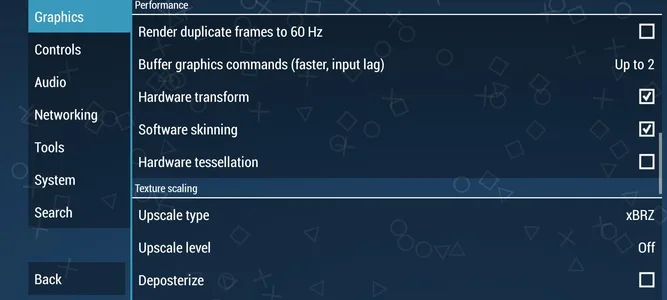
Graphics Options
In terms of graphics settings, you can enable V-Sync, anisotropic filtering, or force filtering and interlacing. Of course, you can also adjust the resolution to your liking. A major advantage of using this emulator is that you can upgrade the resolution of all PSP games to suit your monitor.
Cheat Codes, Saves, and Achievements
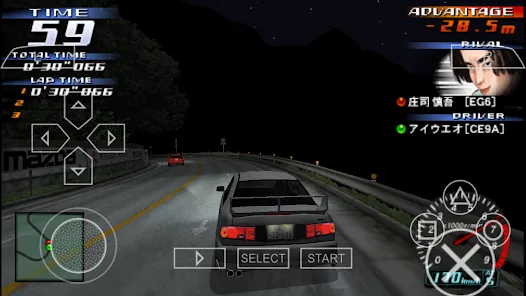
Playing games with the PPSSPP emulator offers many improvements over the original console versions. First, the save function means you can save your game progress at any time. This way, even if you're watching cutscenes or battles, you can save and exit the game without worrying about losing your progress. Furthermore, if you have a RetroAchievements account, you can play almost all games with achievements. Simply log in to your account, and achievements will automatically activate when you start playing a game with achievements.
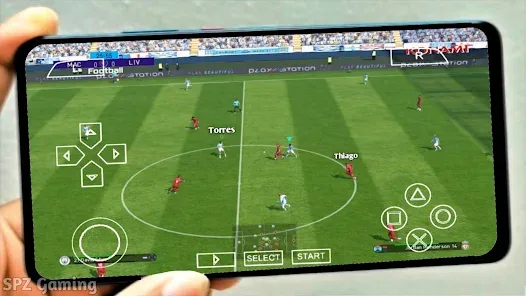
In summary, it allows you to play 99% of PSP games without the hassle of installing BIOS or performing complex graphics settings. Furthermore, the emulator automatically recognizes any controller connected to your computer. So, if you have an Xbox or PlayStation controller, you can use it to play your favorite games.








