

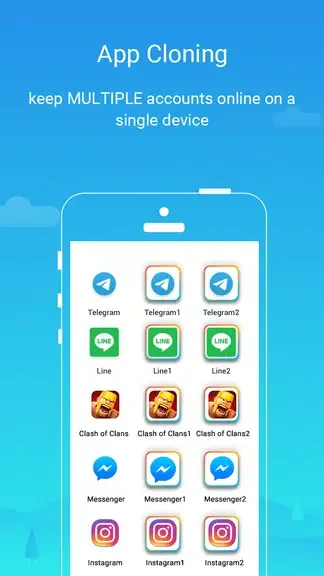
Parallel Space - app cloning is a powerful app cloning tool. This application can clone and run multiple apps simultaneously, allowing users to manage multiple accounts on a single device, maintaining separation between personal and work life while providing enhanced privacy protection. With Parallel Space - app cloning, you can create a secure and independent virtual space where you can run other apps and enjoy robust privacy protection. Furthermore, this application does not require root access and can run on any Android device. With its user-friendly interface and simple operation, you can easily clone apps and manage multiple accounts in just a few simple steps.
Features:
Enhanced Stability: This app improves the stability of Parallel Space, ensuring a smooth experience while using multiple accounts simultaneously.
Compatibility Fix: Solves the compatibility issue between Parallel Space and 64-bit devices running Android -0 or --- resolving the problem of a black screen while opening second apps in Parallel Space.
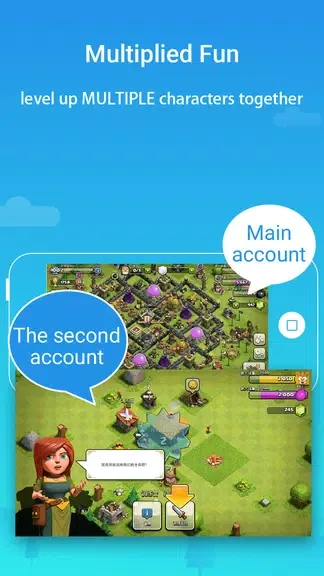
Multi-Account Management: Log in to multiple accounts of social networking apps or game apps simultaneously on one device. No need to constantly switch between accounts.
Privacy Protection: Keep your accounts hidden and secure with Incognito Installation, making them invisible on your device.
User-Friendly Interface: The app has an easy-to-use interface, allowing users to navigate effortlessly and quickly access their accounts.
Add-On App: This app acts as an add-on for Parallel Space, enhancing its performance and providing necessary fixes for a better experience.
Benefits:
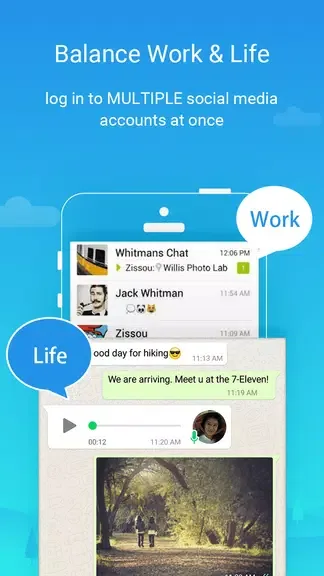
Firstly, it helps users manage multiple accounts efficiently without having to log in and out repeatedly.
Secondly, it ensures privacy by keeping personal information separate from work or social media accounts.
Thirdly, it saves storage space by creating cloned apps instead of downloading multiple versions. Lastly, it enhances productivity by allowing users to multitask seamlessly. Overall, the benefits of using Parallel Space are significant and impactful.
Tips and Tricks:
Customize Cloned Apps: Personalize each cloned app with different settings and features to cater to your specific needs and preferences.
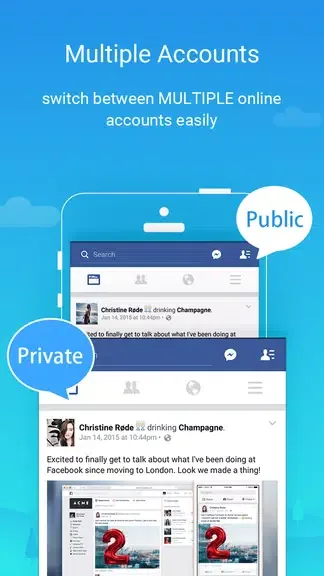
Switch Accounts Seamlessly: Switch between multiple accounts within the cloned apps with just a few taps, saving you time and hassle.
Secure Your Private Information: Utilize Parallel Space's privacy protection features to keep your personal data safe and secure from unauthorized access.
Conclusion:
In conclusion, Parallel Space - app cloning is a powerful and user-friendly app that allows you to manage multiple accounts on one device and safeguard your privacy. With features like hidden apps and seamless account switching, it's the perfect tool for users looking to keep their personal and work accounts separate. Download Parallel Space now to experience the convenience and privacy it offers!








