
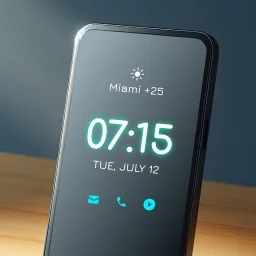
Always On AMOLED is an outstanding screen information utility that helps users display important notifications even when the device is in standby mode, keeping your device constantly lit up throughout the day to prevent you from missing important updates. Always On AMOLED presents users with a lightweight, convenient, powerful, and practical always-on lock screen monitoring application, providing an excellent always-on display experience. Users can easily view important data such as time, date, and notifications without unlocking their phone. Always On AMOLED offers a superior and convenient screen tool, with practical automation features to help you easily wake your device and effectively extend battery life.
Click to load YouTube / 点击加载视频
YouTube ↗Excellent Features of Always On AMOLED
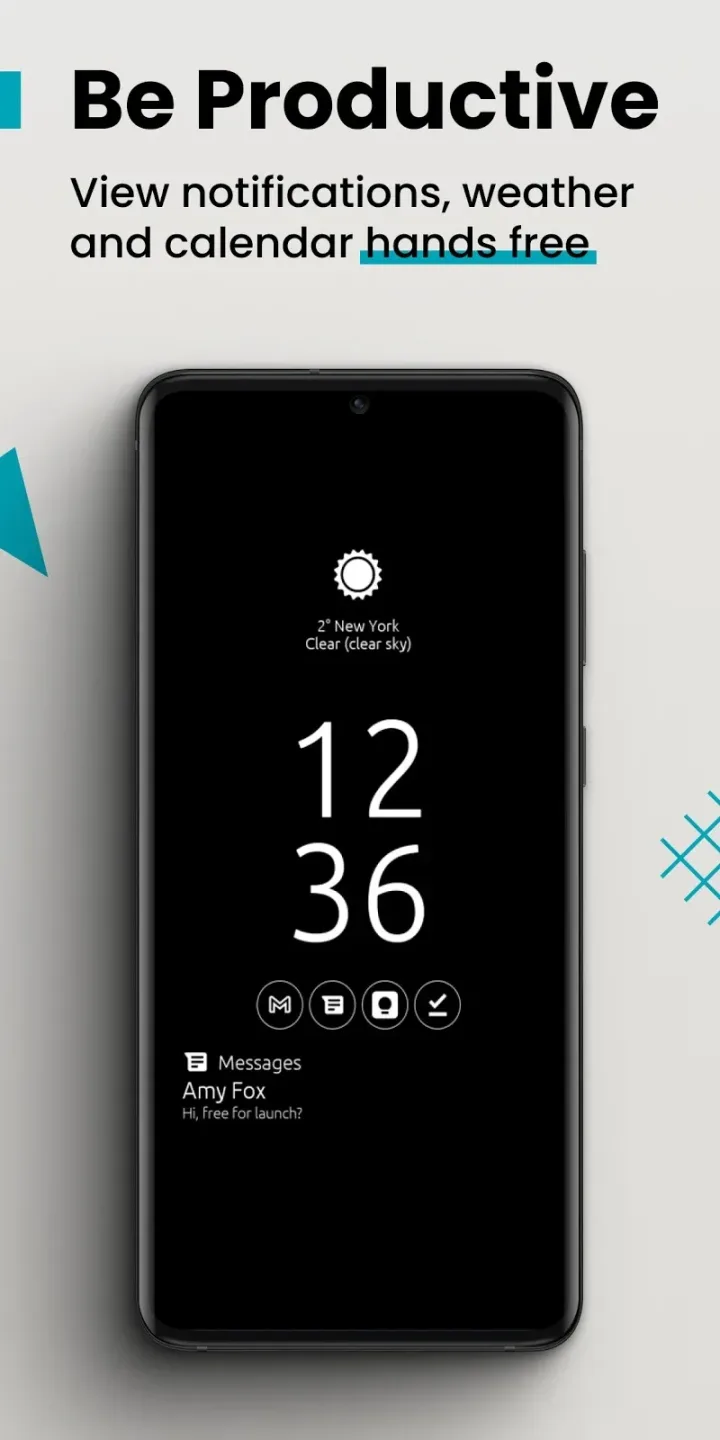
Continuously Receive Notifications: Users can update notifications without unlocking their phone screen.
Important Information Visible: Important information such as date, time, and battery level will always be displayed.
AMOLED Efficiency: The application is designed to run efficiently on AMOLED screens, optimizing performance and saving device battery life.
Notification Recognition: The application allows you to view all notifications directly on your device through custom lighting effects around it.
Apply Color Coding: App colors and effects are fully customizable so users can instantly recognize them.
Clever Notifications: This app distinguishes important warnings and notifications without requiring full-screen mode.
Eye-Catching Style: The app delivers advanced lighting effects, making your phone stand out like never before.
Fantastic Performance of Always On AMOLED
This feature is incredibly convenient when you need quick access to on-screen content without having to restart the screen.
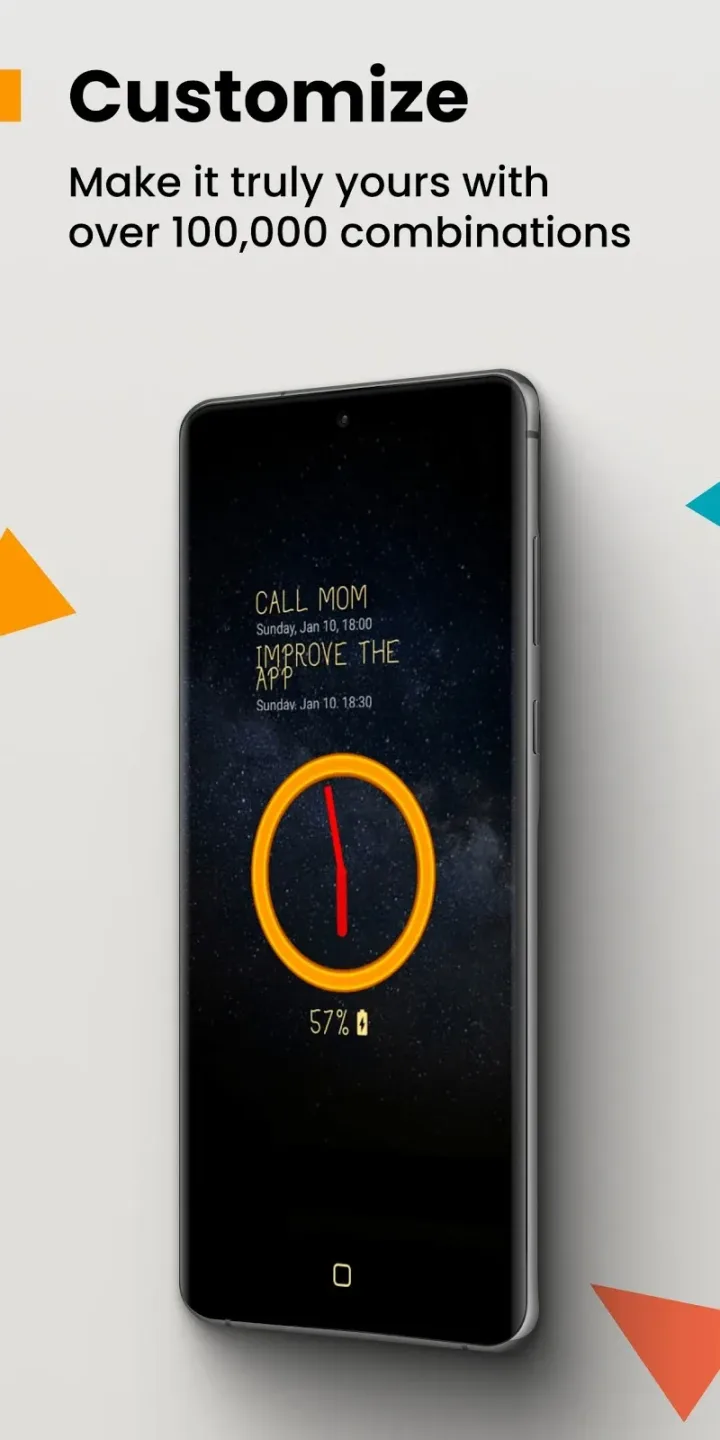
Once you've set up the necessary app permissions for Always On AMOLED, it works perfectly. You can simply toggle settings to customize it to your liking. In this sense, it offers a multitude of personalization options, including adding background screens, notifications, displaying clock widgets, showing permanent warnings, and more. It also allows you to set preferences such as font, font size, and color palette.
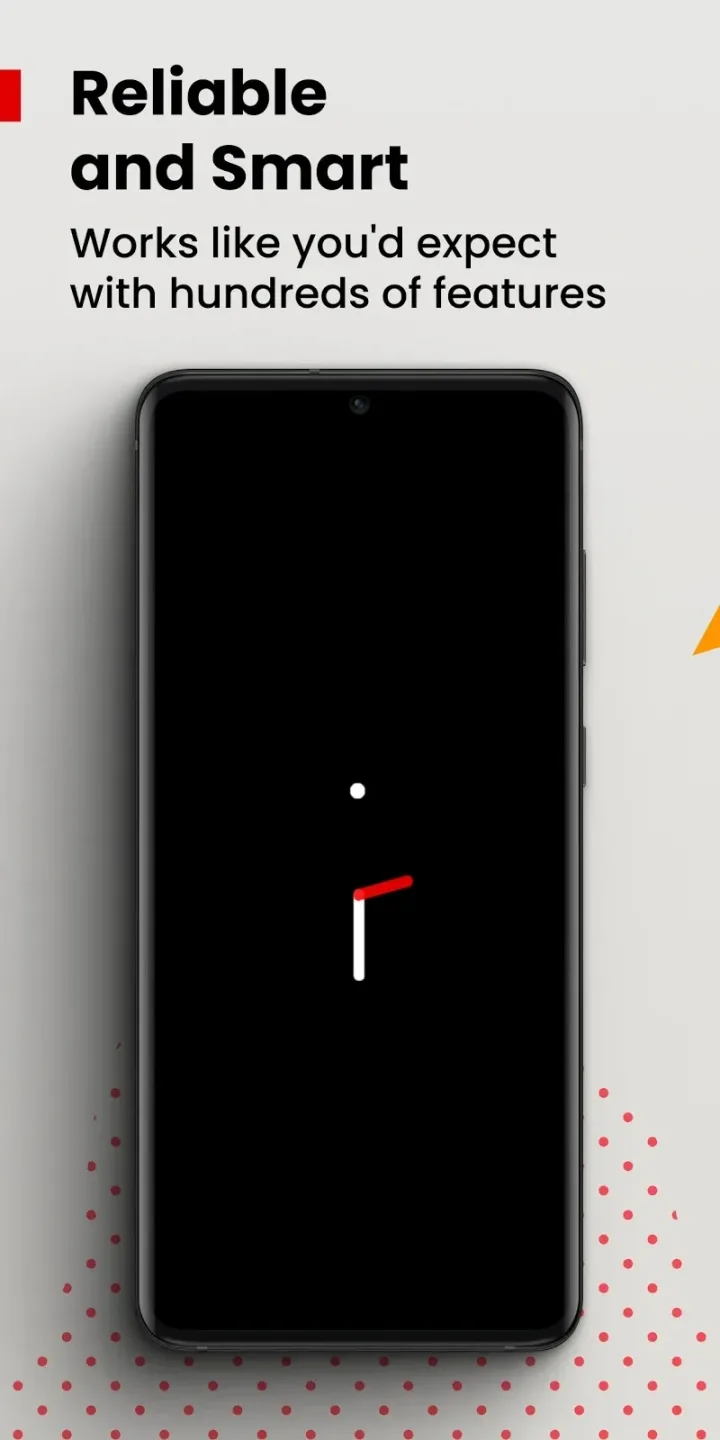
Always On AMOLED uses a swipe rule system that only performs specific actions when the phone's remaining battery is at a set value or when the phone is in your pocket. Additionally, it offers a convenient night mode option and allows you to set gesture-based actions.
Pros and Cons of Always On AMOLED
Pros
A highly customizable always-on display with a variety of clock styles, fonts, and wallpapers suitable for AMOLED screens.
Displays time, date, notifications, and weather without waking your phone.
Useful additional features include music controls, quick notes, and an always-on memo.
Smart behavior options such as Pocket Mode, Raise to Wake, Auto Night Mode, and edge glow for new notifications.
Advanced integration with Tasker, Greenify, Auto Rules, and Doze support.
Cons
Limited watch face selection and no support for third-party designs.
Battery life varies depending on the user; at least one user reported a significant increase in battery drain.
Requires camera, phone, and system settings permissions, which may raise concerns for privacy-conscious users.
User's Comments of Always On AMOLED
Really nice and simple app that just works, and, is free... I've been using it for a while, and, while the app quite a bit of power, the experience with it has been great and steady, no complaints... -if I had to point out something that could be better, the selection of clockfaces that's available could perhaps be a bit larger, and, perhaps even include 3. Party faces, but other than that slight thing, it has been a pleasure to use the app! I highly recommend it!
I've been using the app for at least a couple of weeks and, so far, it's been working pretty well. My LG G8 ThinQ comes with a built-in AOD feature, but I can't customize it as much as I would like. After looking through a bunch of apps, Always On AMOLED seemed to have the functions, customization options, and aesthetics that I was looking for. I'd definitely recommend.
Generally it is a very good app. But when I press the power button to turn off the screen, sometimes the AOD does not turn Leaving a black screen. Annoying, but no deal breaker. Another thing is that with the monthly calendar clock face, you can accidentally tap on a random date and highlight it. I would lock the entire clock face so that the user cannot accidentally change anything. BTW, it does not support dual clocks. A feature I find useful when traveling. Perfect if it does.

Final Words
With its simple and easy-to-use features and powerful tools for Always On display elements, Always On AMOLED will make all your Android devices a more powerful and convenient platform for their different uses.








