File Manager+ is a fantastic file management utility that helps users easily browse, organize, share, and store local files on their mobile devices, enjoying superior cloud storage and access capabilities. File Manager+ presents a powerful yet user-friendly file management application. Users can experience easy and convenient daily operations through a user-friendly and intuitive navigation interface, easily locating specific file types within categorized directories. File Manager+ supports remote services, allowing you to centrally manage all your content and save local space.
Attractive Features of File Manager Plus
Unified Storage Access
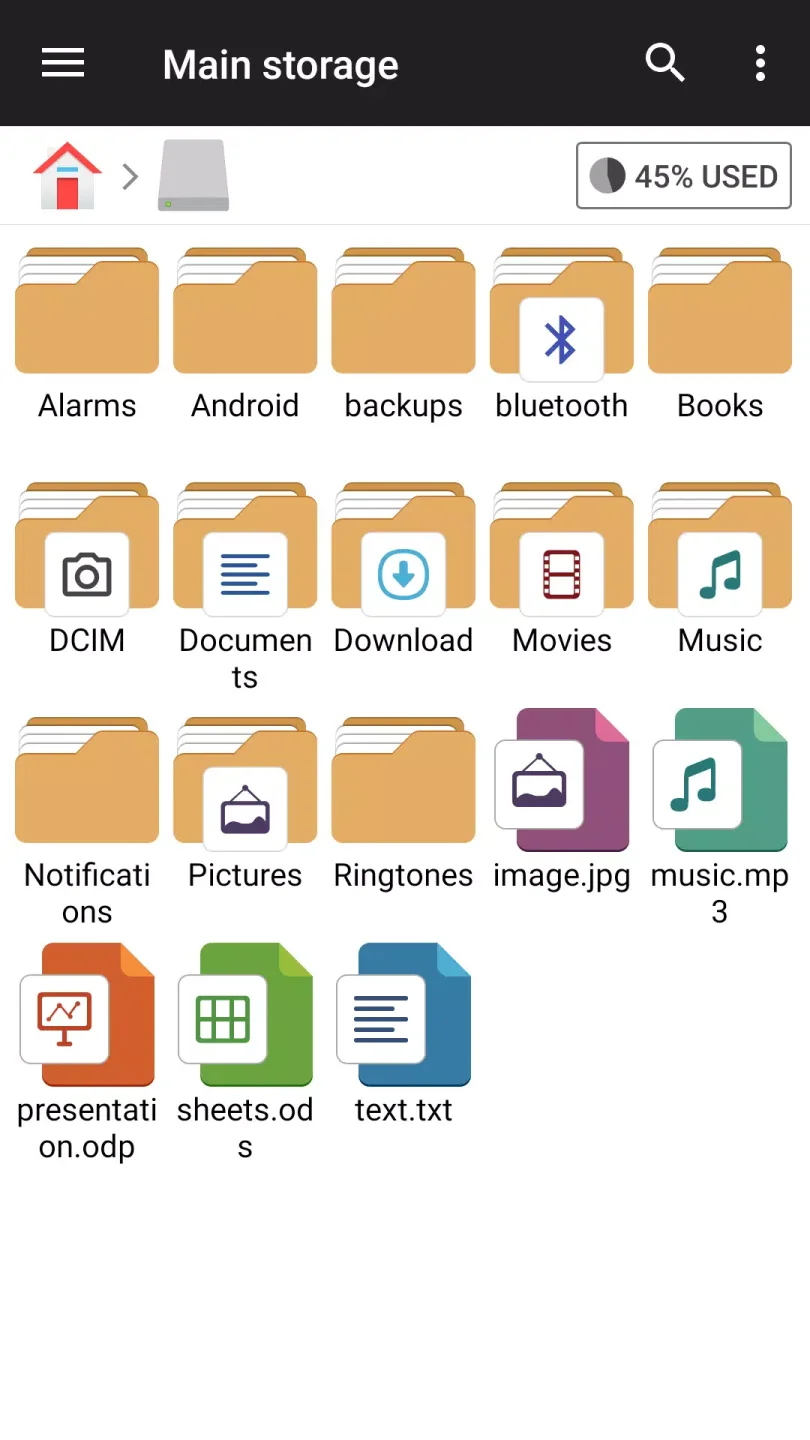
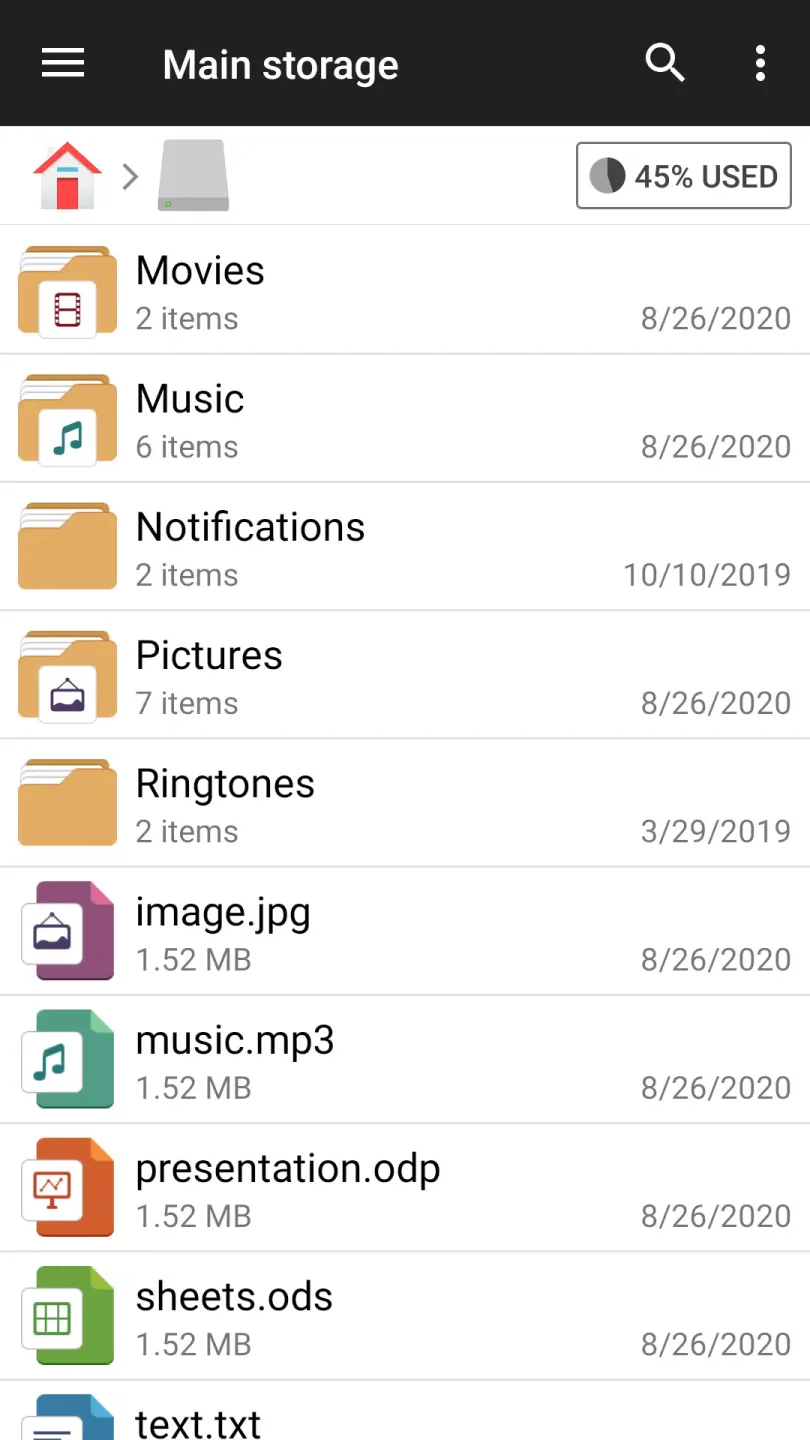
File Manager lets you browse your main storage, SD card, and USB OTG files in a single interface. You can quickly copy, move, delete, and rename files, with shortcuts displayed directly where you need them. This keeps your folders organized without switching applications.
Smart Organization
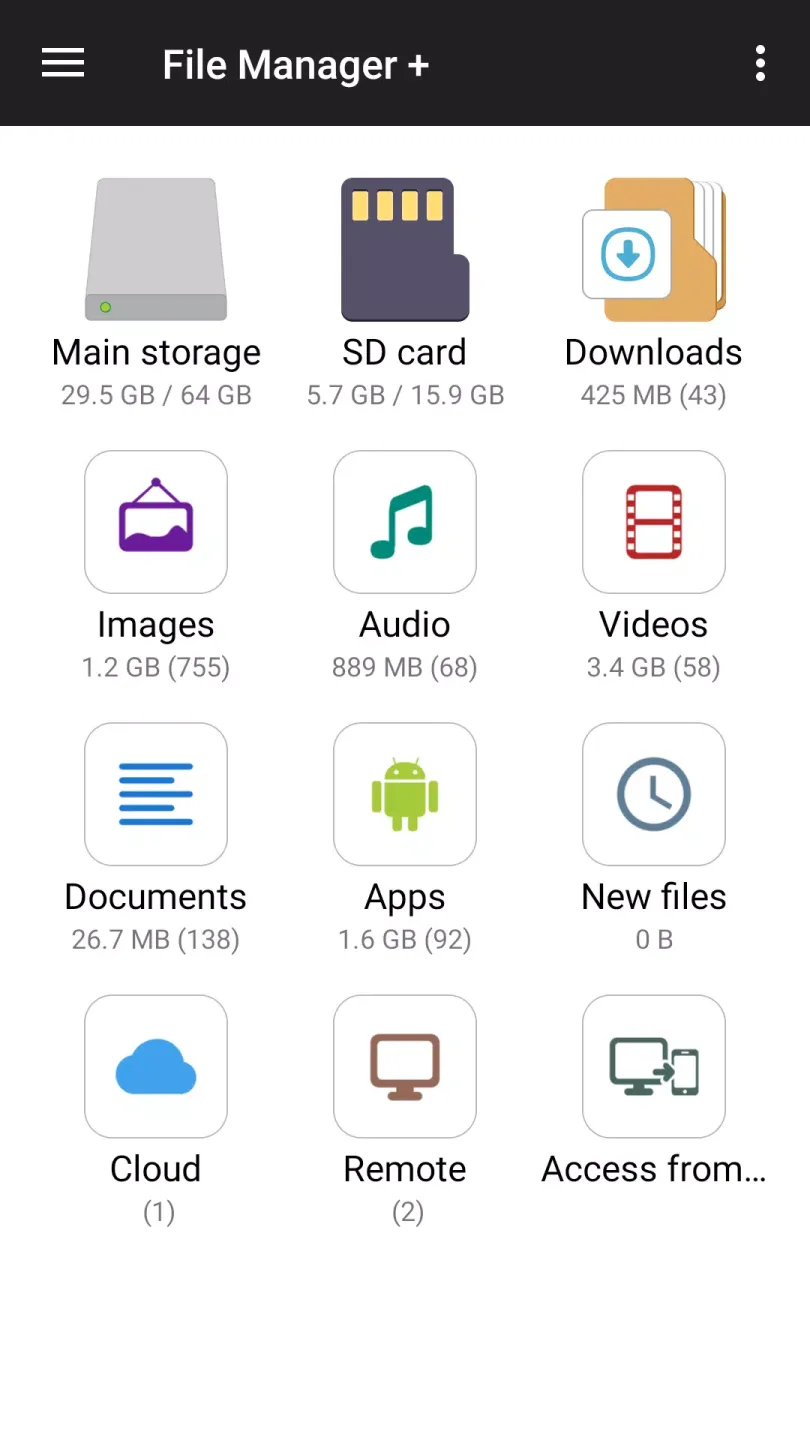
It automatically categorizes files into "Downloads," "Pictures," "Audio," "Videos," "Documents," and "Applications." You can also view "New Files" and quickly reopen items using "Recently Used." Furthermore, File Manager's global search function helps you find content in all folders by name or type.
Cloud and Remote Access
You can connect to your favorite cloud drives and remote servers to centrally manage all your content. The file manager supports protocols such as Google Drive, OneDrive, Dropbox, Box, Yandex, as well as FTP, SMB, and NAS. Furthermore, you can control logins and disconnect accounts at any time.
Storage Analysis and Cleaning
The file manager analyzes your storage space, identifies large or duplicate junk files, and helps you clear caches to free up space. It provides simple suggestions to help you choose which files to delete. This keeps your device running smoothly and internally organized.
Wonderful Performance of File Manager Plus
It helps you clean up your phone and keep your files organized. With this app, you can easily find and organize all the files on your Android device, moving or deleting them as needed.
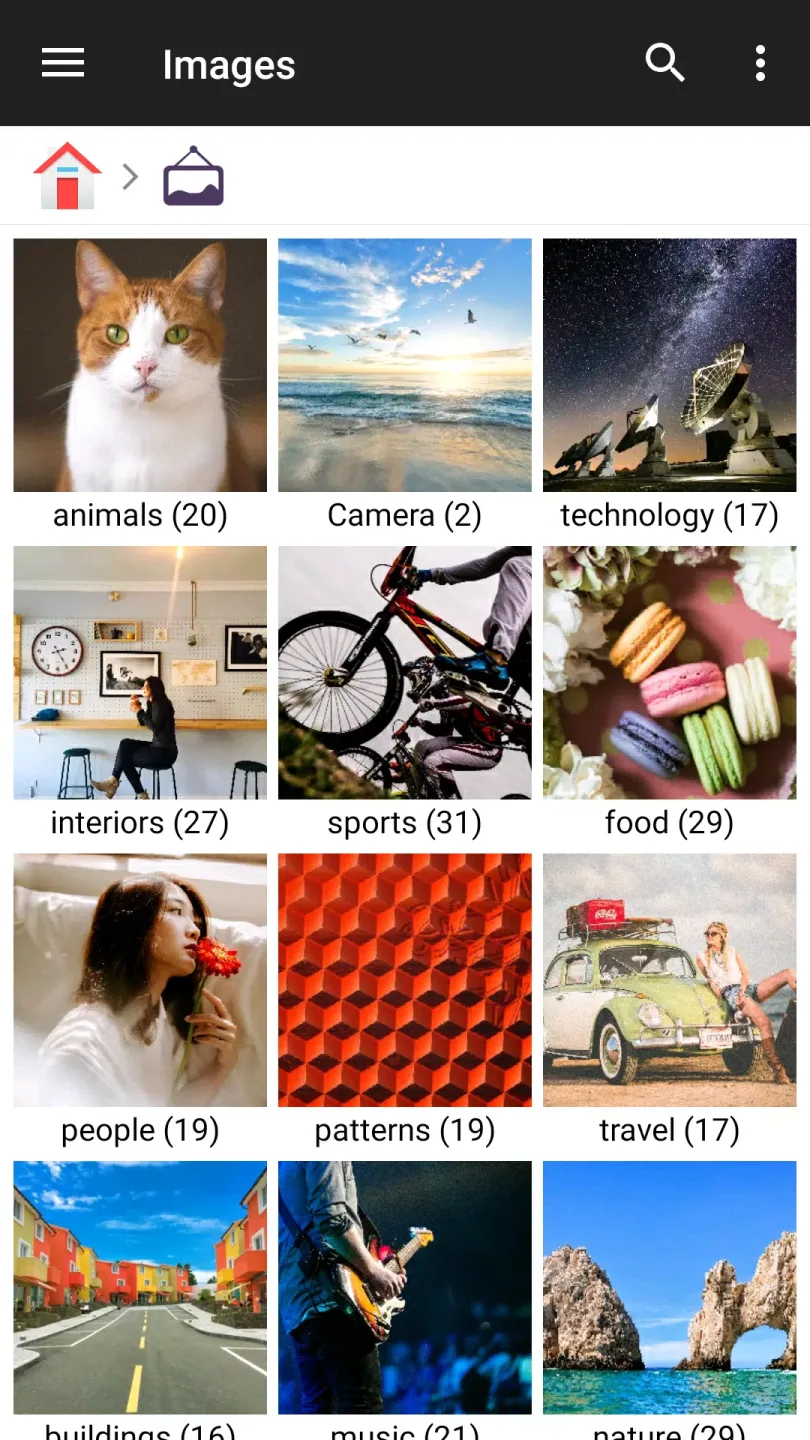
This app is very intuitive, with a simple and easy-to-understand interface. The home screen has folders for videos, audio files, documents, apps, new files, cloud, and general storage, making it easy to view all the files stored on your smartphone. Each folder contains all the files in that category; for example, you can easily view all videos and quickly delete unnecessary files.
You can also clear your smartphone's cache and uninstall unused apps to free up memory. You can even track and delete files to speed up your smartphone. Furthermore, this app lets you easily move files from one folder to another and manage files however you like.
Helpful Tips of File Manager Plus
Download the latest version of the file manager APK file. Install the app on your Android device.
Open the file manager from the app drawer and grant storage permissions when prompted.
Browse your main storage or SD card, then tap and hold an item to copy, move, delete, or rename it.
Afterward, open the "Categories" section to view pictures, videos, audio, documents, apps, or downloads with a single tap.
Then head to the cloud or remote, add Google Drive, OneDrive, Dropbox, Box, Yandex, FTP, SMB, or NAS, and sign in to manage your files.
This allows you to free up space by tapping "Clean" or "Analyze Storage" to see large and duplicate items and confirm which files to delete.
User's Comments of File Manager Plus
Wow, im impressed, ive been through so many file managers some i bought some free, they all are so inconvenient to use on mobile, even more so network files. This app feels much easier and the gui works for me, also very comfortable on my tablet i ended up buying the premium, well worth it. 5 stars no questions?
I had to find something that wasn't something google chrome because I kept running out of storage. I ran into this, and the other reviews aren't exaggerating at all. it works unlike any other files manager app I've ever used. it's quick, it's easy, and clean to look at, and so nice to organize your stuff. there are some ads, but it's a little bar that sits at the bottom of the screen, and they haven't bothered me at all yet. none that jump you while you're doing your thing. highly recommend
With File Manager +, who needs a PC? It is great! One feature request though: when you copy a file or folder and then navigate to paste it, Would it be possible to update the app to retain what has been copied in memory somehow so that you could go and paste it elsewhere without having to navigate back and copy it all over again? That would be a huge time saver when one pastes locally, then to a thumb drive, and then to one or more cloud storage locations. Thank you very much for a great app!!!

Final Thoughts
Finally, one of the best features of File Manager+ is that you can use it to remotely access files or share them to the cloud, so you can access them even if you don't have your smartphone with you.