

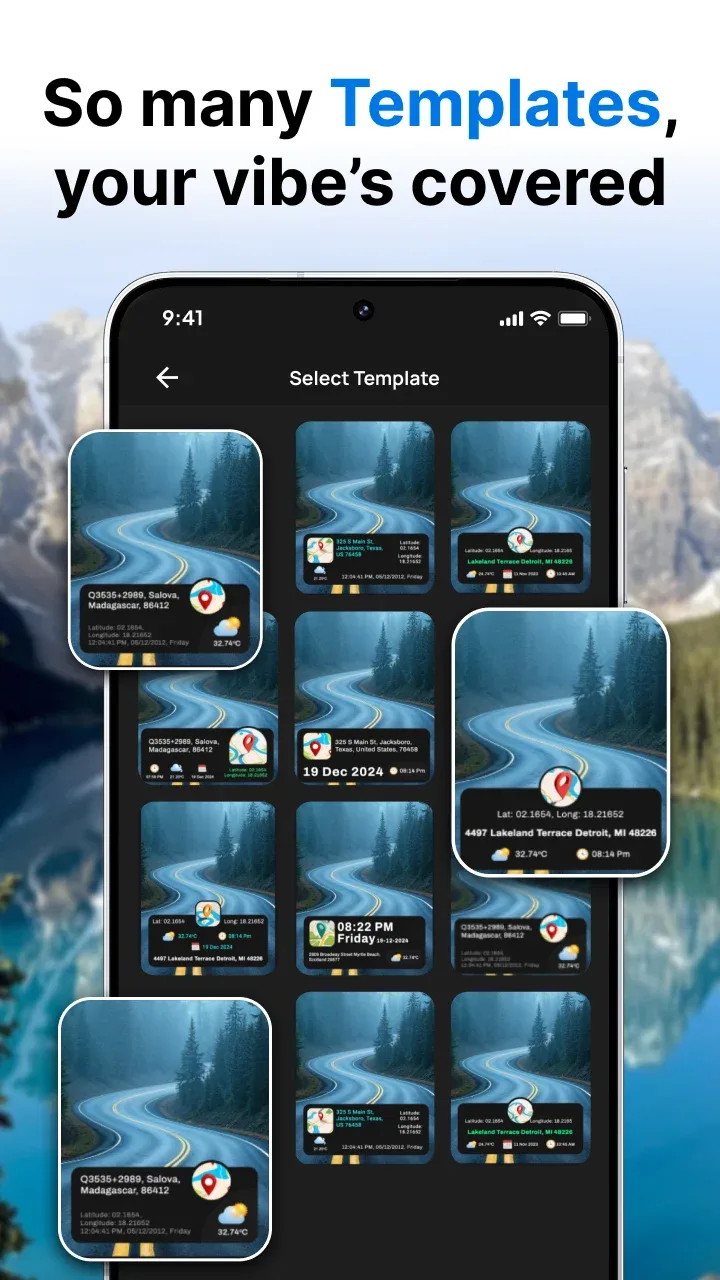
GPS Camera is a mobile tool designed for photography enthusiasts, aiming to help users add information such as time, location, and weather to photos and videos, enhancing the realism of photos and the quality of videos. The software offers users a variety of map options, allowing selection and overlay of normal, hybrid, and satellite maps. A simple tap allows users to zoom in on images and view scenes from different locations in real time. Users can also add stamps and customize them with text, dates, and patterns to give their work more personality, enabling them to share with friends and earn likes and comments.
Features of GPS Camera:
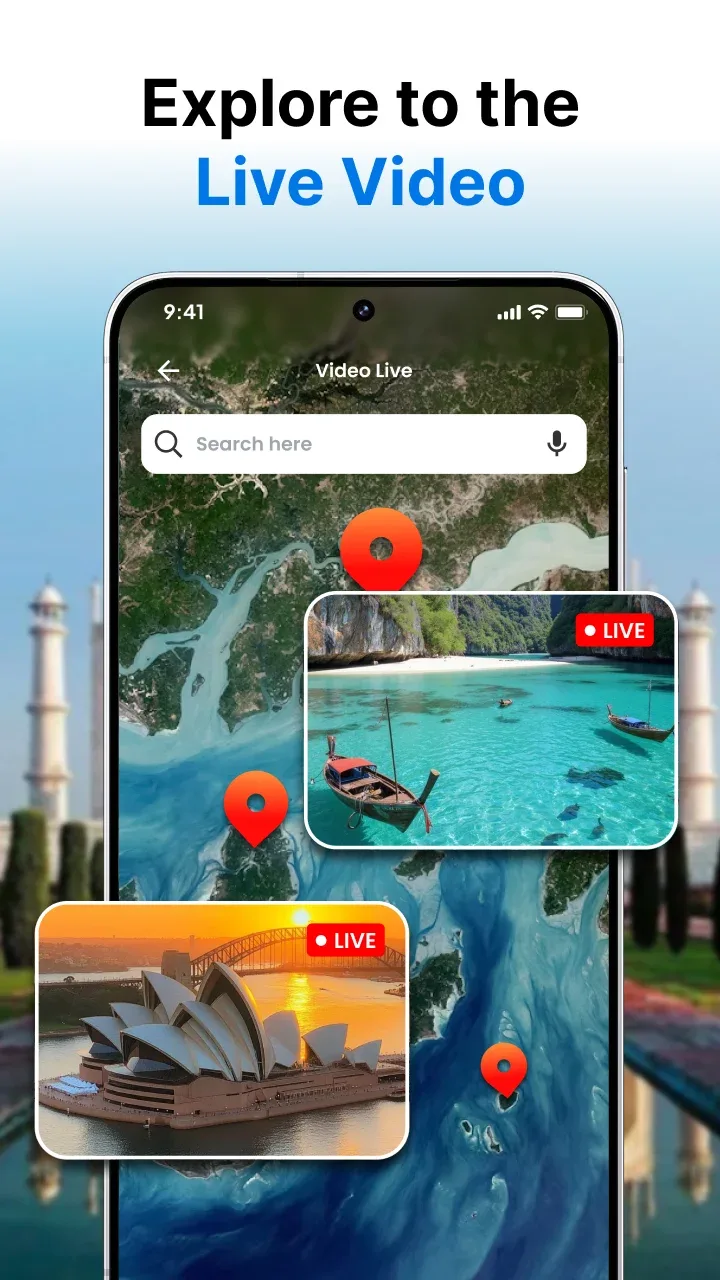
Live Camera on Global View live camera feeds from around the world.
Customizable Stamps Adjust background, text/date color, opacity to fit your style.
Multiple Map Views Choose from Normal, Hybrid, Satellite, or Terrain overlays.
Time & Temperature Settings Switch between 12/24‑hour formats and °C/°F.
Date & Time Adjustment Manually set date/time to synchronize with events.
Gallery Integration Apply stamps to existing photos without retaking.
Location Editing Fine‑tune your photo’s geo‑stamp for accuracy.
Weather Info Show current temperature and conditions in your stamp.
Highlights of GPS Camera:
Comprehensive geotagging features: This GPS camera app enhances every photo and video with real-time geotagging. Once launched, the app displays a live preview of your current location, date, time, and time zone directly on the camera interface. This clarity allows you to position time and location details before even pressing the shutter. Supporting both photo and video modes, the app includes additional controls like aspect ratio settings, zoom adjustments, a flash option for low light, a timer for hands-free shots, and a grid overlay for precise alignment. With the ability to save files into custom folders and crop images as needed, organizing and editing your creations becomes effortless.
Personalized geographic mapping: Every photo or video taken with GPS Camera becomes a point on your personalized GPS map, making it easy to revisit memories through a geographic timeline. A map-view mode in the gallery lets you visually browse your collection while recalling the locations linked to each image. You can customize timestamps with multiple date and time formats, adjust time zones, and even reposition the stamp. From sunrise hikes to urban explorations, this app turns simple captures into meaningful, location-rich stories.
Capture moments with precision: More than just a timestamp tool, GPS Camera serves as a robust location diary, ideal for documenting real-world experiences down to the finest details. By embedding essential information into your visuals, the app ensures each memory is both vivid and verifiable. Download the GPS Camera APK today to start documenting your adventures with accuracy and ease.
FAQs of GPS Camera:
What is the GPS Camera app?
The GPS Camera app is a mobile application that allows users to capture photos with geotags, including GPS location, date, time, and additional information. It enhances your photography experience by adding informative stamps to your images.
What is the manual location feature?
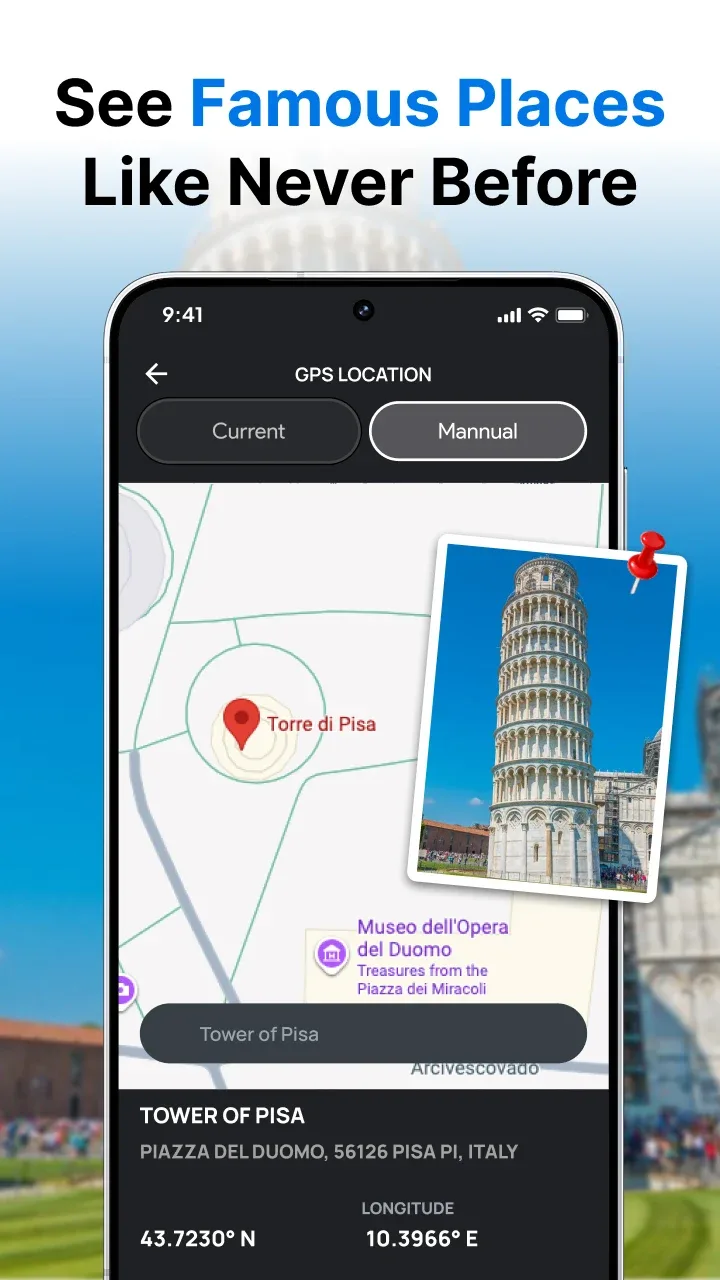
The manual location feature allows users to edit and customize the location details stamped on their phone. This feature is particularly useful for adding personalized addresses to photos taken for events, business purposes, or creative projects.
What is the purpose of setting a range for manual locations?
The range ensures that you are physically inside the location range, you see. This keeps your photo authentic by making sure that the address stamped on the photo matches where you are. You need to be within the specific range (for example, 1000 m) to use the manual location.
What is the difference between automatic and manual map data?
Automatic Mode: Uses real-time GPS data to stamp location details. Manual Mode: Allows you to select a custom location for stamping.








