

AA Mirror is an outstanding in-car touchscreen utility that helps users achieve full-screen mirroring between their mobile devices and their car's screen, allowing you to freely access your phone's apps on your vehicle's large screen. AA Mirror presents a lightweight yet powerful application for mirroring your phone's screen to your car's TV, giving you greater freedom to use your phone's numerous functions and providing easy access to all the functions of your vehicle's infotainment system from the dashboard. AA Mirror supports multitasking and offers rich customization options to meet your flexible application needs.
Click to load YouTube / 点击加载视频
YouTube ↗Amazing Function of AA Mirror
With Android Auto, you can control any app on your device that is compatible with your car's touchscreen system. Now, AA Mirror lets you play any app on your car's screen without MirrorLink technology. Bring your apps into your car with Android Auto Mirror.
This app supports screen mirroring between your mobile device and your car, but obviously some apps are not suitable for use while driving. You need Android Auto 3.x or earlier to use this app, as the option for apps from unknown sources has been removed.
If you're facing a long wait, watching Netflix movies, YouTube videos, or similar entertainment can be helpful. However, as we mentioned, these features are only for use when you're parked.
Attractive Features of AA Mirror
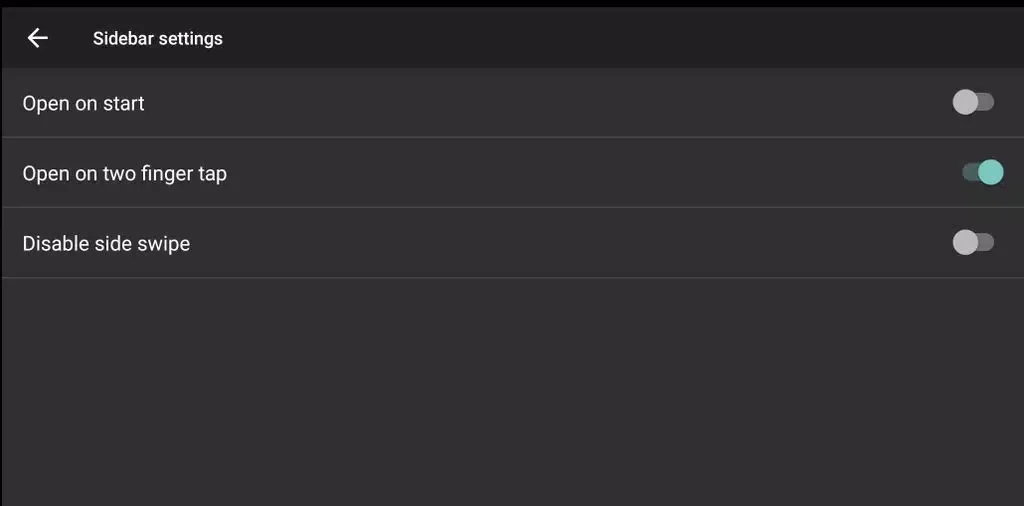
The app boasts a customizable interface, allowing users to adjust settings such as brightness and screen size to their visual preferences. Its design supports multi-touch gestures, making it easy for drivers or passengers to operate multiple functions simultaneously. The interface is also compatible with various entertainment apps like Netflix and YouTube, enhancing the passenger experience on long drives, but it's recommended to use these features only when the vehicle is parked.
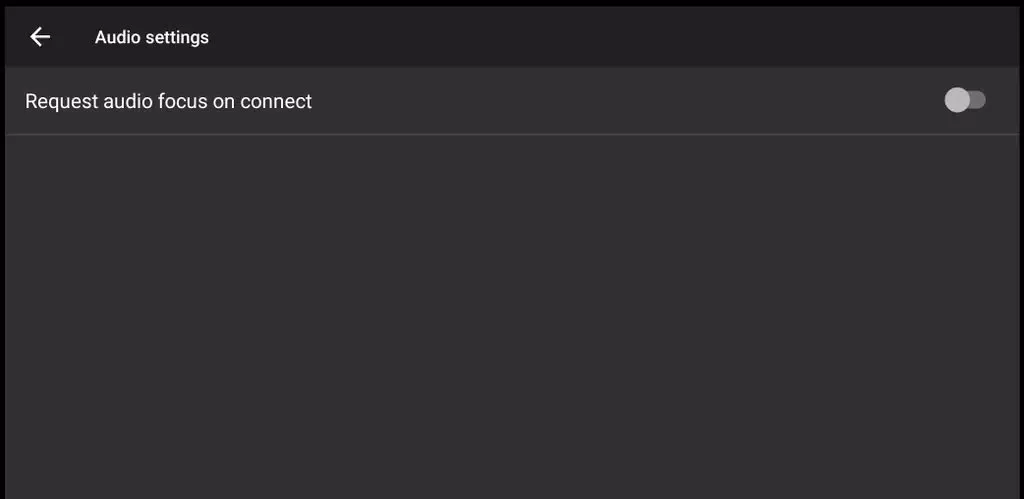
AA Mirror also includes advanced gesture and voice control features, providing hands-free operation, which is crucial for driving safety. Users can operate the mobile application with simple voice commands or gestures, keeping their hands on the steering wheel and eyes on the road at all times.
Wonderful Highlights of AA Mirror
Full-screen mirroring
Multi-touch
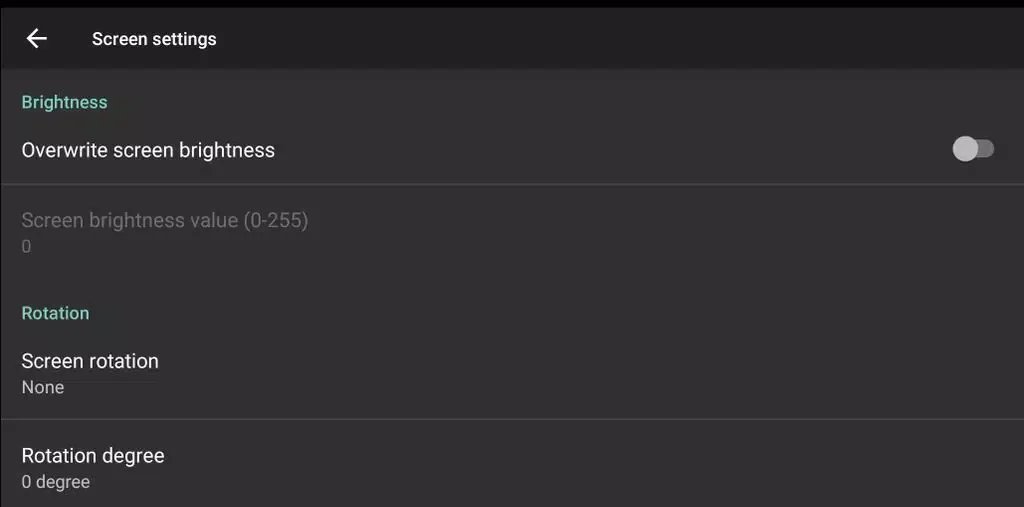
Brightness and orientation control
Adjust brightness and size to fit the Android Auto screen
App control gestures
Fantastic Performance of AA Mirror
Driving safety is paramount, and AA Mirror seamlessly integrates all the functions of your mobile device into your car's infotainment system, allowing you to access certain apps without taking your eyes off the road. The app requires you to connect your smartphone to your car via Bluetooth. Once connected, your phone's interface will be displayed on the vehicle's dashboard.
The app's customization features allow you to personalize it to your needs. You can adjust the screen brightness and adapt it to various screen sizes to meet different visual requirements. It also features a multi-touch system, supporting multitasking on the screen simultaneously. Furthermore, it provides access to content from apps like Netflix and YouTube, enhancing the passenger entertainment experience.
Final Verdict
Similar to Mirror Link Phone Car Screen, AA Mirror also improves driver efficiency and safety because they don't need to operate their phones while driving. This prevents unauthorized phone use while driving, as all operations can be completed via the in-car touchscreen.








